
Adobe Photoshop
Master image editing, AI, 3D design, and more.
Key Takeaways
- What it is
- Master image editing, AI, 3D design, and more.
- Pricing
- $19.99 per month · $20.99 per month · $52.99 per month
- Best for
- Generative AI Tools
- Advanced Layer System
- Comprehensive Toolset
- Rating
- 4.7/5
What is Adobe Photoshop?
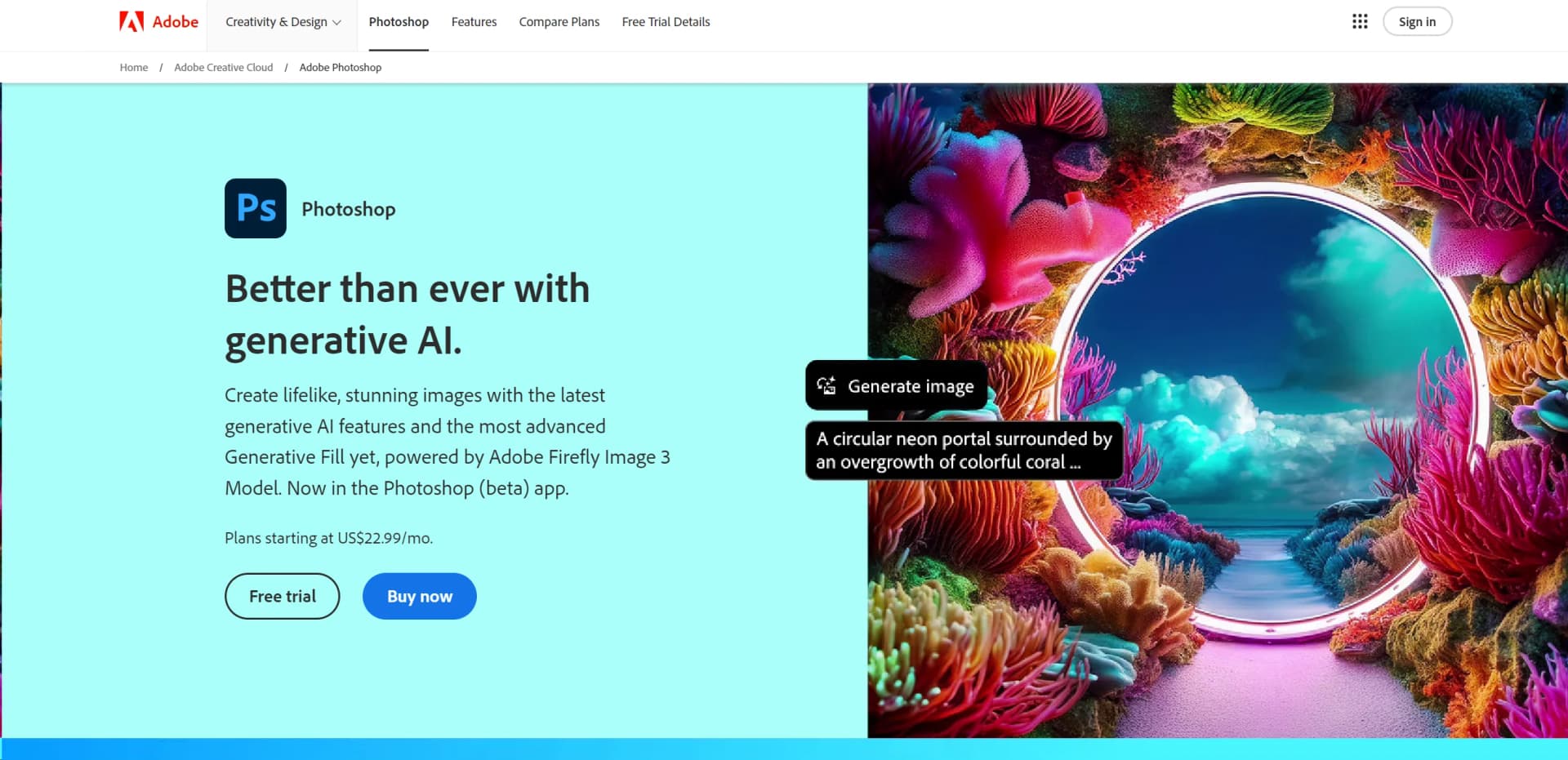
Adobe Photoshop, the titan of photo editing software, has set the standard in the industry for years. Known for its robust features and powerful editing tools, Photoshop allows users to create, enhance, or otherwise modify images, artwork, and illustrations. Whether you're a professional graphic designer, photographer, or hobbyist, Photoshop offers a suite of tools that cater to everyone's creative needs. With the recent addition of cutting-edge generative AI features powered by Adobe's Firefly Image 3 Model, Photoshop has further cemented its place at the forefront of digital imaging technology.
Adobe Photoshop stands out due to its comprehensive toolset that caters to every aspect of digital image manipulation. Its ability to integrate with other Adobe products and third-party applications enhances its utility in professional workflows. The addition of next-generation AI tools in Photoshop pushes creative boundaries, making it not just a tool but a platform for innovation in digital imaging.
Adobe Photoshop excels in providing unmatched editing capabilities and a comprehensive toolset, making it an essential tool for professionals and enthusiasts alike. Its innovative AI features and extensive compatibility options offer an unmatched advantage in the realm of digital imaging. Whether you're editing a photo, designing a website, or creating a digital masterpiece, Photoshop remains the go-to software in the creative industry.
Who is Using Adobe Photoshop?
Professional Photographers
Employing the tool to edit and refine their photographs.
Graphic Designers
Creating intricate designs and visuals for various media.
Digital Artists
Using advanced features to create digital paintings and illustrations.
Film & Animation Studios
Utilizing Photoshop for creating textures, backgrounds, and storyboards.
Uncommon Use Cases
Archaeologists use Photoshop to reconstruct fragmented artifacts; forensic scientists enhance images for analysis.
Key Features
Rating Breakdown
Pricing Plans
Photography Plan
$19.99 per month
- Including Photoshop on desktop and iPad
Photoshop Single App
$20.99 per month
- Additional features
All Apps Plan
$52.99 per month
Which Adobe Photoshop plan should you pick?
Start with Photoshop for the standalone editor; choose Photography for Photoshop plus Lightroom, or Creative Cloud Pro when you need 20+ Adobe apps.
Photoshop
Good for individuals who need the full Photoshop desktop, web, and mobile experience.
Photography
Good for photographers who need Photoshop together with Lightroom.
Creative Cloud Pro
Good for creative professionals who need Photoshop plus 20 or more Adobe applications.
Firefly Pro
Good for users focused on Photoshop web and mobile alongside higher generative-credit allowances.
Adobe Photoshop Use Cases
Photo retouching
Remove unwanted objects, correct imperfections, adjust lighting, and refine image details.
Outcome: Cleaner, more polished photographs.
Compositing
Combine multiple images using layers, masks, selections, and blending tools.
Outcome: Complex visual compositions from multiple source assets.
Generative image editing
Use Generative Fill, Generative Expand, Generate Background, and natural-language prompts to modify images.
Outcome: Expanded or transformed images with AI-generated content.
Marketing asset production
Process product images, remove backgrounds, apply presets, and create large numbers of visual variations through the API.
Outcome: Scaled production of campaign and commerce assets.
Social media content
Create thumbnails, album art, collages, graphics, and resized visual assets for social channels.
Outcome: Platform-ready creative content.
Workflow Ideas with Adobe Photoshop
AI-assisted image cleanup
- 1Upload or open an image in Photoshop
- 2Describe unwanted objects or background changes to AI Assistant
- 3Review and apply the suggested edits
Collaborative cloud-document review
- 1Save the Photoshop document as a cloud document
- 2Invite collaborators with Can edit or Can comment permissions
- 3Review feedback and continue editing the shared document
Automated image processing at scale
- 1Create Adobe API credentials and upload source assets
- 2Run Photoshop API operations such as background removal, presets, or actions
- 3Retrieve the processed outputs from the configured storage location
How Adobe Photoshop fits into your stack
Adobe Creative Cloud
Seamless integration with other Adobe apps enhances workflow.
Third-Party Plugins
Supports a wide range of plugins which expand its capabilities.
Cross-Platform Availability
Available on both Windows and macOS.
Mobile App Integration
Photoshop Express and Photoshop on iPad extend its functionality to mobile devices.
Pros
- +Unmatched Editing Capability: Offers unparalleled control over image manipulation and enhancement.
- +Highly Customizable Interface: Adaptable to both simple and complex projects.
- +Regular Updates: Continuously improved with the latest technological advancements.
- +Strong Community and Support: Benefit from a vast network of users and comprehensive learning resources.
Cons
- −Steep Learning Curve: New users may find the interface and numerous features overwhelming.
- −Subscription Model: Requires a monthly subscription, which might not appeal to all users.
- −Resource-Intensive: Demands significant system resources, which might affect performance on older machines.
Limitations & when to consider alternatives
Known limitations
- Web feature parity is incomplete. Some advanced desktop tools and workflows are not available in Photoshop on the web.
- Cloud-document editing is asynchronous. Collaborators edit a shared cloud document one at a time; simultaneous editing can create version conflicts.
- Web editing requires supported desktop browsers. Mobile browsers can view and comment on cloud documents but cannot currently edit Photoshop on the web.
- Android mobile support has hardware requirements. Photoshop on Android requires Android 11 or later, at least 6GB RAM, and is not available on Android tablets or Chromebooks.
- Generative features consume credits. Photoshop generative AI features use generative credits, with allowances determined by the subscribed plan.
How to Use Adobe Photoshop
- 1
Explore an extensive range of tutorials available directly from Adobe and on platforms like YouTube, covering everything from basic photo editing to advanced graphic design techniques.
Who is Adobe Photoshop For?
Photographers
Photoshop provides retouching, compositing, color correction, and advanced image-editing tools.
Designers
Designers can create graphics, compositions, typography, layouts, and digital artwork.
Web professionals
Web professionals can prepare, edit, optimize, and export visual assets for digital experiences.
Video professionals
Video professionals can import, edit, and export supported video and image assets.
Students and new creators
Photoshop offers guided tutorials, AI assistance, mobile editing, and simplified prompt-based workflows.
Frequently Asked Questions
Is there a free version of Photoshop?
Photoshop mobile is free to download and use with optional paid features. Desktop and web Photoshop offer a seven-day free trial rather than a permanent free plan.
What platforms does Photoshop support?
Photoshop is available as a desktop application, web application, iPhone and iPad app, and Android app.
Can Photoshop edit cloud documents collaboratively?
Yes. Users can invite collaborators to edit or comment on shared cloud documents and projects.
Does Photoshop provide an API?
Yes. Adobe provides Photoshop API v2 through Adobe Firefly Services for programmatic cloud editing workflows.
What browsers support Photoshop on the web?
Supported desktop browsers include Chrome, Edge, Firefox, and Safari on Mac in beta, subject to Adobe's technical requirements.
Does Photoshop have a Chrome extension?
Yes. The Photoshop Chrome extension selects images from web pages and enables quick edits before opening them in Photoshop on the web.
Community reviews
Be the first to share your experience.
Sign in to leave a review for Adobe Photoshop.
Adobe Photoshop Alternatives
Looking for alternatives to Adobe Photoshop? Here are similar tools in the same category:
Learn to Master Adobe Photoshop
With Skill Leap courses
Get in-depth training on Adobe Photoshop and 50+ other AI tools with our expert-led video courses.
Start 7-Day Free Trial