
AirOps
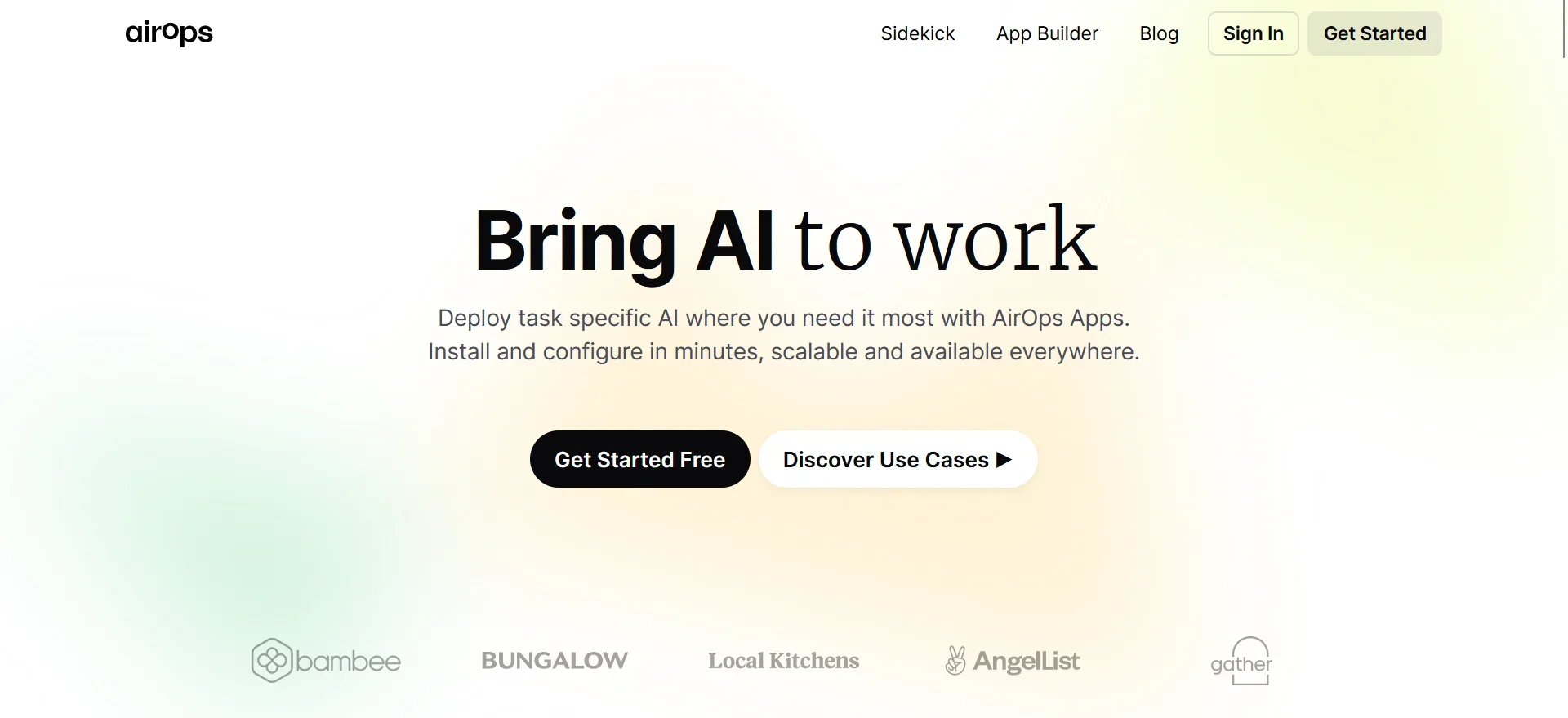
Task-specific AI Apps that go beyond ChatGPT—run NLP, generate-data-informed content, draft/fix/optimize SQL queries, and more
Key Takeaways
- What it is
- Task-specific AI Apps that go beyond ChatGPT—run NLP, generate-data-informed content, draft/fix/optimize SQL queries, and more
- Best for
- AI Workflows
- Custom App Builder
- Batch Operations
- Rating
- 4.3/5
What is AirOps?
AirOps is a cutting-edge platform that empowers users to create, test, deploy, and scale AI applications with ease. It offers an array of powerful tools and workflows that incorporate the latest AI models such as GPT-4-turbo, DALLE-3, and Claude 2. Designed for businesses and developers aiming to integrate AI into their most critical processes, AirOps simplifies the task of designing and scaling powerful integrated workflows, making it an essential asset for innovation and efficiency.
AirOps stands out with its comprehensive app builder that simplifies the process of creating custom AI applications. Its integration of powerful AI models and the ability to deploy apps quickly across various platforms set it apart, making AirOps a valuable tool for businesses looking to harness the power of AI.
AirOps excels in streamlining the creation and deployment of AI applications for various business needs. Its robust set of features, ease of use, and scalability make it an essential tool for businesses and individuals looking to innovate with AI. With its unique app builder and managed memory stores, AirOps offers an unmatched advantage for those seeking to harness the capabilities of AI in a practical and efficient manner.
Who is Using AirOps?
Tech Startups
Employing the tool to quickly develop and deploy AI features in their products.
Data Analysts
Using the platform to automate data processing and gain insights with AI-driven analytics.
Marketing Agencies
Leveraging the tool to create SEO-optimized content and improve digital strategies.
AI Researchers
Benefiting from the tool's ability to test and refine AI models for academic purposes.
Uncommon Use Cases
Utilized by non-profits to automate routine tasks, freeing up resources for their core mission; adopted by event organizers to create chatbots for real-time attendee engagement.
Key Features
Rating Breakdown
Pricing Plans
Free Trial
- New users can explore the features of AirOps with an initial free trial period
Subscription Plans
- Detailed pricing plans are available upon request or registration on the AirOps website
Which AirOps plan should you pick?
Start with Solo for individual single-brand work, choose Pro for a small team, and upgrade to Enterprise for advanced governance, custom limits, and tailored support.
Solo
Good for individuals who need single-user content production, one Brand Kit, knowledge bases, and basic CMS and SEO integrations.
Pro
Good for small teams who need multi-engine insights, higher task volume, project integrations, priority support, and unlimited team seats.
Enterprise
Good for organizations that need custom prompts and limits, multiple regions and languages, custom agents, SSO, governance, and dedicated onboarding.
AirOps Use Cases
Bulk content refresh
Import CMS collections, run refresh workflows across many pages, and export approved content back to the CMS.
Outcome: Refresh content across hundreds of pages in hours instead of months.
AI search visibility optimization
Track prompts and pages, analyze AI-search visibility, and identify content opportunities.
Outcome: Improve visibility in AI search experiences.
On-brand content creation
Combine Brand Kits, Knowledge Bases, AI models, and workflow steps to produce content for multiple channels.
Outcome: Create consistent content at scale while preserving brand voice.
Human-reviewed publishing
Route workflow outputs to teammates through tools such as Asana, ClickUp, Monday.com, Notion, Airtable, or Slack.
Outcome: Keep experts involved before content goes live.
Multimodal content processing
Pass text, documents, images, audio, and video into workflows for generation, transcription, or analysis.
Outcome: Process varied content types without manually reformatting them.
Workflow Ideas with AirOps
CMS content refresh workflow
- 1Import a CMS collection into the AirOps Grid
- 2Run AI refresh, fact-checking, or positioning steps
- 3Route outputs for review and publish approved content back to the CMS
Image analysis workflow
- 1Accept a JPG, PNG, or WEBP upload
- 2Pass the resulting image URL to a vision-capable LLM
- 3Return structured analysis or content recommendations
Research-to-content workflow
- 1Gather information using web research steps
- 2Transform findings with LLM and Code Steps
- 3Deliver formatted content or structured data through workflow outputs
How AirOps fits into your stack
API Access
Enables integration with existing systems through well-documented APIs.
Managed Memory Stores
Connects with Google Drive and SQL databases for seamless data integration.
Templates
Offers a range of pre-built templates compatible with various business needs.
Versioning
Ensures smooth transitions and change management with app and API versioning.
Pros
- +Efficiency: Reduces the time and effort required to build and deploy AI applications.
- +Ease of Use: Offers a user-friendly interface with templates and drag-and-drop elements for quick development.
- +Customization: Tailored solutions are possible with a versatile app builder and managed memory stores.
- +Scalability: Suitable for businesses of all sizes, capable of handling batch operations and scaling as required.
Cons
- −Learning Curve: New users may need time to get accustomed to the various features and workflow design.
- −Model Dependence: Relies heavily on third-party AI models, which might affect performance and availability.
- −Pricing Transparency: Detailed pricing information is not immediately evident, which may require direct inquiry.
Limitations & when to consider alternatives
Known limitations
- Public sharing is disabled for file-input workflows. Workflows containing a file input cannot be published as public Workflows or shared through a public URL.
- Code Step runtime and payload limits. Code Steps have a maximum runtime of 15 minutes and a maximum payload size of 6 MB.
- Large uploads may be slow. AirOps does not specify a file-size limit, but large files may affect upload time and server load.
- Synchronous API execution has runtime constraints. Synchronous execution can fail when workspace capacity is reached or when an app takes more than 10 minutes to run.
- Enterprise pricing is custom. Enterprise pricing is available on request and is based on use cases and content volume.
How to Use AirOps
- 1
Access a range of tutorials and guides directly on the AirOps platform to get started with building AI applications.
Who is AirOps For?
Individuals
The Solo plan is designed for individuals building content for one brand or project.
Small teams
The Pro plan is positioned for small teams building content for one brand or project.
Enterprise organizations
The Enterprise plan is for organizations needing enterprise-grade content programs and tailored solutions.
Content teams
AirOps provides workflow automation, Brand Kits, bulk Grid operations, and direct CMS publishing for content operations.
Marketing and growth teams
AirOps Workflows are positioned for automating creative growth strategies, research, content production, and optimization.
Frequently Asked Questions
How does AirOps pricing work?
Pricing is based on task volume and specific needs. AirOps offers free, self-serve Solo and Pro plans, plus custom Enterprise pricing.
What are AirOps tasks?
Tasks are the usage currency for actions such as generating content or extracting data. Billing depends on the workflow actions that actually run.
What integrations does AirOps support?
AirOps supports CMS platforms, project-management tools, SEO and research services, communication platforms, knowledge sources, and data warehouses.
Can AirOps run workflows automatically?
Yes. Workflows can combine multiple steps for end-to-end execution and can be scheduled for hands-off operation.
Can AirOps use uploaded files and images?
Yes. Workflow inputs support documents, media, images, and CSV files. Vision-capable models can analyze uploaded images.
How does AirOps handle enterprise access and data?
Enterprise plans support SSO, role-based access control, and SCIM provisioning. AirOps says customer prompts, inputs, and brand data are not used to train models.
Community reviews
Be the first to share your experience.
Sign in to leave a review for AirOps.
AirOps Alternatives
Looking for alternatives to AirOps? Here are similar tools in the same category:
Learn to Master AirOps
With Skill Leap courses
Get in-depth training on AirOps and 50+ other AI tools with our expert-led video courses.
Start 7-Day Free Trial