
AI PDF Summarizer by PDF Guru
Summarizes PDFs swiftly, extracting key insights instantly.
Key Takeaways
- What it is
- Summarizes PDFs swiftly, extracting key insights instantly.
- Pricing
- Freemium
- Best for
- AI-Powered Summarization
- Interactive PDF Chat
- Multi-Language Support
- Rating
- 4.6/5
What is AI PDF Summarizer by PDF Guru?
AI PDF Summarizer by PDF Guru revolutionizes the way we interact with lengthy PDF documents by offering an efficient and user-friendly solution to summarize complex content. Designed for students, professionals, and researchers, it simplifies the daunting task of digesting extensive reports, academic papers, and e-books. With its advanced AI-driven algorithms, this tool quickly extracts the main points, tone, and context of any document, allowing users to focus on decision-making and critical thinking.
AI PDF Summarizer stands out with its interactive PDF chat feature, a game-changer for users seeking to engage with their documents dynamically. Its ability to support multiple languages and provide high-quality summaries without cost sets it apart in the landscape of PDF summarization tools.
AI PDF Summarizer by PDF Guru is an invaluable tool for anyone looking to enhance productivity and comprehension in handling PDF documents. Its AI-powered capabilities, coupled with a user-friendly interface and robust security measures, make it a top choice for students, professionals, and anyone in need of quick, reliable document summaries. Whether you're preparing for exams or analyzing business reports, this tool simplifies the process, saving you time and effort.
Who is Using AI PDF Summarizer by PDF Guru?
Students and Academics
Benefiting from quick summaries of research papers and textbooks to streamline study sessions.
Business Professionals
Utilizing summaries for efficient meeting preparation and report analysis.
Researchers
Employing the tool to extract key findings from scientific journals and articles.
Legal Professionals
Leveraging summaries to quickly grasp the essence of legal documents and case files.
Uncommon Use Cases
Adopted by content creators for summarizing lengthy reference materials; used by language learners to practice reading comprehension with concise summaries.
Key Features
Rating Breakdown
Pricing Plans
Free Tier
Free
- Experience AI PDF Summarizer with no charge
- Offering essential features for basic summarization needs
AI PDF Summarizer by PDF Guru Use Cases
Summarize research papers
Upload a long paper and let the AI identify its main points.
Outcome: A concise overview for faster review.
Create study notes
Use summaries and self-check questions to review course PDFs.
Outcome: More focused exam preparation.
Ask questions about a document
Chat with the uploaded PDF to clarify sections or locate specific information.
Outcome: Faster access to document details.
Translate PDF content
Ask the AI chat to translate text from the summarized document.
Outcome: The content becomes easier to understand in another language.
Simplify technical language
Ask the chat to explain or rephrase difficult passages.
Outcome: Clearer, more accessible document content.
Workflow Ideas with AI PDF Summarizer by PDF Guru
Research-paper triage
- 1Upload a research paper up to 100 MB
- 2Review the automatically generated summary
- 3Ask targeted questions about methods, findings, or conclusions
Study-session preparation
- 1Upload lecture notes or a textbook PDF
- 2Use the summary as a quick review sheet
- 3Ask the PDF to quiz you on key takeaways
Multilingual document review
- 1Upload the PDF
- 2Review the generated summary in the supported language
- 3Ask follow-up questions to translate or simplify specific sections
How AI PDF Summarizer by PDF Guru fits into your stack
Browser
PDF Guru is primarily a web-based document tool used directly in a browser, with no required desktop installation.
Knowledge and files
Upload PDFs and other supported file types for summarization, OCR, conversion, editing, signing, and related document tasks.
Pros
- +Time Efficiency: Significantly reduces the time spent on reading long documents by providing concise summaries.
- +Free Access: Offers a no-cost solution for summarizing PDFs, making it accessible to everyone.
- +High Accuracy: Delivers summaries that maintain the document’s original tone and context, ensuring reliability.
- +Secure Processing: Implements industry-standard security protocols to keep files safe and private during analysis.
Cons
- −File Size Limitation: Currently restricts file uploads to a maximum of 100 MB, which might be limiting for extremely large documents.
- −Limited Integration: Although effective, it lacks integration with some third-party tools that could enhance its utility.
- −Initial Learning Curve: Users may need some time to fully explore and utilize the interactive PDF chat features.
Limitations & when to consider alternatives
Known limitations
- Free use is limited. The first summary and three chat questions are free; continued use requires a subscription.
- Upload size limit. Uploaded files are limited to 100 MB.
- AI output may be inaccurate. PDF Guru warns that summaries can be incomplete, misleading, outdated, or inaccurate and should be checked against the original.
- Do not upload sensitive information. The terms advise against uploading confidential, sensitive, personal, medical, payment, government-ID, or trade-secret information.
- Subscription renews automatically. Subscriptions renew automatically until canceled, and pricing may vary by region, bundle, and duration.
Look elsewhere when
- You need a public developer API.
- You need a native mobile app.
- You need a dedicated desktop installer.
- You need shared team workspaces or SSO.
How to Use AI PDF Summarizer by PDF Guru
- 1
Upload a PDF
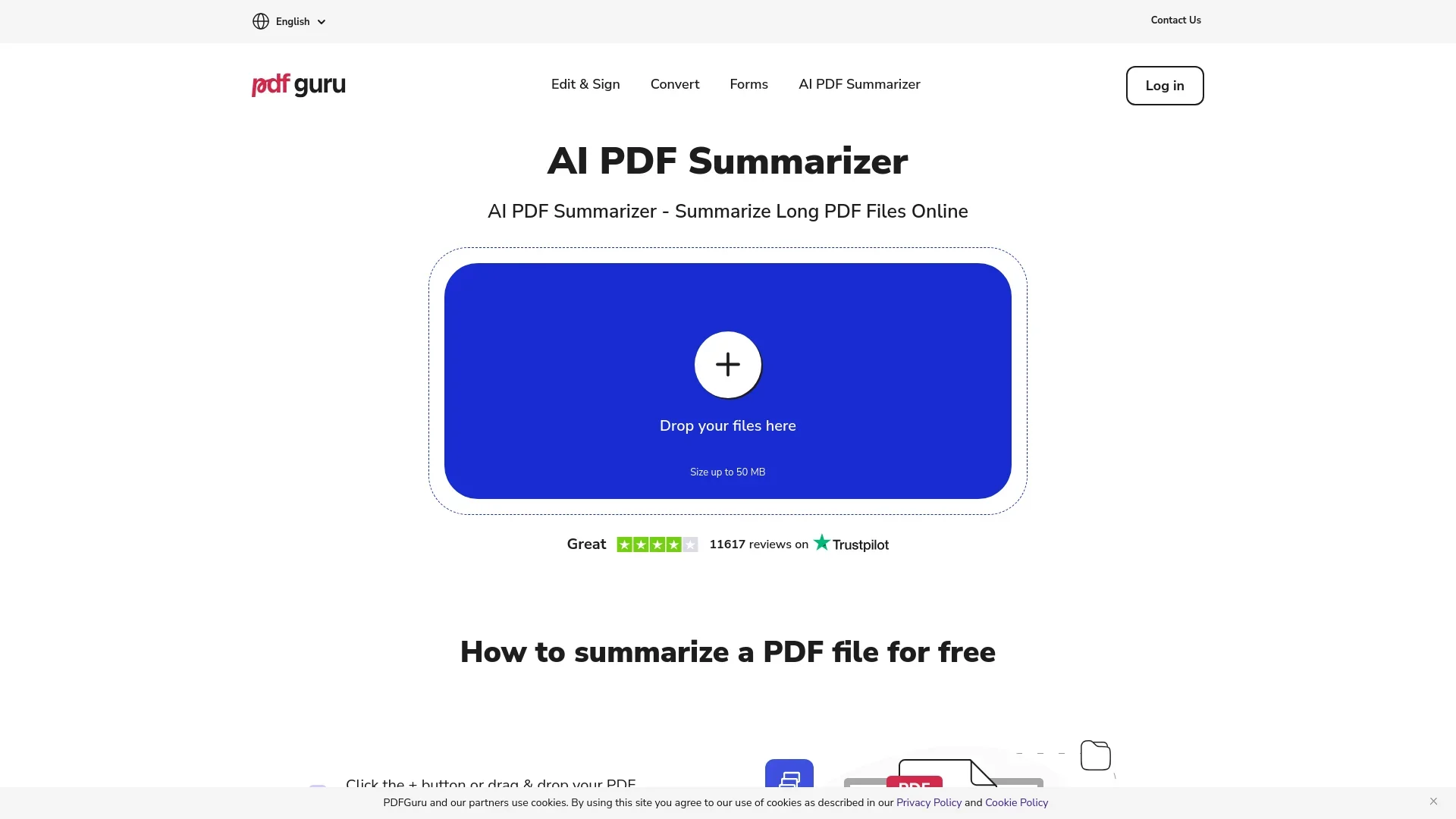
Click the plus button or drag and drop a PDF into the upload area; files can be up to 100 MB.
- 2
Generate the summary
Wait while the AI PDF reader analyzes the document and extracts its key points.
- 3
Review the result
Read the generated summary to get the main ideas without manually scanning the entire document.
- 4
Ask follow-up questions
Use the built-in AI chat to clarify, simplify, rephrase, translate, or extract information from the PDF.
Who is AI PDF Summarizer by PDF Guru For?
Students
Use PDF Guru to turn reading material into notes and focus study sessions on key points.
Teachers
Summarize educational PDFs and extract important information quickly.
Researchers
Condense long research papers and ask targeted questions about document content.
Writers
Review lengthy source material, extract details, and rephrase or simplify passages.
Frequently Asked Questions
Can I summarize a PDF for free?
Yes. Your first PDF summary is free, with up to three follow-up chat questions before upgrading.
How do I analyze a PDF with AI?
Upload or drag and drop a PDF, wait for the AI analysis, then review the summary and ask follow-up questions.
What languages does the AI summarizer support?
PDF Guru says its summarizer and chat support more than 90 languages.
How large can an uploaded PDF be?
The upload area supports files up to 100 MB.
Can I ask questions about the summary?
Yes. After summarization, you can chat with the PDF to clarify, translate, simplify, rephrase, or extract information.
Is PDF Guru available without installing an app?
Yes. The summarizer works online in a browser, including on Mac and other devices.
Community reviews
Be the first to share your experience.
Sign in to leave a review for AI PDF Summarizer by PDF Guru.
AI PDF Summarizer by PDF Guru Alternatives
Looking for alternatives to AI PDF Summarizer by PDF Guru? Here are similar tools in the same category:
Learn to Master AI PDF Summarizer by PDF Guru
With Skill Leap courses
Get in-depth training on AI PDF Summarizer by PDF Guru and 50+ other AI tools with our expert-led video courses.
Start 7-Day Free Trial