
AI Quiz Generator by Coursebox
Create multilingual auto‑graded quizzes from existing content.
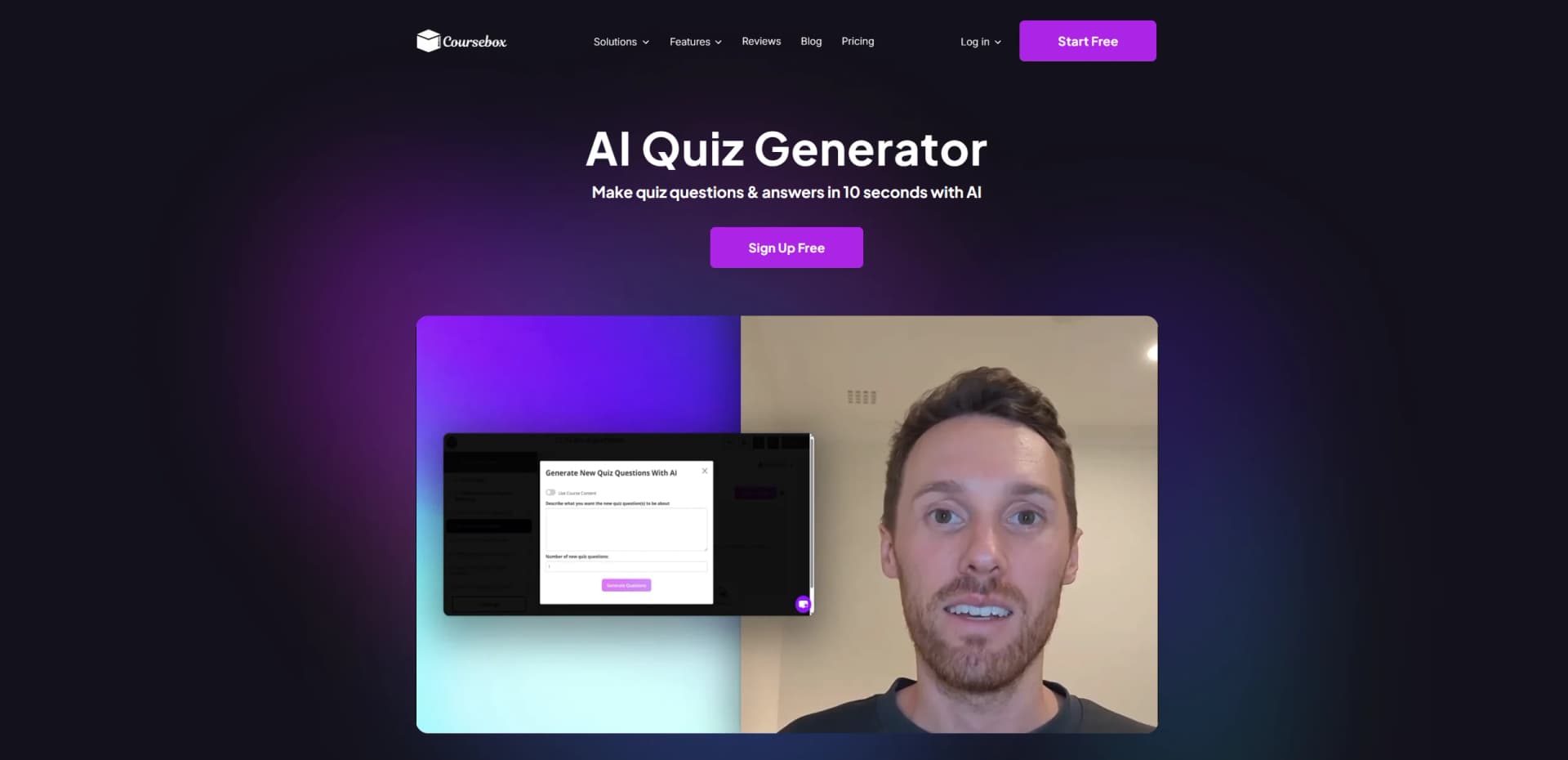
Watch AI Quiz Generator by Coursebox in Action
Key Takeaways
- What it is
- Create multilingual auto‑graded quizzes from existing content.
- Pricing
- $30 per month · $200 per month · $600 per month
- Best for
- AI‑Generated Quizzes From Content
- Multiple Question Types
- Auto‑Grading and Feedback
- Rating
- 4.4/5
What is AI Quiz Generator by Coursebox?
AI Quiz Generator focuses on turning existing learning content and topic prompts into ready‑to‑use quizzes in seconds. Built into the wider Coursebox training platform, it uses AI to scan documents, slides, spreadsheets, links, or videos, then creates auto‑graded questions that slot straight into online courses or export to other learning systems. It targets trainers, instructional designers, and educators who are tired of writing questions by hand and want faster, more consistent assessments.
AI Quiz Generator by Coursebox stands out by pairing quick quiz generation from almost any learning asset with a full AI‑driven course and LMS environment. Users can turn files, links, or videos into quizzes, drop them into interactive courses with AI tutor chatbots and AI videos, then deliver them in over 100 languages through a branded LMS or mobile app. The combination of auto‑graded quizzes, export via SCORM or LTI, and strong support for training providers makes it especially attractive for teams that want one system to handle both content and delivery.
AI Quiz Generator from Coursebox gives training teams and educators a practical shortcut from raw content to polished, auto‑graded quizzes that plug into modern eLearning workflows. Its strength lies in handling both quick topic‑based question generation and deep content ingestion while offering multilingual support and LMS‑level delivery options. For organizations that regularly build courses or run training programs, it offers a strong blend of speed, control, and scale, with just enough AI magic to make quiz writing feel far less painful.
Who is Using AI Quiz Generator by Coursebox?
Training Providers and Corporate L&D Teams
Building assessments for compliance, onboarding, and ongoing professional development.
Instructional Designers and eLearning Consultants
Rapidly prototyping quizzes for client courses and then refining them with SMEs.
Colleges, Universities, and Accredited Training Providers
Generating quiz banks from lecture slides, readings, and competency documents.
Healthcare, Agriculture, Hospitality, and Real Estate Organizations
Creating standardized check‑knowledge quizzes for operational and safety training.
Uncommon Use Cases
Non‑profits preparing quick volunteer readiness checks; small tech startups building quizzes from product docs to train support and sales teams.
Key Features
Rating Breakdown
Pricing Plans
Creator
$30 per month
- 25 courses, 10 AI avatar videos, 500 pages of AI-generated text, 25 AI Chatbot Tutors, 10 AI images, 1 course admin, unlimited learners, 100+ languages, and full AI course creation tools
Creator LMS
$200 per month
- Everything in Creator plus 300 courses, 150 AI avatar videos, 7,000 pages of AI text, 300 AI Chatbot Tutors, 150 AI images, LMS branding, custom domain, and Coursebox LMS app
Business
$600 per month
- Everything in Creator LMS plus 1,000 courses, 300 AI avatar videos, 20,000 pages of AI text, 1,000 AI Chatbot Tutors, 300 AI images, 10 admins, advanced user management, groups, gamification, and API support
Which AI Quiz Generator by Coursebox plan should you pick?
Start with Free to test quiz generation, choose Creator for regular course and quiz creation, and upgrade to Business or Enterprise for teams, API, SSO, and advanced administration.
Free
Good for testing Coursebox with three mini courses and limited AI credits.
Creator
Good for solo creators and small businesses needing unlimited courses, quizzes, grading, and document conversion.
Pro
Good for a single admin who needs a branded platform, custom domain, and advanced branding.
Business
Good for organisations and teams needing multiple admin licences, API access, and higher usage limits.
Enterprise
Good for universities, government, and large organisations needing SSO, custom hosting, security support, and bespoke features.
AI Quiz Generator by Coursebox Use Cases
Employee onboarding
Upload onboarding documents and generate structured lessons, quizzes, and assessments.
Outcome: A ready-to-deliver onboarding course.
Compliance training
Convert compliance handbooks and regulatory material into interactive training with assessments.
Outcome: Trackable compliance education with quiz scores and completion records.
Health and safety training
Create quizzes and scenarios from workplace safety procedures and source documents.
Outcome: Learners practice procedures and receive immediate feedback.
Patient safety training
Upload clinical guidelines and protocols to generate lessons, quizzes, images, and videos.
Outcome: Structured clinical training based on approved source material.
Selling online courses
Build courses, set prices, accept payments, and deliver them through branded pages.
Outcome: A hosted course business with sales and completion tracking.
Workflow Ideas with AI Quiz Generator by Coursebox
Document-to-quiz workflow
- 1Upload a PDF, Word document, slide deck, or other source material
- 2Generate quiz questions from the uploaded content
- 3Review, edit, and publish the quiz
LMS assessment deployment
- 1Create a quiz from a topic, URL, or document
- 2Embed it in a Coursebox course or export through SCORM or LTI
- 3Track learner completion and assessment scores
Automated learner-management workflow
- 1Connect Coursebox through its Open API or Zapier
- 2Trigger learner-management actions from external systems
- 3Synchronize training activity with connected workflows
How AI Quiz Generator by Coursebox fits into your stack
Browser
Coursebox is primarily used as a browser-based course authoring and learning platform. Users generate quizzes from topics, URLs, or uploaded documents, then edit and publish them.
Knowledge and files
Users upload PDFs, Word documents, PowerPoint files, and other source materials. Coursebox extracts source content, including diagrams, charts, and images, to generate courses and quizzes.
Automation and APIs
Enterprise and eligible LMS plans provide an Open API and Zapier automation for connecting Coursebox with external systems and automating learner-management workflows.
Mobile
Coursebox provides native iOS and Android apps for accessing courses and learning activities, including quizzes. Organizations can also purchase a branded mobile app add-on.
Pros
- +Huge Time Saver: Replaces hours of manual quiz writing with quiz sets generated in a few seconds from existing materials.
- +High Editability: Every AI‑generated question, answer, and distractor can be tweaked or deleted, giving trainers full control over difficulty and tone.
- +Integrated With Coursebox LMS: Quizzes sit inside a full course builder with AI videos, flashcards, chatbots, and certificates, yet can also be exported via SCORM or LTI to other LMSs.
- +Good Fit for Global Training: Multilingual support and AI auto‑grading help distributed teams standardize training without juggling translation or separate tools.
Cons
- −AI Output Still Needs Review: Question quality is generally strong but not perfect, so subject matter experts should still proofread high‑stakes assessments.
- −Best Value Inside Coursebox Ecosystem: Users wanting only a quiz tool without any LMS or authoring features might find the broader platform more than they strictly need.
- −AI Usage Limits by Plan: Heavier quiz generation and grading depend on AI credit allocations that scale with paid tiers.
Limitations & when to consider alternatives
Known limitations
- Free plan limits course creation. The Free plan is limited to three mini courses, with up to five pages per course.
- Free plan includes Coursebox watermarks. Learners see Created with Coursebox watermarks on course pages and the main course listing.
- AI usage is credit-limited. Plans include defined allowances for AI pages, images, tutor messages, video, and voice minutes.
- Free plan excludes document-to-course conversion. The support plan comparison lists document-to-course conversion as unavailable on the Free plan.
- Branded mobile apps cost extra. A fully branded mobile app is an optional paid add-on on eligible plans.
Look elsewhere when
- You need a dedicated desktop installer.
- You need a Coursebox-owned browser extension.
- You need built-in programming-code generation.
How to Use AI Quiz Generator by Coursebox
- 1
Choose a source
Enter a topic, paste a URL, or upload a document so Coursebox can generate quiz content from source material.
- 2
Generate the quiz
Create multiple-choice, drag-and-drop, short-answer, or open-answer questions.
- 3
Review and edit
Check every generated question and adjust wording, difficulty, options, or answers before publishing.
- 4
Publish to learners
Deliver the quiz in Coursebox, embed it in a course, or export the course through SCORM or LTI.
- 5
Monitor results
Use Coursebox reporting to review learner progress, completion, and assessment scores.
Who is AI Quiz Generator by Coursebox For?
Solo creators
The Creator and Pro plans support individuals building, selling, and branding online courses.
Small businesses
Coursebox provides course creation, quizzes, grading, document conversion, and learner reporting.
Corporate training teams
Teams can turn onboarding, compliance, health-and-safety, and policy documents into structured training.
Universities
Universities can use Coursebox for AI course creation, LMS delivery, reporting, and enterprise controls.
Government and large organisations
Enterprise provides SSO, custom hosting, migration support, security assessments, and bespoke features.
Frequently Asked Questions
Can I edit AI-generated quiz questions?
Yes. Every generated question can be reviewed and edited before publishing, including wording, difficulty, and answer options.
Does Coursebox support auto-graded quizzes?
Yes. Compatible question types are auto-graded, with instant results and feedback after submission.
Can quizzes be used inside an existing LMS?
Quizzes can run inside Coursebox, be embedded in courses, or be exported through SCORM or LTI.
Does Coursebox support multilingual quizzes?
Yes. Quizzes can be created and delivered in over 100 languages.
Is there a free version of Coursebox?
Yes. The Free plan supports three mini courses and does not require a credit card.
Does Coursebox offer enterprise single sign-on?
Yes. Single sign-on is available through the Enterprise plan.
Community reviews
Be the first to share your experience.
Sign in to leave a review for AI Quiz Generator by Coursebox.
AI Quiz Generator by Coursebox Alternatives
Looking for alternatives to AI Quiz Generator by Coursebox? Here are similar tools in the same category:
Learn to Master AI Quiz Generator by Coursebox
With Skill Leap courses
Get in-depth training on AI Quiz Generator by Coursebox and 50+ other AI tools with our expert-led video courses.
Start 7-Day Free Trial