
aicut
Turn any text into scheduled faceless social videos.
Key Takeaways
- What it is
- Turn any text into scheduled faceless social videos.
- Pricing
- $19.99 per month · $39.99 per month
- Best for
- Multi‑source text‑to‑video
- Faceless formats and templates
- AI voices, captions, and visuals
- Rating
- 3.9/5
What is aicut?
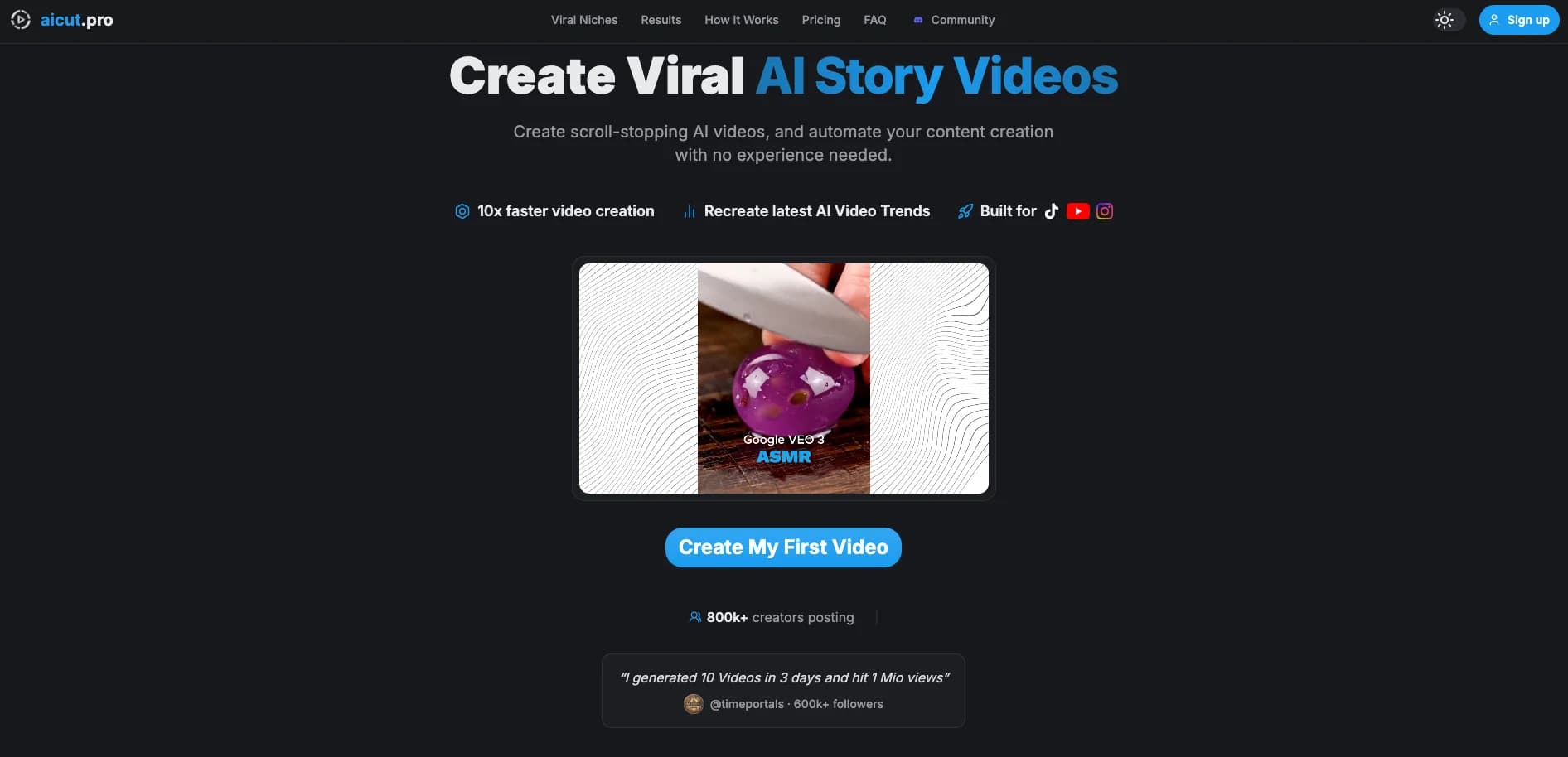
aicut focuses on creating short, vertical, AI‑generated videos for faceless YouTube, TikTok, and Instagram channels. Users feed in text such as scripts, stories, or blog posts, and the tool turns them into videos with AI visuals, voiceovers, captions, and music tuned for social feeds. It goes beyond one‑off clips by adding scheduling and automation features, so creators can queue or fully automate posting across connected channels, turning aicut into a light “content engine” for consistent short‑form output.
Where many AI video tools stop at script or clip generation, aicut leans into faceless, short‑form automation. It supports quirky formats like fake text stories and scripted “internet lore” styles, accepts everything from Reddit‑like narratives to PDFs, and ties that directly into campaign‑based scheduling. For anyone chasing consistent Shorts, Reels, or TikToks without ever opening a traditional editor, that mix is very appealing.
aicut suits creators who care more about volume and consistency than cinematic production, especially those building faceless channels across several platforms. Its automation, multi‑source text input, and social posting tools can meaningfully cut production time, though users should treat it cautiously from a security and privacy standpoint and avoid feeding in anything sensitive until the operator behind the site offers clearer transparency.
Who is Using aicut?
Faceless YouTube Shorts creators
Running fact, story, or list channels that need daily vertical videos without filming themselves.
TikTok creators
Posting POV, text‑story, and fictional vlog content based on scripts or prompts rather than live footage.
Instagram Reels publishers
Repackaging written content, hooks, or quotes into Reels for brand or personal growth.
Small businesses and solo marketers
Creating quick promo clips and product explainers from existing webpage or brochure text.
Uncommon Use Cases
Used by educators turning lesson summaries into short explainers for students; adopted by niche ecommerce sellers converting customer reviews and FAQs into testimonial‑style shorts.
Key Features
Rating Breakdown
Pricing Plans
Creator
$19.99 per month
- 50 tokens per month, about 33 AI videos, watermark removed, all AI video and image models, 1-click posting, creator community access, and faster support
Automate
$39.99 per month
- 100 tokens per month, about 66 AI videos, everything in Creator, plus automated video generation and posting, daily AI video campaigns, and priority support
Which aicut plan should you pick?
Start with Creator for occasional AI video production; upgrade to Automate when you need twice the tokens and scheduled autopilot publishing.
CREATOR
Good for trying AI videos with 50 monthly tokens, full editing, all AI models, and one-click social publishing.
AUTOMATE
Good for creators who need 100 monthly tokens plus automation campaigns that generate and publish videos automatically.
aicut Use Cases
AI image story videos
Write a story or let Aicut generate one, then create narrated visual scenes.
Outcome: A complete video ready for social sharing.
Educational explainers
Transform complex topics into visual explanations.
Outcome: More engaging educational content.
Brand storytelling
Create product stories and branded narratives with generated visuals.
Outcome: Compelling brand video content.
Entertainment stories
Use fictional characters, art styles, narration, and scene animation.
Outcome: Short-form fictional videos.
Social media publishing
Generate vertical videos and export them for TikTok, Instagram Reels, and YouTube Shorts.
Outcome: Platform-ready short-form content.
Workflow Ideas with aicut
Create an AI image story
- 1Enter a story idea or generate a script
- 2Choose characters, image style, narration, captions, and audio
- 3Generate, preview, and export the video
Build a reusable character
- 1Generate base, full-body, and portrait reference images
- 2Upload the references to Character Assets
- 3Reuse the character in image and video generations
Automate social publishing
- 1Choose a format, voice, and publishing channels
- 2Set an automation campaign schedule
- 3Let Aicut generate and publish videos automatically
How aicut fits into your stack
Browser
Aicut runs as a browser-based editor and web application for generating, editing, rendering and publishing short-form videos.
Automation and APIs
The creation API and MCP server provide programmatic access, while automation campaigns can generate and publish scheduled content.
Social publishing
Aicut connects TikTok, YouTube and Instagram accounts so finished videos can be published or scheduled from the product.
Pros
- +Serious time saver: End‑to‑end automation from text input to published short helps solo creators post far more frequently.
- +Camera‑shy friendly: Built for faceless formats, so users never need to appear on screen.
- +Great for repurposing content: Turns existing writing, PDFs, and product copy into snackable videos without manual editing.
- +Multi‑language reach: TTS in 25+ languages makes it appealing for international or multilingual channels.
Cons
- −Quality still varies: AI voices and visuals are good enough for many niches but will not beat a skilled human editor for polish.
- −Credit model confusion: Token‑based usage and tiered plans can be tricky for new users to gauge before they understand their volume needs.
Limitations & when to consider alternatives
Known limitations
- Fixed-length Studio BTS videos. The Studio BTS format produces videos fixed at eight seconds.
- Token-based generation. Video creation consumes tokens, with Creator and Automate plans providing monthly token allowances.
- Character consistency is imperfect. Aicut notes that generated characters may have slight variations between outputs.
How to Use aicut
- 1
Choose a format
Select a viral story format or paste a TikTok link to recreate its structure.
- 2
Provide the story input
Enter a script, idea, or prompt so Aicut can create the narrative and scenes.
- 3
Configure the video
Choose characters, image style, animation, narration language, captions, music, and effects.
- 4
Generate and review
Create the video, preview the result, and refine scenes or settings if necessary.
- 5
Publish or automate
Download the finished video, publish it to connected social channels, or schedule an automation campaign.
Who is aicut For?
Educational creators
Turn complex topics into engaging visual explanations.
Brands
Create brand narratives and product stories.
Entertainers
Bring fictional stories and characters to visual life.
Social media creators
Generate viral-ready content for short-form platforms.
Frequently Asked Questions
What is AI image story video creation?
Aicut automatically generates images, arranges them into sequence, adds narration, and produces a complete social-ready video.
How does AI generate images for stories?
It analyzes the input text, identifies key scenes, and creates relevant visuals using machine-learning models.
Can I customize the AI-generated images?
Yes. Users can choose art styles, adjust image parameters, and regenerate individual scenes.
Are AI image story videos good for YouTube Shorts?
Aicut says they are optimized for vertical viewing and suitable for YouTube Shorts.
Community reviews
Be the first to share your experience.
Sign in to leave a review for aicut.
aicut Alternatives
Looking for alternatives to aicut? Here are similar tools in the same category:
Learn to Master aicut
With Skill Leap courses
Get in-depth training on aicut and 50+ other AI tools with our expert-led video courses.
Start 7-Day Free Trial