
Photo Editor AI
AI-powered tool for seamless photo editing and enhancement.
Key Takeaways
- What it is
- AI-powered tool for seamless photo editing and enhancement.
- Pricing
- Freemium
- Best for
- AI Image Generator
- Generative Expand
- AI Detailer
- Rating
- 4.6/5
What is Photo Editor AI?
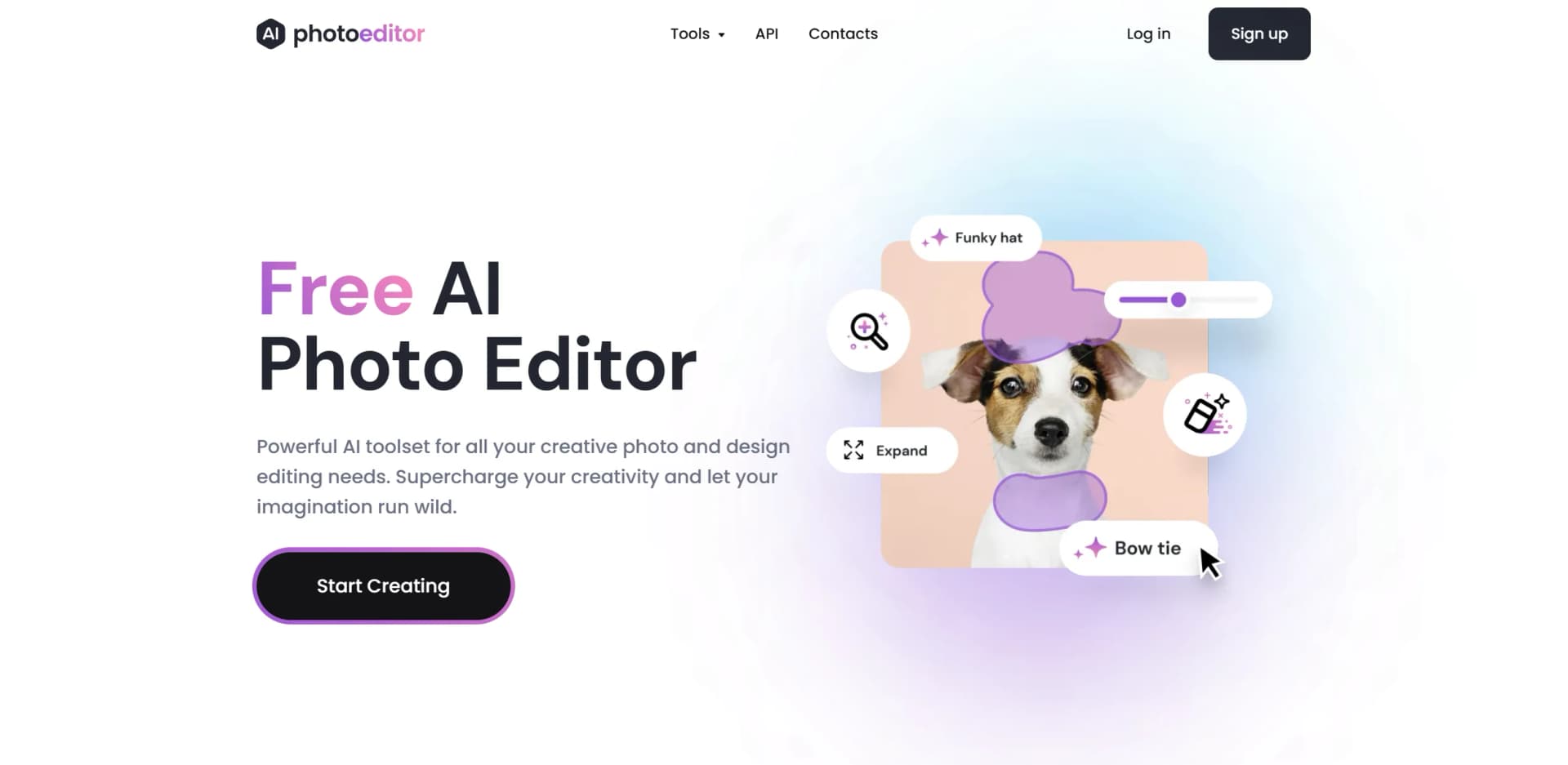
Photo Editor AI, available at photoeditor.ai, is a groundbreaking visual AI platform designed to transform the way we edit photos. This tool leverages advanced artificial intelligence to automate and enhance photo editing processes, making it accessible to both individuals and professionals. Whether you're looking to remove unwanted objects, enhance image quality, or create stunning visuals, Photo Editor AI offers a comprehensive suite of tools to simplify these tasks.
Photo Editor AI distinguishes itself with its AI-driven toolset, offering features like generative expand and AI detailer that are not commonly found in other photo editing platforms. Its ability to automate complex editing tasks and produce high-quality results with minimal effort truly sets it apart from traditional photo editing methods.
Photo Editor AI is a versatile and powerful tool that redefines photo editing through artificial intelligence. By offering a range of innovative features and prioritizing user privacy, it provides an excellent solution for both personal and professional use. Its ease of use and accessibility make it an invaluable asset for anyone looking to enhance their photo editing capabilities.
Who is Using Photo Editor AI?
E-commerce Businesses
Enhancing product imagery for online stores.
Digital Marketing Agencies
Creating visually appealing content for campaigns.
Social Media Managers
Crafting engaging social media posts with ease.
Photographers
Streamlining photo editing workflows to save time.
Uncommon Use Cases
Educational institutions using it for teaching marketing courses; freelance designers utilizing it for quick design adjustments.
Key Features
Rating Breakdown
Pricing Plans
Free Tier
Free
- Offers standard image quality editing for free
- A limitation on download size to 720px
Pro Tier
- Provides access to high-resolution editing and additional features
Which Photo Editor AI plan should you pick?
Start with the free tools for basic cleanup, enhancement, and background removal; choose Starter for core paid editing, Pro for the complete suite and commercial use, or Business for higher credit needs and dedicated support.
Starter
Good for personal users who need core AI editing tools, 150 monthly credits, limited models, and no-watermark exports.
Pro
Good for creators and businesses who need the full AI tool suite, 600 monthly credits, premium models, unlimited history, and commercial use.
Business
Good for power users and teams who need 1,700 monthly credits, all premium models and tools, and dedicated support.
Photo Editor AI Use Cases
Remove unwanted objects
Describe or brush over strangers, clutter, power lines, reflections, text, or other distractions.
Outcome: The AI rebuilds the background so the unwanted element appears removed.
Replace photo backgrounds
Upload a portrait or product photo and describe the new environment in plain language.
Outcome: The subject is placed into a regenerated background with matched lighting, shadows, and perspective.
Restore blurry or damaged photos
Use Enhance, Unblur, or Restore Old Photos for blurry, low-light, faded, or JPEG-damaged images.
Outcome: The image becomes sharper and clearer with recovered detail.
Upscale images
Upload a low-resolution image and select a larger output size, including 2x, 4x, or 8x options.
Outcome: The image is enlarged for higher-resolution use, including print and web applications.
Generate creative visuals
Create portraits, logos, product shots, vectors, illustrations, landscapes, and other visuals from prompts or references.
Outcome: The platform produces a new image that can be refined and downloaded.
Workflow Ideas with Photo Editor AI
Clean up a photo
- 1Upload a JPG, PNG, HEIC, or WEBP image.
- 2Describe the person, object, clutter, or text to remove.
- 3Download the cleaned image or describe another removal.
Create a consistent product background
- 1Upload the product photo.
- 2Describe the desired studio, showroom, or lifestyle background.
- 3Download the regenerated image or continue editing it with another tool.
Restore and upscale an old image
- 1Upload the blurry, faded, or damaged image.
- 2Choose Enhance, Restore Old Photos, or Upscale and adjust available settings.
- 3Download the sharpened or enlarged result.
How Photo Editor AI fits into your stack
Browser
PhotoEditor.ai is a browser-based suite of 30+ AI image tools. Users upload images, select a purpose-built editor, describe or apply changes, and download the result.
Pros
- +User-Friendly: No design skills are needed, making complex photo editing tasks simple and fun.
- +Multi-Platform Support: Works seamlessly on both web and mobile platforms, allowing for editing on the go.
- +Privacy-Focused: Prioritizes user privacy, with all images deleted within one hour of processing.
- +Free Tier Available: Offers a free plan for editing images up to 720px, making advanced editing accessible to everyone.
Cons
- −Resolution Limitations: The free plan restricts download sizes to 720px, which may not be sufficient for all professional use cases.
- −Learning Curve: While user-friendly, some advanced features may require a bit of time to master.
Limitations & when to consider alternatives
Known limitations
- Free output resolution is limited. Free downloads are limited to up to 720px; HD and 4K exports require PRO.
- Uploads are limited to 15MB. Supported image uploads are generally limited to 15MB per file.
- Some tools require a paid plan. Premium tools such as AI Image Generator, Upscale, Inpaint, Expand, and Detailer are disabled after cancelling a paid plan.
- No batch processing. The site states that there is no batching, queue, or waiting-line workflow.
- Premium processing can take up to a minute. Generation and 4K upscaling may take up to a minute on premium models.
Look elsewhere when
- You need layered, pixel-level desktop editing.
- You need batch processing.
- You need a native mobile or desktop application.
- You need a production-ready developer API today.
How to Use Photo Editor AI
- 1
Upload an image
Open a tool in the browser and upload or drag in a supported JPG, PNG, HEIC, AVIF, or WEBP image.
- 2
Choose the appropriate AI tool
Select Cleanup, Remove BG, Enhance, Upscale, Inpaint, Expand, a generator, or another purpose-built tool based on the task.
- 3
Describe or control the edit
Enter a plain-language instruction, brush over an area where supported, or add a reference image for style, lighting, color, or composition.
- 4
Adjust available settings
Use model selectors, resolution controls, detail settings, or other tool-specific parameters when available.
- 5
Review and refine
Inspect the result, continue chatting or apply another edit, and repeat until the image is ready.
- 6
Download the result
Save the finished image; free exports are limited to standard resolution, while PRO unlocks HD and 4K output.
Who is Photo Editor AI For?
Personal users
The site names personal projects as a target use case for quick photo editing and enhancement.
Creative agencies
Purpose-built editing, generation, background, and enhancement tools support agency creative production.
Real estate professionals
Cleanup, background replacement, and enhancement tools help prepare property imagery.
E-commerce businesses
Background removal, product-photo cleanup, upscaling, and consistent background generation support product listings.
Photographers and designers
The site specifically names photography and design, with tools for restoration, upscale, generation, cleanup, and SVG conversion.
Frequently Asked Questions
What is photoeditor.ai?
It is a free, browser-based platform offering more than 30 purpose-built AI image tools across editing, generation, enhancement, removal, background, watermark-removal, and SVG-conversion categories.
What can I do with photoeditor.ai?
You can edit, generate, enhance, upscale, remove unwanted content, change backgrounds, and convert raster images to SVG.
Which AI tool should I use?
Choose based on the problem: Unblur for blurry photos, Upscale for resolution, Cleanup for unwanted objects, Remove BG for transparent backgrounds, Restore Old Photos for damaged images, and AI Logo Maker for logos.
Is photoeditor.ai free?
Cleanup, Remove Background, and Enhance are free without signup. Free downloads are up to 720px; HD and 4K exports and the full tool suite require PRO.
What AI models does photoeditor.ai use?
The platform uses models including Nano Banana, GPT Image, Gemini, SeeDream, Qwen, FLUX, Ideogram, Recraft, Topaz Labs, Pruna AI, and in-house fine-tunes.
How is photoeditor.ai different from Photoshop?
Photoshop provides desktop layered editing and pixel-level control, while photoeditor.ai provides browser-based, task-specific AI tools.
Community reviews
3 reviews from people who use Photo Editor AI.
Sign in to leave a review for Photo Editor AI.
Ian Goodwyn
Frederico Silva
Ziad Naamani
Photo Editor AI Alternatives
Looking for alternatives to Photo Editor AI? Here are similar tools in the same category:
Learn to Master Photo Editor AI
With Skill Leap courses
Get in-depth training on Photo Editor AI and 50+ other AI tools with our expert-led video courses.
Start 7-Day Free Trial