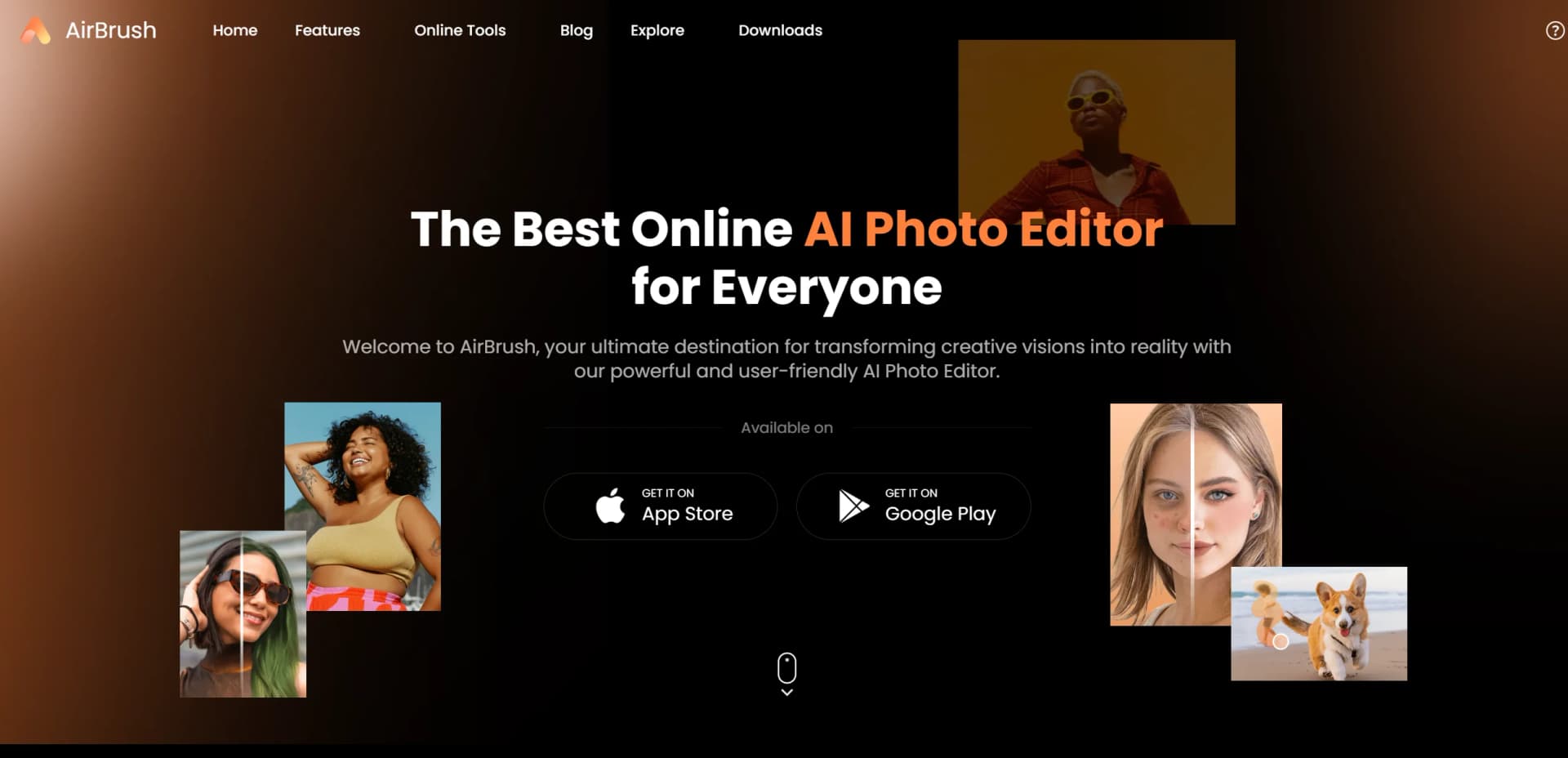
AirBrush AI Headshots
Polish existing photos into professional headshots without booking a studio shoot.
Key Takeaways
- What it is
- Polish existing photos into professional headshots without booking a studio shoot.
- Pricing
- Freemium · $15.95 per month · $95.95 per year
- Best for
- AI Headshot Generator
- Headshot Styles and Resolution
- AI Retouch
- Rating
- 4.2/5
What is AirBrush AI Headshots?
Airbrush turns photos you already have into professional-looking headshots for LinkedIn, resumes, company websites, and team directories. Its AI editing tools can improve lighting, replace a background, and retouch a portrait while keeping your face recognizable. The wider Airbrush suite also edits everyday photos and videos, making it useful for people who want headshots and regular portrait touch-ups.
Unlike generators that create a new face from scratch, Airbrush says its headshot workflow enhances your real photos with retouching, lighting changes, and background replacement. You can choose a style and output resolution, including 1K, 2K, or 4K.
Airbrush suits job seekers, creators, and professionals who need a polished portrait without arranging a studio shoot. It is an editing tool rather than a complete photo studio, and AI exports use credits, so it fits best when you want a quick headshot or retouch rather than a highly customized photo session.
Who is Using AirBrush AI Headshots?
Job Seekers
A polished portrait gives LinkedIn profiles and resumes a more professional photo.
Social Media Creators
Portrait retouching and AI editing help prepare profile photos and posts.
Small Business Owners
Headshots for a company website can be made from existing portraits.
Photographers
Retouching, background edits, and image enhancement can help finish portrait work.
Uncommon Use Cases
Refreshing a team directory with consistent-looking portraits; preparing a professional portrait for a resume or company bio.
Key Features
Rating Breakdown
Pricing Plans
Free
Free
- No credit card required
- 3 credits on first login
- 512MB upload storage
- Limited feature access
Web Plus Monthly
$15.95 per month
- 80 AI credits every month
- 10GB upload space
- Unlimited access to Enhance and Creator tools
- AI UHD, Video Enhance, and AI Object Remover
Web Plus Annually
$95.95 per year
- Billed yearly; the pricing page shows $13.33 per month and a 40% saving
- 80 AI credits every month
- 10GB upload space
- Unused subscription credits expire when the subscription term ends
Which AirBrush AI Headshots plan should you pick?
Try Free for occasional edits, then choose Web Plus Monthly for regular work or Web Plus Annually if you expect to use it throughout the year.
Free
Good for trying the web editor with limited feature access and a small number of credits.
Web Plus Monthly
Good for regular web editing when you want 80 monthly credits and 10GB of upload space.
Web Plus Annually
Good for ongoing web editing when you prefer yearly billing and the plan's monthly credit allowance.
AirBrush AI Headshots Use Cases
LinkedIn and Resume Portraits
A casual existing photo can be turned into a more polished professional headshot.
Outcome: A headshot suited to LinkedIn or a resume.
Company Website Headshots
Professionals can prepare a portrait for a company profile without arranging a studio session.
Outcome: A polished portrait for a company website.
Team Directory Photos
Teams can create professional-looking portraits from photos they already have.
Outcome: Headshots for a team directory.
Portrait Cleanup
AI retouching and object removal help clean up a portrait before sharing it.
Outcome: A retouched portrait with fewer distractions.
Video Quality Improvement
The Video Enhancer improves clarity and detail in an existing clip.
Outcome: An enhanced video ready to preview and download.
Workflow Ideas with AirBrush AI Headshots
Prepare a Professional Headshot
- 1Choose a clear portrait photo to start with.
- 2Select a headshot style and resolution.
- 3Generate the headshot, review it, and download the result.
Finish a Portrait for a Profile
- 1Open the portrait in Airbrush Web or Studio.
- 2Retouch the face or remove distracting objects.
- 3Export the edited image for your profile.
Improve a Video Clip
- 1Choose a video to enhance.
- 2Run it through the Video Enhancer.
- 3Preview the result and download the enhanced version.
How AirBrush AI Headshots fits into your stack
Online Editor
The browser-based editor handles image and video tasks without installing the web tools. Free use is limited, and exports can require credits.
Airbrush Studio
The downloadable Windows and macOS app provides desktop photo editing, including portrait work and the AI Headshot Generator.
Mobile Editing
The iOS and Android app focuses on photo and video editing on a phone. Its account and payment model is separate from Web and Studio.
Photo and Video Output
Airbrush fits near the end of a creative workflow, where portraits need retouching or a clip needs visual enhancement before download.
Pros
- +Keeps your likeness: The headshot workflow is built around improving real photos rather than inventing a new face.
- +Multiple output sizes: Headshots can be generated at 1K, 2K, or 4K resolution.
- +Free entry point: The web plan includes 3 credits on first login and limited access to editing features.
- +More than headshots: The wider Airbrush suite also handles portrait retouching, image cleanup, and video enhancement.
Cons
- −Credit-based exports: AI edits and exports draw on credits, so frequent use may require a paid plan or credit purchase.
- −Separate app accounts: Mobile subscriptions and assets do not transfer to Airbrush Web or Studio.
- −Less control than a shoot: AI edits can polish a portrait, but they do not replace choosing a real photographer, location, and pose.
Limitations & when to consider alternatives
Known limitations
- Headshot upload limit. The AI Headshot Generator lists JPG, PNG, JPEG, WEBP, and GIF support with a maximum upload size of 10 MB.
- Credits are required for exports. Airbrush Web uses credits for generating and exporting content; a photo export costs 1 credit.
- Subscription credits expire. Unused subscription credits expire at the end of the active subscription term.
- Accounts do not fully sync. Mobile accounts and payments are separate from Web and Studio, and Web and Studio edit history and credits do not sync.
Look elsewhere when
- You need a dedicated team workspace with shared editing and user roles.
- You need a documented developer API or custom integrations.
- You need an AI tool for analyzing images and answering questions about their contents.
- Your headshot must be created through a photographer-led shoot with precise control over location, pose, and lighting.
How to Use AirBrush AI Headshots
- 1
Choose where to edit
Open the online editor, Airbrush Studio, or the Airbrush mobile app depending on your device and task.
- 2
Select the headshot tool
Open AI Headshot Generator when you need a professional portrait rather than a general photo edit.
- 3
Add a portrait
Upload a JPG, PNG, JPEG, WEBP, or GIF image; the headshot page lists a 10 MB maximum.
- 4
Choose the look
Select a style and output resolution that suit your profile or directory.
- 5
Generate and review
Generate the headshot and check that the result still looks like you before using it.
- 6
Export or refine
Download the result or continue editing it with Airbrush portrait tools; web exports use credits.
Who is AirBrush AI Headshots For?
Job Seekers
A more professional headshot can help refresh a LinkedIn profile or resume photo.
Creators
Portrait editing and background tools help prepare profile images and visual content.
Professionals
Headshots for company websites and team directories can start from photos they already have.
Everyday Photo Editors
The mobile, web, and desktop tools cover portrait touch-ups beyond work headshots.
Frequently Asked Questions
Does Airbrush have a free plan?
Yes. The web pricing page lists a Free plan at $0, with 3 credits on first login and limited access to features.
How much does Airbrush Web Plus cost?
The pricing page lists Web Plus Monthly at $15.95 per month and Web Plus Annually at $95.95 per year.
How many credits does an export use?
A photo export costs 1 credit. A video up to 1 minute costs 2 credits, with additional video time charged by the minute.
Which devices can run Airbrush?
Airbrush offers an iOS and Android app, a browser-based editor, and Airbrush Studio for Windows and macOS.
Are photos used for AI training?
Airbrush's help center says uploaded images are not used for AI training. Online tool files are stored temporarily and automatically deleted after a short period.
Community reviews
1 review from people who use AirBrush AI Headshots.
Sign in to leave a review for AirBrush AI Headshots.
严佛调
AirBrush AI Headshots Alternatives
Looking for alternatives to AirBrush AI Headshots? Here are similar tools in the same category: