Akkio
Campaign insights shaped by each media agency’s client goals and data.
Key Takeaways
- What it is
- Campaign insights shaped by each media agency’s client goals and data.
- Best for
- Chat with Data
- AutoML Engine
- Audience Building and Modeling
- Rating
- 4.0/5
What is Akkio?
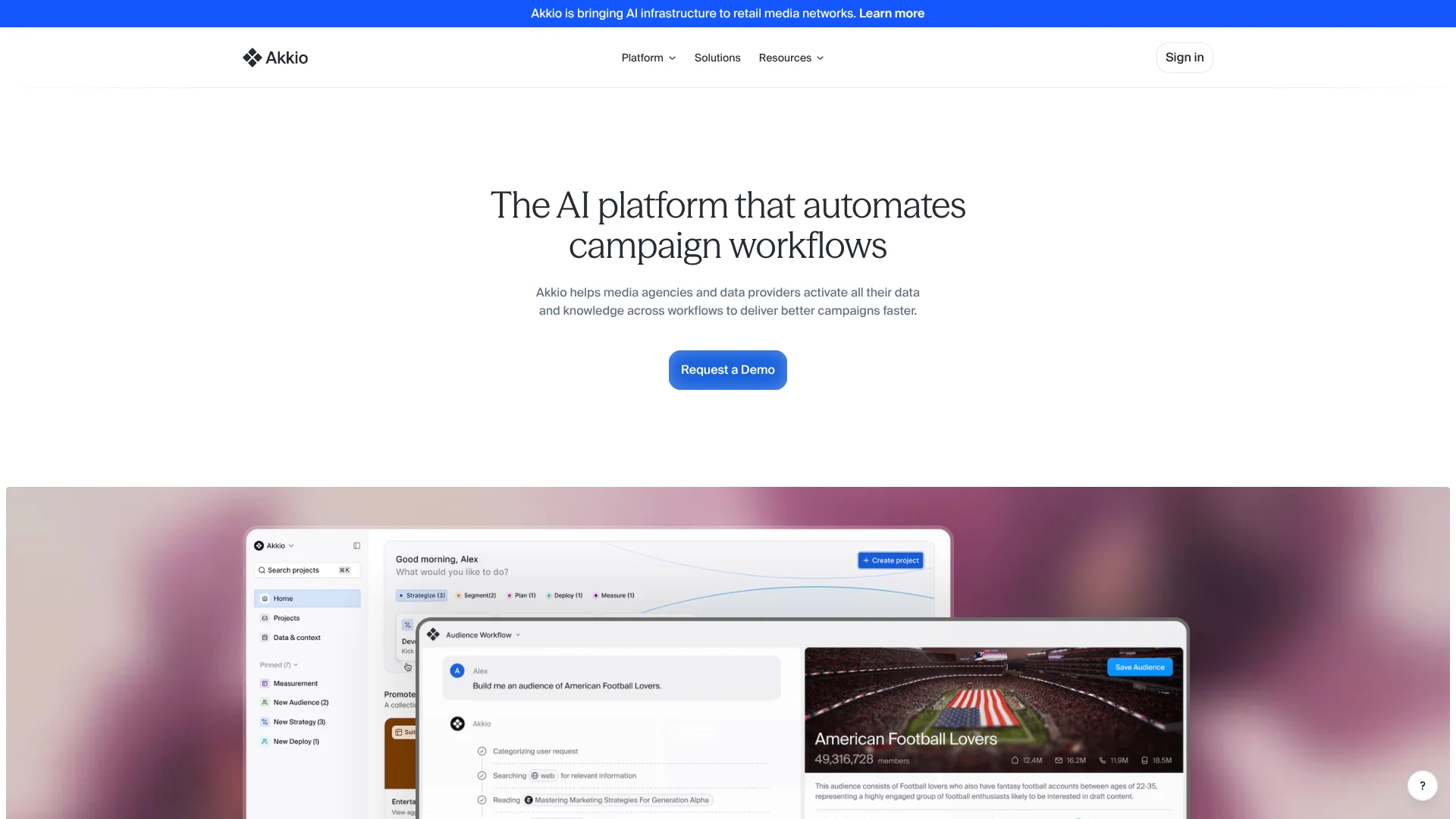
Akkio helps media agencies and data providers turn campaign data and business knowledge into practical workflows for strategy, audience building, media planning, activation, and measurement. Teams can chat with data, build predictive models, and create campaign reports, with tools designed for people who may not have data science expertise.
Akkio’s Context component uses data and business knowledge to make workflow outputs more relevant.
Media agencies managing work across multiple clients are the clearest fit, especially when they need to coordinate analysis and campaign operations across teams. Akkio’s focus is narrow: organizations looking for a general-purpose AI tool beyond media and advertising workflows may find its domain-specific approach limiting.
Who is Using Akkio?
Media Strategists
Campaign context and scenario planning help inform media recommendations and investment choices.
Data Scientists
AutoML and modeling workflows support predictive analysis for audiences and campaigns.
Campaign Analysts
Chat with Data and performance dashboards help investigate results and prepare reports.
Client Leads
Client-specific teams and reporting help keep campaign work organized around each account.
Uncommon Use Cases
A Team Approver can review audience segments before client members use them; a Helpdesk role can manage users without access to data.
Key Features
Rating Breakdown
Pricing Plans
Enterprise AI Analytics Platform
- Full platform access to Akkio’s domain-specific agents.
- Advanced customization and integration capabilities.
- Premium 24/7 priority support and enhanced security and compliance features.
- SaaS or deployment embedded in your infrastructure.
Which Akkio plan should you pick?
Start with the Enterprise AI Analytics Platform if your media agency needs Akkio’s campaign workflows, integrations, and deployment options; contact sales to discuss requirements and pricing.
Enterprise AI Analytics Platform
For media agencies with advanced analytics needs that want access to Akkio’s domain-specific agents, customization, integrations, support, and deployment options.
Akkio Use Cases
Campaign Strategy
Agency and client context helps teams turn internal knowledge and available signals into campaign direction.
Outcome: Actionable campaign strategy.
Audience Modeling
Audience analysis and propensity modeling identify groups by their likelihood to convert, churn, or engage.
Outcome: Modeled audience segments.
Media Plan Forecasting
Comparing simulated media scenarios helps teams assess possible campaign outcomes before investment.
Outcome: Forecasts to guide media investment.
Campaign Performance Reporting
Automated dashboards and reports help teams track campaign performance and communicate results.
Outcome: Client-ready performance reports.
Data Preparation
Data transformation workflows prepare campaign and business data for analysis and modeling.
Outcome: Prepared data for downstream workflows.
Workflow Ideas with Akkio
Build and Approve an Audience
- 1Connect relevant campaign or customer data.
- 2Build and analyze an audience segment.
- 3Have a Team Approver review it before client use.
Compare Media Scenarios
- 1Bring campaign data and planning context into a project.
- 2Simulate multiple media scenarios.
- 3Use the forecasts to guide investment discussions.
Prepare a Performance Report
- 1Connect campaign data from a supported source.
- 2Explore results with Chat with Data or a dashboard.
- 3Share the resulting performance report with the client team.
How Akkio fits into your stack
Campaign Data
Akkio connects to datasets and cloud data warehouses, including Snowflake, BigQuery, and Databricks, to use campaign and customer information in workflows.
Agency and Client Workspaces
Organizations can arrange people and work into client teams, with roles controlling who can manage or distribute audiences.
Campaign Analysis
Chat with Data, AutoML, and dashboards support exploration, prediction, and performance reporting within agency workflows.
External Platforms
Akkio lists integrations with systems including Salesforce, HubSpot, Google Sheets, and Zapier, as well as campaign activation platforms.
API and Deployment
A documented API supports programmatic access, while the enterprise offering includes SaaS or deployment embedded in a customer’s infrastructure.
Pros
- +Agency context: The Context Engine can incorporate client objectives, definitions, and historical performance into workflows.
- +Campaign coverage: Workflows address strategy, audience modeling, media planning, activation, and measurement.
- +Plain-language data exploration: Chat with Data lets teams ask questions about multi-table datasets conversationally.
- +Client-level permissions: Separate client teams and user roles help manage access across agency accounts.
Cons
- −Narrow focus: The product is built around media agency and advertising workflows, not general-purpose AI work.
- −Sales-led purchase: The current pricing page directs prospective customers to contact sales rather than showing a self-serve price.
- −Data readiness matters: Predictive models rely on relevant, well-structured historical data.
Limitations & when to consider alternatives
Known limitations
- Structured data works best. Akkio’s predictive modeling expects historical data in a tabular format, with fields relevant to the outcome being modeled.
- Single-sheet project input. The help documentation says multiple sheets cannot be uploaded into one project; datasets need to be combined or placed in separate projects.
- API status. Akkio’s API documentation describes the API as being in beta.
- English interface. Akkio’s documentation says the current user interface is available only in English.
Look elsewhere when
- You need a general-purpose AI tool for work beyond media and advertising campaigns.
- Your team needs a product with publicly listed self-serve subscription prices.
- You need a mobile app, desktop installer, or browser extension.
How to Use Akkio
- 1
Set up an organization
Join an existing Akkio organization or create one, then invite teammates and assign roles.
- 2
Create a project
Start a project for the campaign workflow or client work you want to support.
- 3
Connect campaign data
Choose a supported source such as Snowflake, Google BigQuery, Google Sheets, HubSpot, or a CSV file.
- 4
Add agency and client context
Include relevant objectives, definitions, or historical performance so workflow outputs reflect the account’s needs.
- 5
Run an analysis or workflow
Explore data with Chat with Data, build a predictive model, or select a campaign workflow such as audience modeling or media mix modeling.
- 6
Review and share results
Check the resulting analysis or report, then share or distribute outputs according to the permissions assigned to each role.
Who is Akkio For?
Media Agencies
Campaign workflows and client-specific teams are designed for agencies coordinating work across accounts.
Data Providers
The platform helps data providers turn their information into campaign insights and services.
Advertising Teams
Teams responsible for audience planning, campaign activation, and measurement can connect those tasks in shared workflows.
Frequently Asked Questions
How much does Akkio cost?
The pricing page lists an Enterprise AI Analytics Platform with custom pricing. It does not publish a standard US dollar price.
Does Akkio have a free plan or trial?
The current pricing page presents the enterprise platform and directs visitors to contact sales; it does not list a free plan or trial.
What data sources can Akkio connect to?
Documented sources include CSV and Excel files, Snowflake, Google BigQuery, Google Sheets, Salesforce, HubSpot, and PostgreSQL.
Does Akkio have an API?
Yes. Akkio documents a REST API, which it describes as being in beta.
How does Akkio manage team access?
Organizations can invite users to client teams and assign roles such as Team Member, Team Approver, Team Distributor, Team Admin, and Helpdesk.
Community reviews
Be the first to share your experience.
Sign in to leave a review for Akkio.
Akkio Alternatives
Looking for alternatives to Akkio? Here are similar tools in the same category: