
Align AI
Streamlines AI strategy alignment with business objectives.
Key Takeaways
- What it is
- Streamlines AI strategy alignment with business objectives.
- Best for
- Real-Time Data Ingestion
- Intuitive Dashboard
- Conversation Breakdown
- Rating
- 4.6/5
What is Align AI?
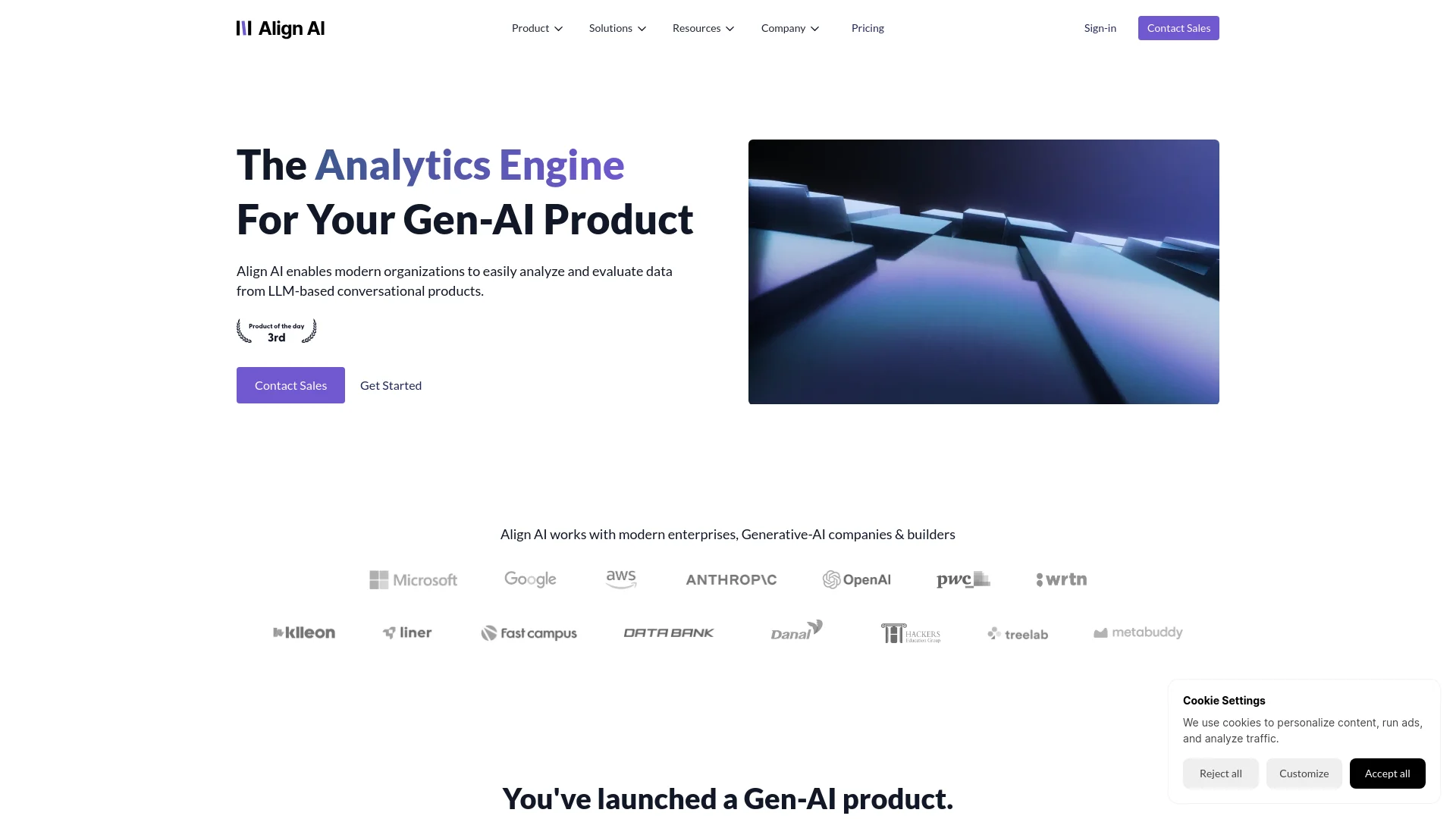
Align AI is an advanced AI tool designed for analyzing conversational data from AI-native products. Targeted mainly at product teams, it simplifies the process of analyzing large volumes of conversational data, providing meaningful insights through an intuitive dashboard and real-time data ingestion. Align AI is ideal for businesses looking to enhance their user analytics and improve interaction strategies.
Align AI distinguishes itself with its rapid transformation of raw conversational data into actionable insights. Its compliance with SOC II and GDPR ensures high security and privacy, while its intuitive analytics platform makes it accessible to professionals beyond data scientists.
Align AI excels in providing real-time, actionable insights into conversational data, making it a valuable tool for businesses focused on enhancing user interaction and satisfaction. Its intuitive dashboard, secure data handling, and seamless integration capabilities make it a strong choice for organizations looking to leverage conversational analytics effectively.
Who is Using Align AI?
Tech Startups
Refining product features based on user feedback.
E-commerce Platforms
Analyzing customer service interactions to boost client satisfaction.
Healthcare Providers
Monitoring patient interactions to improve service delivery.
Financial Services
Tailoring customer advice and offers based on conversational data.
Uncommon Use Cases
Educational tech companies use it to analyze student interactions; customer support centers use it to streamline query resolution.
Align AI serves various sectors, leveraging conversational analytics to enhance product interactions and user satisfaction.
Key Features
Rating Breakdown
Pricing Plans
Free Trial
- Available for users to explore Align AI with limited features
Subscription Plans
- Pricing information is available upon request through the website
Which Align AI plan should you pick?
Start with the Free Plan for small-scale evaluation, move to Partner Plan as monthly ingestion grows, and choose Pro Plan for advanced search and custom enterprise capabilities.
Free Plan
Good for teams evaluating Align who need basic dashboards, one custom insights report, and up to 10,000 total ingested messages.
Partner Plan
Good for growing AI products that need 100,000 monthly messages, multiple insight reports, advanced dashboards, and universal search.
Pro Plan
Good for organizations needing unlimited universal search, on-premise custom solutions, search-planning support, and a dedicated success manager.
Align AI Use Cases
Monitor chatbot performance
Track interactions and evaluate whether an AI chatbot is performing as intended.
Outcome: Greater confidence in post-production chatbot quality.
Identify user-experience issues
Search and analyze conversations to find critical issues and poor user experiences.
Outcome: A prioritized view of areas needing improvement.
Analyze conversational cohorts
Deep-dive into user and chatbot interaction data at scale.
Outcome: Better understanding of user behavior and chatbot performance.
Generate product insights
Transform conversational analysis into metrics, dashboards, and action items.
Outcome: Actionable priorities for product teams.
Send metric alerts to Slack
Connect a Slack webhook to receive daily notifications about changes in top metrics.
Outcome: Regular visibility into important metric changes.
Workflow Ideas with Align AI
Instrument and analyze chatbot conversations
- 1Install a Coxwave Align SDK
- 2Send user, session, message, and feedback events
- 3Search and analyze the resulting conversational data in the dashboard
Find and prioritize chatbot issues
- 1Capture chatbot-user interactions in real time
- 2Use semantic search to find high-priority conversations
- 3Convert analysis into metrics and prioritized action items
Monitor metrics through Slack
- 1Create a Slack app and enable Incoming Webhooks
- 2Paste the Slack webhook URL into Align project settings
- 3Receive daily notifications about changes in top metrics
How Align AI fits into your stack
Major Data Sources Compatibility
Seamless integration with AWS S3, GCP Bigquery, PostgreSQL, MySQL, and others.
SDK Support
Provides a straightforward SDK for easy integration into existing systems.
Security Compliance
Fully compliant with SOC II Type 1 and GDPR, ensuring data integrity and protection.
Pros
- +Efficient Data Analysis: Automates the real-time processing of large data sets, reducing the time required for analysis.
- +User Experience Enhancement: Facilitates the identification and implementation of improvements based on user interaction analytics.
- +Secure and Compliant: Adheres to SOC II Type 1 and GDPR standards, ensuring data security and regulatory compliance.
- +Easy Integration: Compatible with major data sources such as AWS S3, GCP Bigquery, PostgreSQL, and MySQL, ensuring smooth setup.
Cons
- −Learning Curve: New users might need time to fully utilize all features effectively.
- −Custom Report Limitations: Limited access to custom insight reports may restrict in-depth analysis for some users.
- −Dependency on Data Quality: The effectiveness of insights is reliant on the quality and completeness of the input data.
Limitations & when to consider alternatives
Known limitations
- SDK-based ingestion is central to setup. The documentation describes ingesting conversational data through SDKs rather than uploading files through the dashboard.
- Enterprise deployment is custom. Self-hosted and on-premise deployments are described as custom enterprise solutions requiring contact with sales.
- Pricing is organization-specific. The current pricing page says pricing depends on organization-specific factors and requests a customized proposal.
- The product focuses on post-production analytics. Align is positioned as analytics infrastructure for AI-native products after deployment.
Look elsewhere when
- You need a native mobile app
- You need file-upload-based analysis
- You need a code-generation tool
- You need a browser extension
How to Use Align AI
- 1
Create an Align project
Sign in to the Align web dashboard and create or access a project for your AI product.
- 2
Generate credentials
Obtain the project ID and API key required by the SDK.
- 3
Install an SDK
Use the documented Python, Node.js, Kotlin, or other supported SDK options to integrate ingestion.
- 4
Send conversation events
Record users, sessions, messages, session closures, and feedback events from your chatbot.
- 5
Search and analyze conversations
Use natural-language search and the dashboard to investigate chatbot behavior and user interactions.
- 6
Connect Slack notifications
Add a Slack webhook in project settings when you want daily metric-change notifications.
Who is Align AI For?
Modern enterprises
Align provides cloud and enterprise options, including self-hosted deployment, SSO, and permission management.
Generative-AI companies
The product analyzes and evaluates conversational products powered by large language models.
Builders
Developers can integrate Align through Python, Node.js, Kotlin, and other SDK-based ingestion options.
Productivity chatbot teams
Align helps monitor chatbot performance, identify issues, and prioritize product improvements.
Education chatbot teams
Align offers a solution specifically positioned for education chatbots and conversational analytics.
Frequently Asked Questions
What is Coxwave Align?
Coxwave Align is an analytics tool for conversational data generated from AI-native products.
How does Align collect data?
It captures conversational data between users and AI chatbots through pre-built SDKs.
What can teams do with the collected data?
Teams can search conversational data in natural language and analyze it in the Align dashboard.
Does Align support Slack notifications?
Yes. A Slack webhook can deliver daily notifications about changes in top metrics.
What is Coxwave Align Enterprise?
It is a custom, self-hosted and on-premise solution designed for organizations requiring data control and advanced security.
How is Align priced?
The current pricing page requests a customized proposal; an official pricing page also lists Free Plan, Partner Plan, and Pro Plan.
Community reviews
Be the first to share your experience.
Sign in to leave a review for Align AI.
Align AI Alternatives
Looking for alternatives to Align AI? Here are similar tools in the same category:
Learn to Master Align AI
With Skill Leap courses
Get in-depth training on Align AI and 50+ other AI tools with our expert-led video courses.
Start 7-Day Free Trial