Alison
Paid ad creatives scored against platform rules and your campaign history.
Key Takeaways
- What it is
- Paid ad creatives scored against platform rules and your campaign history.
- Best for
- Preflight Plus
- Creative Genome
- Signals
- Rating
- 4.3/5
What is Alison?
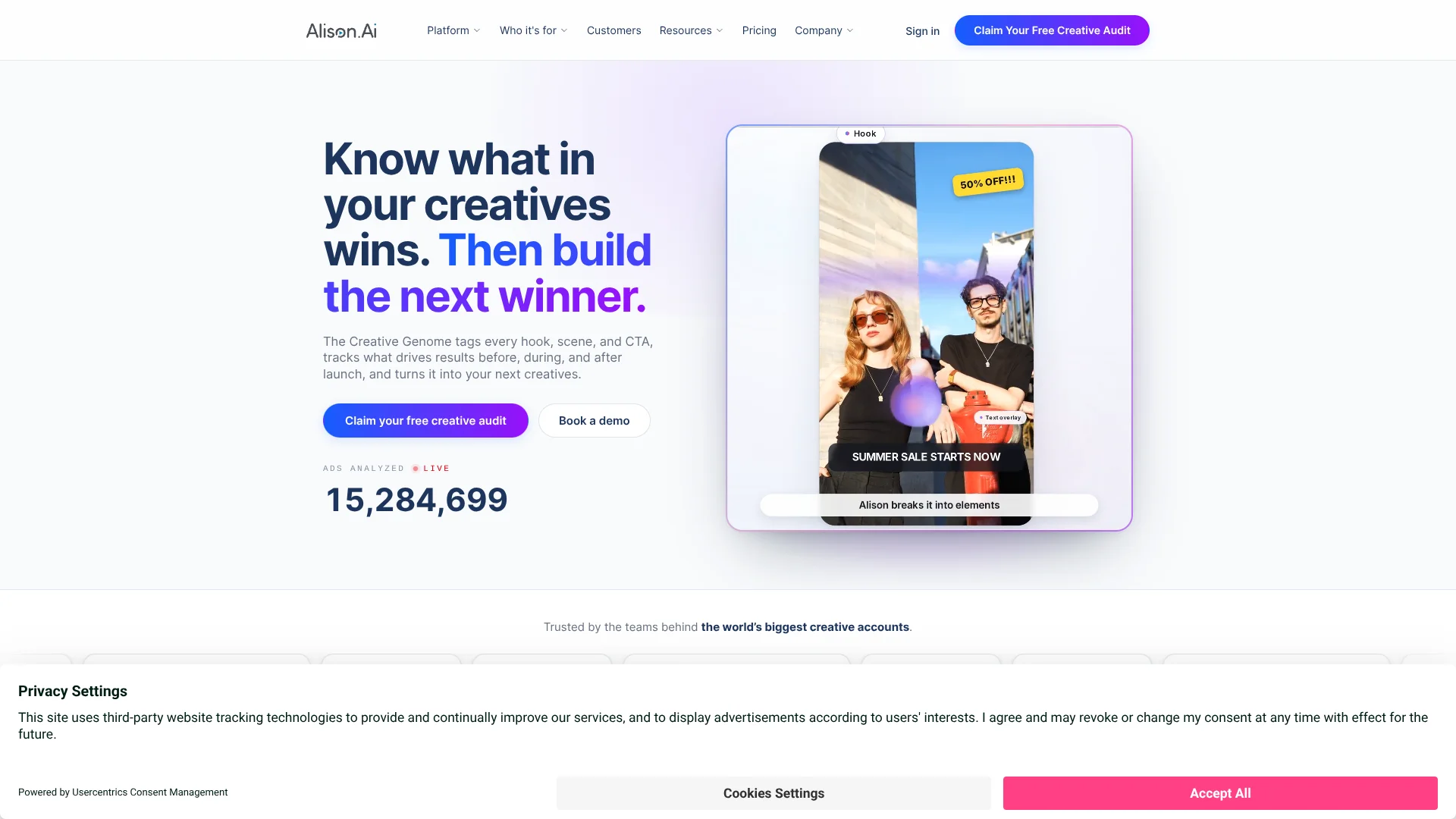
Alison.ai scores advertising creatives against platform guidelines and the past results of your own campaigns, helping performance marketers decide what to fix before spending on an ad. Its Creative Genome tags elements such as hooks, scenes, and calls to action, then connects those elements to campaign outcomes. The platform also tracks live creatives for signs of fatigue and helps teams turn findings into briefs and new video concepts.
A pre-launch score can combine platform-framework checks with evidence from your own account history, then feed into monitoring and analysis once the creative is live. That gives teams a way to judge an ad before launch using the same creative-level data they can later review against campaign results.
Alison.ai is best suited to marketing teams and agencies running paid ads across connected platforms, especially when they produce many creatives and need a repeatable way to evaluate them. The free Preflight Plus check focuses on video, and performance scoring requires a connected ad account. It is most useful when creative decisions need to be grounded in campaign data rather than opinion alone.
Who is Using Alison?
User Acquisition Manager
Campaign-level scores and fatigue signals help prioritize which creatives deserve spend or a refresh.
Creative Manager
Element-level evidence gives production teams clearer direction for briefs and iterations.
Performance Marketing Analyst
Creative Analytics connects ad elements with campaign metrics for post-flight analysis.
Agency Account Lead
Isolated client workspaces and role-based permissions help keep client insights and creative work separate.
Uncommon Use Cases
A creative team can use competitor monitoring to spot category angles; data and engineering teams can bring Alison results into their own tools through the API or MCP server.
Key Features
Rating Breakdown
Pricing Plans
Essential
- One ad platform
- Three seats
- Core Creative Tagging
- Smart Briefs and Creative Fatigue workflow
- One deep-dive analysis per quarter
- Two support hours per month
Pro+
- Two ad platforms
- Five seats
- Advanced Creative Tagging
- Three competitors monitored monthly
- Ten Studio generations per month
- API and MMP integrations
- Three deep-dive analyses per quarter
- Six support hours per month
Enterprise
- Four or more ad platforms
- Ten seats
- Twenty Studio generations per month
- Six competitors monitored monthly
- Tailored integrations
- Six deep-dive analyses per quarter
- Ten support hours per month
Which Alison plan should you pick?
Start with a free Preflight Plus check to judge the creative-scoring fit, then choose a paid plan by platform count, seats, and workflow volume after requesting a quote.
Essential
For a focused team using one ad platform, with three seats and core tagging and creative workflows.
Pro+
For teams using two ad platforms that need advanced tagging, competitor monitoring, Studio generations, and API or MMP integrations.
Enterprise
For portfolios, brands, and agencies using four or more ad platforms, with tailored integrations and higher workflow allowances.
Alison Use Cases
Check Ads Before Launch
A video creative can be scored against platform guidelines and, after account connection, compared with the account’s own past results.
Outcome: A score with specific creative elements to fix before spending on the ad.
Catch Creative Fatigue
Live Signals highlight creatives whose performance is slipping and connect the finding to a recommended workflow.
Outcome: Earlier notice of creative changes that may need attention.
Explain Campaign Results
Creative Analytics links elements such as hooks and scenes to performance after a campaign runs.
Outcome: Evidence about which creative elements to keep, change, or test.
Build Data-Backed Creative Briefs
Smart Briefs turn account findings into creative direction and storyboard ideas.
Outcome: A brief based on patterns that have performed for the account.
Review Competitor Creative
Competitive Intelligence monitors selected competitors to help teams examine creative patterns in their category.
Outcome: Category insights for creative planning.
Workflow Ideas with Alison
Screen a Video Before Spending
- 1Upload the video in Preflight Plus.
- 2Choose platform best-practice scoring or connect an ad account for performance scoring.
- 3Review the score and suggested fixes before launch.
Turn a Fatigue Signal Into a Refresh
- 1Review the live creative and evidence in Signals.
- 2Open the suggested Flight Check or iteration workflow.
- 3Send a draft direction to Studio and review it before approval.
Carry Campaign Learnings Into Production
- 1Review creative elements and results in Creative Analytics.
- 2Turn winning patterns into a Smart Brief and storyboard.
- 3Review the resulting video concept before it is used in a campaign.
How Alison fits into your stack
Advertising Platforms
Alison connects with platforms including Meta, Google Ads, TikTok, Snapchat, LinkedIn, Amazon Ads, AppLovin, Moloco, and Unity. Connected account data supports creative analysis and monitoring.
Creative Review and Production
Flight Check scores creatives, while Smart Briefs and Studio help turn findings into briefs, storyboards, and video concepts.
Team Alerts
Signals can deliver notifications in Alison, by email, or through Slack, so teams can review changes where they work.
AI Workspaces and Internal Tools
The Alison MCP server exposes read-only creative data to compatible AI clients, while the Alison API lets teams bring data into their own stack.
Pros
- +Account-based scoring: Compares creative elements with results from your own ad history, not only general guidelines.
- +Full campaign view: Supports creative checks before launch, monitoring during campaigns, and analysis after campaigns end.
- +Actionable feedback: Scores can identify specific elements to fix and estimate their potential value.
- +Human approval: Recommendations and drafts do not change or ship campaign creative on their own.
- +Free entry point: Preflight Plus offers free video scoring without requiring a credit card.
Cons
- −Pricing is opaque: The Essential, Pro+, and Enterprise plan prices are not publicly listed.
- −Account setup matters: Performance-based scoring depends on Alison reading connected ad-account history.
- −Video-first free check: The free upload check is optimized for video creative.
Limitations & when to consider alternatives
Known limitations
- No published plan prices. The pricing page names Essential, Pro+, and Enterprise but says plans are priced according to creative volume and platform mix.
- Free upload check is video-focused. The free upload check is currently optimized for video creatives on Google, Meta, and LinkedIn; the site advises asking about current coverage for other creative types.
- Performance scoring needs connected account data. Preflight Plus can score against best practices without an ad account, but scoring against the account’s historical results requires a connection.
- Plan allowances vary. Platforms, seats, Studio generations, competitor monitoring, and deep-dive analyses have different limits across plans.
Look elsewhere when
- You need a publicly listed subscription price before requesting a demo.
- You need a free upload checker focused on static image ads rather than video.
- Your team needs a tool that automatically changes or launches campaigns without approval.
How to Use Alison
- 1
Try a Free Video Check
Start with Preflight Plus to score a video against platform guidelines without a credit card.
- 2
Connect an Ad Account
Connect a supported ad platform when you want Alison to compare creative elements with your account’s historical performance.
- 3
Review the Creative Score
Check the score and the specific elements Alison flags, then prioritize the recommended fixes.
- 4
Monitor Live Creatives
Use Signals to follow changes across connected accounts and open the relevant workflow when a creative needs attention.
- 5
Turn Findings Into New Work
Bring winning elements or recommended fixes into Smart Briefs and Studio, then review the draft before it ships.
- 6
Choose a Plan for Your Scale
Compare Essential, Pro+, and Enterprise by platforms, seats, generation allowances, and integrations, then ask Alison for pricing.
Who is Alison For?
Performance Marketing Teams
Creative scoring and live signals help teams connect ad decisions to campaign results.
Agencies
Separate client workspaces and role-based permissions support multi-client creative analysis.
Brands and Portfolios
Teams managing multiple brands or ad platforms can compare creative performance across connected accounts.
User Acquisition Teams
Pre-launch checks and fatigue signals help teams decide which mobile and paid-media creatives to test or refresh.
Frequently Asked Questions
Is Alison.ai free?
Preflight Plus offers free video scoring, and the site also offers a free creative audit. The paid platform plans are named Essential, Pro+, and Enterprise.
How much do Alison.ai plans cost?
The pricing page does not publish prices. It says plans are priced according to creative volume and platform mix.
Does performance scoring require an ad account?
Yes. Best-practice scoring is available without a connected ad account, while performance scoring uses your account’s historical creative results.
Which advertising platforms does Alison.ai connect to?
The integrations page lists Meta, Google Ads, TikTok, Snapchat, LinkedIn, Amazon Ads, AppLovin, Moloco, and Unity.
Can Alison.ai change or launch my campaigns automatically?
No. Alison analyzes and recommends actions, but changes and creative launches wait for your approval.
Can I use Alison data in another AI workspace?
Alison’s MCP server provides read-only access for compatible MCP clients, including Claude, Claude Code, Cursor, and Codex. API access is also available to Alison clients.
Community reviews
Be the first to share your experience.
Sign in to leave a review for Alison.
Alison Alternatives
Looking for alternatives to Alison? Here are similar tools in the same category: