All Voice Lab
Expressive AI voiceovers for creators adapting videos to new languages.
Key Takeaways
- What it is
- Expressive AI voiceovers for creators adapting videos to new languages.
- Pricing
- Freemium · $10 per month · $29 per month. Provides 1,600 monthly credits for 320,000 text-to-speech characters · $99 per month
- Best for
- Text to Speech
- Voice Cloning
- Voice Changer
- Rating
- 3.9/5
What is All Voice Lab?
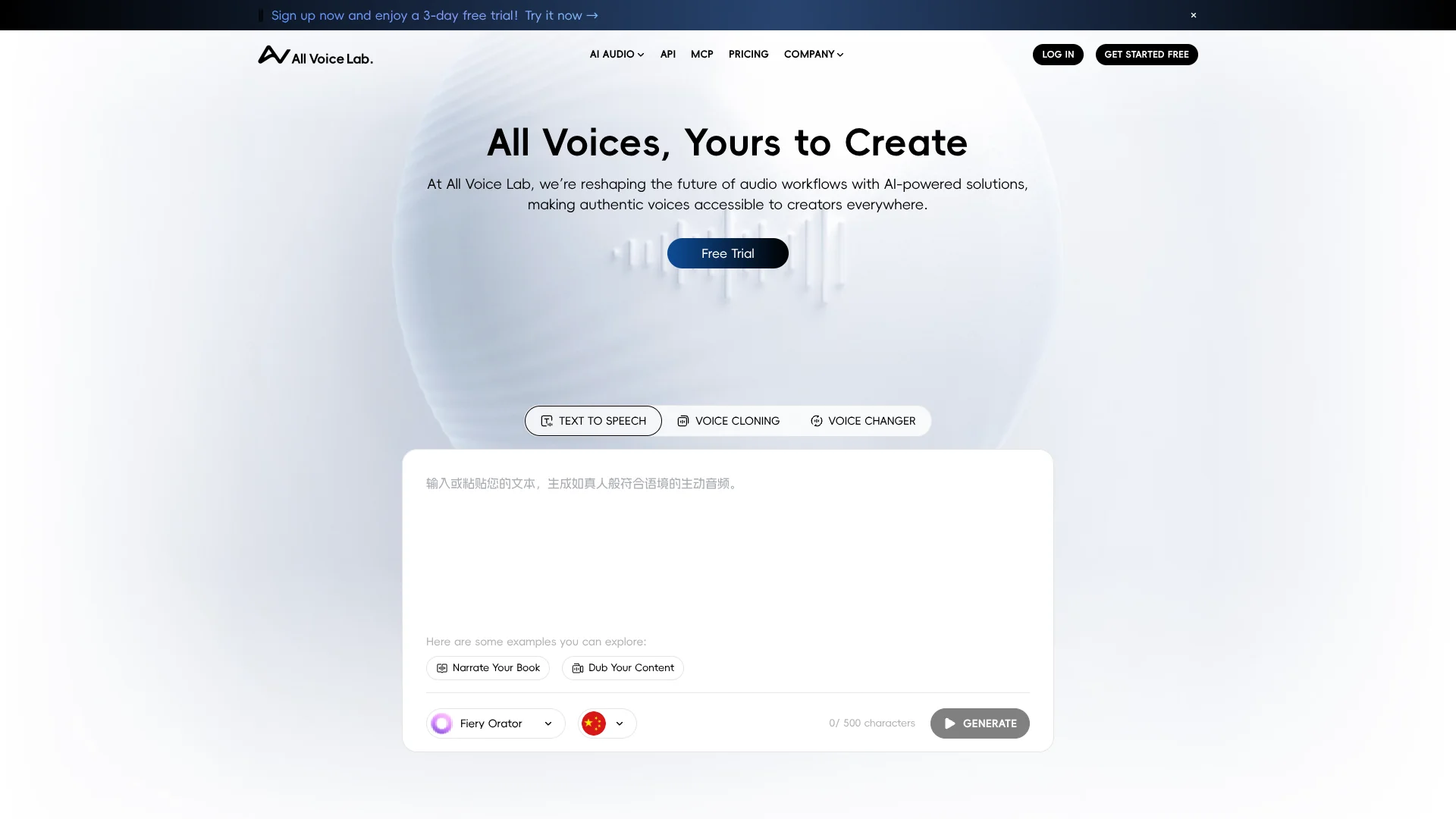
All Voice Lab turns scripts into expressive speech and helps creators produce voiceovers, audiobooks, and translated videos. Its tools include text-to-speech, voice cloning, voice changing, and video translation, so a creator can make spoken versions of content without recording every line. Developers can also connect voice features to their own software through the documented API.
All Voice Lab names its in-house speech model MaskGCT and says it performs well across three text-to-speech benchmark datasets. The product pairs that model with voice and style controls, including speech speed, duration, tone, rhythm, and pitch.
Video creators, audiobook producers, and teams adapting content for other languages are the clearest fit. Developers may value the API, while the site does not confirm native mobile or desktop apps. All Voice Lab is most relevant when the work centers on producing or localizing speech and video.
Who is Using All Voice Lab?
Video Creators
Localized voiceovers can help adapt video content for viewers who speak other languages.
Audiobook Producers
Text-to-speech can turn written material into narrated audio.
Voiceover Producers
Speech controls help shape generated narration to fit a project's tone and pacing.
Software Developers
The documented API gives developers a way to add voice generation to their applications.
Uncommon Use Cases
Creating speech with a cloned voice for multilingual content; changing a voice recording for a different sound
Key Features
Rating Breakdown
Pricing Plans
Free
Free
- 50 monthly credits for 10,000 text-to-speech characters and access to 12 voices
Basic
$10 per month
- Includes 480 monthly credits for 96,000 text-to-speech characters, 66 voices, 8 voiceover languages, 48 minutes of subtitle translation, 5 minutes of full video localization, and 5.5 minutes for SRT-based voiceovers and subtitles
Creator
$29 per month. Provides 1,600 monthly credits for 320,000 text-to-speech characters
- Full voice access
- 33 voiceover languages
- 160 minutes of subtitle translation
- 16.5 minutes of full video localization
- 19 minutes for SRT-based voiceovers and subtitles
Studio
$99 per month
- Grants 6,000 monthly credits for 1.2 million text-to-speech characters
- Full voice access
- 33 voiceover languages
- 600 minutes of subtitle translation
- 62 minutes of full video localization
- 70 minutes for SRT-based voiceovers and subtitles
Credit Packages
- Additional credits available starting at 1,000 credits for 18
- Lower per-credit rates on larger purchases (up to 10,000 credits for 166). Credits are valid for two years and cannot be redeemed for memberships
- Transferred
- Or withdrawn
Which All Voice Lab plan should you pick?
Start with Basic for smaller voice and localization workloads, move to Creator for full voice and language access, and upgrade to Studio for high-volume production.
Basic
Good for individuals who need introductory text-to-speech and limited multilingual video localization.
Creator
Good for creators who need full voice access, 33 languages, and substantially higher translation and localization limits.
Studio
Good for high-volume production teams that need the largest monthly credit, subtitle translation, and video localization allowances.
All Voice Lab Use Cases
Narrate Scripts
A written script can become expressive speech for a voiceover or audiobook.
Outcome: Generated narration with controls for tone, rhythm, and pitch.
Localize Videos
Video translation tools help prepare content for viewers in other languages.
Outcome: Translated video content for multilingual audiences.
Create a Custom Voice
Voice cloning gives projects a personalized voice rather than relying only on preset voices.
Outcome: A custom voice for generated speech.
Change a Voice Recording
The voice changer transforms recorded speech into a different voice.
Outcome: A transformed voice recording.
Workflow Ideas with All Voice Lab
Produce Narrated Content
- 1Prepare the script.
- 2Generate speech with text-to-speech.
- 3Adjust speech style and pacing.
Localize a Video
- 1Choose the video translation tool.
- 2Prepare translated content for another language.
- 3Review the localized version.
Add Voice Features to Software
- 1Create an API key in the All Voice Lab platform.
- 2Follow the API documentation to make a request.
- 3Use the generated voice output in your application.
How All Voice Lab fits into your stack
Web workbench
The site provides the text-to-speech, voice cloning, voice changer, and video translation tools for audio and video creation.
Video localization
Video translation and subtitle features fit into workflows for adapting videos to other languages.
Developer API
The API documentation explains how to authenticate requests with an API key and call All Voice Lab services from software.
MCP server
The MCP server is another documented way to connect All Voice Lab voice capabilities with AI workflows.
Pros
- +Expressive speech controls: Adjust tone, rhythm, pitch, speed, and duration for generated speech.
- +Multiple voice tools: Text-to-speech, voice cloning, and voice changing cover different audio production needs.
- +Video localization features: The product includes video translation and subtitle-related tools.
- +Developer access: Documentation covers an API, and the site offers an MCP server.
Cons
- −Credits shape usage: Plans allocate monthly credits, so production volume depends on the available balance.
- −Browser-first experience: The site does not confirm dedicated mobile or desktop apps.
Limitations & when to consider alternatives
Known limitations
- API request timeouts. The API documentation advises that a request may time out if the interface does not return a result within seven minutes.
Look elsewhere when
- You need a confirmed native mobile or desktop app.
How to Use All Voice Lab
- 1
Choose a voice tool
Start with text-to-speech, voice cloning, voice changer, or video translation based on the content you are making.
- 2
Set the voice style
For text-to-speech, adjust available controls such as tone, rhythm, pitch, speed, and duration to suit the material.
- 3
Generate or transform audio
Create speech from text, make a custom voice, or transform a recording with the selected tool.
- 4
Review the result
Check that the voice and language fit the intended audience before using the output.
- 5
Connect through the API if needed
Developers can create an API key and follow the documentation to send authenticated requests.
Who is All Voice Lab For?
Content Creators
Voiceovers and expressive text-to-speech can add narration to videos and other creative projects.
Global Content Producers
Video translation and multilingual speech tools support adapting content for audiences in other languages.
Audiobook Producers
The site presents audiobook production as a use for its speech-generation tools.
Developers
The API and MCP server provide ways to bring All Voice Lab tools into software and AI workflows.
Frequently Asked Questions
Does All Voice Lab have a free tier?
The pricing page includes a free plan with monthly credits.
Does All Voice Lab offer an API?
Yes. Its documentation explains API key setup and authenticated requests.
Can All Voice Lab clone a voice?
Yes. Voice cloning is one of the tools listed on the official site.
Does All Voice Lab support multiple languages?
Yes. The site describes multilingual speech and lists 33 supported languages.
Does All Voice Lab have a mobile app?
The official site does not confirm a native mobile app.
Community reviews
Be the first to share your experience.
Sign in to leave a review for All Voice Lab.
All Voice Lab Alternatives
Looking for alternatives to All Voice Lab? Here are similar tools in the same category: