
KAI
Answers questions from documents, blocks scams.
Key Takeaways
- What it is
- Answers questions from documents, blocks scams.
- Best for
- Documentation knowledge base
- Custom personas
- Multilingual support
Who is Using KAI?
Web3 projects
KAI is built specifically for blockchain and Web3 communities needing always-on project support.
Early-stage token launches
AmaZix names pre-launch and IDO-stage projects as part of its target customer base.
DeFi protocols
KAI can answer documentation-based questions for established DeFi communities.
Telegram communities
KAI provides instant, multilingual responses inside Telegram-based project communities.
Discord communities
KAI supports Discord environments where projects handle technical and community questions.
Key Features
KAI Use Cases
Automated community support
KAI answers repetitive questions using a project’s whitepaper and documentation.
Outcome: Human moderators can focus on complex support and engagement.
24/7 Telegram and Discord coverage
KAI responds to community questions around the clock.
Outcome: Members receive faster answers outside normal moderator hours.
Launch-volume support
KAI handles high message volumes when a community rapidly expands during a token launch.
Outcome: Support capacity scales without requiring equivalent moderator growth.
Brand-aligned responses
Teams configure a persona such as a professional analyst or energetic community voice.
Outcome: Responses better match the project’s communication style.
Community sentiment monitoring
KAI processes messages to surface sentiment, trending questions, and hidden pain points.
Outcome: Teams gain visibility into recurring concerns and community mood.
Workflow Ideas with KAI
Prepare and deploy KAI
- 1Provide the project whitepaper, documentation, GitBook, articles, and AMAs
- 2Configure the desired brand voice or persona
- 3Deploy KAI to the project’s Telegram or Discord community
Handle repetitive community questions
- 1Members ask questions in Telegram or Discord
- 2KAI searches the project knowledge base and responds in the configured voice
- 3Human moderators handle complex or exceptional issues
Monitor community health
- 1KAI processes community messages continuously
- 2Review sentiment, trending questions, and recurring pain points
- 3Use the findings to improve documentation and community operations
How KAI fits into your stack
Browser
The official site provides a dedicated KAI test portal accessible through the web.
Team chat and tickets
KAI operates inside Telegram and Discord communities, handling repetitive questions and supporting moderation.
Knowledge and files
KAI uses project whitepapers, documentation, GitBook material, Medium articles, and AMAs as its knowledge base.
Pros
- +Multilingual support across more than 50 languages
- +Telegram and Discord community deployment
- +Documentation-based project knowledge
- +Custom brand voice and persona
- +Real-time sentiment analytics
Limitations & when to consider alternatives
Known limitations
- Documentation-dependent answers. KAI’s knowledge is based on the project’s supplied whitepapers, documentation, GitBook, articles, and AMAs.
- Telegram and Discord focus. The product is documented for deployment in Telegram and Discord communities.
- Not a replacement for human management. AmaZix states that KAI handles repetitive support while human moderators focus on real discussions, games, and VIP support.
- No complete support coverage. AmaZix describes KAI as taking over 90% of the repetitive support burden, implying some work remains for human teams.
Look elsewhere when
- You need a native mobile app.
- You need a developer API.
- You need fine-tuning or model-training controls.
How to Use KAI
- 1
Prepare project documentation
Provide your whitepaper, documentation, GitBook, Medium articles, and AMAs so KAI can answer from project-specific material.
- 2
Define the brand persona
Choose the desired communication style, such as a professional DeFi analyst or an energetic community voice.
- 3
Deploy to community channels
Set up KAI for Telegram or Discord communities to provide always-on support.
- 4
Monitor community sentiment
Use KAI's sentiment analytics to track sentiment, trending questions, and recurring pain points.
Who is KAI For?
Web3 projects
KAI is built specifically for blockchain and Web3 communities that need always-on support.
Token launches
KAI can handle sudden increases in community questions during token launches.
DeFi projects
Projects can configure a professional DeFi-focused persona and ground answers in their documentation.
Global Web3 communities
Support for more than 50 languages helps projects serve international communities.
Frequently Asked Questions
What is KAI?
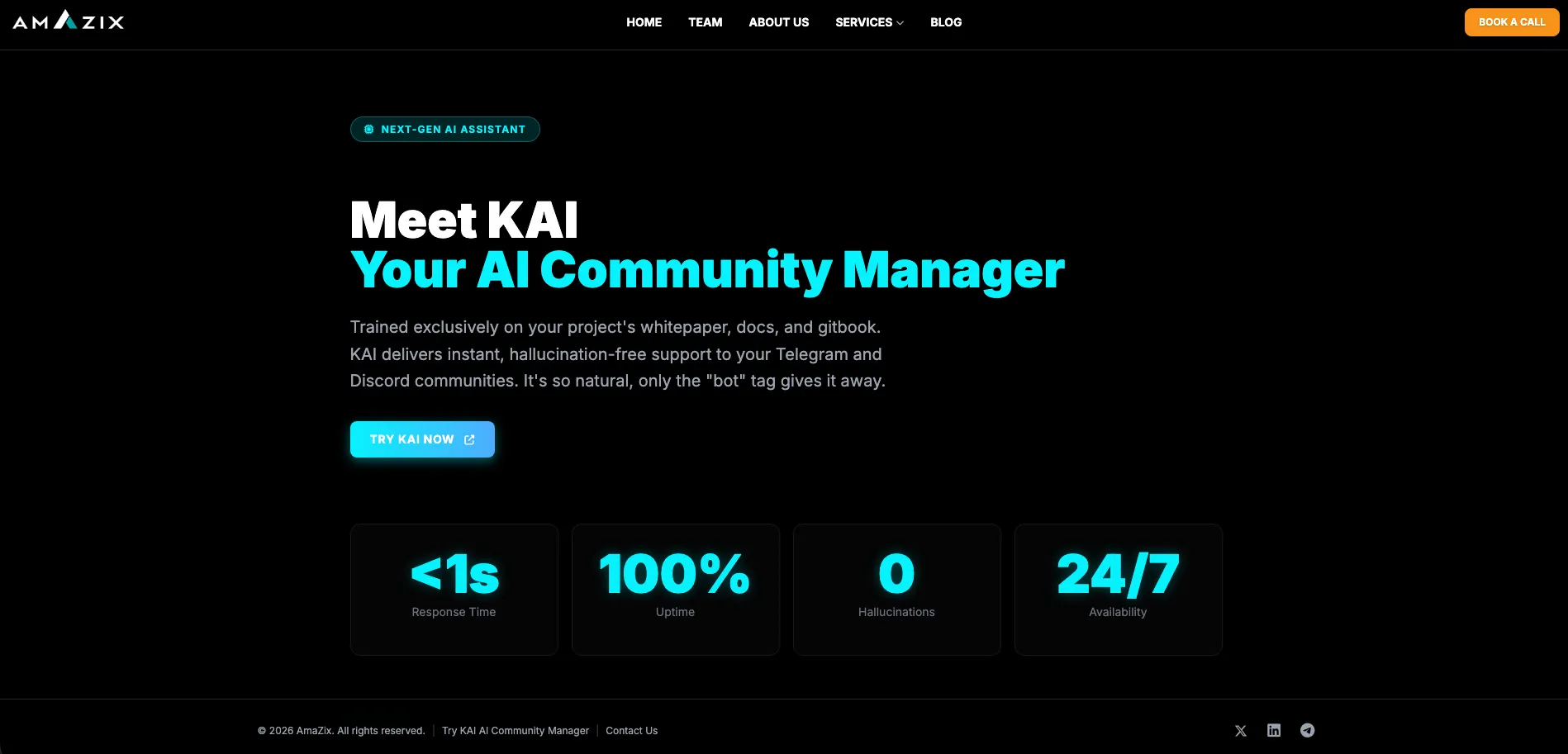
KAI is AmaZix’s AI Community Manager for Web3 projects. It provides automated support and moderation in Telegram and Discord communities.
What information does KAI use?
KAI is trained on project-specific materials including whitepapers, documentation, GitBooks, Medium articles, and AMAs.
Which communities does KAI support?
KAI is designed for Telegram and Discord communities.
How quickly does KAI respond?
AmaZix states that KAI provides responses in less than one second.
How many languages does KAI support?
KAI supports questions and responses in more than 50 languages.
Can KAI handle scams and malicious requests?
KAI is designed not to reveal seed phrases, unauthorized contracts, or malicious links.
Community reviews
Be the first to share your experience.
Sign in to leave a review for KAI.
KAI Alternatives
Looking for alternatives to KAI? Here are similar tools in the same category:
Learn to Master KAI
With Skill Leap courses
Get in-depth training on KAI and 50+ other AI tools with our expert-led video courses.
Start 7-Day Free Trial