
Ambient
Streamline your executive tasks with AI-driven prep.
Key Takeaways
- What it is
- Streamline your executive tasks with AI-driven prep.
- Pricing
- $100 per month per user
- Best for
- Daily Briefing
- Secure Note-Taking
- Priority Monitoring
- Rating
- 4.4/5
What is Ambient?
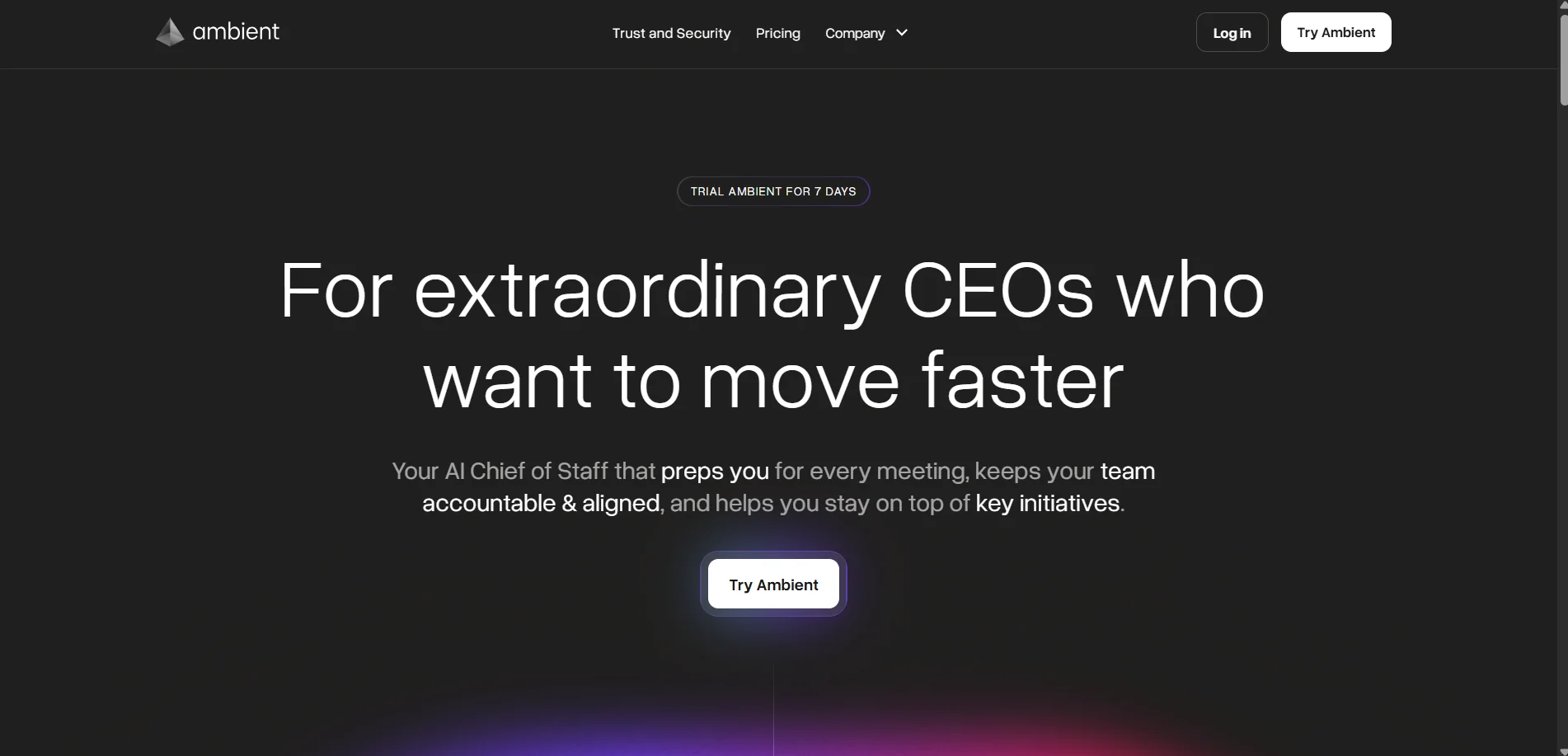
Ambient is an innovative AI tool designed to serve as a digital Chief of Staff for CEOs and executives. It streamlines daily operations by preparing users for meetings, ensuring team accountability, and keeping track of key initiatives. Targeted at high-performing leaders, Ambient simplifies the often overwhelming task of managing executive responsibilities with its AI-driven functionalities.
Ambient stands out with its AI-driven daily briefings, offering executives a structured start to their day without the usual overhead. The tool's focus on privacy and security, combined with its ability to automate follow-ups and track commitments, sets it apart in the executive management space.
Ambient offers an impressive suite of features that cater specifically to the needs of CEOs and executives. By automating routine tasks and enhancing accountability, it allows leaders to concentrate on high-impact decisions. With its emphasis on privacy and security, Ambient is not just a tool but a trusted partner in executive management.
Who is Using Ambient?
CEOs and Executives
Using Ambient for meeting prep and team alignment.
Tech Startups
Employing the tool to streamline decision-making processes.
Healthcare Leaders
Utilizing it to manage priorities and secure sensitive information.
Financial Institutions
Leveraging Ambient for compliance and data security.
Uncommon Use Cases
Adopted by non-profits for strategic planning; used by educational institutions to organize administrative meetings.
Key Features
Rating Breakdown
Pricing Plans
AI Chief of Staff License
$100 per month per user
- Includes unlimited meeting and email summaries (single license), automated meeting prep, briefings and agendas, AI-driven email drafts, project linking for tasks and documents, custom transcript/recording retention, and assistant access controls
Leadership Tier
- Adds centralized leadership knowledge base
- Fractional AI Chiefs of Staff for each leader
- Executive briefings and deep-dive reports
- Collaborative meeting prep and agendas
- Cross-functional project linking
- Advanced summarization from email and Slack
Ambient Use Cases
Pre-meeting preparation
Retrieve meeting dossiers with attendee context, previous discussions, and conversation starters.
Outcome: Enter meetings with relevant background already assembled.
Client escalation research
Search transcripts and summaries by attendee email or company domain.
Outcome: Quickly recover the full history of a customer relationship.
Board preparation
Search for meetings involving board members and retrieve related dossiers and summaries.
Outcome: Prepare for board conversations using prior context.
New-hire onboarding
Pull project artifacts and meeting history related to a customer, account, or initiative.
Outcome: Give new team members organized historical context.
Weekly action-item review
Ask Ambient or a connected AI assistant for action items from recent meetings.
Outcome: Review commitments without reopening every recording.
Workflow Ideas with Ambient
Meeting to project execution
- 1Record and summarize the meeting
- 2Extract, prioritize, and assign action items
- 3Group the tasks inside an Ambient project
Pre-meeting briefing
- 1Connect the calendar and meeting context
- 2Generate a meeting dossier
- 3Review attendee history and conversation starters before the call
AI-assisted knowledge retrieval
- 1Connect Ambient to Claude or ChatGPT through MCP
- 2Ask for meetings, transcripts, files, or action items
- 3Use the returned context to prepare follow-ups or decisions
How Ambient fits into your stack
Browser
Ambient is accessed through its web application, where it organizes meeting, email, Slack, project, and customer context.
Team chat and tickets
Ambient ingests Slack digests and can surface shared context, summaries, and action items for teams.
Automation and APIs
Its REST API and MCP server expose Ambient data to Claude, ChatGPT, and other workflows; Zapier can send action items to tools such as Asana, Monday.com, ClickUp, and Jira.
Knowledge and files
Projects organize meeting artifacts and uploaded files, with extracted text and AI-generated summaries available for retrieval.
Pros
- +Time Efficiency: Significantly reduces prep time for meetings, allowing leaders to focus on decision-making.
- +Enhanced Accountability: Keeps teams aligned with clear agendas and follow-ups.
- +Privacy Assurance: Offers robust security features, ensuring data is never used for model training.
- +User-Friendly: Designed with an intuitive interface that simplifies complex executive tasks.
Cons
- −Initial Setup Complexity: May require time to integrate with existing systems and processes.
- −Limited to Executive Use: Primarily benefits CEOs and high-level executives, with limited utility for mid-level management.
Limitations & when to consider alternatives
Known limitations
- The API is read-only. Ambient’s REST API and MCP server retrieve data but cannot modify or write data back.
- API access may require enablement. The MCP setup documentation requires an active Ambient account with API access enabled.
- Meeting bots require host permissions. For some meetings, the host must admit Ambient and grant recording permission.
- Meeting passcodes must be embedded. Ambient meeting bots cannot manually enter passcodes, so passcodes must be embedded in invite links.
- No customer-data model training. Ambient does not use customer data to train models, so it does not provide customer-specific model-weight training.
Look elsewhere when
- You need write actions through an API.
- You need fine-tuning or custom model training.
- You need a native mobile application.
How to Use Ambient
- 1
Connect your calendar
Set up calendar integration so Ambient can automatically capture, prepare, and recap scheduled meetings.
- 2
Record a meeting
Use Ambient with Zoom, Google Meet, or Microsoft Teams, then admit the meeting bot and grant recording permission when required.
- 3
Review the summary
Open the generated video, transcript, summary, and action items after the meeting.
- 4
Share with teammates
Use the Share controls to add people, enable organization-wide access, and configure notifications.
- 5
Organize work in projects
Add meeting summaries and uploaded documents to projects so related context and tasks stay together.
- 6
Connect an AI assistant
Enable Ambient API access and connect the MCP server to Claude or ChatGPT to query meetings, files, projects, and action items.
Who is Ambient For?
Leadership teams
Ambient positions itself as a shared brain for leadership teams, organizing context across meetings, chat, email, and documents.
Chiefs of Staff
Ambient is designed to help Chiefs of Staff prepare meetings, track commitments, and coordinate execution.
Heads of Operations
Heads of Operations can use Ambient to automate operational follow-up and organize initiatives, owners, and action items.
Founders
Founders can use Ambient for meeting summaries, daily briefings, decision context, and follow-up tracking.
Frequently Asked Questions
What does Ambient connect to?
Ambient connects context from meetings, Slack, email, projects, files, and supported AI tools such as Claude and ChatGPT.
Does Ambient provide an API?
Yes. Ambient provides a read-only REST API using API keys, with endpoints for artifacts, meetings, projects, files, and insights.
Can Ambient summarize meetings?
Yes. Ambient records and summarizes meetings from Zoom, Google Meet, and Microsoft Teams, including transcripts and action items.
Can teams share Ambient summaries?
Yes. Users can add teammates to access lists, enable organization-wide visibility, and assign viewer access.
Does Ambient train models on customer data?
No. Ambient states that neither it nor its vendors use customer data to train models.
Can Ambient connect to external AI assistants?
Yes. Ambient provides MCP connectivity for Claude and ChatGPT, with documented support for other AI tools.
Community reviews
Be the first to share your experience.
Sign in to leave a review for Ambient.
Ambient Alternatives
Looking for alternatives to Ambient? Here are similar tools in the same category:
Learn to Master Ambient
With Skill Leap courses
Get in-depth training on Ambient and 50+ other AI tools with our expert-led video courses.
Start 7-Day Free Trial