
Anijam AI
Turn simple scripts into polished animated clips fast.
Key Takeaways
- What it is
- Turn simple scripts into polished animated clips fast.
- Best for
- AI Story To Scene Generation
- Character Creation And Consistency
- Style And Look Library
- Rating
- 4.1/5
What is Anijam AI?
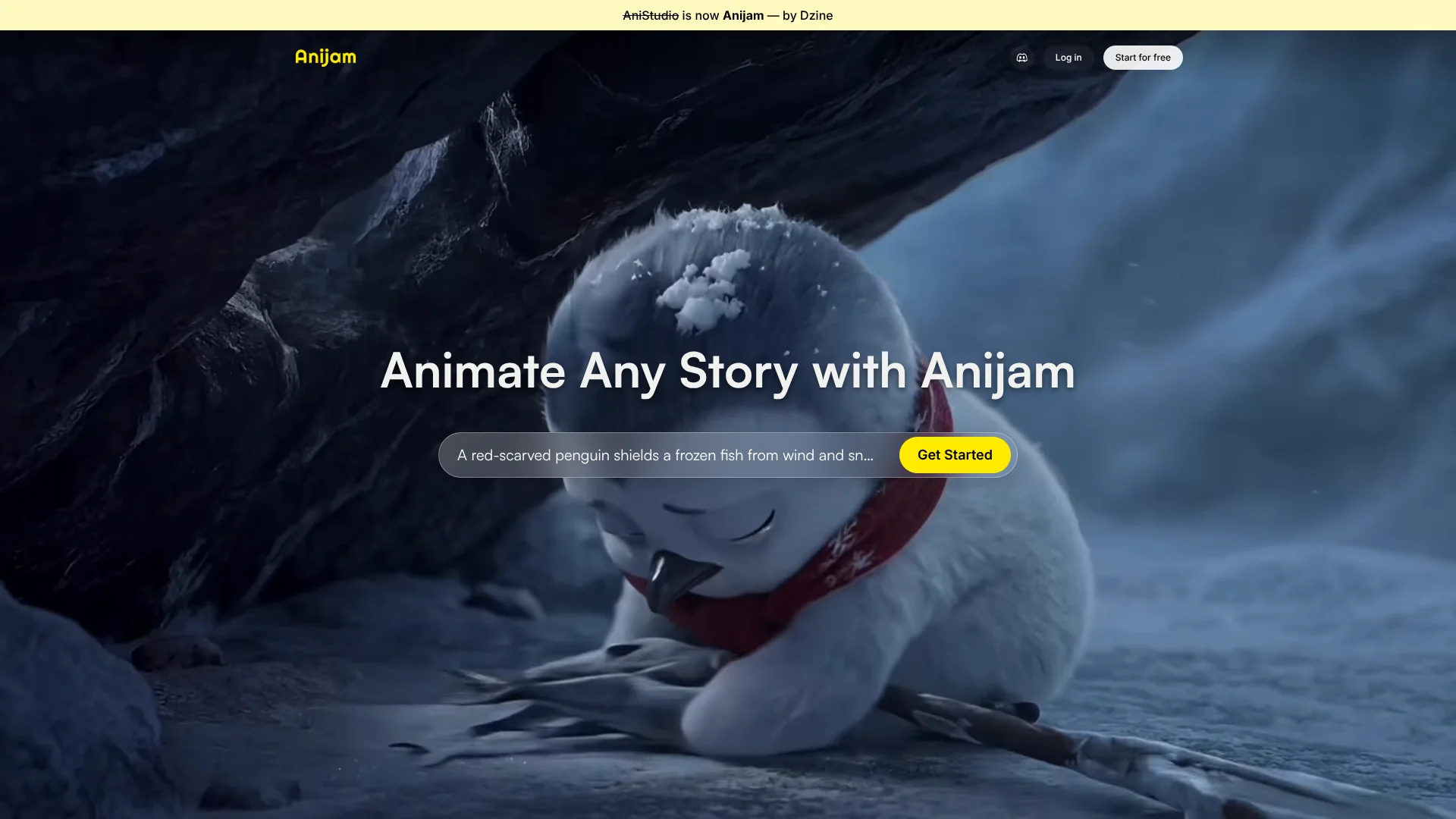
Anijam AI focuses on turning ideas into animated sequences with minimal manual keyframing. Presented as an “AI animation agent for everyone,” it helps users move from script or concept to character based animation in a browser, without demanding years of traditional training.
Anijam AI treats animation as a guided conversation with an agent instead of a stack of separate tools. By tying story creation, character design, style, and basic performance into one flow, it reduces tool switching and makes experimentation with shots pleasantly low friction.
Anijam AI gives storytellers a quick way to see their ideas move on screen. It suits anyone who cares more about shaping characters and stories than wrestling with complex animation software.
Who is Using Anijam AI?
Indie Animators
Using it for quick animatics and proof of concept shorts.
YouTube And TikTok Creators
Producing character based explainers and recurring show segments.
Marketing And Brand Teams
Spinning up mascot driven promos and product feature clips.
Educators And Course Creators
Turning lessons into short animated stories for learners.
Uncommon Use Cases
Used for live event background loops; explored for rapid UI demo mockups.
Key Features
Rating Breakdown
Pricing Plans
No public pricing listed; users must sign up or sign in to access usage details.
Fast image credits
- Unlimited upon sign-up/sign-in
Video credits
- 796 credits upon sign-up/sign-in
Daily check-in bonus
- 200 video credits per day
Which Anijam AI plan should you pick?
Start with Beginner for basic experimentation and upgrade to Creator when you need more credits, higher resolution, advanced tools, and consistent characters.
Beginner
Good for testing core AI animation, image and video editing, 720p export, and basic models with 3,000 monthly credits.
Creator
Good for regular creators who need 6,000 monthly credits, 1080p export, advanced creation tools, motion control, and up to 10 consistent characters.
Master
Good for heavier production workloads requiring 16,000 monthly credits, 15 concurrent jobs, 8K upscale, and up to 60 characters.
Master Pro
Good for high-volume production requiring 50,000 monthly credits, 20 concurrent jobs, 200 GB storage, and up to 120 characters.
Anijam AI Use Cases
Social media animations
Create short animated videos for TikTok, Instagram Reels, and YouTube Shorts.
Outcome: Eye-catching social content with consistent characters and motion.
Animated stories and series
Turn ideas or scripts into multi-scene stories with recurring characters, voices, and lip sync.
Outcome: Episode-based animated storytelling.
Product and marketing videos
Generate and refine product demos, advertisements, and branded mascot videos.
Outcome: Commercial-ready marketing animations on eligible paid plans.
Music videos
Upload a song or audio track and create lip-synced or beat-synced animated scenes.
Outcome: A finished animated music video assembled on one canvas.
Educational and explainer videos
Create lessons, explainers, presentations, and onboarding content from scripts or ideas.
Outcome: Animated instructional or presentation material.
Workflow Ideas with Anijam AI
Script to animated episode
- 1Paste a script or describe the story
- 2Let Anijam create scenes, characters, voices, and motion
- 3Refine timing and lip sync in the timeline editor
- 4Export the episode
Reference image to character video
- 1Upload a character image or photo
- 2Choose a style, voice, and motion direction
- 3Generate and refine the animated scene
- 4Export for social media or publishing
Audio to talking-character animation
- 1Upload MP3 or WAV audio
- 2Select or create a character and choose a visual style
- 3Let Anijam synchronize facial motion and lip movement
- 4Adjust timing and export the video
How Anijam AI fits into your stack
Browser
Anijam is primarily a browser-based AI video and animation workspace. Users can create from prompts, scripts, images, or audio, then refine scenes on a canvas and timeline editor.
Knowledge and files
Users can upload scripts, reference images, character artwork, photos, and audio to drive video, animation, character, and lip-sync workflows.
Pros
- +Low Barrier To Entry: Lets non animators create polished clips without learning complex desktop suites.
- +Speed For Iteration: Rapidly try alternate scripts, styles, or character designs, which encourages experimentation.
- +Good For Short Form Content: Well suited to shorts, intros, explainers, and social snippets that benefit from quick turnaround.
- +AI Handles Repetitive Work: Automates lip sync, basic motion, and style consistency so humans can focus on story and pacing.
Cons
- −Less Granular Control Than Hand Animation: Expert animators may find fine tuning motion curves or subtle acting choices more limited.
- −Quality Depends On Prompts And Assets: Weak scripts or poorly defined characters can still produce mediocre results, just faster.
- −Web Based Constraints: Long or very high resolution renders may feel slower or capped compared with local, GPU heavy pipelines.
Limitations & when to consider alternatives
Known limitations
- Free exports include watermarks. Free users download and export content with watermarks; paid plans provide watermark-free exports.
- Free outputs are non-commercial. Free-plan content is limited to personal projects. Commercial usage rights require a paid plan.
- Plan credits expire. Plan credits are valid only for the current billing cycle and do not roll over.
- Bonus credits have short validity periods. Signup bonuses, daily check-in credits, and invite bonuses expire according to separate rules.
- Not a traditional raw-footage editor. Anijam supports reference images and audio, but is not designed for cutting and splicing users' own camera footage.
Look elsewhere when
- You need a traditional raw-footage editor for cutting and splicing camera clips.
- You need a downloadable desktop editing application.
- You need commercial rights while remaining on the free plan.
- You need unused subscription credits to roll over indefinitely.
How to Use Anijam AI
- 1
Choose your starting input
Enter an idea, paste a script, upload a reference image, or provide audio so Anijam can establish the project.
- 2
Let the agent structure the project
Anijam creates a story outline, scene breakdown, character suggestions, and production plan from your input.
- 3
Design characters and select a style
Use generated or uploaded character references, then choose anime, cartoon, 3D cinematic, Ghibli, chibi, game-art, or another available style.
- 4
Add voice and motion
Select a multilingual voice or upload audio, then configure motion, camera direction, expressions, and lip sync.
- 5
Refine the result
Use the timeline and scene editor to adjust scene order, pacing, transitions, motion, camera timing, voice, and lip sync.
- 6
Export and publish
Export the finished animation at the resolution allowed by your plan. Paid plans remove watermarks and include commercial usage rights.
Who is Anijam AI For?
Solo creators
The AI agent handles story planning, character design, and animation so one person can direct a finished animation.
Episodic and series storytellers
Persistent character and world continuity supports recurring casts across multiple episodes.
Agencies and studios
The product is positioned for teams juggling multiple creative briefs and producing branded animations.
Non-technical founders and teams
Users can direct animation through conversation without rigging, keyframing, or traditional animation software.
Game developers and world builders
Animation styles such as game art, 3D, cartoon, and anime support visual world-building and character concepts.
Frequently Asked Questions
Is Anijam free to use?
Yes. Anijam offers a free plan with earned credits. Free exports include watermarks and are intended for personal, non-commercial use.
What can I use as input?
You can start with a text idea, a full script, a reference image or photo, or audio.
Can Anijam keep characters consistent?
Yes. Anijam locks a character's face, outfit, proportions, and personality across scenes and episodes. Creator and higher plans support stored character profiles.
Can I edit generated videos?
Yes. The built-in timeline and scene editor can adjust motion, pacing, transitions, camera angles, voice, and lip sync.
Can I use Anijam videos commercially?
Paid plans include commercial usage rights. Free-plan outputs are limited to personal, non-commercial projects.
Do I need to install software?
No. Anijam runs online and is also available as a mobile app on iOS.
Community reviews
Be the first to share your experience.
Sign in to leave a review for Anijam AI.
Anijam AI Alternatives
Looking for alternatives to Anijam AI? Here are similar tools in the same category:
Learn to Master Anijam AI
With Skill Leap courses
Get in-depth training on Anijam AI and 50+ other AI tools with our expert-led video courses.
Start 7-Day Free Trial