
Ankon AI
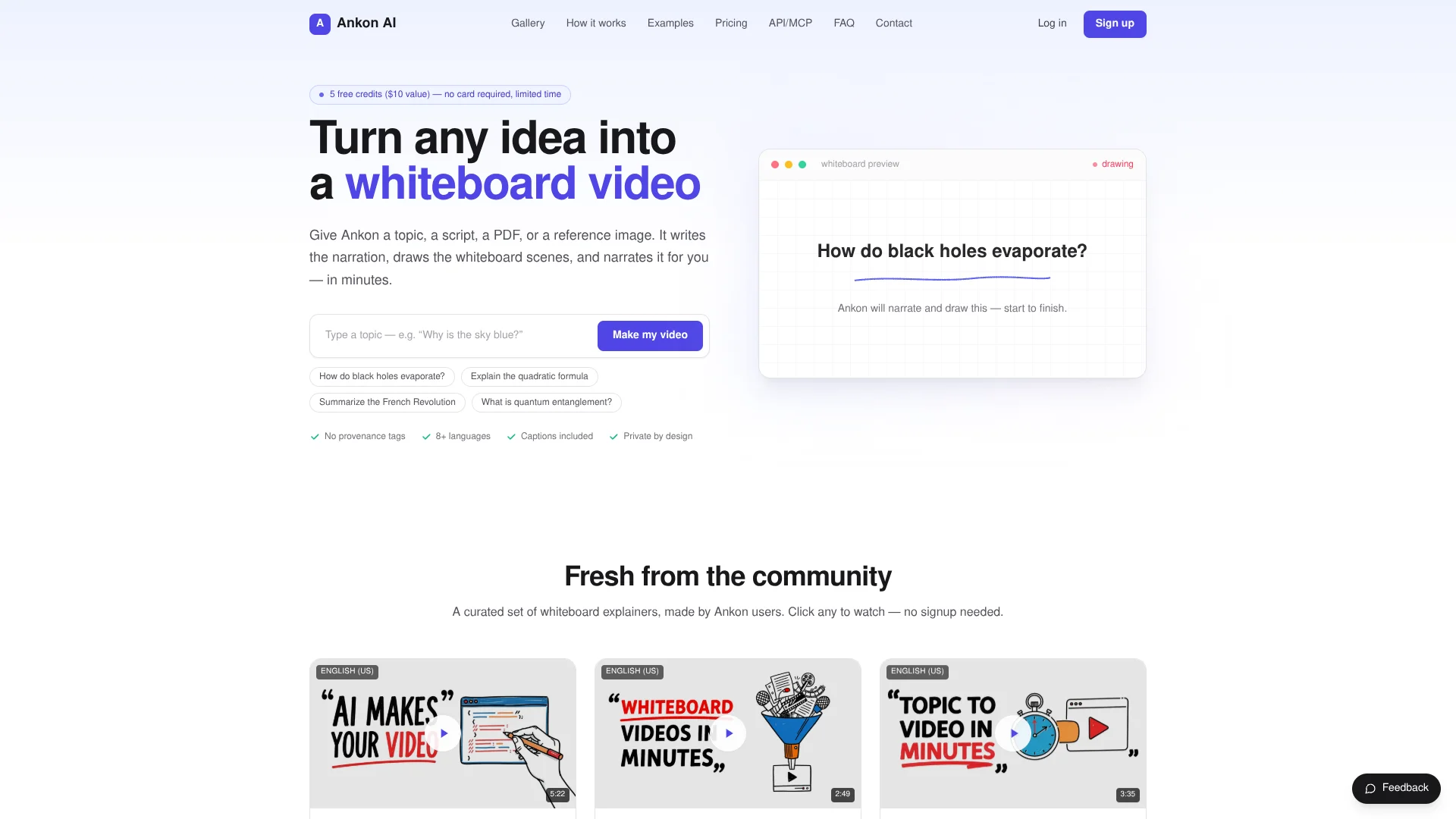
Turn writing into whiteboard explainer videos.
Key Takeaways
- What it is
- Turn writing into whiteboard explainer videos.
- Pricing
- $23/mo · $55/mo · $95/mo · $199/mo
- Best for
- AI Whiteboard Video Generation
- Document and Image Grounding
- Captions and Metadata
Who is Using Ankon AI?
Newsletter Creators
Repurpose written newsletters into narrated clips for channels such as LinkedIn and TikTok.
Micro-SaaS Founders
Create product explainer videos from prompts or documentation without hiring an animator.
Course Instructors
Convert lecture notes into narrated, captioned course modules.
Business and Blog Publishers
Turn long-form articles into narrated whiteboard summaries for readers.
YouTube Creators and Agencies
Generate publish-ready whiteboard videos with captions, metadata, and optional voice cloning.
Key Features
Pricing Plans
Starter
$23/mo
- 15 credits / mo
- 1 credit ≈ 1 minute of video
- Save 20% · $276/yr billed annually · credits added monthly
- For Learning & personal projects
Plus
$55/mo
- 40 credits / mo
- 1 credit ≈ 1 minute of video
- Save 20% · $660/yr billed annually · credits added monthly
- For YouTube creators
- Vivid style
Pro
$95/mo
- 75 credits / mo
- 1 credit ≈ 1 minute of video
- Save 20% · $1140/yr billed annually · credits added monthly
- For Agencies & professionals
- Everything in Plus
- Voice cloning
Studio
$199/mo
- 160 credits / mo
- 1 credit ≈ 1 minute of video
- Save 20% · $2388/yr billed annually · credits added monthly
- For Teams & API workflows
- Everything in Pro
- REST API
- MCP
- OAuth 2.1
- 5 team workspaces, 50 members each
Which Ankon AI plan should you pick?
Start with Starter for personal or learning projects, and upgrade to Plus, Pro, or Studio as video volume, voice cloning, or API workflow needs increase.
Starter
Good for learning and personal projects that need 15 credits per month.
Plus
Good for YouTube creators who need 40 credits per month.
Pro
Good for agencies and professionals who need 75 credits per month and voice cloning.
Studio
Good for teams and API workflows that need 160 credits per month, REST API, MCP, OAuth 2.1, and higher limits.
Ankon AI Use Cases
Convert notes into course modules
Upload or provide lecture notes and generate narrated, captioned whiteboard lessons.
Outcome: Course-ready video modules without recording new audio.
Create SaaS explainers
Provide a product prompt or documentation page and generate a how-it-works video.
Outcome: A clean explainer for a product landing page.
Repurpose newsletters
Turn written newsletter posts into short narrated clips.
Outcome: Written content adapted for LinkedIn and TikTok.
Explain documents and images
Upload PDFs or reference images and have Ankon AI ground the video in the attached material.
Outcome: A narrated visual explanation of source material.
Produce multilingual videos
Select a supported narration language or use a cloned voice across languages.
Outcome: One explainer adapted for multiple language audiences.
Workflow Ideas with Ankon AI
Document to explainer video
- 1Upload a PDF or reference image
- 2Choose the duration, language, orientation, and voice
- 3Generate and download the MP4, SRT, thumbnail, and metadata
API video pipeline
- 1Upload attachments through POST /api/media/upload/
- 2Create a job with POST /api/jobs/
- 3Poll the job until completed and download the output artifacts
Newsletter repurposing
- 1Paste a newsletter or article script
- 2Generate a narrated whiteboard summary
- 3Publish the resulting vertical clip to social channels
How Ankon AI fits into your stack
Browser
The primary workflow runs in Ankon AI’s web dashboard: enter a topic, paste a script, or upload source files, then download the finished MP4.
Knowledge and files
PDFs, text files, Markdown, and reference images can be uploaded as grounding material for generated videos.
Automation and APIs
The REST API supports asynchronous jobs, API keys, file uploads, polling, captions, thumbnails, and downloadable MP4 outputs.
AI assistants
MCP and OAuth connectivity lets Claude applications, Cursor, Codex, GitHub Copilot, and Gemini CLI request Ankon videos.
Pros
- +Free signup credits with no credit card required
- +Supports PDFs and reference images as source material
- +13 narration languages
- +Built-in captions, SRT subtitles, and publish-ready metadata
- +REST API and MCP support on Studio
Cons
- −Free credits are described as limited-time signup credits
- −Videos use a credit system with a two-credit minimum
- −Uploaded inputs may be processed by third-party AI providers
- −The product is specialized around an ink-reveal whiteboard style
- −Studio is required for the full team API/MCP workflow
Limitations & when to consider alternatives
Known limitations
- Attachment limits. The API allows up to three files with a combined maximum size of 3 MB.
- Supported attachment formats. Document and image uploads are limited to PDF, TXT, Markdown, PNG, JPG, JPEG, and WEBP.
- Video duration limits. The API documents a duration range of 0.5 to 10 minutes.
- Limited manual authoring control. Ankon AI generates the scenes automatically and does not provide frame-by-frame control over every drawn stroke.
- ChatGPT connector limitation. ChatGPT cannot connect through Ankon AI's OAuth flow until Dynamic Client Registration is enabled; API-key use is the documented alternative.
Look elsewhere when
- You need pixel-perfect, frame-by-frame control over every drawn stroke.
- You need a native mobile application.
- You need shared workspaces with user roles and invitations.
- You need model fine-tuning on your own data.
How to Use Ankon AI
- 1
Provide a source
Enter a topic, paste a script, upload a PDF, or add a reference image so Ankon AI has material to explain.
- 2
Configure the video
Set duration, language, orientation, voice, captions, fact-checking, and optional Enhance mode.
- 3
Generate the video
Start the render; Ankon AI writes narration, creates whiteboard scenes, adds voiceover, and synchronizes captions.
- 4
Review the output
Check the generated MP4, metadata, thumbnail, and SRT subtitle file.
- 5
Publish or organize
Download the artifacts, add a custom logo, keep the video private, share it, or organize it in collections.
Who is Ankon AI For?
Newsletter Creators
Repurpose written Substack issues into narrated clips for LinkedIn and TikTok.
Micro-SaaS Founders
Create how-it-works explainers from prompts or documentation pages for landing pages.
Course Instructors
Convert lecture notes into narrated, captioned modules for online courses.
Business & Blog Publishers
Turn long-form written content into narrated whiteboard summaries.
Agencies & Professionals
Use the Pro plan's higher monthly credit allowance and voice cloning for professional production.
Frequently Asked Questions
What can I make a video about?
Provide a topic, script, PDF, paper, or reference image. Ankon AI drafts narration from the supplied source.
How long does a video take?
A two-minute video typically renders in a few minutes, although rendering is asynchronous.
Which languages are supported?
The documented API lists nine narration languages, including English, Spanish, French, Portuguese, Italian, Hindi, Japanese, and Chinese.
Can I use my own voice?
Yes. Record a short clip to create a cloned voice, which can narrate supported languages.
What video formats can I make?
Choose horizontal 16:9 video or vertical 9:16 video for Shorts and Reels.
What if a render fails?
Failed renders are automatically refunded, so credits are not charged for unsuccessful output.
Community reviews
Be the first to share your experience.
Sign in to leave a review for Ankon AI.
Ankon AI Alternatives
Looking for alternatives to Ankon AI? Here are similar tools in the same category:
Learn to Master Ankon AI
With Skill Leap courses
Get in-depth training on Ankon AI and 50+ other AI tools with our expert-led video courses.
Start 7-Day Free Trial