Anyword
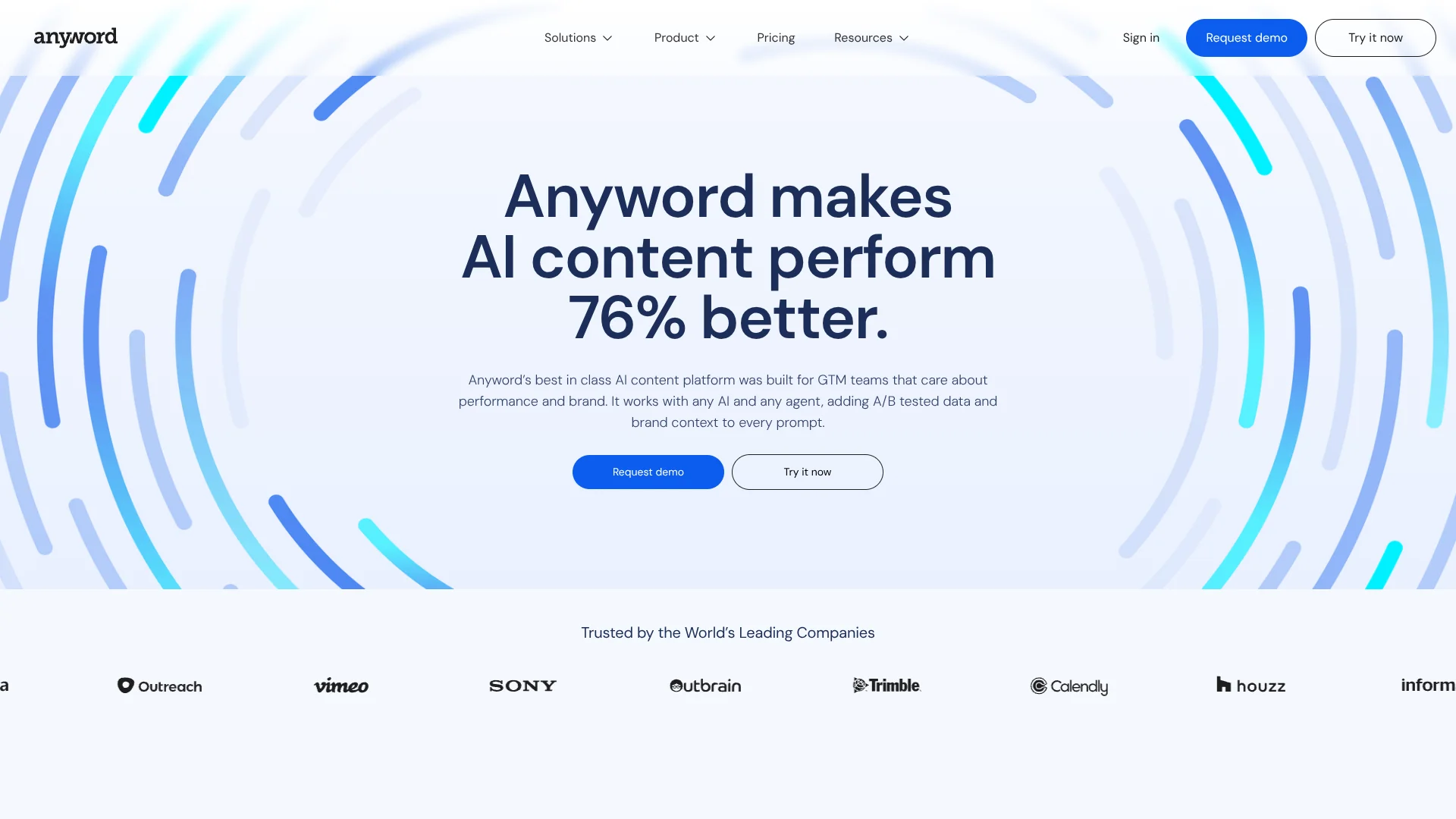
Create marketing copy guided by predicted performance and past campaign data.
Watch Anyword in Action
Key Takeaways
- What it is
- Create marketing copy guided by predicted performance and past campaign data.
- Pricing
- $49 per month · $99 per month
- Best for
- Data-Driven Editor
- Brand Voice
- Performance Context RAG
- Rating
- 4.2/5
What is Anyword?
Anyword helps marketers create ads, emails, social posts, landing pages, and blog content that matches their brand voice. Its Data-Driven Editor generates copy, predicts how different versions may perform, and helps teams choose stronger messaging before publishing. The platform is built for solo marketers, agencies, marketing teams, and enterprise organizations that want more evidence behind AI-generated content.
Anyword connects content generation to historical campaign results through performance data rows, performance predictions, and high-performing talking points. That lets teams train content recommendations on past ads, social posts, emails, and website messages instead of relying only on a general language model.
It fits marketers who produce content across several channels and want brand controls plus performance guidance. The main tradeoff is that advanced content intelligence, integrations, custom models, and API access are reserved for higher plans. Anyword is strongest when the goal is not only to generate copy, but to select messaging with measurable marketing signals behind it.
Who is Using Anyword?
Demand generation managers
Campaign teams compare ad and landing-page messaging against audience and channel goals.
Copywriters
Writers draft variations in the brand voice and use predictive scores to select promising copy.
Content marketing managers
Blog and website teams produce researched content with templates, brand rules, and plagiarism checking.
Email marketing managers
Email teams develop subject lines, body copy, and campaign variations informed by past performance.
Social media managers
Social teams adapt messages for different audiences and channels while checking predicted performance.
Marketing operations leaders
Operations teams connect CRM, CMS, advertising, and marketing systems to move data into content workflows.
Uncommon Use Cases
Product teams can turn product catalog data into optimized descriptions and metadata; sales teams can use call recordings and CRM data to inform marketing content.
Key Features
Rating Breakdown
Pricing Plans
Starter
$49 per month
- Or $39.00 per month billed yearly
- 1 seat
- 50 monthly performance predictions
- 50 performance data rows
- Unlimited copy generation
- 1 brand voice
- Google Chrome Extension included
Data-Driven
$99 per month
- Or $79.00 per month billed yearly
- 3 seats included
- 100 monthly performance predictions
- 50 performance data rows
- Real-time performance predictions for manual edits
- Additional seats cost $59 per month or $49 per month billed yearly, up to 10 seats
Business
- 3 seats included
- 250 monthly performance predictions
- Up to 5,000 performance data rows
- Custom-built AI models
- Real-time content intelligence
- Roles and permissions management
Enterprise
- Custom seat count
- 500+ performance predictions
- 10,000+ performance data rows
- Enterprise-grade security and SSO
- Private language model
- Custom integrations and full API access
- Dedicated customer success manager
Which Anyword plan should you pick?
Start with Starter for solo content work, choose Data-Driven for a small marketing team, and contact Anyword for historical data training, integrations, security controls, or API access.
Starter
Good for solo marketers and freelancers who need one seat, brand voice, templates, blog tools, and 50 monthly performance predictions.
Data-Driven
Good for marketing teams that need three seats, real-time performance predictions, and 100 monthly performance predictions.
Business
Good for teams that want historical campaign data, custom-built AI models, content intelligence, website messaging tests, and priority support.
Enterprise
Good for organizations that need private language models, SSO, custom integrations, API access, security review, and dedicated customer success.
Anyword Use Cases
Paid ad testing
Multiple ad variations receive performance predictions before the campaign launches.
Outcome: A shorter path to selecting promising ad copy.
On-brand blog production
The Blog Wizard combines research, long-form drafting, brand voice, and plagiarism checking.
Outcome: Publishable blog drafts with fewer separate writing steps.
Email campaign creation
Email teams shape subject lines and message variations around audience goals and prior results.
Outcome: More targeted email copy for testing and deployment.
Cross-channel messaging
A shared brand voice keeps campaign language aligned across ads, social, email, and websites.
Outcome: Consistent messaging across marketing channels.
Historical performance training
Past ad, social, email, and website results inform future generation and content recommendations.
Outcome: Content guidance tied to an organization’s own performance data.
Workflow Ideas with Anyword
Turn past campaigns into new copy
- 1Connect a supported marketing, CRM, or CMS source.
- 2Import historical performance data and identify high-performing talking points.
- 3Generate new channel-specific variations using the learned context.
Review an ad campaign before launch
- 1Choose the audience, channel, and business goal.
- 2Generate several ad variations in the selected Brand Voice.
- 3Compare predictive scores and send the strongest copy to the campaign workflow.
Build a long-form content brief
- 1Open Blog Wizard and provide the topic or source information.
- 2Draft the article with research and brand rules.
- 3Run plagiarism checking and improve sections using performance guidance.
How Anyword fits into your stack
Writing workspace
Anyword provides editors, templates, Blog Wizard, brand controls, and performance scores for day-to-day marketing production.
Browser tools
The Google Chrome Extension brings Anyword into supported online writing environments. Anyword also lists a Figma Plugin in its integrations and extensions resources.
Marketing systems
Connections are available for tools including HubSpot, Marketo, Google Ads, LinkedIn Ads, Instagram, Oktopost, Sitecore, Drupal, and Google Drive.
CRM and customer data
CRM and sales connections can bring contact, account, opportunity, or call information into content prompts.
Automation and APIs
Business plans support automated website messaging, while Enterprise adds full API access and custom integrations.
Pros
- +Performance scoring: Compare marketing copy before publishing instead of relying only on personal judgment.
- +Brand controls: Store tone, audiences, vocabulary, messaging, and rules for consistent output.
- +Channel coverage: Create content for ads, social, email, websites, landing pages, and blogs.
- +Historical data: Higher plans can learn from past campaign performance and surface stronger talking points.
- +Unlimited copy generation: Paid plans do not cap the number of words generated.
Cons
- −Higher-tier features: Content intelligence, integrations, custom models, and API access require Business or Enterprise.
- −Limited Starter scale: The monthly Starter plan includes 50 performance predictions and one seat.
- −Marketing focus: The platform is built around content performance, not general-purpose research or coding.
Limitations & when to consider alternatives
Known limitations
- Performance prediction allowances. Monthly prediction limits vary by plan: Starter includes 50, Data-Driven includes 100, Business includes 250, and Enterprise is custom.
- Seat limits. Starter includes one seat, Data-Driven starts with three and can add seats up to ten, and Business includes three with higher limits.
- Advanced integrations. Out-of-the-box integrations are listed for Business and Enterprise, while custom integrations are an Enterprise feature.
- API availability. Full API access is listed under Enterprise rather than the Starter, Data-Driven, or Business plans.
- Free trial limit. The free trial lasts seven days and is limited to 2,500 words.
Look elsewhere when
- You need a general-purpose chatbot for open-ended research, coding, or personal tasks.
- You need a native mobile or desktop application.
- Your team needs a public API on a self-serve plan.
- You need unlimited performance predictions without a monthly allowance.
How to Use Anyword
- 1
Set up Brand Voice
Add tone, target audiences, vocabulary, messaging, and brand rules before generating content.
- 2
Choose a channel or template
Start with a marketing template, Data-Driven Editor project, Blog Wizard, or supported integration.
- 3
Add campaign context
Provide the audience, business goal, channel, URL, PDF, image, or other source material that should guide the output.
- 4
Generate variations
Create multiple versions of the message while keeping the selected brand settings in place.
- 5
Review performance scores
Compare predicted performance and refine the strongest version before publishing.
- 6
Connect results for later work
On eligible plans, import campaign results so future content can draw from historical performance data.
Who is Anyword For?
Solo marketers and freelancers
Starter provides brand controls, templates, blog tools, and performance predictions for one seat.
Marketing teams
Data-Driven supports three seats and real-time performance predictions for manual edits.
Demand generation and paid media teams
Ad-focused teams can compare messaging, improve campaign copy, and connect advertising data.
Content and email marketing teams
Blog, email, website, and social workflows benefit from brand voice and performance guidance.
Enterprise GTM organizations
Enterprise adds private language models, SSO, custom integrations, API access, and dedicated support.
Frequently Asked Questions
Does Anyword have a free plan?
No free plan is listed. Anyword offers a seven-day free trial limited to 2,500 words.
How much does Anyword cost monthly?
Starter costs $49 per month and Data-Driven costs $99 per month. Business and Enterprise use custom pricing.
What is included with the yearly plans?
Starter costs $39 per month when billed yearly, and Data-Driven costs $79 per month when billed yearly.
Does Anyword support integrations?
Yes. Listed connections include ChatGPT, Gemini, HubSpot, Marketo, Google Ads, LinkedIn Ads, Instagram, Sitecore, Drupal, Google Drive, and other marketing systems.
Does Anyword have a Chrome extension?
Yes. Anyword lists a Google Chrome Extension for writing and performance optimization in supported online environments.
Does Anyword offer an API?
Yes, but full API access is listed as an Enterprise feature.
Community reviews
Be the first to share your experience.
Sign in to leave a review for Anyword.
Anyword Alternatives
Looking for alternatives to Anyword? Here are similar tools in the same category: