
ArchitectGPT
AI-driven tool revolutionizes home design with photorealistic visuals.
Key Takeaways
- What it is
- AI-driven tool revolutionizes home design with photorealistic visuals.
- Pricing
- $25 per month · $45 per month
- Best for
- AI-Powered Design
- Smart Room Customization
- Virtual Staging Plus
- Rating
- 4.7/5
What is ArchitectGPT?
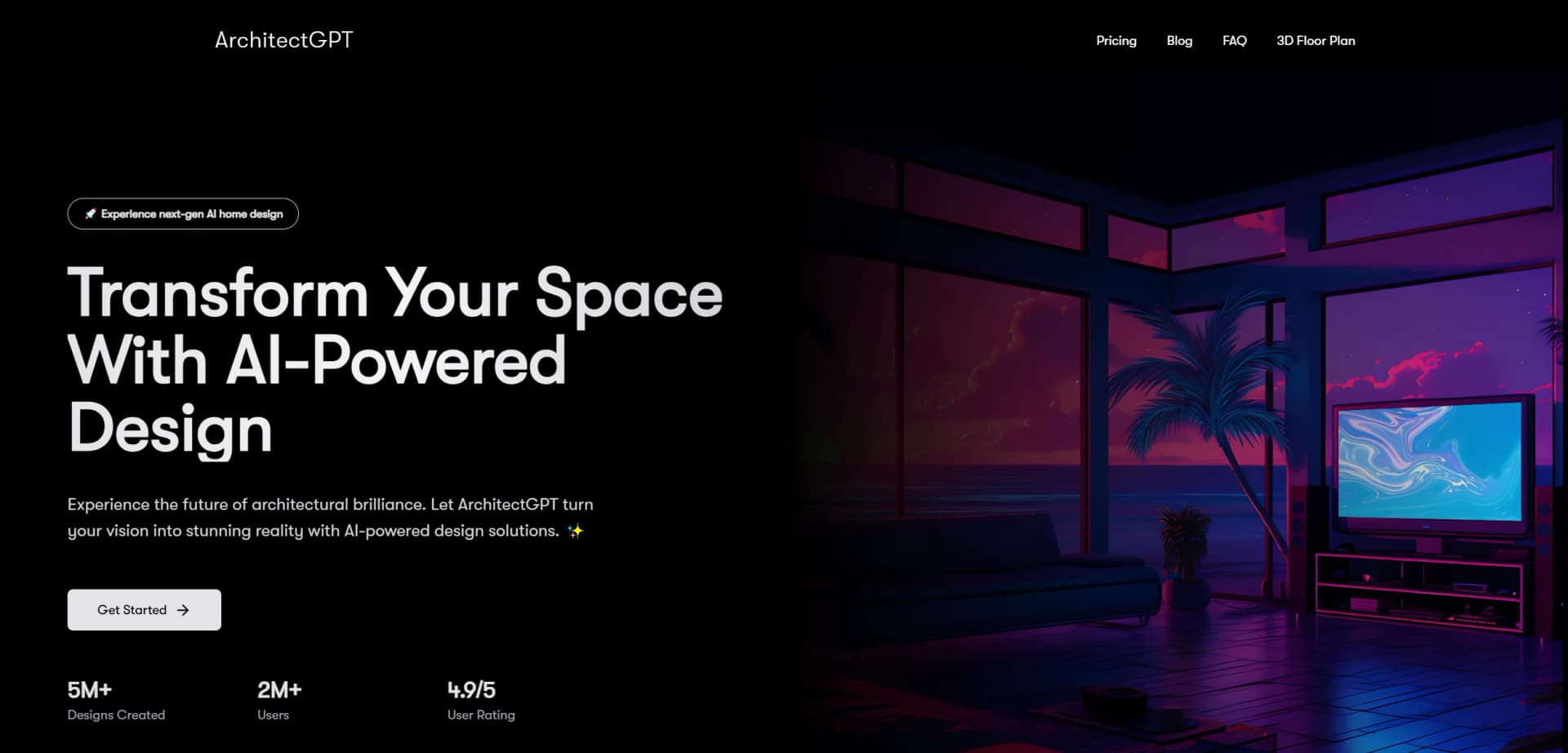
ArchitectGPT is an innovative AI tool that revolutionizes the world of home and interior design. It's designed to transform your space with AI-powered design solutions, offering a seamless blend of creativity and technology. Whether you're a homeowner looking to reimagine your living area or a professional architect aiming to streamline your design process, ArchitectGPT simplifies complex tasks with its intuitive platform. Imagine turning your vision into reality with just a few clicks—this is the promise of ArchitectGPT.
ArchitectGPT stands out with its ability to transform technical drawings into stunning, photorealistic visuals in seconds. Its unique Text-to-Design feature allows users to describe their ideal space and see it come to life, making it a game-changer for both personal and professional applications. This tool's capacity to adapt and evolve with user creativity sets it apart in the architectural design industry.
ArchitectGPT offers a revolutionary approach to home and interior design, making it accessible to everyone from seasoned professionals to enthusiastic hobbyists. Its blend of AI-powered innovation and user-friendly interface sets a new standard for the industry, promising to turn your design dreams into reality effortlessly. Whether you're looking to save time, reduce costs, or simply explore new design possibilities, ArchitectGPT is an invaluable tool in your creative arsenal.
Who is Using ArchitectGPT?
Interior Designers
Utilizing the tool for crafting detailed and visually stunning design layouts.
Architects
Employing ArchitectGPT to convert technical designs into photorealistic renders for presentations.
Real Estate Agents
Leveraging virtual staging to enhance property listings and attract potential buyers.
Homeowners
Experimenting with design changes and visualizing renovations before committing to them.
Uncommon Use Cases
Adopted by landscape architects for visualizing garden designs; used by film set designers for creating realistic set environments.
Key Features
Rating Breakdown
Pricing Plans
Starter Plan
$25 per month
- Basic features and limited designs
Pro Plan
$45 per month
- Offering advanced features
- Unlimited designs
- Priority support
Enterprise Plan
- Large teams or organizations needing extensive design capabilities
Which ArchitectGPT plan should you pick?
Start with Basic for occasional visualization; upgrade to Standard for higher volume, Pro for advanced assistants and editing, or Premium for unlimited generations and priority access.
Basic
Good for architects, designers, realtors, and homeowners who need up to 300 generations monthly and core design themes.
Standard
Good for users needing up to 1,000 generations monthly, more themes, room types, and priority support.
Pro
Good for professionals who need 2K output, Text Edit, FurnishAI, Mood Board, custom themes, PlanVision, ArchitectPro, and advanced rendering tools.
Premium
Good for high-volume users who need unlimited generations, Finish Studio, video upscaling, extended video lengths, and priority queue access.
ArchitectGPT Use Cases
Interior redesign
Upload a room photo, select a style and mood, and redesign furniture, finishes, colors, and atmosphere.
Outcome: A photorealistic concept of the user's actual room.
Commercial facade repositioning
Upload a property photo and explore new facade materials, palettes, architectural styling, and signage treatments.
Outcome: Photorealistic renovation directions for stakeholder review.
Floorplan visualization
Use an annotated floorplan to generate a realistic furnished visualization and discuss rooms, flow, light, storage, and fixes.
Outcome: A furnished visual concept and design feedback.
Virtual staging
Apply FurnishAI to empty rooms or use Declutter and Unfurnish to prepare listing imagery.
Outcome: Marketing-ready staged, decluttered, or vacant-room visuals.
Early architectural planning
Describe a brief, site, constraint, or client question and attach relevant images for ArchitectPro.
Outcome: Program options, massing strategies, precedents, material palettes, renders, and rough cost ranges.
Workflow Ideas with ArchitectGPT
Room redesign and refinement
- 1Upload a photo of the actual room.
- 2Choose the room type, design theme, mood, and lighting.
- 3Compare generated options and refine the preferred result with Text Edit or Finish Studio.
Commercial renovation pitch
- 1Upload a street view, elevation, or angle photo of the property.
- 2Choose the architectural style, property type, environment, and lighting.
- 3Generate several facade directions and present the strongest options to owners, lenders, or tenants.
Early project planning
- 1Describe the project brief, site, constraint, or client question.
- 2Attach site photos, sketches, plans, surveys, or reference images.
- 3Ask for programs, massing strategies, materials, precedents, cost ranges, and concept renders.
How ArchitectGPT fits into your stack
Browser
ArchitectGPT is used through its web experience: upload a room, facade, floorplan, or CAD render, choose a direction, and generate or revise visual designs.
Knowledge and files
Users provide photos, floorplans, sketches, surveys, CAD renders, material samples, and reference images for visual redesign, floorplan interpretation, and planning.
Pros
- +Time Efficiency: Quickly visualize and modify designs, significantly reducing the time spent on traditional design tasks.
- +User-Friendly Interface: No technical expertise required—ideal for both professionals and beginners.
- +Cost-Effective: Avoid costly design mistakes with accurate previews and adjustments before implementation.
- +High-Quality Visuals: Generate ultra-sharp 4K resolution images with precise material rendering and natural lighting effects.
Cons
- −Initial Learning Curve: Some users may require time to fully explore and utilize all advanced features.
- −Limited Integration: Currently, the tool may offer limited compatibility with some third-party design software.
- −Subscription Costs: While cost-effective, subscription fees may be a consideration for small-scale users or hobbyists.
Limitations & when to consider alternatives
Known limitations
- Not construction documentation. ArchitectGPT states that AI-generated concepts are not substitutes for structural engineering, code review, permits, or stamped construction drawings.
- Rough cost ranges only. ArchitectPro cost figures use generic per-square-foot bands, cover hard costs, and are starting points rather than quotes.
- Image-dependent results. Blurry, ambiguous, or overly loose source images and sketches can produce less reliable or more generic results.
- Credit and generation limits. Paid plans impose monthly generation limits, while ArchitectPro messages and concept renders consume credits.
- Commercial attribution requirements. Basic and Standard plans allow commercial use with attribution; Pro and Premium remove the attribution requirement.
Look elsewhere when
- You need a native mobile application.
- You need a documented developer API.
- You need team workspaces with roles and invitations.
- You need permit-ready construction drawings.
How to Use ArchitectGPT
- 1
Open the studio
Start from ArchitectGPT's web studio and choose the relevant design workflow, such as Interior, Commercial, Floorplans, or ArchitectPro.
- 2
Upload a source image
Provide a room photo, property photo, sketch, survey, plan, or reference image so the tool can work from real project context.
- 3
Set the design direction
Choose the room or property type, style, mood, lighting, environment, and other available controls; Pro and Premium unlock custom prompts.
- 4
Generate and compare
Create multiple directions, compare results side by side, and retain the preferred concepts in My Designs.
- 5
Refine specific elements
Use Text Edit for natural-language changes, Finish Studio for material swaps, Declutter for cleanup, or Unfurnish for vacancy visuals.
- 6
Export or present
Download or present the resulting concepts for client discussions, listing materials, leasing presentations, investor decks, or early planning conversations.
Who is ArchitectGPT For?
Architects
Explore massing, facade directions, programs, material palettes, precedents, and client-ready concepts quickly.
Interior designers
Visualize renovations, compare styles in real rooms, develop material palettes, and present concepts before detailed drawings.
Realtors and commercial brokers
Show buyers, tenants, and investors what dated or empty properties could become through staging and renovation visuals.
Developers and property owners
Test repositioning strategies, site possibilities, facade treatments, and rough project costs before engaging a full design team.
Homeowners and renters
Preview interior, exterior, landscape, and renovation ideas using photos of their actual spaces.
Frequently Asked Questions
What is ArchitectGPT?
ArchitectGPT is an AI-powered architectural and interior-design platform that turns photos, sketches, floorplans, and prompts into visual concepts.
How does AI interior design work?
Upload a room photo, choose a room type, style, mood, and lighting, then generate a redesigned version while preserving the room's structure.
What can I attach to ArchitectPro?
You can attach up to three PNG, JPEG, or WebP images per message, including site photos, sketches, plans, surveys, and references.
How are credits used?
ArchitectPro uses one credit per message, while each concept render costs one additional credit.
Can ArchitectGPT redesign commercial properties?
Yes. Commercial Design redesigns property photos while preserving structure, footprint, window placement, and signage zones.
Can AI-generated designs be used as construction documents?
No. ArchitectGPT describes its outputs as concepts and communication tools; structural engineering, code review, and stamped drawings remain professional responsibilities.
Community reviews
1 review from people who use ArchitectGPT.
Sign in to leave a review for ArchitectGPT.
Thibault BM
ArchitectGPT Alternatives
Looking for alternatives to ArchitectGPT? Here are similar tools in the same category:
Learn to Master ArchitectGPT
With Skill Leap courses
Get in-depth training on ArchitectGPT and 50+ other AI tools with our expert-led video courses.
Start 7-Day Free Trial