
Ari by Ariso
Connects Slack, meetings, performance reviews.
Key Takeaways
- What it is
- Connects Slack, meetings, performance reviews.
- Pricing
- Freemium · $1/user per day; includes $10 in employee rewards
- Best for
- Unified work memory
- Meeting preparation and follow-ups
- Coaching
Who is Using Ari by Ariso?
Individual managers
Use Ari for meeting preparation, follow-ups, coaching, reflections, and personal work management.
Team leads
Use Ari to coordinate projects, monitor team pulse, prepare 1:1s, and manage people-related follow-ups.
Business leaders
Use the company-wide system to connect strategy, projects, people, organizational rollups, and operating insights.
Founders
Use Ari as a chief of staff for personal work, meetings, priorities, and company execution.
Key Features
Pricing Plans
Free
Free
- Full access to all features
- Slack & Google Workspace
- Meeting notes & coaching
- Search & automation
- Per-user encryption
Startup
$1/user per day; includes $10 in employee rewards
- Everything in Free
- Unlimited history & context
- Advanced workflows
- Team analytics & pulse
- Priority support
Enterprise
- Everything in Startup
- SSO & advanced security
- Custom integrations (MCP)
- Dedicated success manager
- Custom employee rewards
- SLA & uptime guarantee
Which Ari by Ariso plan should you pick?
Start with Ari, your chief of staff for individual work; upgrade to The company-wide system when you need organizational rollups, team administration, and connected strategy-to-people management.
Ari, your chief of staff
Good for individuals who need projects, follow-ups, priorities, one-to-one preparation, and weekly reflections.
The company-wide system
Good for organizations that need strategy-to-project-to-people connectivity, team hubs, manager pulse, organizational rollups, insights, and administrative controls.
Ari by Ariso Use Cases
Meeting preparation and follow-through
Research attendees, pull prior context, capture decisions, assign action items, and track commitments.
Outcome: Meetings become actionable instead of remaining as static transcripts.
Project management
Set milestones, track status, surface risks and blockers, and keep tickets and follow-ups current.
Outcome: Projects stay aligned with less manual status administration.
Manager coaching
Review one-to-ones, rehearse difficult conversations, and receive private coaching grounded in real work.
Outcome: Managers receive continuous, context-aware development support.
Strategy execution
Cascade company goals into team objectives and individual priorities while tracking alignment and drift.
Outcome: Leaders see whether execution remains connected to strategy.
Company knowledge retrieval
Search meetings, messages, email, documents, decisions, contacts, and commitments using natural language.
Outcome: Users recover context without manually searching across disconnected tools.
Workflow Ideas with Ari by Ariso
Meeting-to-follow-up loop
- 1Research the person and pull past notes before the meeting
- 2Join and record the meeting
- 3Capture decisions, notes, and action items
- 4Track follow-ups until completion
Project-status automation
- 1Connect project tools and workplace conversations
- 2Track milestones, tickets, blockers, and dependencies
- 3Surface risks before the launch date
- 4Draft a weekly status update from the actual work
Manager coaching cycle
- 1Prepare the manager's one-to-one agenda from recent work
- 2Analyze the meeting and generate private coaching
- 3Track commitments and development themes
- 4Roll up anonymized team signals into organizational insights
How Ari by Ariso fits into your stack
Browser
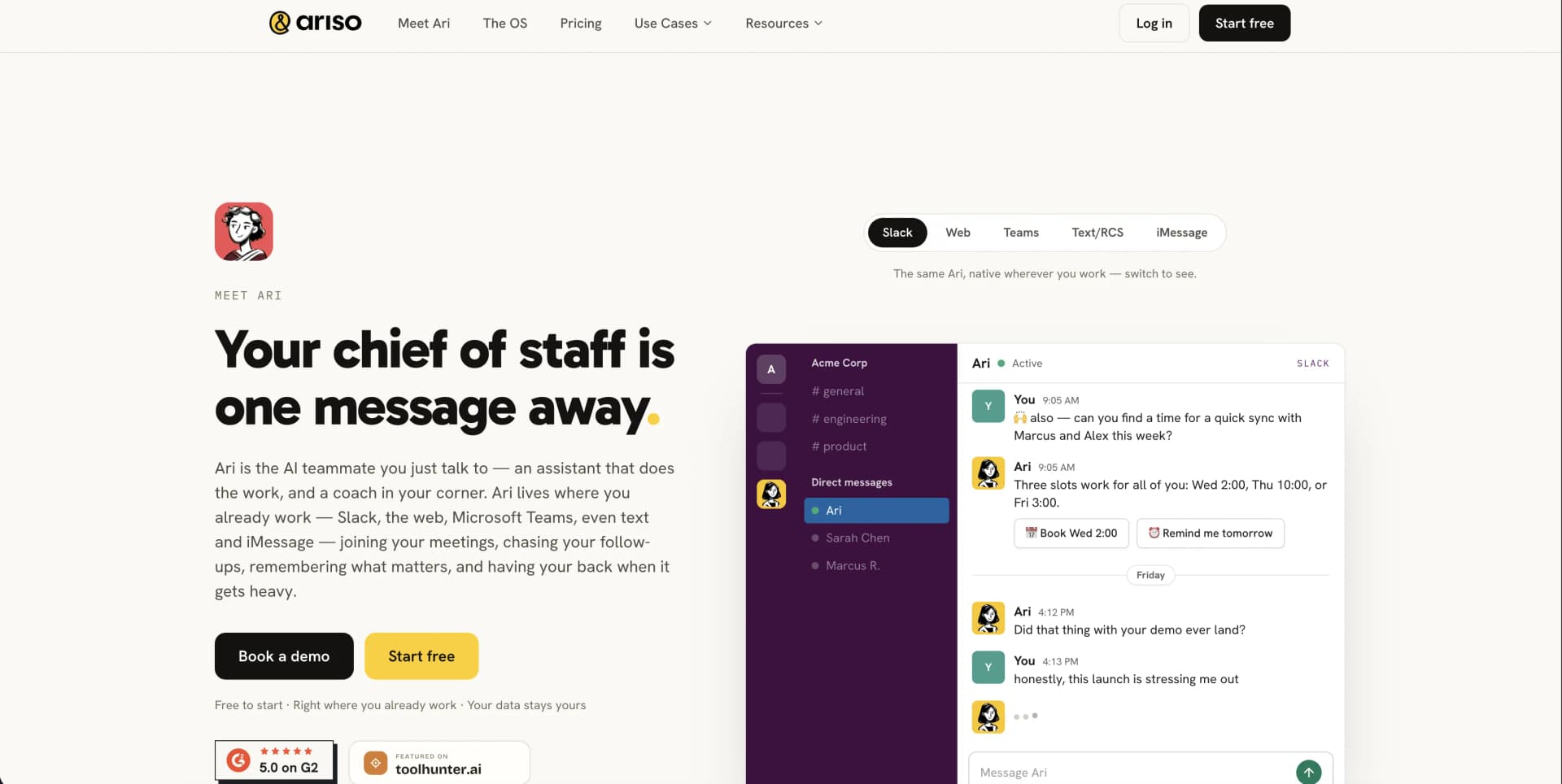
Ari is available as a web experience where users can ask questions, search connected work memory, prepare for meetings, and manage follow-ups.
Team chat and messaging
Ari operates in Slack and Teams, with additional support described for text/RCS and iMessage.
Knowledge and files
Ari connects meetings, Slack threads, email, documents, Google Drive, and other Google Workspace sources into a shared memory.
Automation and APIs
Ari creates workflows from natural-language instructions and exposes workspace capabilities through its MCP server; the vendor also publishes an OpenAPI specification.
Pros
- +Free tier available for up to 6 months
- +Slack and Google Workspace integrations
- +Unified memory across meetings, messages, email, and documents
- +Natural-language workflow automation
- +Per-user encryption and zero model training on customer data
Limitations & when to consider alternatives
Known limitations
- Individual pricing increases after the free start. The individual plan is free to start and then costs $1 per day.
- Company-wide pricing is custom. The company-wide system does not publish a fixed price and requires contacting Ariso.
- Some feature pages reference a waitlist. The meetings feature page says users can join a waitlist to experience Ari.
- Data deletion is not immediate across all systems. After account closure, full deletion completes within 30–90 days and backups follow normal rotation.
- Individual conversations remain private. Managers receive anonymized, aggregated team signals rather than raw individual conversations or reflections.
Look elsewhere when
- You need a native mobile app.
- You need a browser extension.
- You need a public fixed-price team plan.
- You need customer-data fine-tuning.
How to Use Ari by Ariso
- 1
Start Ari
Open Ari and start free; the individual plan requires no credit card to begin.
- 2
Connect workplace tools
Add the Ari Slack app and authorize Google Workspace access for calendar, mail, Drive, and tasks.
- 3
Use Ari before meetings
Let Ari prepare context about attendees, prior discussions, open questions, and unresolved commitments.
- 4
Let Ari capture the meeting
Ari joins and records meetings, then produces structured notes, decisions, and assigned action items.
- 5
Track execution
Use Ari to manage projects, priorities, milestones, blockers, and follow-ups across connected work tools.
- 6
Bring in the team
Invite teammates when ready to use shared team hubs, manager insights, organization rollups, and administrative controls.
Who is Ari by Ariso For?
Individuals
Ari acts as a personal chief of staff for meetings, priorities, follow-ups, and reflections.
Managers
Ari prepares one-to-ones, provides coaching, tracks team signals, and drafts evidence-based reviews.
People and L&D leaders
Ari provides manager enablement, configurable coaching frameworks, and aggregated development signals.
Founders and executives
Ari connects strategy, projects, people, and company memory to reduce management overhead.
Frequently Asked Questions
What data is shared with my company?
Organization data may be shared among employees, while individual conversations, notes, and reflections remain private.
Can I have a completely private conversation?
Ask Ari to talk off the record to start an incognito session that is not recorded.
Does Ariso use my data for AI model training?
No. Ariso says customer data is not used for model training.
Which AI models does Ariso use?
Ariso uses multiple models and currently supports bringing your own OpenAI GPT or Anthropic Claude models.
Can Ariso employees see my data?
Employees cannot view end-user or organization data unless explicitly authorized for support.
What feedback is shared with my team?
Feedback is shared anonymously unless the user specifically requests direct sharing.
Community reviews
Be the first to share your experience.
Sign in to leave a review for Ari by Ariso.
Ari by Ariso Alternatives
Looking for alternatives to Ari by Ariso? Here are similar tools in the same category:
Learn to Master Ari by Ariso
With Skill Leap courses
Get in-depth training on Ari by Ariso and 50+ other AI tools with our expert-led video courses.
Start 7-Day Free Trial