Assemblio
Keeps manufacturers' assembly instructions in sync with changing 3D CAD designs.
Key Takeaways
- What it is
- Keeps manufacturers' assembly instructions in sync with changing 3D CAD designs.
- Best for
- AI Change Manager
- CAD Import
- Assembly Planning and Validation
- Rating
- 4.0/5
What is Assemblio?
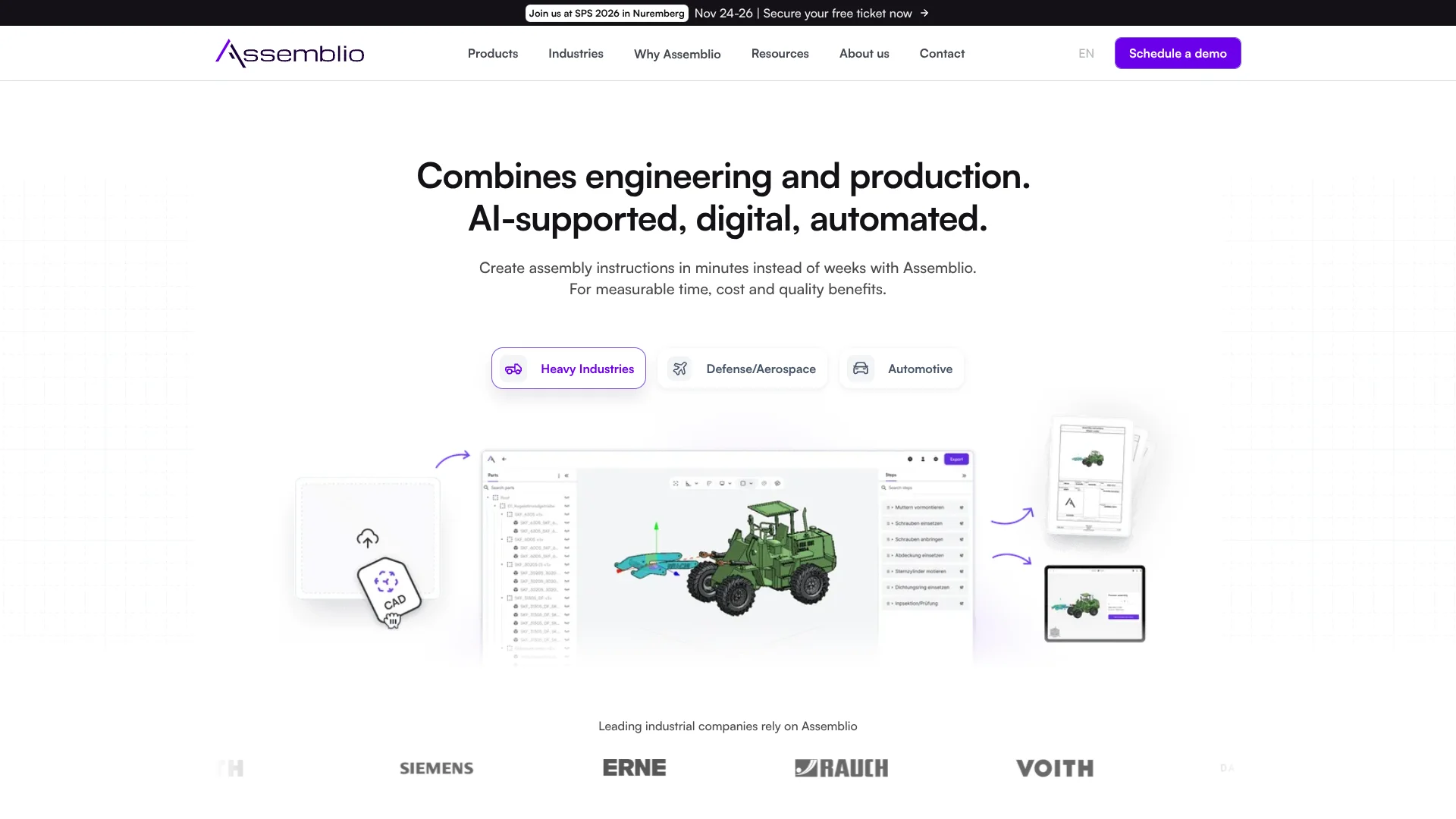
Assemblio turns 3D CAD models into assembly plans and work instructions for manufacturers. Engineering and production teams can plan assembly steps, check whether they are workable, and publish instructions for the shop floor. AI helps carry relevant steps from an existing plan into a product revision, reducing the need to rebuild instructions whenever a design changes.
The AI Change Manager can identify the same or similar assembly steps in an updated product model and carry them into the related instructions. That connects design changes to existing assembly knowledge instead of treating every revision as a fresh planning job.
Assemblio is best suited to industrial engineering and production teams working with multi-part products and recurring design changes. It is not a CAD design or editing tool, and its supported file formats and model-size limits matter when evaluating a particular workflow.
Who is Using Assemblio?
Industrial Engineers
Assembly planning and validation help them prepare workable processes before production.
Production Planners
CAD-based instructions give them a structured way to prepare assembly work for the shop floor.
Assembly Supervisors
The Smart Viewer gives operators interactive 3D steps they can view in a browser.
Manufacturing Trainers
Digital instructions and video exports can support worker training and onboarding.
Uncommon Use Cases
Preparing maintenance instructions from product assembly knowledge; carrying assembly steps into instructions for revised product models.
Key Features
Rating Breakdown
Pricing Plans
Free Trial
- Experience Assemblio with a full-featured demo upon request
Subscription Plans
- Custom pricing based on the scale of usage and specific business needs
Which Assemblio plan should you pick?
Start by booking a demo and ask Assemblio to recommend a license package based on your Composer and Smart Viewer users and planning-project volume.
Assemblio Use Cases
Create Assembly Instructions
A CAD model becomes the starting point for planning steps and publishing instructions for production.
Outcome: Instructions can be shared in the Smart Viewer or exported as PDF, Word, or video.
Manage Product Revisions
Existing assembly sequences can inform instructions for a changed product model.
Outcome: Similar steps can be recognized and transferred instead of recreated from scratch.
Validate Assembly Plans
Potential feasibility issues can be checked during planning, before instructions are put into use.
Outcome: Teams can identify assembly problems earlier in the planning process.
Train Assembly Workers
Interactive 3D instructions can show workers how components fit together and how assembly progresses.
Outcome: Workers can view assembly instructions in a browser or use exported materials.
Workflow Ideas with Assemblio
From CAD Model to Shop-Floor Instructions
- 1Import a supported CAD model into Assemblio Composer.
- 2Plan and validate the assembly steps.
- 3Publish the instructions in Smart Viewer or export them.
Update Instructions for a Product Revision
- 1Compare the updated model with the existing assembly project.
- 2Review steps identified by the AI Change Manager.
- 3Update and share the revised instructions.
Prepare Materials for Worker Training
- 1Create assembly instructions from a product model.
- 2Export the instructions as a video or open them in Smart Viewer.
- 3Share the materials with workers for training or shop-floor use.
How Assemblio fits into your stack
CAD Models
Assemblio takes supported 3D CAD files as input and converts them into web-ready visual models. Original CAD files are temporarily processed and deleted after conversion.
Assembly Planning
Composer is the browser-based workspace for planning and validating assembly sequences, managing project documents, and preparing instructions.
Shop-Floor Delivery
Smart Viewer displays interactive assembly instructions in a browser, including on tablets; Composer also exports PDF, Word, and video files.
Pros
- +Revision reuse: Similar assembly steps can carry over when a product changes.
- +Shop-floor viewing: Workers can follow interactive 3D instructions in a browser.
- +Multiple outputs: Instructions can be exported as PDF, Word, or video.
- +CAD data handling: Original CAD files are temporarily processed and deleted after conversion.
Cons
- −Price transparency: The site does not publish plan prices, so budgeting requires contacting Assemblio.
- −Narrow focus: Its features center on assembly planning and instructions, not general-purpose AI work.
- −Browser dependence: The Composer is web-based, so the workflow depends on a supported browser and internet access.
Limitations & when to consider alternatives
Known limitations
- Supported CAD formats. The FAQ lists .step, .stp, .p21, and .jt as supported formats; other formats require contacting Assemblio.
- CAD file size. CAD files can be up to 3 GB, but processability depends on the model's structure.
- Large assemblies. Assemblio recommends up to 5,000 individual parts or bill-of-material entries per product and advises consulting its team about especially complex models.
- Smart Viewer editing. Smart Viewer displays instructions but does not let viewers edit or change their content.
Look elsewhere when
- You need to edit or design CAD models inside the same tool.
- Your workflow requires a CAD format Assemblio does not list as supported.
- You need viewers to edit assembly instructions in Smart Viewer.
How to Use Assemblio
- 1
Arrange a Demo
Assemblio directs prospective customers to schedule a demo and discuss how the software fits their assembly-planning workflow.
- 2
Check Your CAD Files
Confirm that your models use a supported format: .step, .stp, .p21, or .jt.
- 3
Import a Product Model
Bring the 3D model into Composer, which identifies its structure, components, and assemblies.
- 4
Plan and Review the Assembly
Arrange assembly steps, add instructions or tools, and check whether the sequence is feasible.
- 5
Publish Instructions
Share the interactive instructions through Smart Viewer or export them as PDF, Word, or video.
Who is Assemblio For?
Automotive Manufacturers
Product and production teams can connect changing vehicle designs with assembly planning.
Heavy Industry
Teams planning assembly for complex products can turn supported CAD models into production instructions.
Defense and Aerospace
Manufacturers can organize assembly steps and manage instruction changes as products evolve.
Industrial Engineering Teams
Work-preparation teams can plan, validate, and publish assembly instructions from product data.
Frequently Asked Questions
Does Assemblio have a free plan?
The official site describes demos and flexible license packages, but does not list a free plan or public subscription prices.
Which CAD file types does Assemblio support?
The FAQ lists .step, .stp, .p21, and .jt. Contact Assemblio about other formats.
Can workers view instructions without installing an app?
Yes. Smart Viewer is browser-based, and the FAQ says it can also be used on tablets.
Does Assemblio store uploaded CAD files?
Assemblio says original CAD files are temporarily processed and deleted after conversion. It stores the resulting assembly instruction projects.
Can Smart Viewer users change instructions?
No. Smart Viewer is for viewing instructions; editing and changes are done in Composer.
Community reviews
Be the first to share your experience.
Sign in to leave a review for Assemblio.
Assemblio Alternatives
Looking for alternatives to Assemblio? Here are similar tools in the same category: