
Atoms
Describe needs, build and launch web apps fast.
Key Takeaways
- What it is
- Describe needs, build and launch web apps fast.
- Pricing
- Freemium · $20 per month · $100 per month
- Best for
- Multi‑agent AI team
- Full‑stack generation and hosting
- Visual editor plus code access
- Rating
- 4.3/5
What is Atoms?
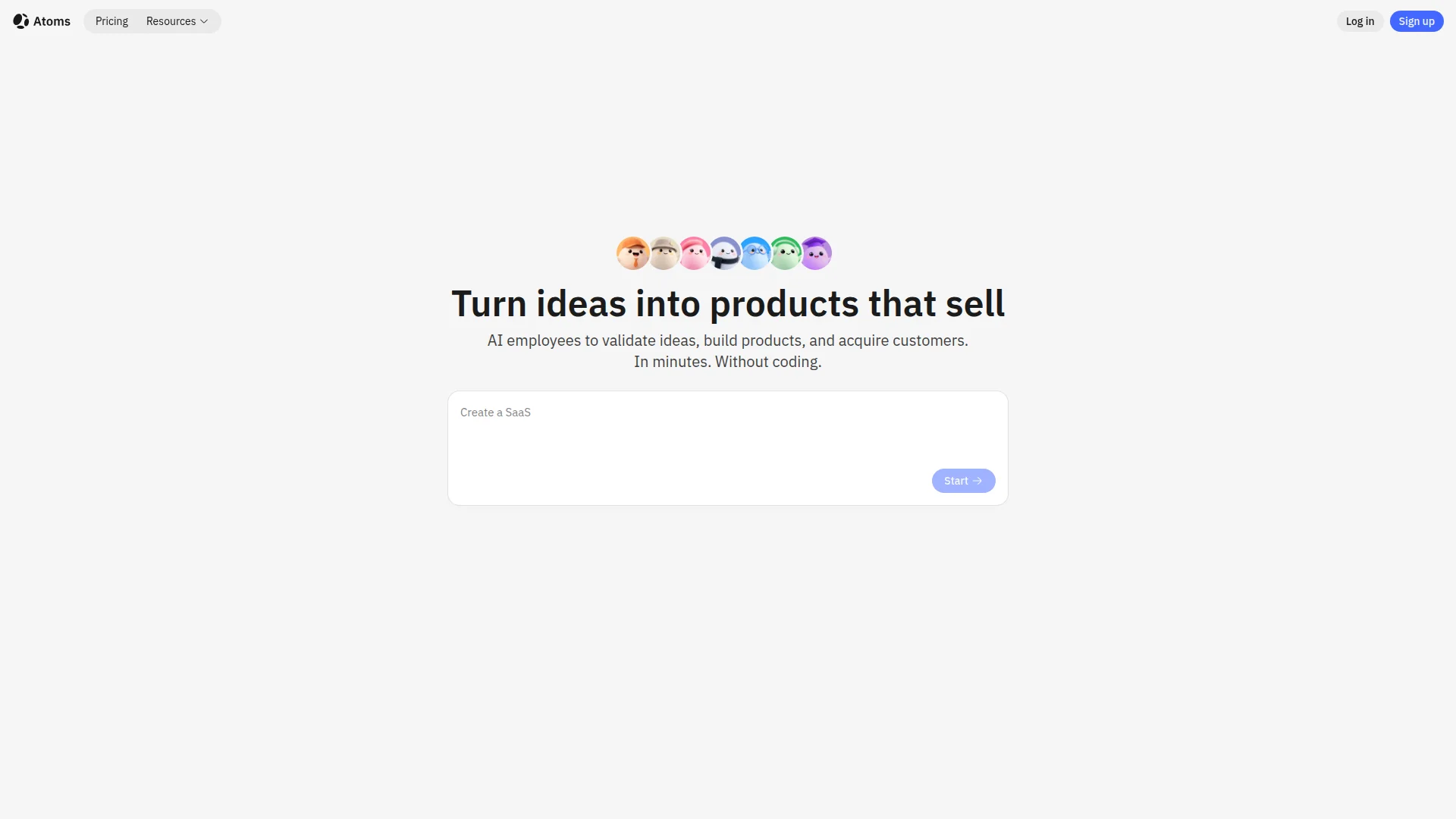
Atoms is an AI development platform that turns natural language ideas into working web apps, internal tools, and online businesses. Instead of a single model, it runs a coordinated “AI employee” team for research, product planning, system design, engineering, SEO, and analytics. Users describe what they want in chat, then refine layouts in a visual editor while Atoms handles backend, hosting, authentication, payments, and deployment. It targets both non‑technical builders and developers who want to move from concept to live product in hours rather than weeks.
Atoms leans heavily into the idea of an AI “team” rather than a single assistant. The named agents mirror a real software squad, from deep research through architecture and growth, which makes the workflow feel closer to working with a small studio than a template library. Race Mode gives users competing implementations to choose from instead of a single guess. Combined with code export, Atoms positions itself not just as a no‑code toy, but as a bridge between casual prompting and serious product engineering.
Atoms offers an appealing middle ground between classic no‑code builders and full custom engineering. For founders, small businesses, and developers who care more about validating ideas and getting to revenue than wiring every endpoint by hand, its multi‑agent approach and built‑in backend can remove a lot of drudgery. Teams that need deep integration breadth or strict enterprise controls may still lean on traditional stacks, but for rapid experimentation and early‑stage products, Atoms is a strong candidate to put at the center of a modern, AI‑assisted development workflow.
Who is Using Atoms?
Solo founders and indie hackers
Quickly spinning up SaaS tools, niche web apps, and MVPs without hiring a full engineering team.
Small business owners and operators
Building internal dashboards, booking systems, and lightweight CRMs to replace spreadsheets and scattered SaaS tools.
Agencies and consultants
Prototyping client concepts, landing pages, and internal tools faster, then handing off exported code when needed.
Developers and technical teams
Treating Atoms as an AI co‑developer to scaffold full‑stack projects, then refining architecture and code manually.
Uncommon Use Cases
Used by educators to demonstrate modern software development workflows in class, and by hobbyists for experiments like small web games or web3‑style side projects.
Key Features
Rating Breakdown
Pricing Plans
Free
Free
- 15 daily credits, 2 GB disk space, unlimited project sharing, and up to 2 Atoms Cloud projects
Pro
$20 per month
- 100 credits per month, 10 GB disk space, private projects, downloads, badge removal, editing, unlimited Atoms Cloud projects, production cloud, and a custom domain
Max
$100 per month
- 500 credits per month, 100 GB disk space, everything in Pro, 2x compute resources, Race mode, and a custom domain
Which Atoms plan should you pick?
Start with Free for light experimentation and small projects; upgrade to Pro for private projects, downloads, editing, integrations, and team collaboration, or Max for higher credits, storage, and compute.
Free
Good for getting started with light use, project sharing, 15 daily credits, 2GB storage, and two Atoms backend projects.
Pro
Good for professionals who need private projects, downloads, editing, more storage, unlimited backend projects, custom domains, and unlimited team members.
Max
Good for heavier production work requiring 100GB storage, higher compute resources, more credits, and Race Mode.
Atoms Use Cases
AI website builder
Describe a website, including its audience and required pages, and Atoms generates a live site.
Outcome: A deployed SEO-ready website with lead capture, payments, and custom-domain support.
Full-stack application builder
Describe the product, data, users, permissions, integrations, and workflows you need.
Outcome: A deployed application with backend, database, authentication, payments, testing, and deployment.
AI coding assistant
Ask the Engineer agent to write, debug, refactor, and improve code across a project.
Outcome: Faster implementation and iterative code development.
Deep research
Give Iris a complex research request such as academic, business, or market analysis.
Outcome: A structured report that can be downloaded as PDF or Markdown.
E-commerce builder
Describe products, collections, carts, checkout, inventory, and customer flows.
Outcome: A deployed store with product pages, cart functionality, Stripe checkout, and inventory management.
Workflow Ideas with Atoms
Build and publish a web application
- 1Describe the product and user flows in a natural-language prompt
- 2Review the generated app in App Viewer and request changes
- 3Publish the application or connect a custom domain
Add a backend with Supabase
- 1Open Settings, select Connectors, and connect Supabase
- 2Describe the data, authentication, or backend behavior required
- 3Test the generated app and deploy it
Research and turn findings into a deliverable
- 1Enable Deep Research in Team Mode
- 2Ask Iris to gather and analyze reliable sources
- 3Review and download the resulting report as PDF or Markdown
How Atoms fits into your stack
Browser
Atoms is primarily used as a browser-based AI product builder: users prompt agents, review plans, edit code visually, preview responsive apps, and publish web applications.
Knowledge and files
Users can upload images, wireframes, documents, folders, and other project files so agents can inspect them, use them as references, and modify generated projects.
Team chat and tickets
Connectors let Atoms agents work with Linear, Asana, and Todoist by finding, summarizing, creating, and updating issues or tasks from natural-language requests.
Automation and APIs
Atoms connects services such as GitHub, Supabase, and Stripe, while Atoms Cloud provides backend APIs, database, authentication, storage, payments, and deployment for generated applications.
Pros
- +End‑to‑end workflow in one place: Idea validation, app build, deployment, SEO, and analytics live in a single workspace, which cuts context‑switching and tool fatigue.
- +Beginner friendly but not toy‑like: Non‑technical users can “vibe code” in plain language, while developers still get real routes, APIs, and editable code.
- +Production‑oriented outputs: Built‑in auth, data storage, Stripe integration, and hosting help users ship something launchable instead of a thin demo.
- +Ownership and portability: Code export and GitHub sync reduce platform lock‑in and make it easier to migrate once a product matures.
Cons
- −Credit system learning curve: New users must learn how many credits typical tasks consume to predict monthly spend confidently.
- −AI output still needs review: Complex apps or niche workflows often require manual refinement, especially around edge cases and business logic.
- −Ecosystem still maturing: Integration depth and advanced automation options are not yet as broad as long‑established no‑code platforms.
Limitations & when to consider alternatives
Known limitations
- Credit-based usage. Tasks consume credits, and generation can fail when available credits run out.
- Deep Research is restricted to Team Mode. Deep Research must be manually enabled and is unavailable while Race Mode is active.
- Free projects are public by default in Atoms Cloud. Free users must upgrade to Pro to make Atoms Cloud-connected projects private.
- Native mobile distribution is limited. Atoms supports mobile project generation and Android builds, but its own comparison describes the platform as focused on web applications and PWAs.
- Plan changes can affect storage. Downgrading to a plan with less storage may require backing up or deleting files.
Look elsewhere when
- You need native iOS and Android app-store publishing.
How to Use Atoms
- 1
Describe your project
Enter the product idea, target users, pages, features, and desired visual direction in natural language so the agents can plan the build.
- 2
Choose an agent mode
Use Engineer Mode for focused implementation or Team Mode for complex work involving product, architecture, research, data, and SEO agents.
- 3
Provide references and files
Upload documents, images, folders, wireframes, or existing project files to give the agents additional context.
- 4
Review in App Viewer
Preview the generated app, inspect terminal logs, edit visual elements, and ask the agents to fix bugs or refine functionality.
- 5
Connect services
Use Settings > Connectors to authorize GitHub, Supabase, Stripe, Linear, Asana, or Todoist when your project needs external services.
- 6
Publish or export
Publish a stable link or custom domain, or use Share > Export to download the project files and assets as a ZIP archive.
Who is Atoms For?
Anyone building websites or web apps
Atoms lets people describe a product in natural language and have AI agents plan, code, and deploy it.
Technical users
Technical users can specify frameworks, libraries, or API structures and inspect or extend generated code.
Product and engineering teams
Team workspaces, multiple specialized agents, integrations, and shared project workflows support collaborative development.
Researchers and analysts
The Deep Research agent gathers web information and produces structured academic, business, and market reports.
Businesses and startups
Atoms supports deployed products with authentication, databases, payments, custom domains, and backend services.
Frequently Asked Questions
What can I build with Atoms?
You can build websites, landing pages, portfolios, web apps, dashboards, calculators, reports, business tools, and full-stack applications.
Do I need coding experience to use Atoms?
No. You describe what you need in natural language, and AI agents help plan, build, edit, and improve the project.
Can I connect external tools?
Yes. Atoms supports connectors including GitHub, Supabase, Stripe, Linear, Asana, and Todoist.
How do I publish or share a project?
Use Publish to create a stable public link or connect a custom domain. Share can export files, manage permissions, and create share links.
What does the free plan include?
The Free plan is $0 per month and includes daily credits, limited storage, project sharing, and two Atoms backend projects.
Can teams collaborate in Atoms?
Pro and Max workspaces can invite collaborators and support unlimited collaborator seats; Free workspaces are limited to one member.
Community reviews
Be the first to share your experience.
Sign in to leave a review for Atoms.
Atoms Alternatives
Looking for alternatives to Atoms? Here are similar tools in the same category:
Learn to Master Atoms
With Skill Leap courses
Get in-depth training on Atoms and 50+ other AI tools with our expert-led video courses.
Start 7-Day Free Trial