
Audioread
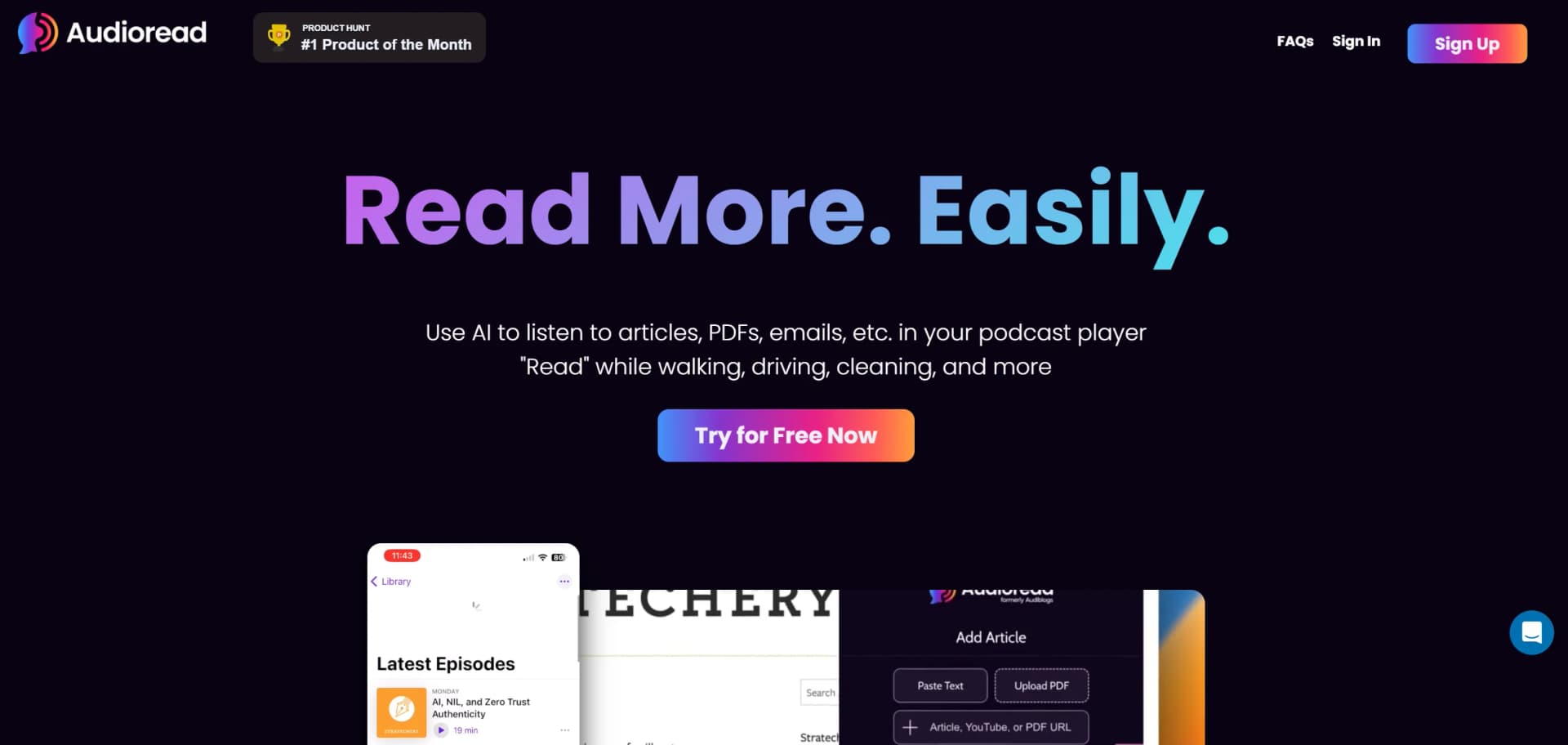
Transform text into audio with seamless browser and podcast integration.
Key Takeaways
- What it is
- Transform text into audio with seamless browser and podcast integration.
- Pricing
- Freemium · $4.99 per month
- Best for
- Text-to-Speech Conversion
- Browser and Podcast Integration
- Customizable Voices
- Rating
- 4.5/5
What is Audioread?
Audioread is an innovative AI tool designed to transform written content into audio format, making it accessible for users who prefer listening over reading. Whether it's articles, PDFs, or emails, Audioread allows you to listen to content directly in your browser or through your favorite podcast app. This tool is perfect for individuals who want to optimize their time by consuming written content audibly, whether they are commuting, exercising, or multitasking.
Audioread stands out with its seamless integration with podcast apps, allowing users to subscribe to their converted content like a personal podcast channel. This unique feature transforms the way users consume content, making it highly accessible and convenient.
Audioread offers a powerful solution for those looking to convert reading materials into audio formats, providing flexibility and convenience in content consumption. With its robust features, including cross-platform support and customizable voices, Audioread caters to a wide range of users, from busy professionals to students. Despite minor setup requirements, its benefits, such as time efficiency and versatile listening options, make it an invaluable tool for anyone seeking to optimize their content consumption.
Who is Using Audioread?
Busy Professionals
Using Audioread to catch up on industry articles during commutes.
Students
Listening to lecture notes and academic papers on the go.
Multitaskers
Individuals who prefer listening to content while handling other tasks.
Visually Impaired Users
Leveraging Audioread to access written content audibly.
Uncommon Use Cases
Utilized by language learners for improving listening skills; adopted by audiobook enthusiasts to convert non-audiobook content.
Key Features
Rating Breakdown
Pricing Plans
Free Tier
Free
- Experience Audioread with a limited free trial
Pro Tier
$4.99 per month
Audioread Use Cases
Turn articles into podcast episodes
Paste an article URL or share a page through the browser extension.
Outcome: The article becomes audio in your playlist and private podcast feed.
Listen to PDFs and documents
Upload a PDF, DOCX, EPUB, or plain-text file for conversion.
Outcome: Dense documents become listenable audio for mobile or offline playback.
Convert newsletters into audio
Forward newsletters and emails to your personal Audioread address.
Outcome: Incoming written updates are automatically converted into audio.
Create daily audio briefings
Subscribe to RSS or Atom feeds and let Audioread process new entries.
Outcome: New posts arrive as spoken episodes in your listening queue.
Summarize Slack conversations
Connect Slack and use Audioread to summarize conversations and schedule audio digests.
Outcome: Important Slack discussions can be consumed as scheduled audio.
Workflow Ideas with Audioread
Research-paper triage
- 1Upload a paper or paste its URL
- 2Use the summary and audio preview to assess relevance
- 3Read the original document closely when it requires detailed analysis
Automated newsletter listening
- 1Forward newsletters to your Audioread email address
- 2Let Audioread convert incoming messages into audio
- 3Listen through the private podcast feed or a supported podcast app
RSS daily briefing
- 1Subscribe Audioread to an RSS or Atom feed
- 2Allow new entries to be converted automatically
- 3Listen to the resulting episodes in your playlist or podcast player
How Audioread fits into your stack
Browser
Use the web app or Chrome extension to send articles, PDFs, emails, RSS feeds, and pasted text into an audio playlist.
Knowledge and files
Upload PDFs, DOCX, EPUB, TXT, and other documents, then convert them into listenable audio and private podcast episodes.
Team chat and tickets
The Slack integration summarizes conversations and can schedule audio digests.
Automation and APIs
Use RSS subscriptions, forwarded email, automated newsletter conversion, and the REST API for programmatic text-to-audio workflows.
Pros
- +Time Efficiency: Allows users to absorb content during activities like commuting or exercising.
- +User-Friendly Interface: Intuitive design makes it easy to convert and listen to content.
- +Diverse Content Compatibility: Supports a wide range of text formats, enhancing its versatility.
- +Flexible Listening Options: Provides both browser-based and podcast app listening, catering to different preferences.
Cons
- −Initial Setup Required: Users need to configure settings and integrations initially.
- −Limited Free Features: Some advanced features may require a paid subscription.
Limitations & when to consider alternatives
Known limitations
- Free conversions are limited. The free tier provides a preview of up to 1,000 characters per conversion.
- Large documents depend on plan limits. Audioread's free and paid tiers differ in the amount of content that can be converted, with paid plans supporting larger documents.
- Scanned PDFs require OCR. Image-only scanned PDFs need optical character recognition before text-to-speech can process them reliably.
- Paywalled content may not convert. Audioread documents that it may not be able to access paywalled pages, even when the user has an active subscription.
- Audio is not a replacement for visual verification. Figures, equations, tables, citations, names, and technical details may still require checking against the original document.
Look elsewhere when
- You need a native desktop installer.
- You need image analysis or visual question answering.
- You need shared workspaces with roles and collaborative editing.
How to Use Audioread
- 1
Create an account
Sign up for Audioread and begin with the free character preview.
- 2
Add written content
Paste a URL, upload a document, forward an email, use the browser extension, or subscribe to an RSS feed.
- 3
Choose a voice and language
Select from Audioread's available AI voices and supported languages for the content.
- 4
Review the conversion
Use the generated audio or summary to check whether the source was extracted correctly.
- 5
Listen in your preferred app
Play the item in Audioread or subscribe to your private RSS feed through a supported podcast player.
- 6
Automate recurring content
Forward newsletters or connect RSS feeds so new written content is converted without repeated manual uploads.
Who is Audioread For?
Busy professionals
Convert reports, newsletters, emails, and long-form analysis into audio for commutes, exercise, or other screen-free time.
Students and researchers
Listen to academic PDFs, research papers, lecture notes, and other dense reading materials.
People with dyslexia or ADHD
Use audio as an alternative way to access written information and reduce the burden of visually tracking text.
People with visual impairments
Access articles, documents, and newsletters through spoken audio rather than screen-based reading.
Language learners
Listen to text in multiple languages using Audioread's broad language and voice support.
Frequently Asked Questions
What content can Audioread convert?
Audioread converts articles, PDFs, DOCX files, emails, newsletters, RSS feeds, plain text, EPUBs, and uploaded MP3 files into audio.
Where can I listen to converted content?
You can listen in Audioread, in a browser, or through a private podcast feed in apps such as Apple Podcasts, Spotify, Overcast, and Pocket Casts.
Does Audioread support languages besides English?
Yes. Audioread documents support for more than 150 languages and nearly 1,000 AI voices.
Can Audioread read PDFs aloud?
Yes. You can upload PDFs and send the resulting audio to your playlist or private podcast feed.
Can Audioread summarize content?
Yes. Built-in AI summaries can preview key points before you listen.
How does Audioread handle privacy?
Audioread states that data is encrypted in transit, content can auto-delete after 30 days, and content is not tracked or shared.
Community reviews
Be the first to share your experience.
Sign in to leave a review for Audioread.
Audioread Alternatives
Looking for alternatives to Audioread? Here are similar tools in the same category:
Learn to Master Audioread
With Skill Leap courses
Get in-depth training on Audioread and 50+ other AI tools with our expert-led video courses.
Start 7-Day Free Trial