Augmenta
Automated conduit routing for electrical contractors working in Revit.
Key Takeaways
- What it is
- Automated conduit routing for electrical contractors working in Revit.
- Pricing
- Freemium
- Best for
- Automated Raceway Routing
- Collision Checking and Review
- Design Rule Controls
- Rating
- 4.1/5
What is Augmenta?
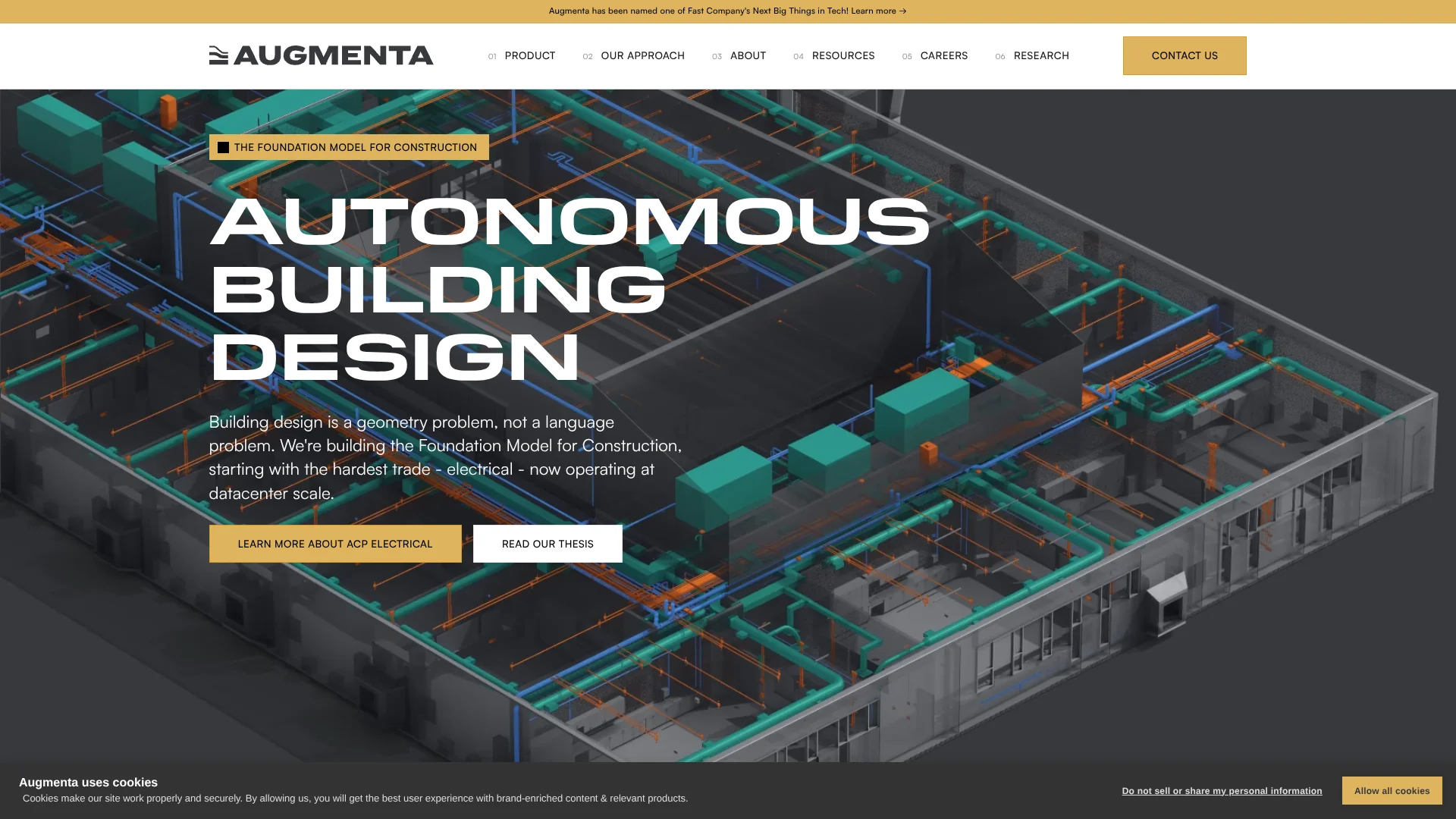
Augmenta Construction Platform, or ACP, helps electrical contractors and VDC teams turn Revit electrical models into coordinated conduit layouts. Its Spatial AI analyzes building geometry, electrical equipment, routing rules, clearances, and keep-out zones to generate detailed raceway routes in the cloud. Teams can work on data centers, hospitals, schools, warehouses, and other complex buildings where manual routing consumes weeks.
ACP generates multiple route solutions from the same project inputs, then checks those routes against duct, pipe, structure, and other background geometry in real time. That geometry-first workflow is built for construction coordination rather than text-based prompting.
Augmenta fits electrical contractors, BIM groups, and preconstruction teams that already work in Revit and need more modeling capacity. It falls short as a general MEP design tool because mechanical and plumbing automation are still listed as coming soon. The clearest fit is electrical raceway design that starts in Revit, gets routed and coordinated in ACP, then returns to Revit for final production work.
Who is Using Augmenta?
Electrical VDC Managers
Capacity planning becomes easier when automated routing handles the first populated model and the team focuses on review and refinement.
BIM Modelers
The Revit add-in and ACP editing tools reduce repetitive conduit placement, cleanup, and coordination work.
Preconstruction Managers
Early route comparisons help evaluate constructability and design changes before fabrication decisions are locked.
Electrical Designers
Project specifications, support methods, and routing preferences give designers direct control over how ACP generates solutions.
Prefabrication Coordinators
Native Revit exports, bend conversion, parameter mapping, and QC tools help prepare coordinated conduit models for downstream fabrication work.
Uncommon Use Cases
Reviewing field knowledge in the browser before ground breaks; rerunning only affected routing sections after design changes
Key Features
Rating Breakdown
Pricing Plans
Free Tier
Free
- Experience Augmenta with a limited free trial
Augmenta Use Cases
Electrical Raceway Modeling
A populated electrical model replaces much of the manual first-pass conduit placement that normally happens in Revit.
Outcome: Construction-ready electrical models can be generated in hours instead of weeks.
Live Coordination
The full 3D background model stays visible while routes are edited and rerun.
Outcome: Conflicts are found earlier, before they reach downstream coordination tools.
Route Comparison
Several generated solutions make it possible to compare pathways, supports, clearances, and project preferences.
Outcome: Teams can select a route based on constructability and project value.
Design Change Rework
Affected routing sections can be adjusted and regenerated after updated background geometry arrives.
Outcome: Design changes require less repeated modeling work.
Fabrication Preparation
Exported conduit returns to Revit for color-coded review, cleanup, parameter mapping, and downstream tool use.
Outcome: The electrical model is closer to fabrication-ready production output.
Workflow Ideas with Augmenta
From Revit Model to Coordinated Raceway
- 1Initialize the Revit project with the ACP add-in.
- 2Import the electrical model and background geometry into an ACP study.
- 3Set routing rules, generate solutions, review clashes, and export the selected solution to Revit.
Design Change Rework
- 1Import updated background geometry from Revit.
- 2Review new clashes and adjust the affected route sections in ACP.
- 3Rerun the affected areas and export the revised conduit to Revit.
Fabrication Review
- 1Export the coordinated conduit solution to Revit.
- 2Run color-coded analysis and convert bends where needed.
- 3Map parameters, update conduit properties, and continue with fabrication tools.
How Augmenta fits into your stack
Revit
Revit remains the source model and final authoring environment. ACP imports electrical and background data, then exports native Revit conduit elements.
Electrical Coordination
ACP sits between initial electrical modeling and final construction output, handling automated routing, rule-based refinement, and live clash detection.
Downstream Modeling Tools
The exported Revit elements can work with tools such as Evolve, Excel, and SysQue when those tools are already part of the team's workflow.
Browser-Based Review
ACP runs in a browser for project setup, study management, design-rule changes, and solution review. Revit is required when importing or exporting model data.
Pros
- +Construction-focused routing: Generates electrical raceway layouts around real building geometry and project rules.
- +Complex-project fit: Supports overhead, underground, and in-slab conduit workflows for dense building projects.
- +Revit workflow: Keeps Revit as the model and drawing environment while ACP handles routing and coordination.
- +Team capacity: Company-wide licensing covers unlimited users and projects under one agreement.
Cons
- −Electrical scope: The currently available product focuses on electrical raceway modeling.
- −Revit dependency: Core model import and export depend on the ACP Revit add-in.
- −Sales-led buying: Public self-serve pricing is not listed.
Limitations & when to consider alternatives
Known limitations
- Revit Required for Model Transfer. Importing the electrical and background models or exporting a conduit solution requires launching ACP from the Revit add-in.
- Electrical Product Focus. The available ACP workflow is centered on electrical raceway modeling, while mechanical and plumbing automation are listed as coming soon.
- Human Review Still Required. ACP generates and checks routes, but users still review, steer, edit, and adjust solutions for project requirements and constructability.
- Unrouted Runs Can Occur. The documentation includes an Unrouted Runs view for raceways ACP was unable to route, along with troubleshooting guidance.
Look elsewhere when
- You need mechanical or plumbing automation today.
- You do not use Autodesk Revit for electrical model authoring.
- Your team needs a self-serve product with published subscription pricing.
- Your workflow depends on a native mobile app or public developer API.
How to Use Augmenta
- 1
Install the Revit Add-In
Install the ACP add-in for a supported Revit version so the platform can exchange project data with Revit.
- 2
Initialize the Project
Use the Setup tools to add the shared parameters, views, families, filters, and schedules ACP needs.
- 3
Import Design Inputs
Bring in the electrical model, background geometry, conduit schedules, and project scope from the active Revit project.
- 4
Set Routing Preferences
Define fly zones, no-fly zones, preferred spaces, support methods, clearances, and other project specifications.
- 5
Generate and Refine Solutions
Run the Spatial AI routing process, compare solutions, inspect clashes, and edit or reroute sections in ACP.
- 6
Export to Revit
Send the selected solution back to Revit for analysis, cleanup, parameter mapping, and fabrication preparation.
Who is Augmenta For?
Electrical Contractors
Electrical contractors can produce coordinated raceway models faster for projects with demanding schedules and dense coordination requirements.
VDC Teams
VDC teams can increase modeling output while keeping review and constructability decisions with experienced staff.
BIM and Preconstruction Groups
BIM and preconstruction groups can evaluate routing options before fabrication and reduce late coordination work.
Complex Building Projects
Data centers, hospitals, schools, warehouses, and other projects with extensive conduit coordination are the strongest use cases.
Frequently Asked Questions
Does Augmenta have public pricing?
Augmenta does not publish standard US plan prices on its website. Its electrical FAQ describes company-wide licensing with one agreement covering unlimited users and unlimited projects.
Does ACP work with Revit?
Yes. The ACP Revit add-in imports electrical and background models into ACP and exports generated conduit solutions back to Revit.
Can ACP route underground conduit?
Yes. ACP 2.0 covers overhead, underground, and in-slab conduit routing in the same workflow.
Does ACP detect clashes?
Yes. Clash detection runs against the full 3D background model while users route and edit, including duct, pipe, and structure.
Does ACP work with Evolve, Excel, and SysQue?
Augmenta says ACP reads existing conduit schedules and exports native Revit elements that work with Evolve, Excel, and SysQue.
Is ACP a standalone desktop application?
ACP is a browser-based platform supported by a Revit add-in for model transfer and related desktop workflows.
Community reviews
Be the first to share your experience.
Sign in to leave a review for Augmenta.
Augmenta Alternatives
Looking for alternatives to Augmenta? Here are similar tools in the same category: