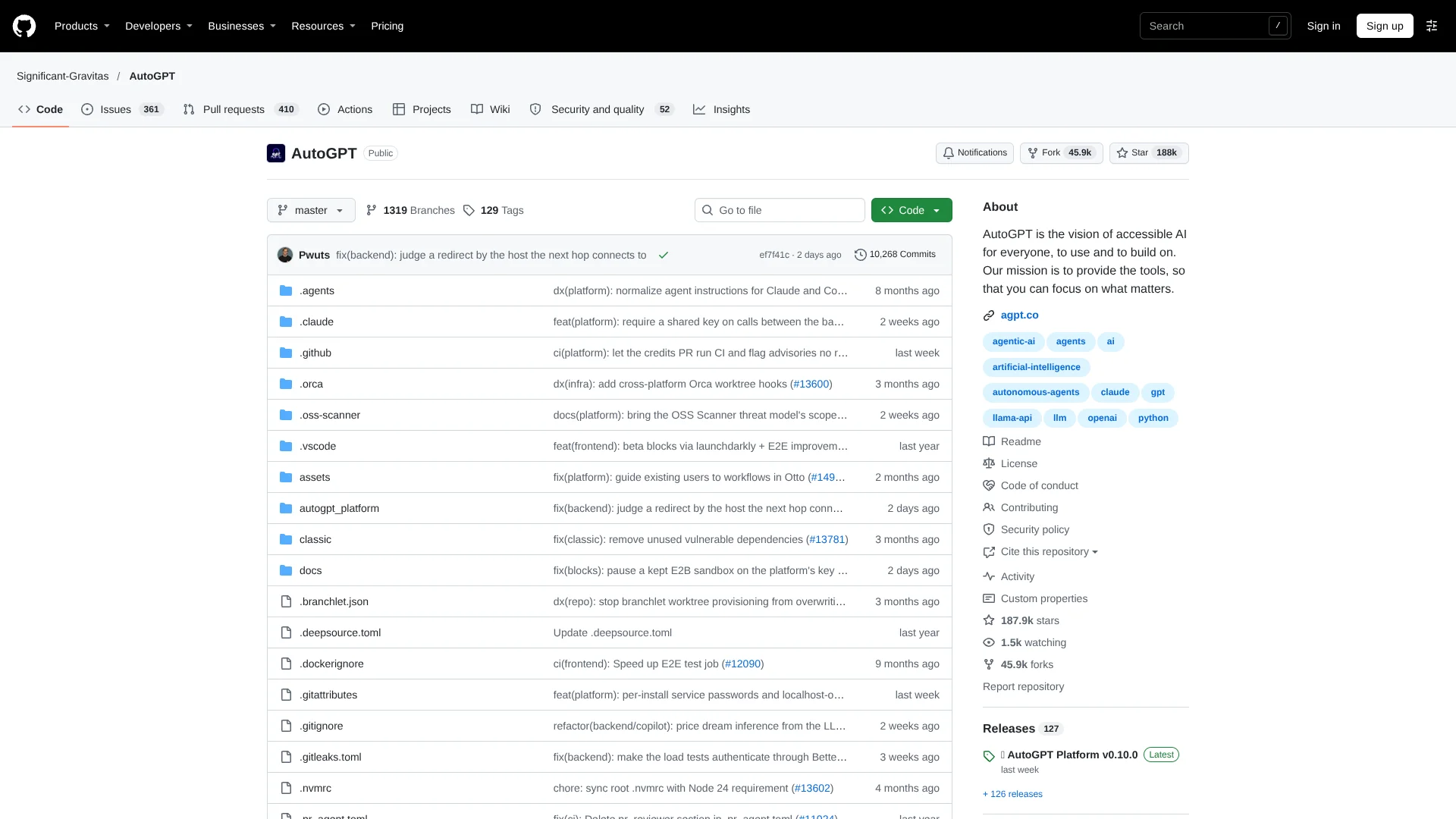
AutoGPT
Turn plain-English goals into scheduled AI agents for recurring business work.
Key Takeaways
- What it is
- Turn plain-English goals into scheduled AI agents for recurring business work.
- Pricing
- $50 per month · $320 per month
- Best for
- Otto Chat
- Visual Workflow Builder
- AI Experts
- Rating
- 4.1/5
What is AutoGPT?
AutoGPT lets people describe an outcome in plain English, then build and run AI agents that plan tasks, call connected services, and report results. Its current Platform focuses on repeatable work such as research, sales preparation, content production, customer support, and internal operations. You can shape an agent in a visual builder or start from a marketplace workflow.
AutoGPT can turn a natural-language request into a saved workflow through Otto, then test newly generated steps with a dry-run repair loop before execution. That combination of prompt-based workflow creation and editable visual graphs gives newcomers a path from a simple brief to a controlled automation.
AutoGPT fits technical teams, operators, and developers who want agents they can schedule, connect to business tools, or self-host. It is less suitable for people who want a lightweight chat app with no setup, because model access, credits, credentials, and deployment choices can affect the work. Choose AutoGPT when the goal is ongoing execution rather than a single answer.
Who is Using AutoGPT?
Sales development representatives
Prospect research and first-draft outreach can be prepared before a sales conversation.
SEO content managers
A specialist can turn a target keyword into a content brief and article draft.
Executive assistants
Daily digests, meeting context, and email drafts can be prepared from connected work data.
Research analysts
Search and extraction blocks gather sources and return structured findings for review.
Automation developers
The visual builder, API, SDK clients, and custom block tools support production workflows.
Uncommon Use Cases
Incident triage that gathers context and suggests a likely cause; media workflows that create images, video, music, or narrated content
Key Features
Rating Breakdown
Pricing Plans
Pro
$50 per month
- 7-day free trial for eligible new accounts
- AI Experts for research, content, and operations
- Otto chat and visual workflow builder
- Scheduled workflows and recurring routines
- Workflow runs use a separate credit wallet
Max
$320 per month
- Everything in Pro
- 8.5x Pro usage
- 5x file storage
- Early access to features
- Priority support
Team
- Coming soon
- Multi-user workspaces
- Admin controls and roles
- Centralized billing and seat management
- Collaboration and approvals
Which AutoGPT plan should you pick?
Start with Pro if you want hosted Otto, Experts, and the builder; choose Max for substantially more chat usage, or self-host when infrastructure control matters more than managed convenience.
Pro
Good for individuals who need hosted Experts, Otto chat, workflow building, connected apps, and scheduled routines.
Max
Good for heavier users who need 8.5 times the Pro usage, more file storage, early features, and priority support.
Team
Intended for teams that need multi-user workspaces, roles, approvals, centralized billing, and shared integrations when the plan becomes available.
AutoGPT Use Cases
Prospect preparation
Account research, enrichment, and outreach drafting happen before the next sales conversation.
Outcome: A prepared prospect brief and first outreach draft.
Content production
A keyword or launch brief becomes research, a structured outline, and draft content for review.
Outcome: A repeatable content workflow with reviewable drafts.
Daily operating brief
Connected sources are checked on a schedule and condensed into a briefing for the team.
Outcome: A recurring brief delivered from current information.
Incident triage
Engineering signals and related context are gathered into an initial incident summary.
Outcome: A likely cause and useful starting context for engineers.
Document and file processing
Uploaded documents, images, and PDFs can be read, transformed, and passed between workflow steps.
Outcome: Structured outputs from files that would otherwise require manual review.
Workflow Ideas with AutoGPT
Scheduled sales research
- 1Run a schedule or webhook when a prospect enters the pipeline
- 2Research the company through search and CRM blocks
- 3Save the brief and draft outreach in the connected workspace
Launch content workflow
- 1Send a launch brief to Otto or start from a marketplace workflow
- 2Have research and content blocks produce a brief and draft
- 3Review the output before publishing it through a connected service
Self-hosted internal agent
- 1Install AutoGPT with Docker on your infrastructure
- 2Configure model providers, credentials, and access controls
- 3Run and monitor workflows locally through the platform interface
How AutoGPT fits into your stack
Work apps
AutoGPT sits between your existing services and coordinates actions across email, calendars, documents, CRMs, chat tools, and developer systems.
Knowledge and files
Persistent workspace storage, file tools, image and PDF inputs, and Google Drive selection give workflows material to read and transform.
Automation layer
The visual builder, schedules, webhooks, GitHub triggers, approvals, and marketplace workflows provide the execution layer for recurring work.
Models and tools
Hosted plans provide access to major model families and connected tools, while self-hosting lets you supply model credentials and infrastructure.
Developer stack
The public REST API, OpenAPI schema, generated SDK clients, custom block SDK, and MCP server connect AutoGPT to code-based systems.
Pros
- +Workflow control: Start with a natural-language description, then inspect and edit the generated steps.
- +Broad connections: Blocks cover common work apps, developer tools, search services, CRMs, and media services.
- +Flexible model access: Hosted plans include access to leading model families, while self-hosting supports bring-your-own model credentials.
- +Developer access: The REST API, generated SDK clients, and MCP server support programmatic workflows.
- +Self-host option: Run the platform locally or on your own infrastructure instead of using the hosted service.
Cons
- −Operational overhead: Self-hosting requires Docker, configuration, updates, backups, and model credentials.
- −Usage billing: Scheduled workflow runs draw from a separate credit wallet on the hosted plans.
- −Early team offering: The Team plan is listed as coming soon rather than available for immediate purchase.
Limitations & when to consider alternatives
Known limitations
- Hosted workflow runs use credits. Automations run on a pay-as-you-go credit wallet, even when the subscription covers Otto and Expert chat.
- Self-hosting shifts operations to you. You manage infrastructure, model credentials, updates, backups, access controls, and remote TLS termination.
- Team plan is not available yet. The pricing page lists multi-user workspaces, roles, approvals, and centralized billing as coming soon.
- Self-hosted uploads have fewer protections. The single-container deployment does not bundle antivirus scanning, so uploaded files must be treated as trusted input.
- Remote access needs secure deployment. The self-hosting documentation requires a TLS reverse proxy for access beyond the local machine.
Look elsewhere when
- You need a ready-to-use chat app for one-off answers rather than workflow execution.
- You need a currently available shared team workspace with roles and centralized billing.
- Your organization cannot manage model credentials, credits, or self-hosted infrastructure.
How to Use AutoGPT
- 1
Choose a starting point
Open Otto, select an Expert, or pick a workflow from the marketplace based on the job you want done.
- 2
Describe the outcome
Give Otto the goal and context in plain English so it can ask questions or assemble an initial workflow.
- 3
Connect the required tools
Add credentials for services such as Gmail, Slack, GitHub, Google Drive, or your CRM.
- 4
Inspect the workflow
Review the generated blocks in the visual builder and adjust instructions, branches, approvals, or inputs.
- 5
Run and review
Start the workflow, follow its live activity, and inspect task history, outputs, and execution cost.
- 6
Schedule repeat work
Add a cron schedule or webhook trigger when the workflow should run without a manual start.
Who is AutoGPT For?
Operations teams
Recurring briefs, reports, approvals, and internal research can run as scheduled workflows.
Sales teams
Experts can research prospects, prepare outreach drafts, and organize the next conversation.
Marketing teams
Content workflows can turn a launch brief or target keyword into research, drafts, and review materials.
Developers
The API, MCP server, custom blocks, and Docker deployment support agent-based software projects.
Self-hosters
People who need control over infrastructure and model credentials can run the platform themselves.
Frequently Asked Questions
Does AutoGPT have a free plan?
The hosted Platform starts with a 7-day Pro trial. AutoGPT can also be self-hosted for free under the stated open-source licensing terms, with your own infrastructure and model access.
How much does the hosted AutoGPT Platform cost?
The monthly Pro plan is $50.00 per month, and Max is $320.00 per month. The Team plan is listed as coming soon with contact-based pricing.
Do workflow runs cost extra?
Yes. Scheduled and automated workflow runs use a pay-as-you-go credit wallet. Pro and Max subscriptions cover Otto and Expert chat usage.
Can AutoGPT connect to other apps?
Yes. The Platform lists more than 200 integration blocks, including Gmail, Google Calendar, Google Docs, Google Sheets, GitHub, Slack, Discord, Notion, HubSpot, Linear, Airtable, Jira, Salesforce, and Stripe.
Can developers build with AutoGPT?
Yes. The Platform includes a public REST API, an OpenAPI schema, generated SDK clients, custom block development, and an MCP server.
Can I run AutoGPT on my own infrastructure?
Yes. The official self-hosting guides support Docker-based installation on Linux, macOS, and Windows with WSL 2.
Community reviews
2 reviews from people who use AutoGPT.
Sign in to leave a review for AutoGPT.
Saber Bouziani
Александр Сваров
AutoGPT Alternatives
Looking for alternatives to AutoGPT? Here are similar tools in the same category: