
Autodraft
AI tool transforming ideas into engaging, high-quality content.
Key Takeaways
- What it is
- AI tool transforming ideas into engaging, high-quality content.
- Pricing
- Freemium · $10 per month
- Best for
- AI-Driven Content Creation
- User-Friendly Interface
- Customizable Templates
- Rating
- 4.4/5
What is Autodraft?
Autodraft is an innovative AI tool designed to bring your imagination to life by simplifying and enhancing the creative process. Specializing in content creation, Autodraft leverages cutting-edge AI technology to transform ideas into tangible, visually appealing outputs. Whether you are a digital marketer, content creator, or a business professional, Autodraft offers a seamless experience in generating high-quality creative content efficiently and effectively.
Autodraft stands out with its ability to seamlessly blend AI technology with creativity, making it a game-changer for content generation. Its unique feature of real-time collaboration allows teams to work together effortlessly, setting it apart in the competitive landscape of AI content creation tools.
Autodraft offers a compelling solution for anyone looking to enhance their creative output with the power of AI. Its combination of user-friendly design, versatile features, and collaborative capabilities makes it an invaluable asset for content creators and businesses alike. Whether you're crafting a marketing campaign or developing educational content, Autodraft provides the tools needed to bring your imagination to life efficiently and effectively.
Who is Using Autodraft?
Content Creators
Utilizing the tool to streamline and enhance the content generation process.
Digital Marketing Agencies
Employing it to create visually captivating campaigns.
Educational Institutions
Adopting it for developing engaging educational materials.
Small Businesses
Leveraging it to improve branding and marketing efforts.
Uncommon Use Cases
Used by non-profit organizations for creating awareness campaigns; adopted by event planners for designing promotional materials.
Key Features
Rating Breakdown
Pricing Plans
Free Tier
Free
- Experience Autodraft with a limited feature set to explore its capabilities
Pro Tier
$10 per month
- Offering full access to all features
Which Autodraft plan should you pick?
Start with the Free Plan to test AutoDraft; upgrade to Pro for longer videos and more credits, or Advance for higher-volume production.
Free Plan
Good for beginners who need short 30-second videos, one style, and basic exploration.
Pro Plan
Good for active creators who need videos up to 10 minutes, 1,000 credits, and six styles.
Advance Plan
Good for institutions or high-volume users who need videos up to 30 minutes and 3,000 credits.
Autodraft Use Cases
YouTube cartoon stories
Generate characters, backgrounds, voices, scenes, and animation for cartoon channels.
Outcome: Publish animated videos for audience growth and monetization.
Educational explainers
Turn classroom lessons, course modules, or training topics into whiteboard videos.
Outcome: Explain complex subjects with simple visual stories.
Product explainers
Convert product features, workflows, and launch ideas into animated presentations.
Outcome: Help viewers understand products faster.
Marketing and business videos
Create pitch visuals, process explainers, internal updates, and promotional animations.
Outcome: Communicate business ideas with branded visual content.
Image and character assets
Generate backgrounds, character turnarounds, props, thumbnails, and stylized reference images.
Outcome: Build reusable visual assets for animation projects.
Workflow Ideas with Autodraft
Create a whiteboard explainer
- 1Enter a prompt or attach a document
- 2Choose duration, language, voice, ratio, and style
- 3Generate, edit on the timeline, and export the video
Create a stylized background
- 1Upload a reference image, storyboard, sketch, or flat-color artwork
- 2Choose a template and set model strength
- 3Enter a prompt, generate the scene, and download it
Produce an animated YouTube story
- 1Write a script or story idea
- 2Generate characters, backgrounds, voiceover, and scenes
- 3Arrange scenes with animation controls and export the finished video
How Autodraft fits into your stack
Browser
AutoDraft is a browser-based creative workspace for generating characters, backgrounds, voiceovers, and animated videos. Users can create, edit, and export content without installing desktop software.
Pros
- +Time Efficiency: Significantly reduces the time required to create high-quality content.
- +Versatile Application: Suitable for various industries, from marketing to education.
- +Enhanced Creativity: Empowers users to explore and implement creative ideas with ease.
- +Cost-Effective Solutions: Offers robust features at competitive pricing, making it accessible for both individuals and businesses.
Cons
- −Initial Learning Curve: Some users may find it challenging to master all features initially.
- −Limited Third-Party Integrations: Current integration options with other platforms are somewhat restricted.
Limitations & when to consider alternatives
Known limitations
- Free-plan video duration. The Free Plan limits videos to 30 seconds.
- Free-plan style selection. The Free Plan includes one style.
- Free-plan watermark. Videos created on the Free Plan include an AutoDraft watermark.
- Generation requires an open tab. The editor instructs users to keep the browser tab open during video generation.
- Higher limits require paid plans. The Pro and Advance plans increase video duration, credits, and available styles.
How to Use Autodraft
- 1
Create an account
Sign up through AutoDraft and start with the free plan without entering a credit card.
- 2
Choose a creation workflow
Select animation, whiteboard explainer, text-to-image, storyboard-to-image, sketch-to-image, or image stylization.
- 3
Provide a prompt or reference
Enter an idea, script, or prompt, or upload a document, sketch, storyboard, flat-color reference, or image.
- 4
Generate your assets
Create characters, backgrounds, scenes, voiceovers, and animation using the selected style and settings.
- 5
Edit the result
Use the timeline, layers, transitions, camera movements, effects, chroma key, props, and animation controls.
- 6
Export and publish
Download the finished video or assets in the supported formats for YouTube, Shorts, Reels, presentations, or other projects.
Who is Autodraft For?
YouTubers
AutoDraft helps create cartoon stories, long-form videos, Shorts, thumbnails, characters, voices, and backgrounds.
Educators
Teachers and course creators can turn lessons, training material, and school topics into visual explainers.
Marketers
Marketing teams can create product explainers, advertisements, pitch visuals, and business stories.
Storytellers
Storytellers can develop consistent characters, scenes, voices, animation, and narrative videos.
Agencies
Agencies can use high-volume production, team workspaces, shared assets, and custom plans.
Frequently Asked Questions
What is AutoDraft AI?
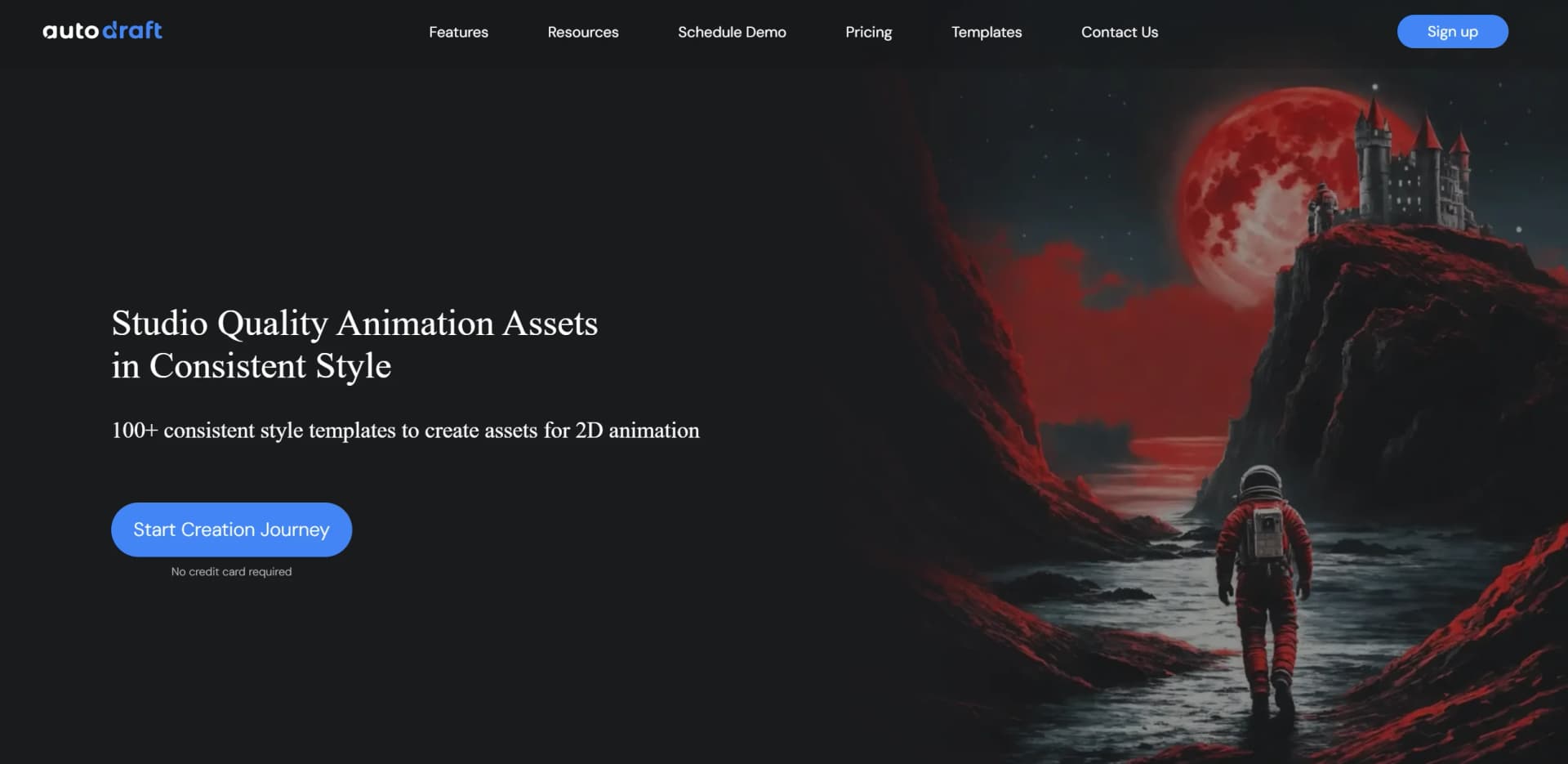
AutoDraft creates animation backgrounds and other assets in consistent styles from prompts, storyboards, sketches, and flat-colored images.
Can I export my videos and diagrams?
Whiteboard projects can export to MP4, SVG, PNG, PDF, interactive HTML, PowerPoint, Keynote, and standard NLE timelines.
Is AutoDraft free to use?
AutoDraft offers a free plan and promotes free sign-up without requiring a credit card.
What is custom model training?
Custom model training lets creators use their own artwork, character designs, or brand assets for more consistent outputs.
How does AI voice mapping work?
AutoDraft synchronizes generated voiceovers with drawn whiteboard elements automatically.
Are team plans available?
Team plans provide collaborative workspaces, shared assets, and centralized billing.
Community reviews
Be the first to share your experience.
Sign in to leave a review for Autodraft.
Autodraft Alternatives
Looking for alternatives to Autodraft? Here are similar tools in the same category:
Learn to Master Autodraft
With Skill Leap courses
Get in-depth training on Autodraft and 50+ other AI tools with our expert-led video courses.
Start 7-Day Free Trial