
AutoResponder.ai
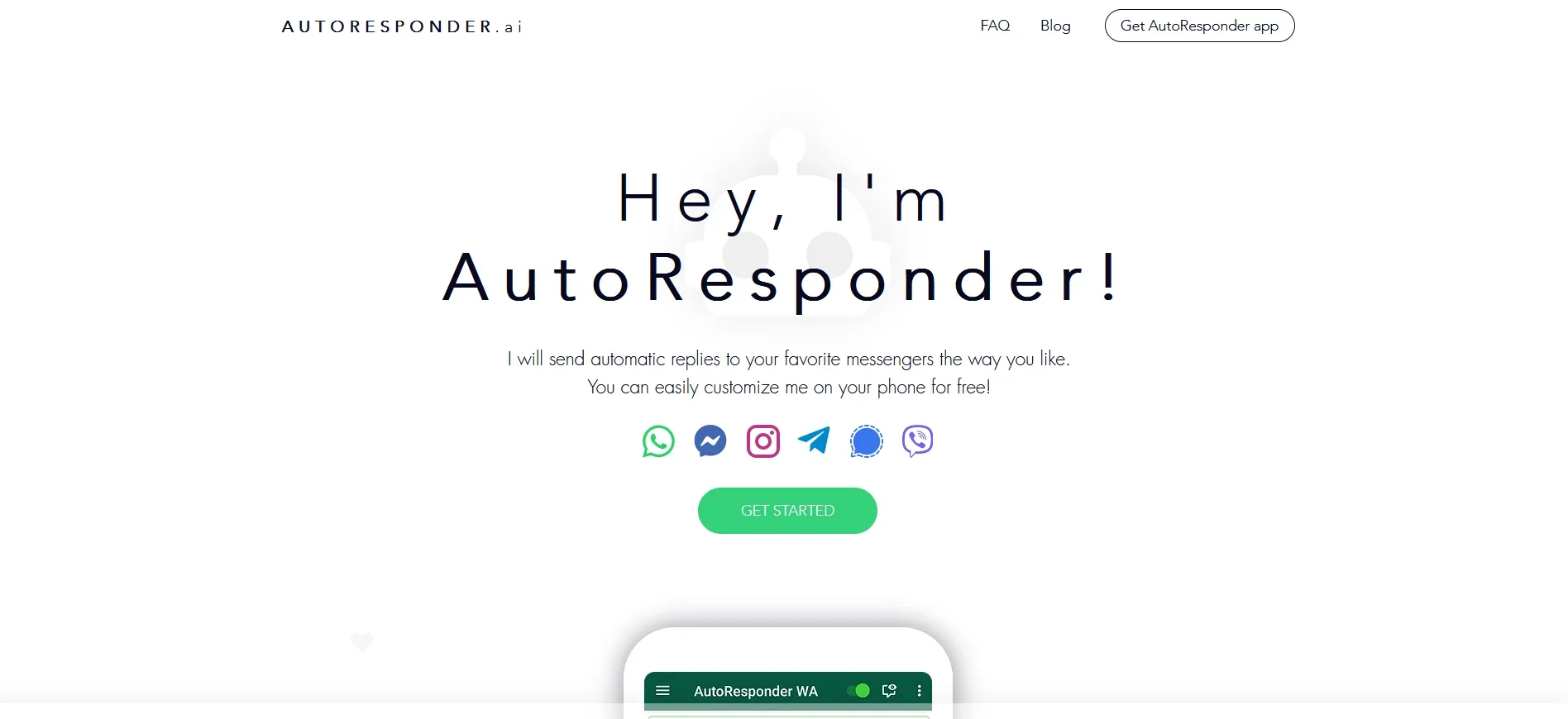
AI-powered tool for customizable automatic replies across messengers.
Key Takeaways
- What it is
- AI-powered tool for customizable automatic replies across messengers.
- Pricing
- Freemium · $3.33 per month
- Best for
- Automatic Replies
- Unlimited Messages
- Connectivity
- Rating
- 4.5/5
What is AutoResponder.ai?
AutoResponder is a powerful AI-driven tool designed to revolutionize the way individuals and businesses manage their messaging systems. This tool specializes in sending automatic replies across various messaging platforms, thereby simplifying communication and enhancing efficiency. Whether you're a small business owner or a social media manager, AutoResponder allows you to customize automatic replies on your phone for free, making it an invaluable asset for those looking to streamline their communication processes.
AutoResponder stands out with its ability to connect seamlessly with AI models like ChatGPT and GPT-4, offering an unparalleled level of automation and customization. Its capability to manage multiple messaging platforms from a single interface is a game-changer for users needing comprehensive communication solutions.
AutoResponder is a robust solution for anyone looking to enhance their communication efficiency across multiple messaging platforms. Its ability to integrate with leading AI technologies and offer extensive customization options makes it a standout tool. Whether you're looking to save time, reduce costs, or simply improve your messaging workflow, AutoResponder provides a reliable and efficient solution.
Who is Using AutoResponder.ai?
Small Business Owners
Utilizing AutoResponder for managing customer inquiries on platforms like WhatsApp and Facebook Messenger.
Social Media Managers
Employing the tool to handle direct messages on Instagram and Twitter effortlessly.
Customer Support Teams
Leveraging the tool for quick and consistent responses across multiple messaging platforms.
Freelancers
Using AutoResponder to manage client communications efficiently on Telegram and Signal.
Uncommon Use Cases
Adopted by educational institutions to automate information dissemination to students; utilized by event organizers for managing attendee queries via Viber.
Key Features
Rating Breakdown
Pricing Plans
Free Tier
Free
- Experience AutoResponder with a no-cost version offering essential features
Pro Tier
$3.33 per month
- Providing advanced features and extended capabilities
Which AutoResponder.ai plan should you pick?
Start with FREE for basic rule-based replies; upgrade to PRO when you need unlimited replies, AI, webhooks, Google Sheets, or advanced automation.
FREE
Good for users who need basic automatic replies, unlimited rules, contact targeting, submenus, and up to 500 daily replies.
PRO
Good for businesses and advanced users who need unlimited replies, AI connections, Google Sheets, web servers, conditions, delays, and Tasker or MacroDroid.
AutoResponder.ai Use Cases
Automatic customer replies
Create rules that answer specific messages, all messages, or messages from selected contacts.
Outcome: Customers receive immediate automated responses.
Business FAQ responses
Connect Google Sheets so incoming keywords retrieve matching answers, prices, hours, or order information.
Outcome: Reply content can be updated from a shared spreadsheet.
Conversation menus
Use submenus and linked rules to ask follow-up questions and guide users through a conversation.
Outcome: Users can navigate multi-step chat flows.
AI-assisted messaging
Connect ChatGPT, Gemini, or Dialogflow to process incoming messages and generate replies.
Outcome: Replies can be generated dynamically instead of being limited to fixed text.
Webhook-powered automation
Send messages to a web server or n8n workflow for bookings, payments, tickets, CRM updates, and alerts.
Outcome: Chats can trigger external business processes.
Workflow Ideas with AutoResponder.ai
AI customer-support webhook
- 1Create an AutoResponder rule for incoming messages
- 2Send the message to an n8n webhook
- 3Return an AI-generated reply through the webhook
Google Sheets FAQ bot
- 1Create columns for search terms and answers in Google Sheets
- 2Connect the sheet to an AutoResponder rule
- 3Return the matching answer when a message arrives
Human handoff workflow
- 1Detect a request to speak with a human
- 2Alert an operator through Slack or Telegram
- 3Return an empty reply while the operator handles the conversation
How AutoResponder.ai fits into your stack
Mobile messaging
AutoResponder runs as an Android app that watches supported messenger notifications and sends configurable replies for WhatsApp, Facebook Messenger, Instagram, Telegram, Signal, and Viber.
Automation and APIs
Rules can call a web server through HTTP POST, use webhook output, connect to ChatGPT, Gemini, or Dialogflow, and trigger Tasker or MacroDroid actions.
Knowledge and files
Google Sheets can supply lookup-based replies or receive logs of sent replies, including conversation details and rule identifiers.
Pros
- +Time Efficiency: Greatly reduces the need for manual responses, freeing up time for more critical tasks.
- +Customizable: Offers extensive customization options to tailor replies to specific needs.
- +Wide Compatibility: Supports a wide range of messengers, making it versatile for various communication needs.
- +Free Access: Provides a free version, allowing users to explore its features without upfront costs.
Cons
- −Learning Curve: New users might need some time to fully explore and utilize advanced features.
- −Integration Limitations: While it supports many platforms, there might be limitations with less common applications.
Limitations & when to consider alternatives
Known limitations
- Free plan reply limit. The FREE plan allows 500 daily replies.
- Advanced integrations require PRO. ChatGPT, Gemini, Google Sheets, Dialogflow, web-server connections, Tasker, and MacroDroid are listed under PRO.
- Direct media replies are unavailable. The documented workaround is sending a link or using Tasker or MacroDroid.
- Android notification dependency. The Android app replies to notifications rather than directly accessing WhatsApp.
- Slow web workflows may fail. If a webhook workflow takes too long, AutoResponder eventually gives up and sends no reply.
Look elsewhere when
- You need a native iOS app.
- You need direct media-message sending.
- You need unlimited free-volume messaging.
How to Use AutoResponder.ai
- 1
Install the relevant AutoResponder app
Choose the messenger-specific Android app, such as AutoResponder for WhatsApp, from Google Play.
- 2
Create a rule
Define the received-message pattern and choose whether it applies to all messages, contacts, groups, or selected contacts.
- 3
Configure the reply
Add one or more replies, matching options, delays, conditions, answer replacements, or a submenu.
- 4
Connect an integration
On PRO, connect ChatGPT, Gemini, Dialogflow, Google Sheets, a web server, Tasker, or MacroDroid when external processing is needed.
- 5
Test the rule
Use AutoResponder's built-in test chat or send a real message to confirm that the rule and reply behave correctly.
- 6
Monitor and maintain rules
Use imports, exports, statistics, and per-conversation pause controls to maintain the automation.
Who is AutoResponder.ai For?
WhatsApp users
The WhatsApp app automatically replies to personal and WhatsApp Business messages.
Small businesses
The site describes business use cases such as customer messaging, automatic replies, and personal business agents.
Customer-support teams
Webhook workflows can route conversations to human handoff, support tickets, alerts, and CRM systems.
Users of supported messengers
Separate AutoResponder apps support Facebook Messenger, Instagram, Telegram, Signal, and Viber.
Frequently Asked Questions
What messengers does AutoResponder support?
The official site lists WhatsApp, Facebook Messenger, Instagram, Telegram, Signal, and Viber.
Is AutoResponder free?
Yes. The FREE plan includes unlimited rules and up to 500 daily replies. PRO adds advanced matching, integrations, and unlimited daily replies.
Can AutoResponder connect to AI services?
PRO supports connections to Google's Gemini, OpenAI's ChatGPT, and Dialogflow.
Can AutoResponder connect to a web server?
Yes. A rule can send an incoming message to a configured webhook and use the returned JSON replies.
Does AutoResponder support conversation flows?
The Submenu feature supports follow-up questions and multi-step conversation flows.
Can AutoResponder send media replies directly?
No. The documented workaround is to send a file link or use Tasker or MacroDroid.
Community reviews
Be the first to share your experience.
Sign in to leave a review for AutoResponder.ai.
AutoResponder.ai Alternatives
Looking for alternatives to AutoResponder.ai? Here are similar tools in the same category:
Learn to Master AutoResponder.ai
With Skill Leap courses
Get in-depth training on AutoResponder.ai and 50+ other AI tools with our expert-led video courses.
Start 7-Day Free Trial