
Bardeen AI
Automate workflows and enhance GTM productivity.
Watch Bardeen AI in Action
Key Takeaways
- What it is
- Automate workflows and enhance GTM productivity.
- Pricing
- $129 per month · $500 per month (billed annually). Adds CRM and outreach integrations, cloud workflows, waterfall enrichment, a dedicated Slack channel, and 2 custom-built AI playbooks by the agency
- Best for
- Magic Box
- No-Code Builder
- CRM Enrichment
- Rating
- 4.6/5
What is Bardeen AI?
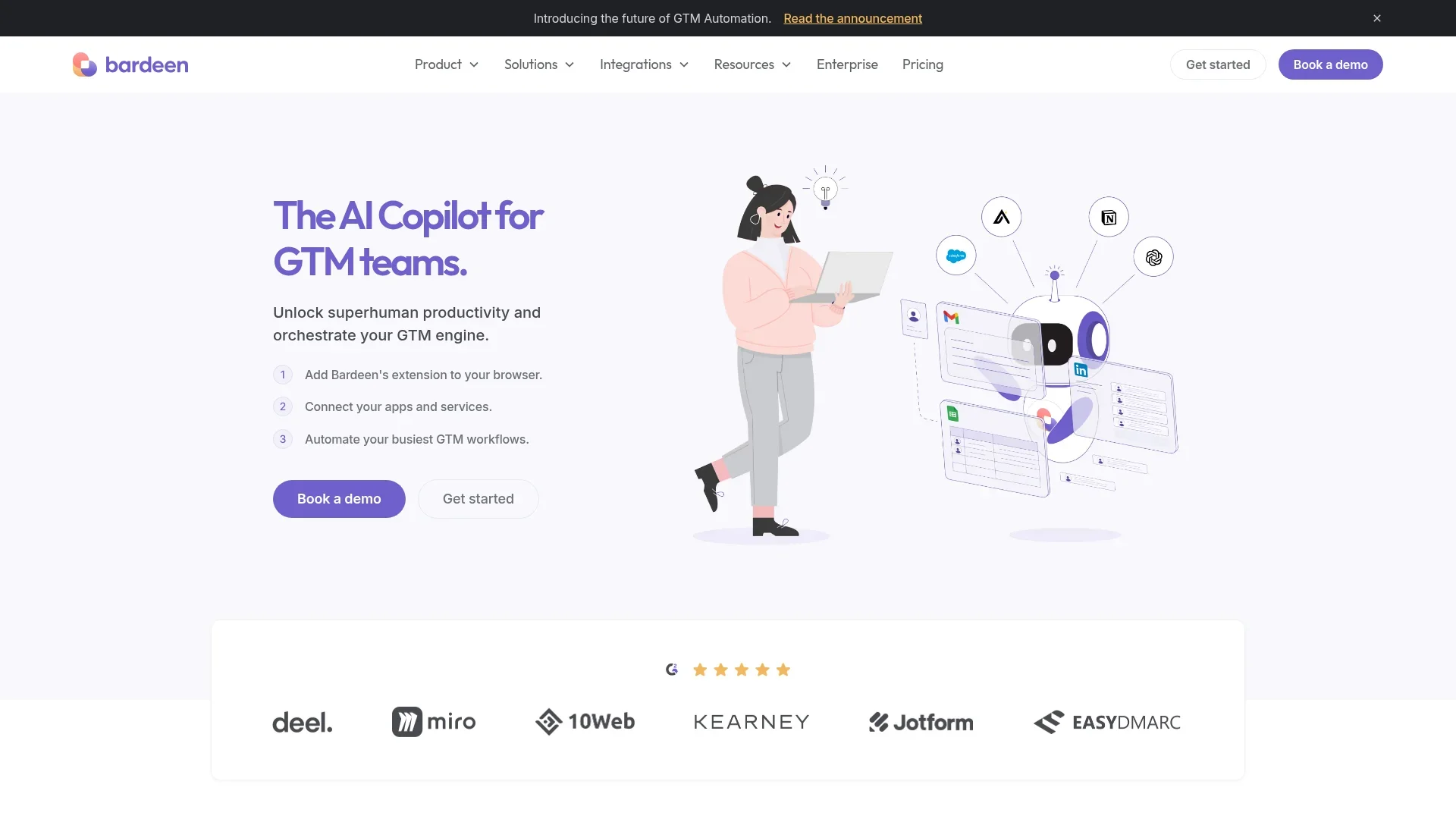
Bardeen AI is a tool designed to automate workflows and enhance productivity for go-to-market (GTM) teams. By integrating seamlessly with your existing tools, Bardeen AI simplifies complex processes and reduces the need for manual tasks. Its core purpose is to streamline operations such as lead discovery, CRM management, and competitive intelligence, making it an invaluable asset for sales and revenue operations.
Bardeen AI stands out with its "Magic Box" feature, allowing users to create complex automations using simple language. This innovation democratizes automation, making it accessible to all team members, regardless of technical background. Its robust integration capabilities further set it apart, ensuring that it seamlessly fits into any existing tech stack.
Bardeen AI is a transformative tool for GTM teams seeking to enhance productivity and streamline operations. With its user-friendly interface and powerful automation capabilities, it empowers teams to focus on strategic growth rather than manual tasks. Whether you're in sales, customer success, or revenue operations, Bardeen AI offers the tools you need to drive efficiency and achieve your business goals.
Who is Using Bardeen AI?
Sales Teams
Automating lead discovery and enrichment to streamline sales processes.
Revenue Operations
Enhancing data accuracy and monitoring lead status for improved revenue tracking.
Customer Success Managers
Preparing for meetings and managing renewals with automated insights.
Sales Engineering
Integrating disparate tools to create cohesive sales strategies.
Uncommon Use Cases
Educational institutions using it for teaching automation concepts; Freelance analysts using it for efficient data scraping tasks.
Key Features
Rating Breakdown
Pricing Plans
Starter
$129 per month
- Includes AI agents, a playbook builder, basic integrations, and unlimited team members with 1.2K monthly credits. Ideal for automating simple tasks yourself. Comes with a 7-day trial
Teams
$500 per month (billed annually). Adds CRM and outreach integrations, cloud workflows, waterfall enrichment, a dedicated Slack channel, and 2 custom-built AI playbooks by the agency
- Includes 120K credits per year and a 14-day trial
Enterprise
- Includes everything in Teams plus custom contracts, unlimited credit options, a dedicated GTM consultant, SSO, priority integrations, and 5+ custom-built AI playbooks
Which Bardeen AI plan should you pick?
Start with the Free Plan for personal experimentation and small workflows, then upgrade to Basic or Premium when you need more credits, scrapers, enrichment, or team usage; choose Enterprise for custom support and customer-built scrapers.
Free Plan
Good for individuals testing automation and running limited production workflows with 100 monthly credits.
Basic
Good for users who need 1,000 monthly credits, custom scrapers, premium scrapers, enrichment, and team capabilities.
Premium
Good for higher-volume users who need 1,000 monthly credits with expanded automation and enrichment usage.
Enterprise
Good for organizations needing custom bulk credits, customer-built and maintained scrapers, and premium support.
Bardeen AI Use Cases
Lead discovery and enrichment
Scrape websites and prospecting sources, enrich contacts, qualify leads with AI, and export results.
Outcome: Faster creation of qualified lead lists.
Sales outreach automation
Generate personalized outreach messages and move prospects into CRM or outreach workflows.
Outcome: Less manual prospecting and follow-up work.
Customer-success preparation
Prepare for customer meetings, analyze engagement metrics, and manage renewal-related tasks.
Outcome: More consistent customer operations.
Revenue-operations reporting
Monitor lead status, maintain data accuracy, and produce detailed activity summaries.
Outcome: More reliable operational reporting.
Document and email processing
Extract text from PDFs or images, summarize content, and save results to Google Docs or other connected apps.
Outcome: Quicker document review and structured recordkeeping.
Workflow Ideas with Bardeen AI
Translate a webpage into Google Docs
- 1Right-click on the webpage
- 2Extract and convert the page HTML to text
- 3Translate the text and add it to a Google Doc
Process PDF email attachments
- 1Trigger when an email with a PDF or image attachment arrives
- 2Extract text from the attachment
- 3Summarize the content and create a Google Doc
Enrich leads from a spreadsheet
- 1Read prospect rows from Google Sheets
- 2Enrich contact or company information
- 3Qualify leads and export or update CRM records
How Bardeen AI fits into your stack
Browser
Bardeen primarily lives in the browser as a Chrome extension, adding scraping, AI actions, right-click automations, and workflow suggestions directly to webpages.
Docs and writing
It moves and transforms content across Google Docs, Google Sheets, PDFs, images, and translation workflows, including summarization and generated text.
Team chat and tickets
Bardeen connects workflows to Slack, Asana, ClickUp, and Outlook for notifications, task creation, file sharing, and follow-up actions.
Knowledge and files
It extracts, summarizes, uploads, downloads, and shares files through Google Drive, Dropbox, CSV, Airtable, and Notion.
Pros
- +Time Efficiency: Significantly reduces the time spent on repetitive tasks, allowing teams to focus on strategic activities.
- +Integration Capabilities: Connects with a wide range of tools, including Salesforce, HubSpot, and Slack, ensuring seamless data flow across platforms.
- +User-Friendly Interface: The intuitive design makes it easy for users to navigate and utilize the tool, even without technical expertise.
- +Scalability: Adaptable to businesses of all sizes, from startups to large enterprises, ensuring that it grows with your needs.
Cons
- −Initial Learning Curve: While user-friendly, some users may require time to fully understand the breadth of its capabilities.
- −Limited Offline Functionality: Bardeen AI primarily operates as a browser extension, which may limit functionality when offline.
Limitations & when to consider alternatives
Known limitations
- Free-plan production credits are limited. The Free Plan provides 100 monthly credits for production automations; unused credits expire at the end of the billing period.
- Some advanced features require paid plans. Premium integrations, AI-powered actions, cloud execution, and additional credits may require a higher-tier plan.
- Browser-centered access. Bardeen is primarily designed for Chrome and other Chromium browsers rather than as a native mobile or desktop application.
- No documented public API. Bardeen’s support center says it does not currently offer an API or custom webhooks.
- Screenshot files have database-field limitations. Bardeen says screenshot files cannot currently be sent directly to database fields; a file URL workaround is required.
Look elsewhere when
- You need a documented developer API or custom webhooks.
- You need a native mobile app.
- You need a native desktop installer today.
- You need model fine-tuning on your own training data.
How to Use Bardeen AI
- 1
Install the browser extension
Install Bardeen from the Chrome Web Store because the extension is the primary way to access the product.
- 2
Sign in
Log in with email, Google, or GitHub to save playbooks and use connected integrations.
- 3
Choose a playbook or open the builder
Start with a pre-built automation or describe the desired workflow in the AI builder.
- 4
Connect required apps
Authorize services such as Google Sheets, Notion, Slack, Salesforce, HubSpot, or Google Drive when prompted.
- 5
Review and customize the workflow
Inspect the generated actions, triggers, inputs, and field mappings before running the automation.
- 6
Run and monitor credits
Run the playbook manually or configure an automatic trigger, then monitor credit usage and results.
Who is Bardeen AI For?
Sales teams
SDRs, account executives, and sales leaders can automate lead discovery, enrichment, outreach, and pipeline work.
Customer Success
Customer-success teams can prepare for meetings, analyze engagement, and manage renewals.
Revenue Operations
RevOps teams can monitor lead status, improve data accuracy, and generate activity summaries.
Sales Engineering
Sales engineers can automate research, data movement, and repetitive workflow steps.
Sales Leadership
Sales leaders can create competitive analyses, monitor pipeline health, and generate performance summaries.
Frequently Asked Questions
What is Bardeen?
Bardeen is an automation and workflow platform designed to help GTM teams eliminate manual tasks and streamline processes.
What is included in the Free Plan?
The Free Plan includes core automation features, 100 monthly production credits, and unlimited Builder Mode testing without credit usage.
How does Bardeen integrate with existing tools?
Bardeen connects with CRMs, communication platforms, lead-generation tools, project-management tools, customer-success tools, and other business apps.
Can teams collaborate in Bardeen?
Yes. Users can create team spaces, invite members, manage users, and share automations.
How are Bardeen credits charged?
Scraping, web search, and AI actions consume credits; enrichment rows cost more, while utilities and importing data are free.
Does Bardeen have an API?
Bardeen’s support documentation says it does not currently offer an API or custom webhooks, though HTTPS GET and POST commands can send or receive data.
Community reviews
Be the first to share your experience.
Sign in to leave a review for Bardeen AI.
Bardeen AI Alternatives
Looking for alternatives to Bardeen AI? Here are similar tools in the same category:
Learn to Master Bardeen AI
With Skill Leap courses
Get in-depth training on Bardeen AI and 50+ other AI tools with our expert-led video courses.
Start 7-Day Free Trial