
Beatwave
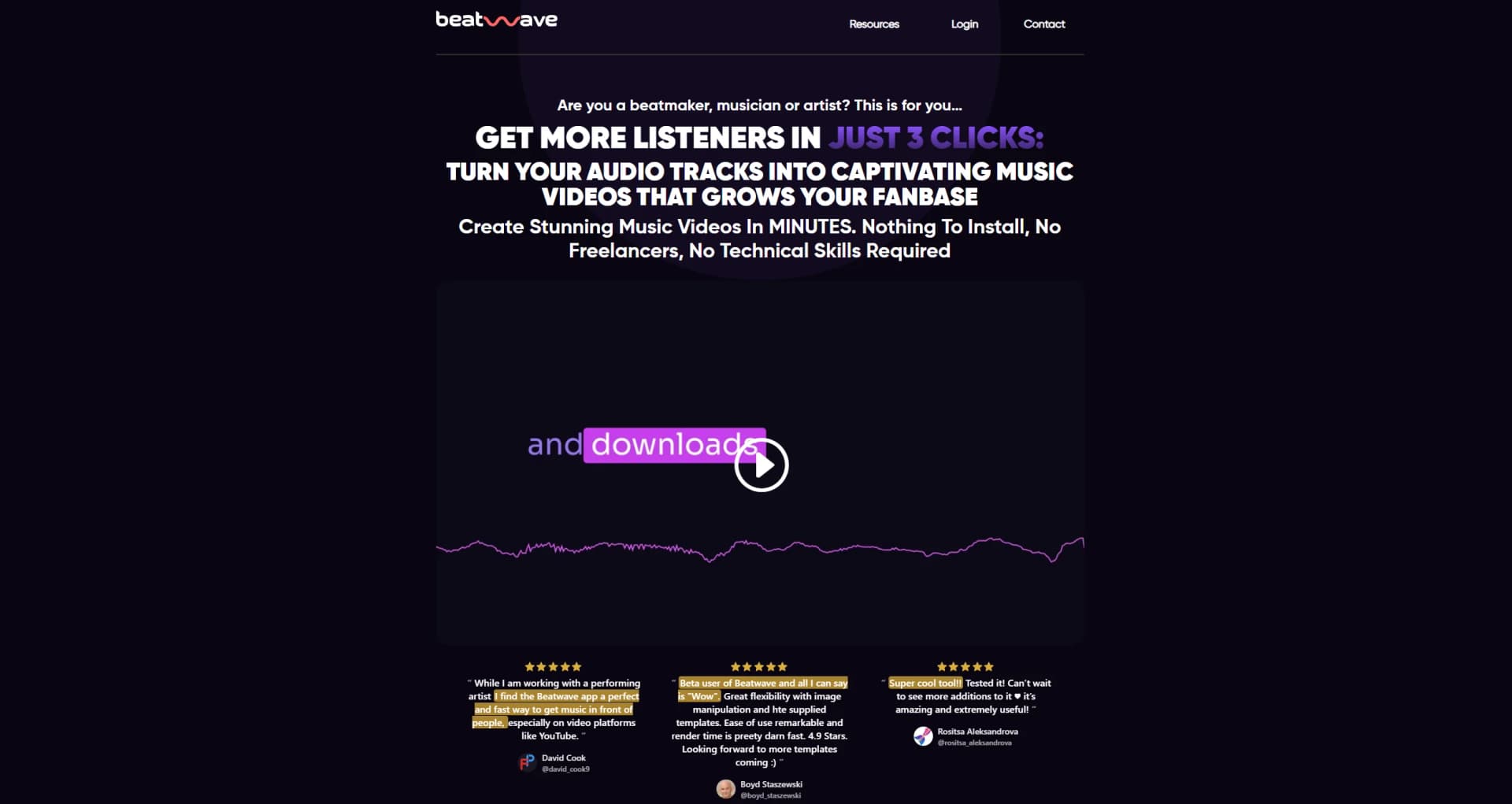
Transform audio tracks into captivating music videos effortlessly.
Key Takeaways
- What it is
- Transform audio tracks into captivating music videos effortlessly.
- Pricing
- $17 per month · $99 per year
- Best for
- Automatic Beatwave Engine
- Professional Templates
- Customization Options
- Rating
- 4.7/5
What is Beatwave?
Beatwave is a cutting-edge tool designed for musicians, beatmakers, and artists who aim to amplify their presence in the competitive music industry. With Beatwave, creating engaging, professional music videos becomes a breeze, even without technical skills or a background in video editing. This tool simplifies the process of transforming audio tracks into dynamic visualizers that capture audience attention and foster fanbase growth.
Beatwave stands out by offering an incredibly fast and efficient way to produce high-quality music videos. Its user-friendly interface, combined with powerful customization tools and direct publishing capabilities, makes it a valuable tool for anyone looking to enhance their digital music presence without investing in expensive equipment or software.
Beatwave excels in transforming audio tracks into captivating visual content swiftly and effortlessly, making it an indispensable tool for modern musicians and content creators. Its standout feature, the Automatic Beatwave Engine, along with its cost-effective pricing and ease of use, provides significant advantages, particularly for users looking to enhance their online presence and engage with a broader audience.
Who is Using Beatwave?
Independent Musicians
Utilizing the tool to produce quick and engaging content for their audiences.
Music Producers
Leveraging the platform to showcase their beats and tracks visually.
Social Media Influencers
Creating vibrant music videos to maintain high engagement on platforms like Instagram and TikTok.
Marketing Professionals
Employing Beatwave to create promotional content for artists and music events.
Uncommon Use Cases
Podcasters using Beatwave to create visual snippets of episodes; Fitness instructors incorporating music visualizations into workout videos.
Key Features
Rating Breakdown
Pricing Plans
Free Access
- Try some of what Beatwave has to offer with limited capabilities:
Monthly
$17 per month
Yearly
$99 per year
Which Beatwave plan should you pick?
Start with the free watermarked version to test visualizer creation, then upgrade to Beatwave Plus or the Lifetime license when you need premium templates, video backgrounds, lyric visualization, or watermark-free exports.
Free Watermarked Version
Good for users who want to test Beatwave with a limited set of templates and features before paying.
Beatwave Plus
Good for creators who need premium templates, video backgrounds, lyric visualization, media-library storage, and expanded creation features.
Lifetime License
Good for users who prefer a one-time purchase for ongoing access to Beatwave and its core visualizer-creation features.
Beatwave Use Cases
Promote music releases
Upload a track, customize a visualizer around the artist's branding, and export a shareable video.
Outcome: Music promotion content for social media and online channels.
Create lyric videos
Use Beatwave's one-click lyric visualization and AI lyric-generation features to synchronize lyrics with music.
Outcome: A lyric-style music video.
Create podcast shorts
Upload a podcast clip and pair it with an audio waveform or spectrum template.
Outcome: Audiogram-style promotional content.
Create branded visualizers
Customize colors, fonts, artwork, media, visualizer styles, and video dimensions.
Outcome: A branded visualizer in square, landscape, or vertical format.
Resell visualizer creations
Create visualizers for clients or other users under the commercial and resale rights described for the lifetime license.
Outcome: Visualizer deliverables suitable for resale.
Workflow Ideas with Beatwave
Create a music visualizer
- 1Choose a Beatwave template
- 2Upload an MP3 or WAV track
- 3Customize the visualizer and export an MP4 video
Create a lyric video
- 1Select a music visualizer template
- 2Upload the track and generate or add lyrics
- 3Preview the synchronized lyrics and export the video
Create a podcast audiogram
- 1Select an audio-spectrum or waveform template
- 2Upload a podcast clip and customize artwork, fonts, and colors
- 3Export the video in a social-media format
How Beatwave fits into your stack
Social Media Platforms
Direct integration with major social media outlets for easy sharing.
Mobile Optimization
Fully functional on mobile devices, enabling video creation from anywhere.
Cloud-Based Technology
Access and manage your projects from any device without the need for software installation.
Pros
- +Rapid Video Creation: Enables the production of music videos in under a minute, significantly reducing content creation time.
- +Cost-Effective: Offers a lifetime deal with unlimited access to the tool's features, eliminating recurring costs.
- +User-Friendly Interface: Simplifies the video creation process with an intuitive platform that requires no prior editing experience.
- +Direct Social Media Integration: Allows for immediate publishing to various social platforms, enhancing online visibility and engagement.
Cons
- −Template-Based Limitations: While there is a variety of templates, the scope for highly unique customization might be limited for some users.
- −Learning Curve: New users may need some time to fully utilize all features effectively despite the intuitive design.
- −Internet Dependency: Being web-based, it requires a stable internet connection for uninterrupted use.
Limitations & when to consider alternatives
Known limitations
- Free version includes watermarks. The free version is limited to watermarked output and a set number of templates and features.
- Video backgrounds require Beatwave Plus. Uploading video backgrounds is reserved for Plus subscribers.
- Supported audio formats are MP3 and WAV. The documented audio upload formats are MP3 and WAV.
- Exports are MP4 videos. The documented download format for created visualizers is MP4.
- Some features require Beatwave Plus. Premium templates, lyric visualization, video backgrounds, media-library features, and commercial rights are presented as Plus or paid features.
Look elsewhere when
- You need a native desktop application
- You need a native Android application
- You need an API or developer platform
How to Use Beatwave
- 1
Explore a variety of tutorials on the Beatwave website and YouTube channel, covering everything from basic setup to advanced customization techniques.
Who is Beatwave For?
Musicians and artists
Create music visualizers, lyric videos, teasers, and promotional videos for tracks and releases.
Beat makers
Turn beats into branded visualizer videos for sharing online.
Podcast creators
Convert podcast clips into audio-spectrum or audiogram-style videos.
Content creators
Produce social-media-ready visual content from audio with templates and customizable branding.
Frequently Asked Questions
What audio formats can I upload to Beatwave?
Beatwave supports MP3 and WAV audio uploads.
What format can I download my visualizers in?
Created visualizers are exported as MP4 videos.
Can I upload my own artwork and media?
Users can upload their own images and artwork. Video backgrounds are available with Beatwave Plus.
How does the lifetime license work?
The lifetime license is a one-time purchase that provides access to Beatwave, templates, and visualizer creation. Beatwave Plus unlocks additional features and templates.
Can I resell audio visualizers to others?
Beatwave says lifetime-license users can resell their creations.
Do you offer a refund guarantee?
License purchases include a 30-day money-back guarantee.
Community reviews
Be the first to share your experience.
Sign in to leave a review for Beatwave.
Beatwave Alternatives
Looking for alternatives to Beatwave? Here are similar tools in the same category:
Learn to Master Beatwave
With Skill Leap courses
Get in-depth training on Beatwave and 50+ other AI tools with our expert-led video courses.
Start 7-Day Free Trial