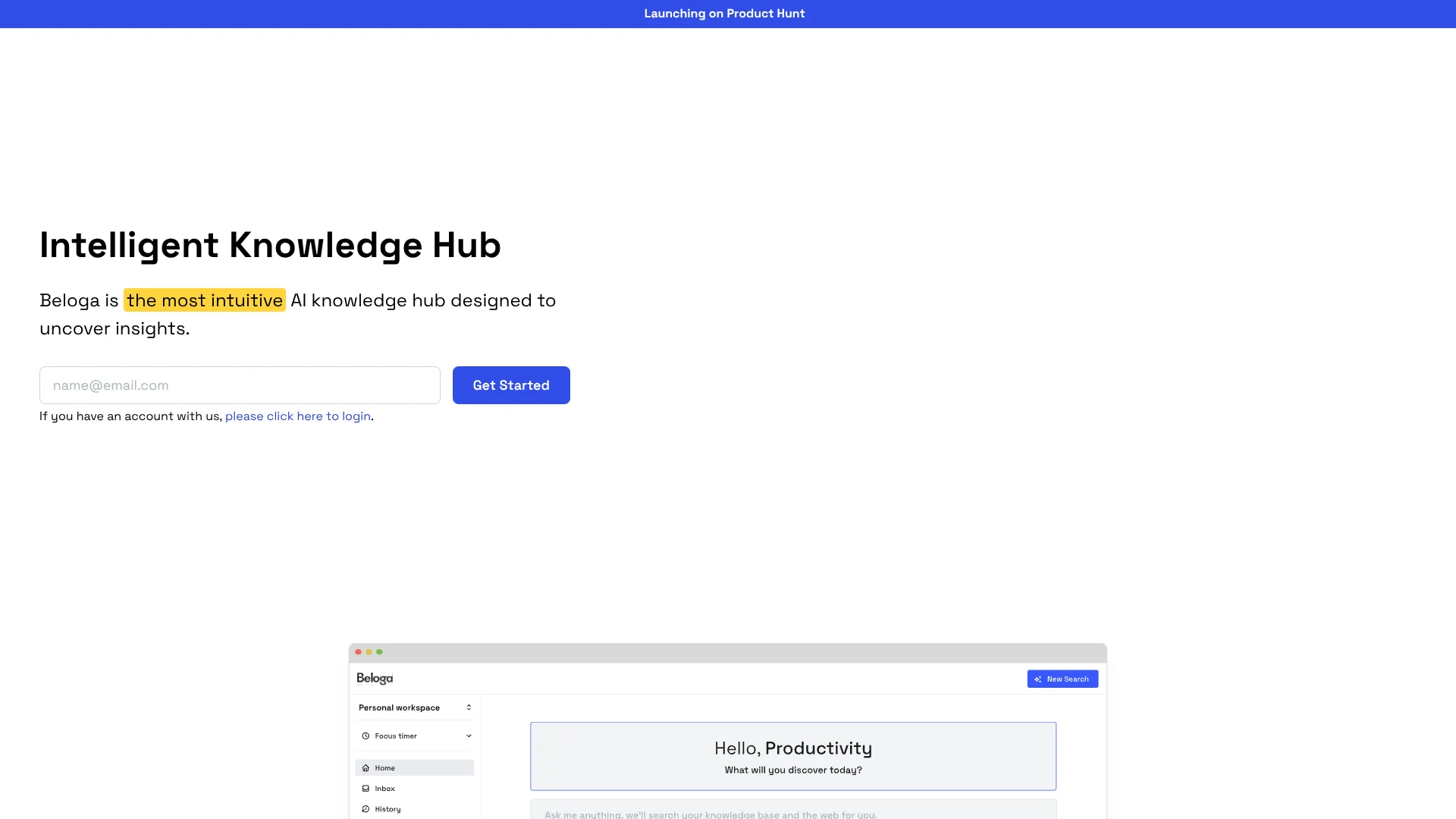
Beloga
Research workspaces that connect your saved notes with relevant web sources.
Key Takeaways
- What it is
- Research workspaces that connect your saved notes with relevant web sources.
- Best for
- Intelligent Search
- AI Agent
- Dedicated Workspaces
- Rating
- 3.7/5
What is Beloga?
Beloga brings web search, saved notes, and uploaded internal sources into research workspaces where its AI agent can answer questions using your context. It is aimed especially at researchers who need to gather information from different places and make sense of it with teammates. The goal is to spend less time switching between sources and more time finding useful connections.
Beloga describes itself as a read-it-later app combined with an answering engine. Its search can draw on both the web and your own material, and the site specifically highlights linking notes to relevant web results.
Researchers working alone or with collaborators are the clearest fit, especially when a project depends on both outside information and saved research. The website does not publish plan details or technical limits, so it is difficult to judge how well Beloga will fit a larger team before contacting the company.
Who is Using Beloga?
Market Researchers
Web search and saved notes can help connect outside findings with ongoing research.
Academic Researchers
Dedicated workspaces can keep information together for research in a specific domain.
Consultants
Workspace-based research can help gather and organize information for project decisions.
Writers
Search across web results and saved material when developing ideas or working through writer's block.
Uncommon Use Cases
Linking saved notes to relevant web results; exploring information collaboratively within a project workspace.
Key Features
Rating Breakdown
Which Beloga plan should you pick?
Pricing is not published on the site; contact Beloga for access and pricing details.
Beloga Use Cases
Research Across Sources
A research question can draw on web results as well as uploaded internal sources.
Outcome: Relevant information gathered from public and internal sources.
Connect Notes With Web Results
Saved notes can be related to relevant results from web searches.
Outcome: Research notes connected with related web information.
Collaborative Research
A shared workspace gives teammates a place to explore and capture information for a project.
Outcome: Teammates can work with project information in a shared workspace.
Organize Domain Research
Dedicated workspaces keep searches focused on information relevant to a particular subject.
Outcome: A more focused place to organize and retrieve research.
Workflow Ideas with Beloga
Research a Topic
- 1Create a workspace for the research topic.
- 2Search the web and add relevant internal sources.
- 3Use the AI agent to explore questions in the workspace context.
Save and Revisit Web Research
- 1Capture useful web content with the Save to Beloga Chrome extension.
- 2Keep the material in the relevant workspace.
- 3Search for connections between saved material and web results.
Share Project Research
- 1Set up a workspace for the project.
- 2Invite teammates to collaborate.
- 3Explore and capture information together.
How Beloga fits into your stack
Web App
Beloga's website provides access to its knowledge hub and research workspaces.
Web Research
Intelligent Search can surface web information alongside internal sources.
Saved Sources
Upload internal sources and capture web content for use in research.
Team Research
Invite teammates to explore and capture information in shared workspaces.
Pros
- +Web and personal sources: Search public web results alongside your own research material.
- +Research context: Workspace-based search can draw on information relevant to a specific project.
- +Shared research: Teammates can be invited to collaborate in workspaces.
- +Quick capture: The Chrome extension saves web content to Beloga.
Cons
- −Unclear pricing: The website does not show plan names or prices.
- −Access requires follow-up: After submitting an email, the company says it will contact you.
- −Limited platform information: The site does not confirm a native mobile or desktop app.
Limitations & when to consider alternatives
Known limitations
- Access by email request. The website says to submit an email and wait for the Beloga team to get in touch.
- No public plan details. The website discusses billing and discounts but does not list plan names or prices.
Look elsewhere when
- You need a publicly listed price and plan limits before signing up.
- You need a confirmed native mobile or desktop app.
How to Use Beloga
- 1
Request Access
Enter your email through Get Started; Beloga says its team will contact you.
- 2
Set Up a Workspace
Create a dedicated workspace to keep a research topic's information together.
- 3
Gather Sources
Search the web or upload internal sources relevant to your work.
- 4
Explore With the AI Agent
Ask questions using the context gathered in your workspace.
- 5
Invite Collaborators
Bring teammates into a workspace when the research is shared.
Who is Beloga For?
Researchers
Project workspaces and search across web and internal sources support in-depth research.
Research teams
Teammates can be invited to explore and capture information together.
Students
The company says it offers student discounts, though pricing is not listed publicly.
Nonprofit organizations
The company says eligible nonprofits can request a discount.
Frequently Asked Questions
What is Beloga?
Beloga combines a read-it-later app with an answering engine for exploring information and insights.
Who is Beloga for?
The company says it is tailored for researchers, including people researching a specific domain and teams working together.
How do you get access to Beloga?
Submit your email through Get Started; Beloga says its team will contact you.
Does Beloga offer student or nonprofit discounts?
The company says it offers discounts to students and nonprofit organizations after verification.
How much does Beloga cost?
Beloga does not publish plan prices on its website. Contact the company to ask about billing.
Does Beloga have a browser extension?
Yes. Save to Beloga is a Chrome extension for capturing web content.
Community reviews
Be the first to share your experience.
Sign in to leave a review for Beloga.
Beloga Alternatives
Looking for alternatives to Beloga? Here are similar tools in the same category: