Blaze
Keep small-business marketing on-brand and active across every channel.
Watch Blaze in Action
Key Takeaways
- What it is
- Keep small-business marketing on-brand and active across every channel.
- Pricing
- $79 per month · $149 per month · $999 per month
- Best for
- Brand Kit
- Campaigns
- Content calendar and approvals
- Rating
- 4.0/5
What is Blaze?
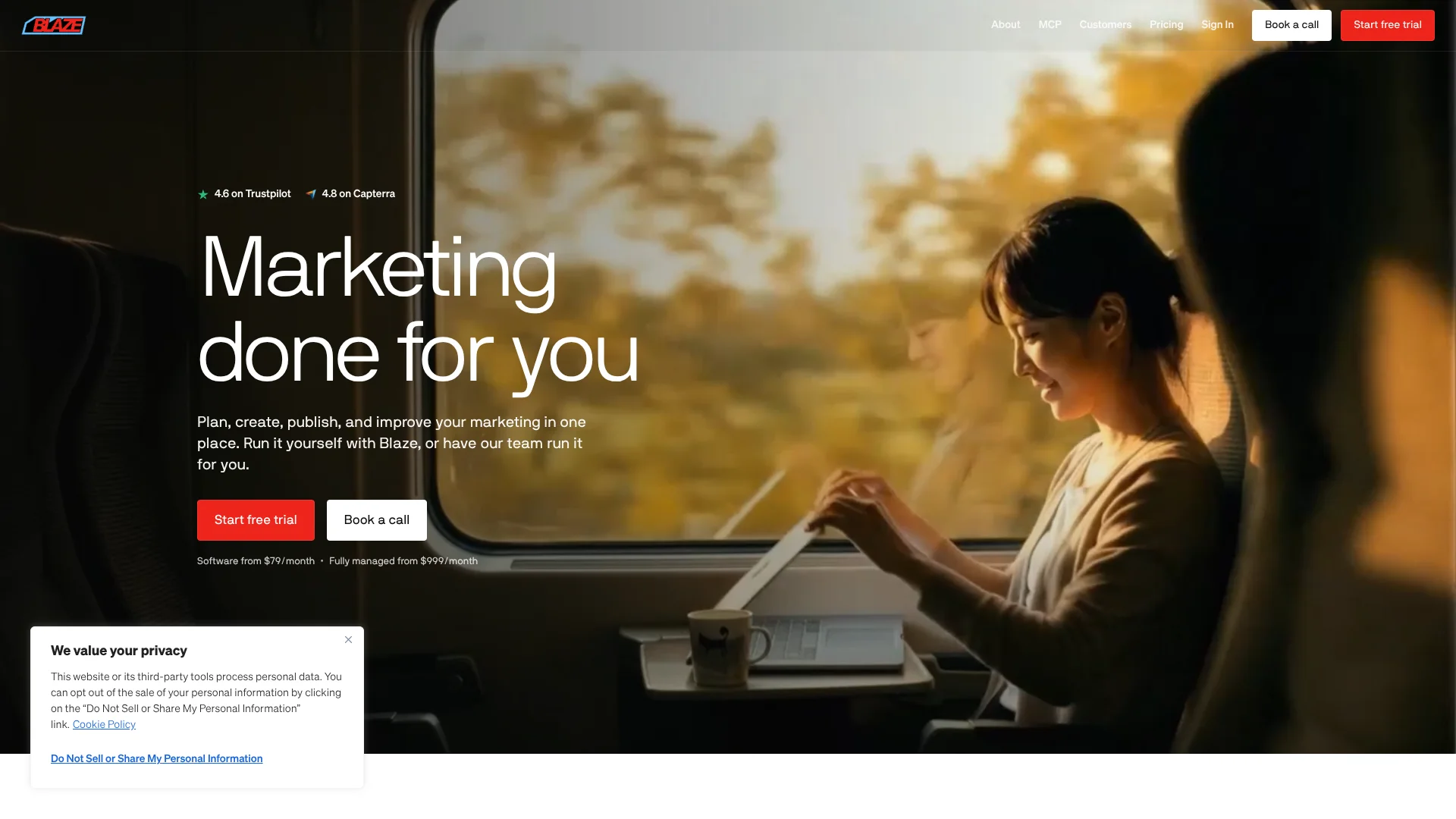
Blaze helps small businesses plan, create, and publish marketing content that matches their brand. Its AI can draft social posts, blog articles, emails, and ads, then schedule approved content for connected channels. A content calendar and performance insights help business owners keep marketing moving without writing every post or coordinating each publication by hand.
Blaze also offers a managed option: its $999-per-month All-In-One plan includes a dedicated marketing expert who runs a complete marketing funnel, including a website, content, lead response, reviews, and reporting. That gives buyers a choice between directing AI-assisted marketing themselves and having a Blaze team manage the work.
Blaze is best suited to founders and marketing teams that need a steady flow of on-brand content across several channels, especially businesses that want help with local search and lead follow-up. Generation credits limit how much content DIY subscribers can create each month, so it is less suited to anyone who needs unlimited content production on a low-cost plan.
Who is Using Blaze?
Small business owner
A consistent content calendar keeps marketing moving while the owner serves customers.
Social media manager
Brand-guided drafts, cross-posting, and scheduled publishing help maintain several channels.
Content marketer
Campaigns turn topics and goals into planned social and blog content.
Marketing agency account manager
Separate workspaces keep each client's Brand Kit and content distinct.
Local marketing specialist
The managed offering covers local visibility, paid search, review handling, and lead follow-up.
Uncommon Use Cases
Preparing newsletters for Mailchimp; publishing SEO blog posts to WordPress or GoHighLevel.
Key Features
Rating Breakdown
Pricing Plans
Starter
$79 per month
- 3 posting accounts
- 600 generation credits per month
- 1 user
- Automated ad campaigns
- 7-day free trial; no credit card required
Growth
$149 per month
- 10 posting accounts
- 1,500 generation credits per month
- Unlimited users
- Yearly planning window
- 7-day free trial; no credit card required
All-In-One
$999 per month
- Complete marketing funnel managed by Blaze and a dedicated marketing expert
- Includes website, content, and conversion work
- Includes lead response, reviews, analytics, and reporting
Which Blaze plan should you pick?
Start with Starter for solo marketing, choose Growth when you need more accounts, users, or planning time, and consider All-In-One if you want Blaze's team to manage the marketing funnel.
Starter
Good for solo founders and small teams that need up to 3 posting accounts and 600 monthly generation credits.
Growth
Good for teams that need 10 posting accounts, unlimited users, 1,500 monthly generation credits, and a yearly planning window.
All-In-One
Good for businesses that want Blaze and a dedicated marketing expert to manage a complete marketing funnel.
Blaze Use Cases
Plan a week of social posts
A campaign sets the posting schedule and channels, while Blaze drafts content for review.
Outcome: A calendar of ready-to-review posts for connected accounts.
Repurpose posts across channels
Cross-posting adapts a piece of social content for multiple selected platforms.
Outcome: One planned post can appear across connected social channels.
Publish a search-focused blog
Blaze creates blog content and can publish it to connected WordPress or GoHighLevel sites.
Outcome: A blog post published to a connected website.
Create an email newsletter
Draft a newsletter and publish it through the Mailchimp integration.
Outcome: A newsletter ready to reach a connected Mailchimp audience.
Manage local marketing
The managed All-In-One service combines local visibility, lead response, review handling, and reporting.
Outcome: A marketing program managed by Blaze and a dedicated expert.
Workflow Ideas with Blaze
Weekly social content
- 1Set campaign goals, posting frequency, and channels.
- 2Review the content Blaze prepares in the calendar.
- 3Approve posts for scheduled publishing.
Blog-to-newsletter promotion
- 1Draft a blog post around a campaign topic.
- 2Prepare a related newsletter for Mailchimp.
- 3Schedule the blog and newsletter through their connected integrations.
Automate a content handoff with Zapier
- 1Choose a Blaze trigger or content-generation action in Zapier.
- 2Connect it to an app such as Airtable or Slack.
- 3Set the workflow to create or share content when the chosen trigger occurs.
How Blaze fits into your stack
Content planning
Campaigns define goals, channels, and posting frequency, while the calendar shows planned and drafted content.
Social publishing
Blaze connects to social accounts including Instagram, Facebook, TikTok, X, YouTube, LinkedIn, and Google Business Profile for publishing.
Blogs and email
The integrations page lists WordPress, Wix, GoHighLevel, and Mailchimp for publishing blog posts and newsletters.
Automation
Zapier can connect Blaze content actions with other apps, including workflows triggered by new Airtable rows.
Performance tracking
Insights show performance data for connected accounts so teams can review how published content is doing.
Pros
- +Brand consistency: Brand Kit settings guide content across a business's marketing.
- +Publishing in the workflow: Schedule approved content for connected social and blog platforms.
- +Team review: Growth includes unlimited users, and approvals help keep posts from going live before review.
- +Managed option: All-In-One includes a dedicated marketing expert, not only software.
Cons
- −Monthly credit limits: Starter and Growth limit the amount of content you can generate.
- −Plan-based scale: Starter allows 3 posting accounts and 1 user, which may be restrictive for a larger team.
- −Brand separation: Each workspace has its own Brand Kit, so separate brands need separate workspaces.
Limitations & when to consider alternatives
Known limitations
- Monthly generation credits. Starter includes 600 credits per month and Growth includes 1,500; generating different content types uses different amounts.
- Starter campaign planning. The help center says Starter supports one active campaign planned one week ahead.
- Separate brand workspaces. Each workspace has one Brand Kit, so the vendor says separate brands need separate workspaces.
- Insight data delay. The help center says connected platforms usually take a few business days before their data appears in Blaze.
Look elsewhere when
- You need a free ongoing plan rather than a 7-day trial.
- You need more monthly generation capacity than the published credit allowances.
- Your team needs several brands managed under one shared workspace.
How to Use Blaze
- 1
Set up your brand
Add your business information and Brand Kit so generated content can follow your brand identity.
- 2
Choose a plan and start the trial
The pricing page offers a 7-day free trial for the software plans and says no credit card is required.
- 3
Connect publishing channels
Link the social, blog, or email accounts where you want Blaze to publish content.
- 4
Set campaign preferences
Choose campaign goals, channels, and posting frequency to guide the content Blaze prepares.
- 5
Review and approve drafts
Check the calendar and approve content before it is scheduled to publish.
- 6
Check performance insights
Review connected-account metrics to see which content is performing well.
Who is Blaze For?
Solo founders
Starter is aimed at founders who want to create and publish marketing content themselves.
Small teams
A shared content plan and review process can help a small team keep its channels active.
Growing marketing teams
Growth offers unlimited users, more posting accounts, and a longer planning window.
Local service businesses
The managed plan focuses on local search, calls, lead qualification, and review requests.
Frequently Asked Questions
Does Blaze have a free plan?
The pricing page lists a 7-day free trial for the software plans, not an ongoing free plan.
What does a generation credit cover?
Credits are used to generate content. The pricing page lists 1 credit for a static social post, 3 for an email or blog post, and 15 for an AI video.
Which platforms can Blaze connect to?
The integrations page lists social platforms, WordPress, Wix, GoHighLevel, Mailchimp, Meta Ads, Google Analytics, Google Drive, and Zapier. Some integrations are marked as coming soon.
Can a team review content before it goes live?
Yes. Blaze has approvals for team review before publishing; the help center identifies approvals as a Growth plan feature.
Can I manage more than one brand?
Yes, but each brand needs its own workspace and Brand Kit.
Community reviews
3 reviews from people who use Blaze.
Sign in to leave a review for Blaze.
Marcel RUETTGERS
Dilara Arslan
Pat Kelly
Blaze Alternatives
Looking for alternatives to Blaze? Here are similar tools in the same category: