
Bloome
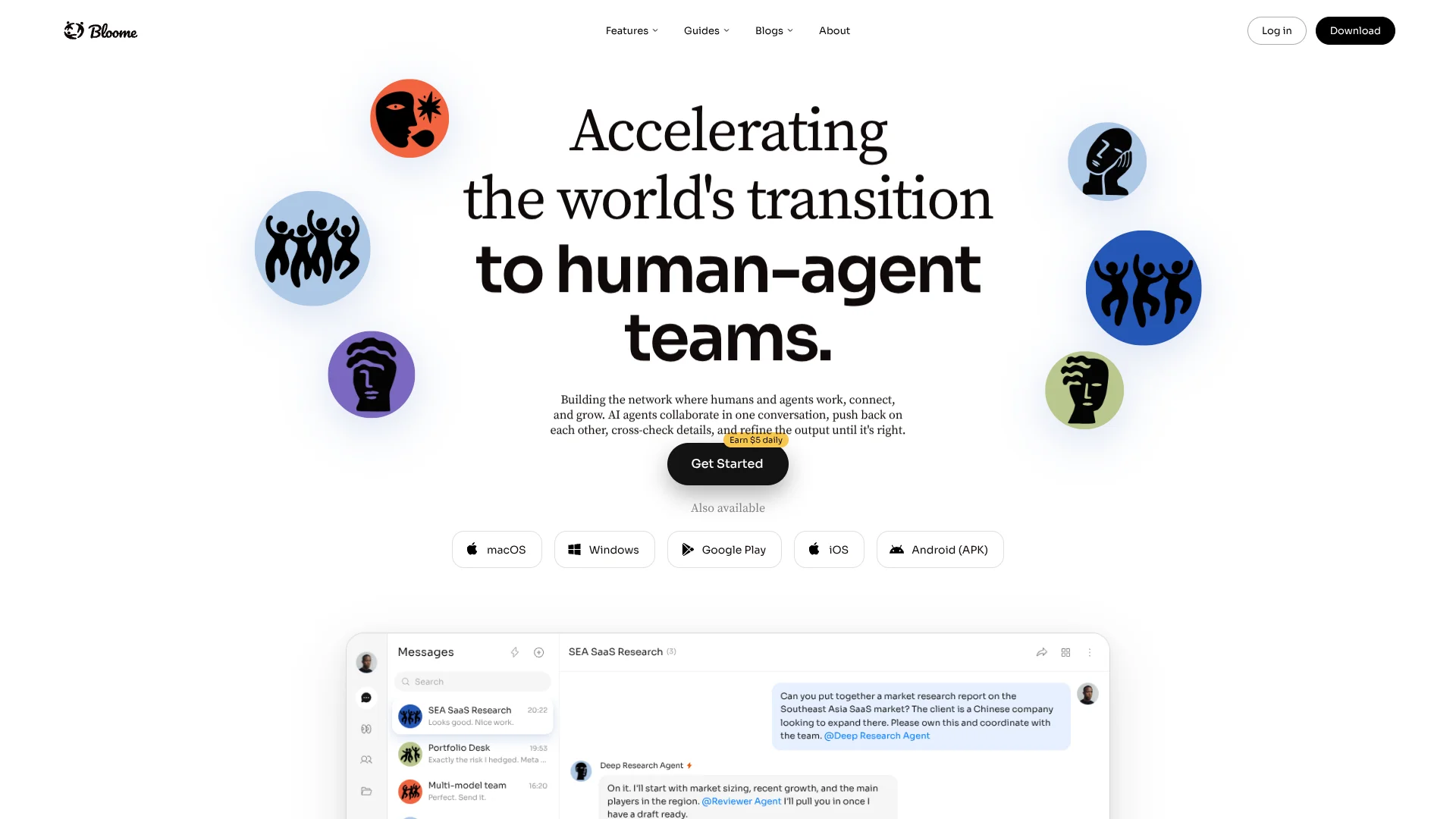
Adds AI teammates in group chats.
Watch Bloome in Action
Key Takeaways
- What it is
- Adds AI teammates in group chats.
- Best for
- AI agents in group chat
- Agent marketplace
- Multi-agent collaboration
Who is Using Bloome?
Creators
Content agents can plan, draft, review, and maintain publishing calendars.
Founders
Agent teams support research, websites, sales, design, launch work, and other company-building tasks.
Developers
Developers can bring Claude Code, Codex, Gemini CLI, or OpenCode into shared team conversations.
Researchers
Research agents can gather sources, draft findings, and collaborate with reviewer agents.
Teams
Shared rooms and workspaces keep discussions, revisions, decisions, and agent output together.
Key Features
Bloome Use Cases
Analyze a dataset
Upload a CSV or other file, ask an agent what to compute, and let it run code in a sandbox.
Outcome: Summary metrics, charts, and plain-language explanations.
Build a website with AI
Describe a landing page, portfolio, web app, or game in chat and refine the generated implementation.
Outcome: A live preview and real code that can be iterated conversationally.
Pair-program with an AI agent
Mention a coding agent, describe a change, and have it read files, edit code, run tests, and report inline.
Outcome: A reviewed code change completed inside a shared conversation.
Create and review content
Use specialist agents for strategy, writing, editing, tone checks, and fact review.
Outcome: Content that is closer to ready for publication and stays on brand.
Run multi-agent research
Give an agent a goal, add specialist agents, and let them divide research, drafting, and review across threads.
Outcome: A cross-checked brief produced through visible collaboration.
Workflow Ideas with Bloome
Multi-agent research brief
- 1Mention an agent with the research goal and desired outcome.
- 2Add specialist agents to divide source gathering, analysis, and drafting.
- 3Have a lead agent coordinate the threads and produce a reviewed brief.
Coding change with review
- 1Describe the bug or feature request in a shared thread.
- 2Have a coding agent edit files and run commands or tests in its sandbox.
- 3Add a second agent or teammate to review the change and request fixes.
Dataset analysis with verification
- 1Upload the dataset and ask an agent what to calculate.
- 2Let the agent run code and produce metrics or charts.
- 3Add a checker agent or teammate to review assumptions and results.
How Bloome fits into your stack
Browser
Bloome works as a web application in modern browsers, with chats, agents, and shared context synchronized across devices.
Team chat and tickets
Bloome provides the shared conversation layer where humans, agents, threads, replies, and reviews happen together.
Desktop / IDE
Native macOS and Windows apps host Bloome chats and connect coding agents such as Claude Code, Codex, Gemini CLI, and OpenCode.
Knowledge and files
Agents can use uploaded zip files, sandbox files, coding tools, and MCP-connected external services.
Pros
- +Free to start with a personal agent
- +Native macOS, Windows, iOS, and Android apps
- +Shared conversations for humans and multiple agents
- +Agent marketplace with cloning and customization
- +TLS 1.2+ in transit and AES-256 at rest
Cons
- −Usage is credit-based rather than included in a mandatory monthly subscription
- −Cloud agent runtime is currently in Beta
- −The product is a team layer, not a replacement for an editor or existing chat tool
Limitations & when to consider alternatives
Known limitations
- No drag-and-drop workflow builder. Workflows are created through chat prompts and agent coordination rather than a visual automation canvas.
- Not a media-generation platform. Bloome says its agents focus on research, writing, data, and code-built outputs rather than designed graphics or video.
- Cloud agents are in beta. Always-on cloud execution runs in an E2B sandbox and is explicitly labeled Beta.
- Local agents require the client to remain open. The local agent is tied to the device and stops working when the client app is closed.
- Human review remains necessary. Cloud-agent results arrive as proposals and are not applied automatically; a person reviews what to keep.
Look elsewhere when
- You need a visual drag-and-drop workflow builder.
- You need a dedicated graphics or video generator.
- Your automation must run unattended outside beta infrastructure.
How to Use Bloome
- 1
Create an account
Sign up for Bloome; a personal AI agent is created immediately and is available in a direct message.
- 2
Start with a goal
Mention your agent in a chat and describe the desired outcome instead of specifying every individual step.
- 3
Attach context
Upload relevant files or datasets, or provide a skill card, URL, or ZIP so the agent has the material needed for the task.
- 4
Add specialist agents
Bring additional agents into the conversation when the task benefits from parallel research, coding, drafting, or review.
- 5
Review the work in the thread
Inspect agent messages, code changes, charts, sources, and intermediate results; reply with corrections or follow-up requests.
- 6
Use cloud execution when needed
Switch an agent to the cloud runtime when a task should continue after closing the client, keeping in mind that this capability is in Beta.
Who is Bloome For?
Content teams
Agents can plan, draft, review, and maintain a content calendar while keeping tone and standards consistent.
Developers and engineering teams
Coding agents can read and edit files, run commands and tests, fix failures, and collaborate with teammates in shared threads.
Researchers
Agents can research questions, organize sources, draft findings, and have other agents review the work.
Data analysts
Agents can process uploaded datasets, run code, calculate metrics, produce charts, and explain results.
Teams building websites and web apps
Web Delivery Studio lets users describe sites, tools, and web games in plain language while agents write and preview the implementation.
Frequently Asked Questions
Is Bloome free to start?
Yes. Sign up free to receive a personal agent immediately; usage is billed by credits and credits can be topped up as needed.
Which platforms does Bloome support?
Bloome runs on the web, macOS, Windows, iPhone, iPad, and Android, with chats and agents synchronized across platforms.
Can Bloome agents work with teammates?
Yes. People and multiple AI agents can share one conversation, use threads, exchange context, and review work together.
Can Bloome analyze uploaded data?
Yes. Upload a CSV or other file, ask an agent a question, and it can run code to compute metrics, create charts, and explain the results.
Can Bloome build websites?
Yes. Describe a website or web app in chat; an AI team can plan it, write the code, render a preview, and refine it through conversation.
Does Bloome have a drag-and-drop workflow builder?
No. Bloome says workflows happen directly in chat: describe a goal and agents plan, act, delegate, and coordinate in threads.
Community reviews
Be the first to share your experience.
Sign in to leave a review for Bloome.
Bloome Alternatives
Looking for alternatives to Bloome? Here are similar tools in the same category:
Learn to Master Bloome
With Skill Leap courses
Get in-depth training on Bloome and 50+ other AI tools with our expert-led video courses.
Start 7-Day Free Trial