
Bluedot
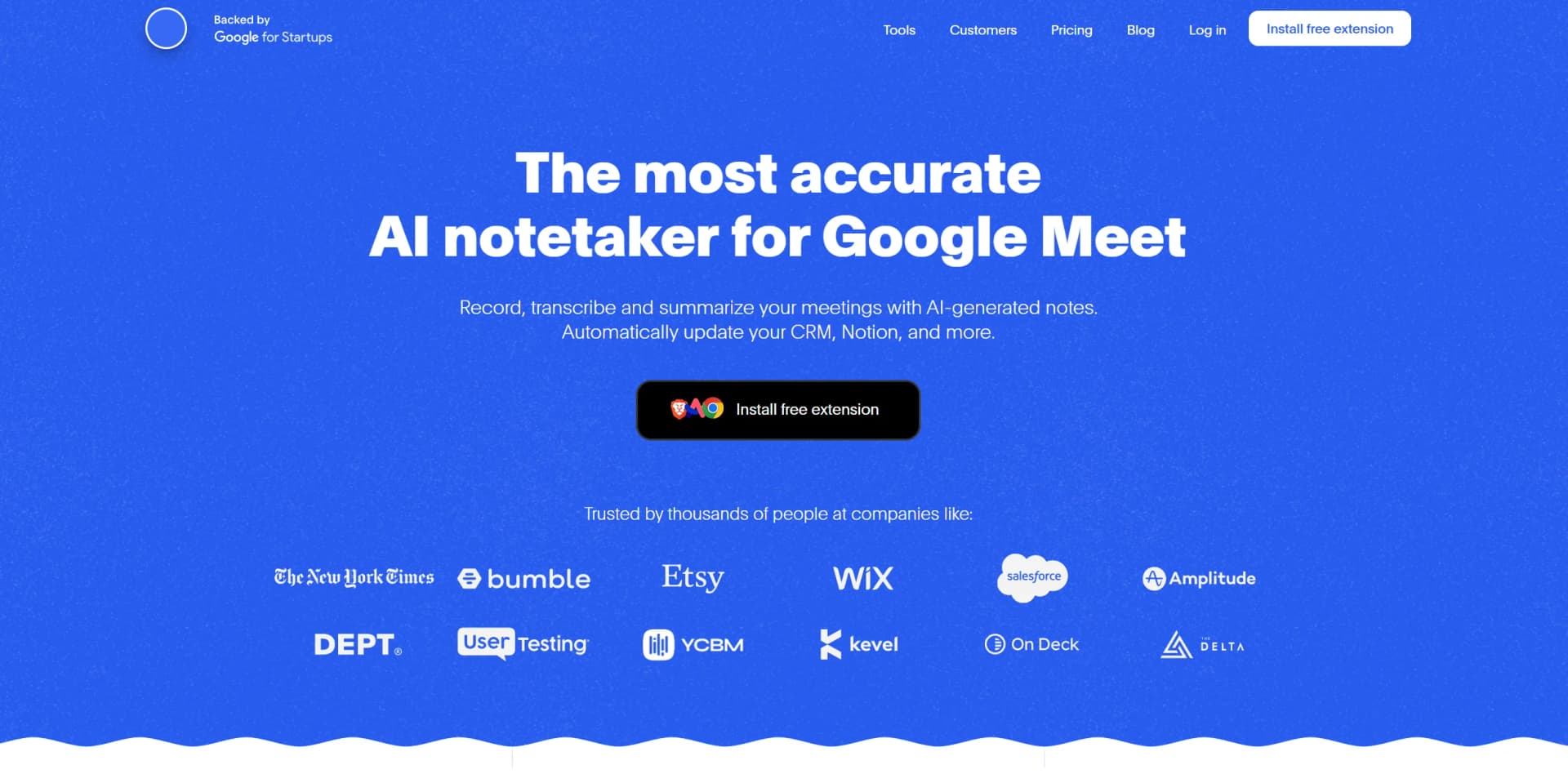
AI-driven tool for seamless meeting transcription and note-taking.
Key Takeaways
- What it is
- AI-driven tool for seamless meeting transcription and note-taking.
- Pricing
- Freemium · $18 per month
- Best for
- AI-Powered Transcription
- Bot-Free Recording
- Automated Note Generation
- Rating
- 4.5/5
What is Bluedot?
Bluedot is an innovative AI-powered notetaking tool specifically designed to enhance productivity during meetings on platforms like Google Meet and Microsoft Teams. By offering a seamless, bot-free experience, Bluedot provides automated transcription, note generation, and meeting summarization, all while integrating smoothly with various CRMs and productivity tools. Whether you're an entrepreneur, manager, or recruiter, Bluedot simplifies the process of capturing and sharing meeting insights, allowing users to focus more on meaningful interactions.
Bluedot stands out with its bot-free recording approach, providing a non-intrusive and seamless experience for Google Meet users. Its ability to automatically generate customized meeting notes and summaries, while ensuring GDPR compliance, sets it apart as a reliable tool for enhancing productivity and communication transparency.
Bluedot offers a compelling solution for professionals seeking to enhance their meeting productivity with AI-driven notetaking. By providing accurate transcriptions, customizable notes, and seamless CRM integration, Bluedot empowers users to focus on what truly matters—engaging and effective communication. Whether you're managing a team or closing deals, Bluedot's innovative features make it an indispensable tool for modern businesses.
Who is Using Bluedot?
Entrepreneurs
Utilize Bluedot to automate meeting documentation, freeing up time to focus on business growth.
Managers
Employ the tool to share meeting insights and foster transparency within teams.
Sales Teams
Leverage automated note-taking to enhance customer interactions and close deals more effectively.
Recruiters
Use Bluedot for generating interview notes and follow-up emails, streamlining the recruitment process.
Uncommon Use Cases
Educational institutions incorporate Bluedot for recording and analyzing lectures; freelance consultants use it for documenting client meetings without intrusive bots.
Key Features
Rating Breakdown
Pricing Plans
Free Tier
Free
- Experience Bluedot with a free trial
- Allowing users to explore essential features
Pro Tier
$18 per month
- Offering advanced features and integrations
Which Bluedot plan should you pick?
Start with Free to test Bluedot, choose Basic for unlimited audio, Pro for unlimited video, and Business for CRM, admin, SSO, and organization-wide automation.
Free
Good for individuals who need to try the core recording and transcription workflow with five lifetime meetings.
Basic
Good for users who need unlimited audio-only meetings, unlimited storage, webhooks, and MCP access.
Pro
Good for users who need unlimited video meetings, unlimited recording duration, custom templates, and imports.
Business
Good for teams needing CRM and ATS integrations, advanced administration, SSO, SCIM, retention controls, and organization-wide automation.
Bluedot Use Cases
Interview transcription
Record candidate interviews and sync notes or feedback into recruiting systems.
Outcome: Interview documentation is available in the ATS and Bluedot.
Sales call notes
Capture customer calls, generate structured summaries, and update CRM records.
Outcome: Sales follow-ups and CRM documentation require less manual entry.
In-person meeting recording
Use the mobile app to record site visits, client meetings, interviews, board meetings, or walkthroughs.
Outcome: Transcripts, summaries, and action items are available after the meeting.
Meeting knowledge search
Search across recordings, transcripts, titles, descriptions, and participants.
Outcome: Past decisions and discussion details can be retrieved quickly.
Post-meeting automation
Trigger webhooks or Zapier workflows when a meeting summary becomes available.
Outcome: Summaries can create documents, tasks, CRM updates, or notifications automatically.
Workflow Ideas with Bluedot
Automated meeting-summary delivery
- 1Record and finish a meeting in Bluedot
- 2Use the new-summary trigger in Zapier
- 3Create a document in Google Docs or another connected app
CRM follow-up workflow
- 1Record a customer or interview call
- 2Generate a structured summary with a custom template
- 3Send the summary to Salesforce, HubSpot, or Ashby
Workspace knowledge assistant
- 1Connect Bluedot to Claude through MCP
- 2Search meetings and transcripts using the documented MCP tools
- 3Retrieve summaries, participants, and meeting details for follow-up questions
How Bluedot fits into your stack
Browser
Bluedot runs as a web app and browser extension for recording browser meetings, screen activity, and calls in Chrome, Edge, Arc, and Brave. It can capture Google Meet and other browser-based conversations without requiring a meeting bot.
Desktop
Dedicated macOS and Windows apps record Zoom, Teams, Slack, phone calls, in-person meetings, and screen activity without bots.
Mobile
The iOS and Android apps record in-person meetings and voice notes, upload recordings, and provide access to transcripts and AI-generated notes.
Automation and APIs
Bluedot connects to Zapier and Make for multi-step workflows and provides webhooks and MCP for sending meeting summaries and transcripts to external systems.
Docs and writing
Meeting summaries and transcripts can be sent to Notion, Google Drive, Google Docs, and other documentation destinations through native integrations or automation tools.
Pros
- +Time Efficiency: Automates note-taking and follow-up tasks, significantly reducing time spent on administrative duties.
- +Non-Intrusive Design: Provides a discreet and seamless recording experience without the need for bots.
- +Customizable Notes: Allows users to generate notes that are specifically adapted to their unique business needs.
- +GDPR Compliance: Ensures data privacy with robust encryption and adherence to EU data protection laws.
Cons
- −Limited Platform Focus: Primarily optimized for Google Meet, with limited support for other meeting platforms like Zoom.
- −Initial Setup Required: Users need to install the Chrome extension, which may require initial technical setup.
Limitations & when to consider alternatives
Known limitations
- Free plan is limited. The Free plan includes five meetings for the lifetime of the account rather than five meetings each month.
- Basic recordings are audio-only. The Basic plan limits meetings to audio-only recordings and a maximum of one hour per recording.
- Desktop Google Meet recording is audio-only. The desktop app records Google Meet in audio-only mode; video recording requires the browser extension.
- Desktop auto-recording is unavailable. The current desktop app does not support automatic recording.
- Breakout rooms stop recordings. Entering a breakout room automatically stops the current recording and requires starting a new recording.
Look elsewhere when
- You need fine-tuning or model-weight customization.
- You need image analysis or vision-based document understanding.
- You need a coding assistant that generates or edits software code.
- You need unrestricted video recording on the Basic plan.
How to Use Bluedot
- 1
Choose your capture method
Install the Chrome extension, desktop app, or mobile app based on whether you are recording browser meetings, desktop meetings, or in-person conversations.
- 2
Start and save a recording
Start capture before the meeting, then save the recording when finished so Bluedot can upload and process it.
- 3
Review the transcript and notes
Open the recording to review speaker-labeled transcripts, summaries, action items, and searchable meeting content.
- 4
Apply a note template
Select or create a custom template with prompts or questions that structure the AI-generated notes for your workflow.
- 5
Organize and share
Move recordings into collections, set teammate access, and share recordings or summaries with collaborators.
- 6
Automate follow-up
Connect Zapier, webhooks, CRM tools, or MCP to send summaries elsewhere, update records, or query meeting history.
Who is Bluedot For?
Entrepreneurs
Capture calls, decisions, notes, and follow-ups without manually documenting every meeting.
Recruiters
Record interviews and send structured interview summaries to recruiting workflows and ATS tools.
Sales teams
Record customer conversations, generate notes, and synchronize outcomes with CRM systems.
Managers
Capture team discussions, decisions, and action items for easier follow-up.
Engineers
Preserve technical discussions with transcripts, speaker recognition, and searchable meeting history.
Frequently Asked Questions
How is Bluedot different from other AI note takers?
Bluedot records through a Chrome extension or desktop app instead of requiring a meeting bot or calendar access.
Do I need to be the meeting host to record?
No. Participants can use the Bluedot extension or app without host permissions inside the meeting platform.
Does Bluedot work with Google Meet, Zoom, and Microsoft Teams?
Yes. Bluedot supports major meeting platforms, including Google Meet, Zoom, Microsoft Teams, Webex, Slack huddles, and phone calls.
Can I record in-person meetings?
Yes. The iOS and Android apps record and transcribe face-to-face meetings, interviews, and team huddles.
Can I use Bluedot for free?
The Free plan includes five lifetime meetings. Afterward, users can still view and share recordings as free members.
Does a bot join my meetings?
No. Bluedot records across platforms without a bot, although an optional bot can be enabled when required.
Community reviews
5 reviews from people who use Bluedot.
Sign in to leave a review for Bluedot.
Kaira Khalilova
Anastasia Leshchenko
Russ Halilov
Natalya Knyazeva
Yuliya Belonog
Bluedot Alternatives
Looking for alternatives to Bluedot? Here are similar tools in the same category:
Learn to Master Bluedot
With Skill Leap courses
Get in-depth training on Bluedot and 50+ other AI tools with our expert-led video courses.
Start 7-Day Free Trial