Boomy
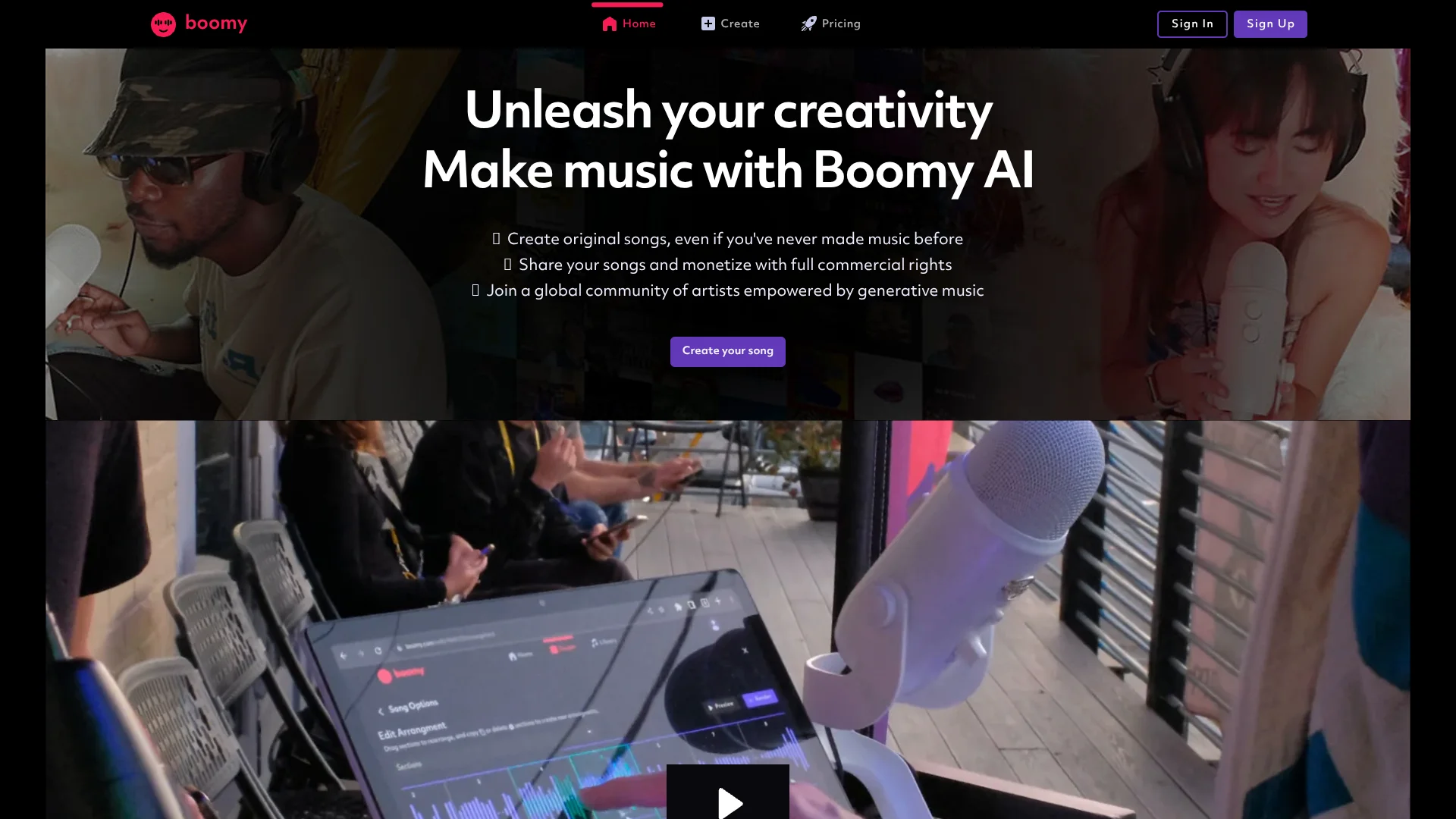
Make original songs from a style choice, even without music experience.
Watch Boomy in Action
Key Takeaways
- What it is
- Make original songs from a style choice, even without music experience.
- Pricing
- Freemium · $14.99 per month · $39.99 per month
- Best for
- AI Song Generation
- Song Customization
- Composition Rewrite
- Rating
- 4.0/5
What is Boomy?
Boomy uses AI to turn a musical style choice into an original song, giving first-time music makers and aspiring artists a way to start without formal music training. You can save versions in a library, then adjust elements such as tempo, instruments, and arrangement. Paid Creator and Pro members can download songs for commercial use.
A saved song’s composition can be rewritten while its production choices stay the same, so you can change the underlying notes without rebuilding the sound.
Boomy is best suited to creators who want a fast musical starting point for a video, podcast, or independent release. Its style-led process offers less precise direction than writing or arranging every musical detail yourself, so think of it as a way to generate and shape a starting track.
Who is Using Boomy?
Independent Musicians
A generated track gives them a starting point to edit, add vocals, and prepare for release.
Video Creators
Downloaded songs can provide music for videos, including monetized videos for eligible paid downloads.
Podcast Producers
A generated track can supply original music for podcast content.
Meditation Content Creators
The Relaxing Meditation style can provide a starting track for yoga, meditation, or sleep content.
Uncommon Use Cases
Rap Beats can provide a backing track for a verse; Auto Vocals can turn a short audio sample into an algorithmic vocal line.
Key Features
Rating Breakdown
Pricing Plans
Free
Free
- Create and edit songs
- Basic song editing tools
- 25 song saves
- No downloads or commercial use
Creator
$14.99 per month
- Advanced song editing tools
- 500 song saves
- 25 WAV downloads per month
- Full commercial use of downloaded songs
Pro
$39.99 per month
- Advanced song editing tools
- Unlimited song saves
- 250 WAV downloads per month
- Full commercial use of downloaded songs
Which Boomy plan should you pick?
Start with Free to make and edit songs without downloads, then choose Creator or Pro if you need monthly WAV downloads and commercial rights.
Free
Good for first-time music makers who want to create and edit songs without downloading them.
Creator
Good for artists and content creators who need advanced editing, up to 500 song saves, and 25 WAV downloads per month.
Pro
Good for frequent creators who need unlimited song saves and 250 WAV downloads per month.
Boomy Use Cases
Create a Starting Track
A chosen musical style gives a new creator a song to save and refine.
Outcome: A generated song saved in the Boomy library.
Make Music for Videos
Downloaded tracks can add music to video content.
Outcome: A song ready to add to a video; commercial rights require an active Creator or Pro membership when downloading.
Shape a Song Without Rebuilding Its Sound
Composition rewriting changes the underlying notes while retaining production choices.
Outcome: A revised composition with the same production features.
Add a Vocal Layer
A personal recording or short audio sample can add vocal material to a song.
Outcome: A song with custom or algorithmic vocals.
Prepare a Release
Paid members can download tracks and submit them through a distributor they choose.
Outcome: Downloaded music ready for a separate distributor.
Workflow Ideas with Boomy
Make and Refine a Song
- 1Choose a style and generate a song.
- 2Save a version you want to develop.
- 3Adjust its arrangement, tempo, instruments, or mixing.
Prepare Music for a Video
- 1Generate and edit a track for the video.
- 2Download it with an active Creator or Pro membership.
- 3Add it to the video or submit it through a distributor if releasing it.
Add Vocals to a Track
- 1Open a saved song and choose Add Vocal.
- 2Record or upload your own vocal, or try Auto Vocals with a short audio sample.
- 3Review the options and save the version that fits.
How Boomy fits into your stack
Song Creation
Boomy starts the music-making process with selectable styles and generated song options. It can suit creators who want a track idea before making detailed edits.
Song Editing
The editing tools cover arrangement, production, tempo, mixing, and instruments. The composition can also be rewritten while retaining production choices.
Vocals
Custom vocals let you add your own recording, while Auto Vocals generates an algorithmic line from a short audio sample.
Downloads and Distribution
Creator and Pro members can download songs with commercial rights. Releasing a song requires a separate distributor of your choice.
Pros
- +Beginner-friendly creation: Style choices provide a starting point without requiring formal music training.
- +Editable results: Tempo, instruments, arrangement, and composition can be changed after generation.
- +Commercial-use option: Downloaded songs receive commercial rights with an active Creator or Pro membership.
- +Built-in vocal options: Add a personal recording or try Auto Vocals from an audio sample.
Cons
- −Style-led direction: The creation process starts with musical styles and controls rather than detailed written instructions.
- −No free downloads: Songs made on the Free membership cannot be downloaded.
- −Release handoff: You need another music distributor to release downloaded songs.
Limitations & when to consider alternatives
Known limitations
- Free songs cannot be downloaded. The Free membership includes song creation and basic editing, but no downloads or commercial use.
- Monthly download allowances. Creator includes 25 WAV downloads per month, while Pro includes 250.
- Release track limit. Creator and Pro releases can contain up to 25 songs each.
- Commercial rights depend on membership. Creator and Pro grant commercial rights to songs downloaded while subscribed; Boomy retains copyright to songs created on the platform by default.
- Auto Vocals require audio input. Auto Vocals uses a short audio phrase or sample rather than generating a vocal from written lyrics.
Look elsewhere when
- You need a tool that turns written lyrics into a sung vocal.
- You need Boomy itself to distribute your music to streaming services.
- You need to download songs without a paid membership.
How to Use Boomy
- 1
Pick a Style
Start with a Boomy style such as Electronic Dance, Lo-Fi, or Relaxing Meditation to set the musical direction.
- 2
Generate and Save
Listen to song options and save a version you want to work on in your Library.
- 3
Edit the Track
Change its arrangement, tempo, instruments, or mixing; paid memberships allow individual instrument edits.
- 4
Add Vocals if Needed
Choose Custom vocals for your own recording or Auto Vocals to make an algorithmic vocal line from a short sample.
- 5
Download or Keep Creating
Free membership does not include downloads; Creator and Pro include monthly WAV download allowances and commercial rights for downloaded songs.
Who is Boomy For?
First-Time Music Makers
Style-based song creation gives newcomers a way to make and edit music without prior musical experience.
Aspiring Artists
Song editing and vocal options help artists shape a generated idea into a track.
Video and Podcast Creators
Downloaded songs can provide music for videos and podcasts, with commercial rights available on Creator and Pro.
Independent Music Creators
Paid members can download songs and choose their own distributor for releases.
Frequently Asked Questions
Is Boomy free?
Yes. The Free membership costs $0 per month and includes 25 song saves, basic editing, and no downloads or commercial use.
What do Creator and Pro cost?
The pricing page lists Creator at $14.99 per month and Pro at $39.99 per month as their standard monthly prices.
Can I use downloaded Boomy songs commercially?
Creator and Pro members receive full commercial rights to songs they download while subscribed.
Can Boomy distribute my music?
Most creators download their songs and use a distributor of their choice. Boomy says it does not offer distribution services except for select artist partners.
Can Boomy generate vocals from lyrics?
The documented Auto Vocals feature uses a short audio phrase or sample. Custom vocals let you add your own recording.
Community reviews
Be the first to share your experience.
Sign in to leave a review for Boomy.
Boomy Alternatives
Looking for alternatives to Boomy? Here are similar tools in the same category: