
BrandCrowd
Generate logos, business cards, and social media designs.
Key Takeaways
- What it is
- Generate logos, business cards, and social media designs.
- Pricing
- $15 per month · $24 per month · $29 per month
- Best for
- AI Logo Generator
- Business Card Maker
- Social Media Design Tools
- Rating
- 4.3/5
What is BrandCrowd?
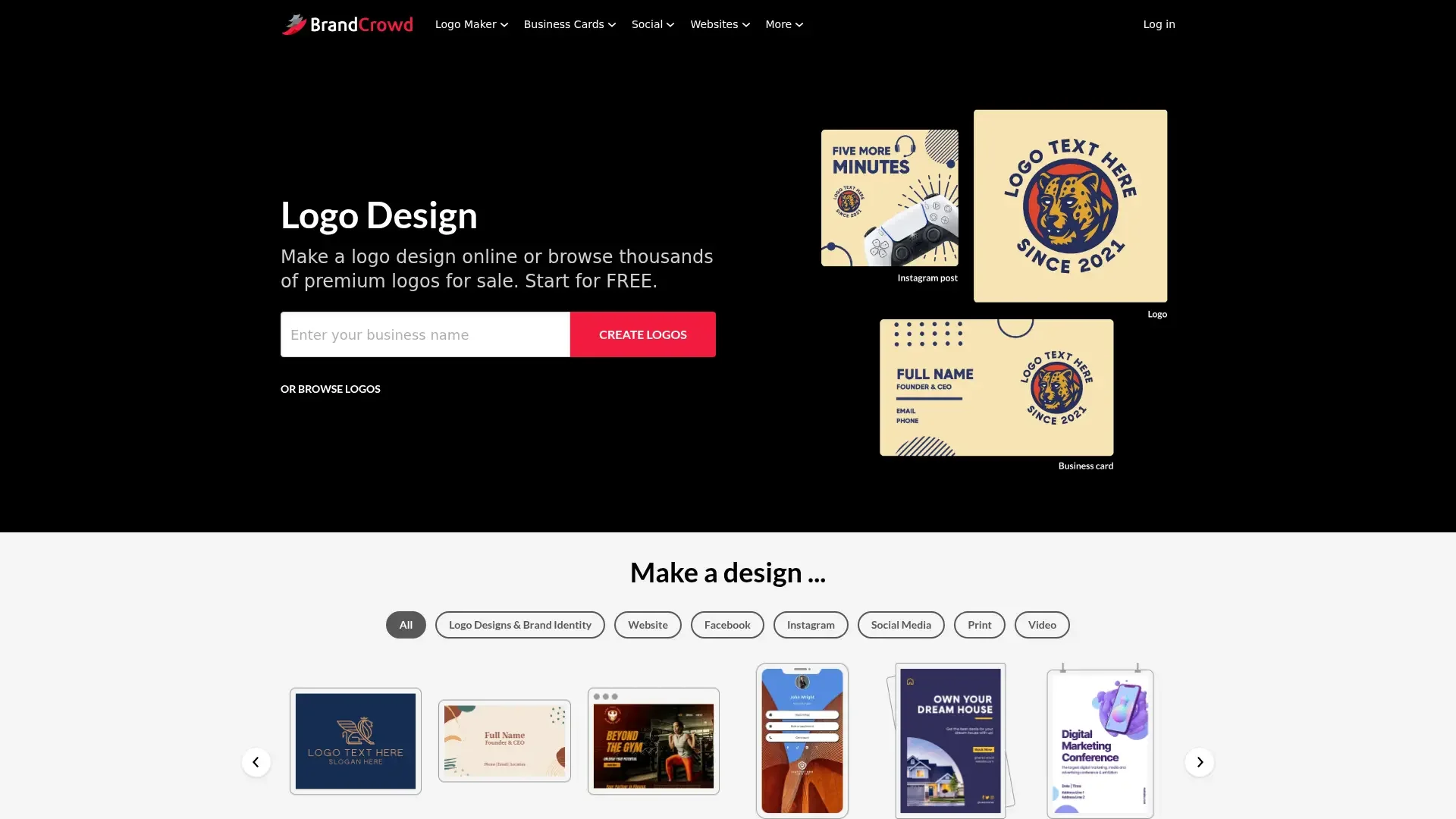
BrandCrowd is a dynamic tool designed for creating stunning visual content, including logos, business cards, and social media designs. Tailored for businesses, freelancers, and creatives, it simplifies the process of establishing a strong brand identity. Whether you're crafting a logo that captures your brand essence or designing business cards that leave a lasting impression, BrandCrowd provides a suite of tools to make the process easy and efficient.
BrandCrowd stands out with its AI Logo Generator, which provides users with a personalized logo creation experience without the need for a graphic designer. Its ability to offer a vast array of customizable templates for various branding needs sets it apart from other design tools.
BrandCrowd offers a powerful yet accessible platform for anyone looking to enhance their brand's visual presence. Its combination of AI-driven tools and extensive template library makes it an ideal choice for businesses and individuals aiming to create professional and eye-catching designs without the hassle of traditional graphic design processes. Whether you're a small business owner or a social media manager, BrandCrowd provides the resources needed to elevate your brand's identity.
Who is Using BrandCrowd?
Small Business Owners
Utilizing the tool for creating logos and marketing materials.
Freelancers
Employing BrandCrowd for designing personal branding elements like business cards.
Social Media Managers
Creating engaging visual content for various platforms.
Marketing Agencies
Using BrandCrowd for quick turnaround on client branding projects.
Uncommon Use Cases
Adopted by educational institutions for student projects; Used by non-profits for cost-effective branding solutions.
Key Features
Rating Breakdown
Pricing Plans
Starter Plan
$15 per month
- Includes your logo forever, unlimited logo edits, and access to high-res and vector logo files. Comes with business cards, letterheads, social media post templates, and 50+ design tools. Cancel anytime
Value Plan
$24 per month
- Includes everything in Starter plus a professional website. Great for small businesses looking for a complete brand and online presence setup
Premium Plan
$29 per month
- Includes all Value features plus a link-in-bio and digital business card. Best for professionals managing both brand visuals and client outreach in one place
Annual Plan Discount
- An annual plan
- You can save up to 75% off
Which BrandCrowd plan should you pick?
Start with Free to create and customize logos; upgrade to Starter for broader branding tools, Value for a website, or Premium for link-in-bio and digital business cards.
Free
Good for users who need free logo creation, customization, and selected downloadable logo assets.
Starter
Good for users who need unlimited logo edits plus business cards, social posts, email signatures, and letterheads.
Value
Good for users who need everything in Starter plus a website.
Premium
Good for users who need everything in Value plus a link in bio and digital business cards.
BrandCrowd Use Cases
Create a logo
Enter a business name, browse generated logo concepts, customize colors, fonts, layouts, and shapes, then download the result.
Outcome: A customized logo in downloadable image and vector formats.
Create business cards
Choose a business-card template, edit its colors, fonts, layout, logo, and text, then download or print it.
Outcome: A branded business card.
Create social-media designs
Use templates for posts, stories, covers, banners, ads, and profile graphics across supported social platforms.
Outcome: Consistent branded social content.
Build a website
Select a website template, add branding and business information, upload media, connect a domain, and publish.
Outcome: A hosted branded website.
Remove an image background
Upload an image to the background remover, remove its background, and download the transparent result.
Outcome: A background-free image for further design use.
Workflow Ideas with BrandCrowd
Launch a basic brand identity
- 1Enter the business name in the logo maker
- 2Customize a logo’s colors, fonts, layout, and shapes
- 3Download the logo in PNG, JPG, PDF, EPS, or SVG
Create a branded website
- 1Choose the advanced or one-page website builder
- 2Add the logo, brand colors, business information, photos, and videos
- 3Connect or buy a domain and publish the website
Prepare social content
- 1Select a social-media template such as an Instagram post or Facebook cover
- 2Customize the template with brand colors, fonts, images, and text
- 3Download the design for sharing
How BrandCrowd fits into your stack
Browser
BrandCrowd is used as a browser-based branding workspace for generating and editing logos, business cards, social designs, websites, and related brand assets.
Pros
- +User-Friendly Interface: Even beginners can navigate BrandCrowd's intuitive design tools with ease.
- +Extensive Template Library: Offers a plethora of templates for various design needs, ensuring users find something that fits their vision.
- +Time-Saving Tools: Quickly create designs without the need for extensive graphic design skills.
- +Customizable Designs: Allows for extensive customization, ensuring each design is unique to the user's brand.
Cons
- −Limited Free Options: While there are free templates available, most of the premium designs require a purchase.
- −Learning Curve for Advanced Features: Some advanced customization features may take time to master.
Limitations & when to consider alternatives
Known limitations
- Free designs may be non-exclusive. The Free and Standard licenses are non-exclusive, so other users may purchase and use the same design.
- JPG files should not be enlarged. BrandCrowd states that JPG files are high resolution for printing at their current size and should not be altered or enlarged.
- Advanced customization may require support. For complex logo changes beyond the editor, BrandCrowd directs customers to its support team.
- Website customization is template-based. The website builder uses professional templates and a no-code editor rather than requiring or providing custom coding workflows.
Look elsewhere when
- You need a documented developer API.
- You need native mobile or desktop software.
- You need multi-user workspace collaboration.
- You need automated workflows or third-party integrations.
How to Use BrandCrowd
- 1
Start with the logo maker
Enter your business name and browse the generated or template-based logo options.
- 2
Customize the selected logo
Adjust colors, fonts, layout, spacing, shapes, gradients, and curved text until the design fits the brand.
- 3
Preview the design
Use BrandCrowd’s previews to see how the logo appears on real-world applications.
- 4
Download the files
Download available PNG, JPG, PDF, EPS, and SVG logo files from the account or download page.
- 5
Extend the brand
Use the logo in business cards, social designs, print materials, email signatures, or websites.
- 6
Upgrade when needed
Choose Starter, Value, or Premium when you need additional branding tools, a website, or digital business-card features.
Who is BrandCrowd For?
Start-ups
BrandCrowd helps start-ups find and create a logo quickly.
Businesses
Businesses can create logos, business cards, social designs, print materials, and websites.
Entrepreneurs
Entrepreneurs can use the online logo and branding marketplace to create a visual identity in minutes.
Frequently Asked Questions
What happens after I purchase a logo?
You receive access to a download page with industry-standard logo formats, and BrandCrowd emails a download link.
Can I customize my logo further after I purchase it?
Yes. Purchased packages provide access to the Logo Editor for continued adjustments.
What file formats can I download when I purchase a logo?
Available formats include PNG, PDF, JPG, EPS, and SVG.
What are the different licenses offered for designs?
BrandCrowd offers Free, Standard, Exclusive, and Buyout licenses.
Can I build my website with BrandCrowd?
Yes. BrandCrowd offers an advanced website builder and a one-page builder for link-in-bio sites.
Why do I pay monthly or yearly for a logo?
Subscriptions provide access to the broader design platform, including templates and tools for social, print, branding, and websites.
Community reviews
Be the first to share your experience.
Sign in to leave a review for BrandCrowd.
BrandCrowd Alternatives
Looking for alternatives to BrandCrowd? Here are similar tools in the same category:
Learn to Master BrandCrowd
With Skill Leap courses
Get in-depth training on BrandCrowd and 50+ other AI tools with our expert-led video courses.
Start 7-Day Free Trial