Brevian
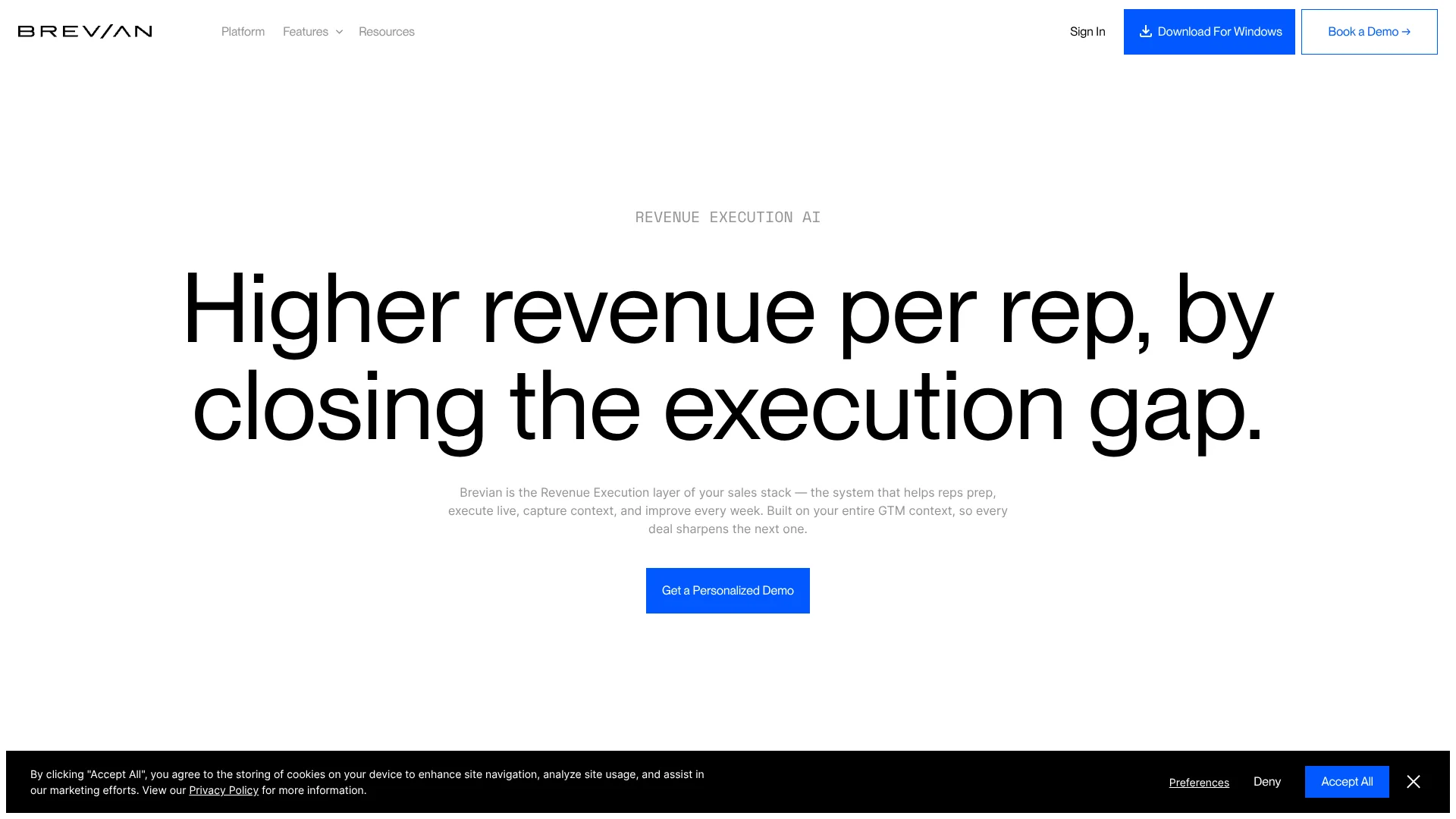
Deal-specific call guidance for sales teams selling complex technical products.
Key Takeaways
- What it is
- Deal-specific call guidance for sales teams selling complex technical products.
- Best for
- Automated Deal Preparation
- Live Assist
- AI Sales Engineer
- Rating
- 4.1/5
What is Brevian?
Brevian prepares sales reps for customer calls by pulling together account research, stakeholders, previous conversations, and likely objections from connected CRM and company knowledge. During meetings, its AI can surface qualification gaps and suggested responses; afterward, it captures deal details in CRM. It is built for revenue teams selling complex products, where reps need deal-specific guidance rather than another after-call transcript.
Brevian’s AI Sales Engineer can join a customer call as a participant and answer technical questions using your product information, with responses controlled by a wake phrase and configurable topic rules. That makes it useful when a sales engineer cannot attend every call but prospects still need product-specific answers in the moment.
Brevian is aimed at revenue teams with 20 or more reps, especially those selling technical products through Salesforce or HubSpot. It depends on connecting company systems and knowledge, and its website does not publish plan prices, so it may be harder to evaluate cost before a sales conversation. Its clearest fit is improving execution across active deals, not replacing your CRM or call-recording tools.
Who is Using Brevian?
Account Executives
Meeting briefs and live prompts help them prepare for discovery, handle objections, and track next steps.
Sales Development Representatives
Account and stakeholder context helps them tailor outreach and enter early conversations prepared.
Sales Managers
Deal-level signals reveal stalled opportunities and gaps to address in forecast reviews.
Sales Enablement Managers
Call analysis and role plays help turn strong selling practices into repeatable coaching.
Sales Engineers
The AI Sales Engineer can cover technical questions during calls using the company’s product knowledge.
Uncommon Use Cases
Surfacing buying signals in quarterly business reviews; spotting accounts with potential expansion opportunities
Key Features
Rating Breakdown
Pricing Plans
Free Trial
- Offers a comprehensive free trial to explore its capabilities
Subscription Plans
- Provides various subscription options tailored to different business sizes and needs
Brevian Use Cases
Preparing for Customer Meetings
A rep’s pre-call brief gathers account history, stakeholders, and likely objections in one place.
Outcome: Reps spend less time researching and enter calls with deal-specific context.
Guiding Live Sales Conversations
During the call, Live Assist can surface relevant product positioning, qualification gaps, and next steps.
Outcome: Reps can address missed discovery and customer questions while the deal is moving.
Keeping CRM Deal Records Current
After a meeting, Brevian captures qualification details and follow-up actions in connected CRM records.
Outcome: More complete deal records with less manual entry.
Finding Deal Risks Across the Pipeline
Patterns across deals can point to missing stakeholders, stalled momentum, or weak qualification.
Outcome: Teams can act on execution risks before deals stall further.
Practicing Product Questions
The AI Sales Engineer can answer technical questions during customer calls using company product knowledge.
Outcome: Prospects can get product-specific answers when a human sales engineer is not on the call.
Workflow Ideas with Brevian
From Meeting Prep to CRM Follow-Up
- 1Connect Salesforce or HubSpot and the team’s meeting calendar.
- 2Review the automatically assembled brief before the customer call.
- 3Check the captured deal details and next steps in the CRM afterward.
Practice and Coach a Rep
- 1Review call and deal analysis to find a specific coaching gap.
- 2Run a role play based on a real sales scenario.
- 3Track whether the rep applies the skill in later calls.
Spot Pipeline Execution Risks
- 1Ask Brevian questions about active deals and pipeline patterns.
- 2Review flagged risks such as missing stakeholders or stalled progress.
- 3Assign follow-up actions to the rep or manager responsible for the deal.
How Brevian fits into your stack
CRM
Brevian connects with Salesforce and HubSpot to associate meeting insights with accounts, contacts, and deals. It can write qualification details back to CRM records.
Meetings and Calls
Brevian works with meeting tools including Zoom, Google Meet, and Microsoft Teams. Live guidance and the AI Sales Engineer can operate during customer conversations.
Sales Knowledge
Company materials from Google Drive, Notion, and Confluence can inform answers and sales guidance. Admins can also upload supported local files.
Conversation and Enablement Tools
Brevian can connect with tools such as Gong, Seismic, and Highspot so call and content signals inform deal execution.
Custom Systems
Custom connectors and API integrations can bring niche or proprietary systems into the workflow.
Pros
- +Guidance during calls: Reps can get deal-specific prompts while a conversation is still underway.
- +Technical call coverage: The AI Sales Engineer can answer product questions when a human sales engineer is unavailable.
- +Less manual CRM work: Meeting details and qualification signals can be written back to connected records.
- +Existing stack support: Brevian connects with Salesforce and HubSpot, plus meeting and knowledge tools.
Cons
- −Sales-team focus: Its features are tailored to revenue workflows rather than general-purpose AI tasks.
- −Cost is not transparent: Public pricing does not show a dollar amount for comparing plans.
- −Setup requires company context: Its deal guidance depends on connecting CRM, meeting, and knowledge sources.
Limitations & when to consider alternatives
Known limitations
- One Calendar Connection. A user can connect either Google Calendar or Outlook Calendar, not both at the same time.
- Supported Local File Types. Local knowledge uploads support .txt, .pdf, and .csv files.
- CRM Setup Is Central. Brevian’s documentation describes CRM integration as critical for syncing accounts, opportunities, and contacts with meeting intelligence.
Look elsewhere when
- You need a general-purpose AI tool for work outside sales execution.
- Your team needs a native mobile app or desktop installer.
- Your sales team does not use a supported CRM and cannot set up a custom integration.
How to Use Brevian
- 1
Connect Your CRM
An admin connects Salesforce or HubSpot so Brevian can associate meetings and insights with accounts, contacts, and deals.
- 2
Add Sales and Product Knowledge
Connect sources such as Google Drive, Notion, or Confluence, or upload supported local files to ground sales guidance in company materials.
- 3
Connect a Calendar or Meeting Tool
Link a supported calendar or provide a meeting link so Brevian can prepare for and participate in calls.
- 4
Review the Pre-Call Brief
Check the account context, stakeholder information, prior activity, and likely objections before the meeting.
- 5
Use Live Guidance During the Call
Follow relevant prompts as they appear, or address the AI Sales Engineer with its configured wake phrase for technical questions.
- 6
Check Captured Deal Details
Review the meeting insights and CRM updates after the call so the opportunity record reflects what was discussed.
Who is Brevian For?
Revenue Teams with 20+ Reps
Brevian is built to improve preparation, call execution, and coaching across a sales organization.
Teams Selling Complex or Technical Products
Product knowledge and deal context can guide reps through detailed customer questions.
Sales Enablement and RevOps
Managers can track execution gaps and make qualification practices more consistent across reps.
Sales Leaders
Pipeline questions and deal-level signals help leaders see what is happening beyond CRM summaries.
Frequently Asked Questions
Does Brevian publish its plan prices?
Brevian does not publish dollar amounts on its website. Its FAQ describes a mix of seat-based and consumption-based licensing, with a fixed first year.
Which CRM systems does Brevian support?
Brevian’s documentation lists Salesforce and HubSpot as supported CRM integrations.
What knowledge sources can Brevian use?
Brevian supports Google Drive, Notion, and Confluence, as well as local .txt, .pdf, and .csv uploads.
Can Brevian guide reps during a live call?
Yes. Live Assist can surface deal-specific guidance during conversations, and the AI Sales Engineer can answer technical product questions when addressed.
How long does deployment take?
Brevian says most teams are live in under a week, depending on their existing CRM, playbooks, product documents, and call data.
Community reviews
Be the first to share your experience.
Sign in to leave a review for Brevian.
Brevian Alternatives
Looking for alternatives to Brevian? Here are similar tools in the same category: