Bricklayer AI
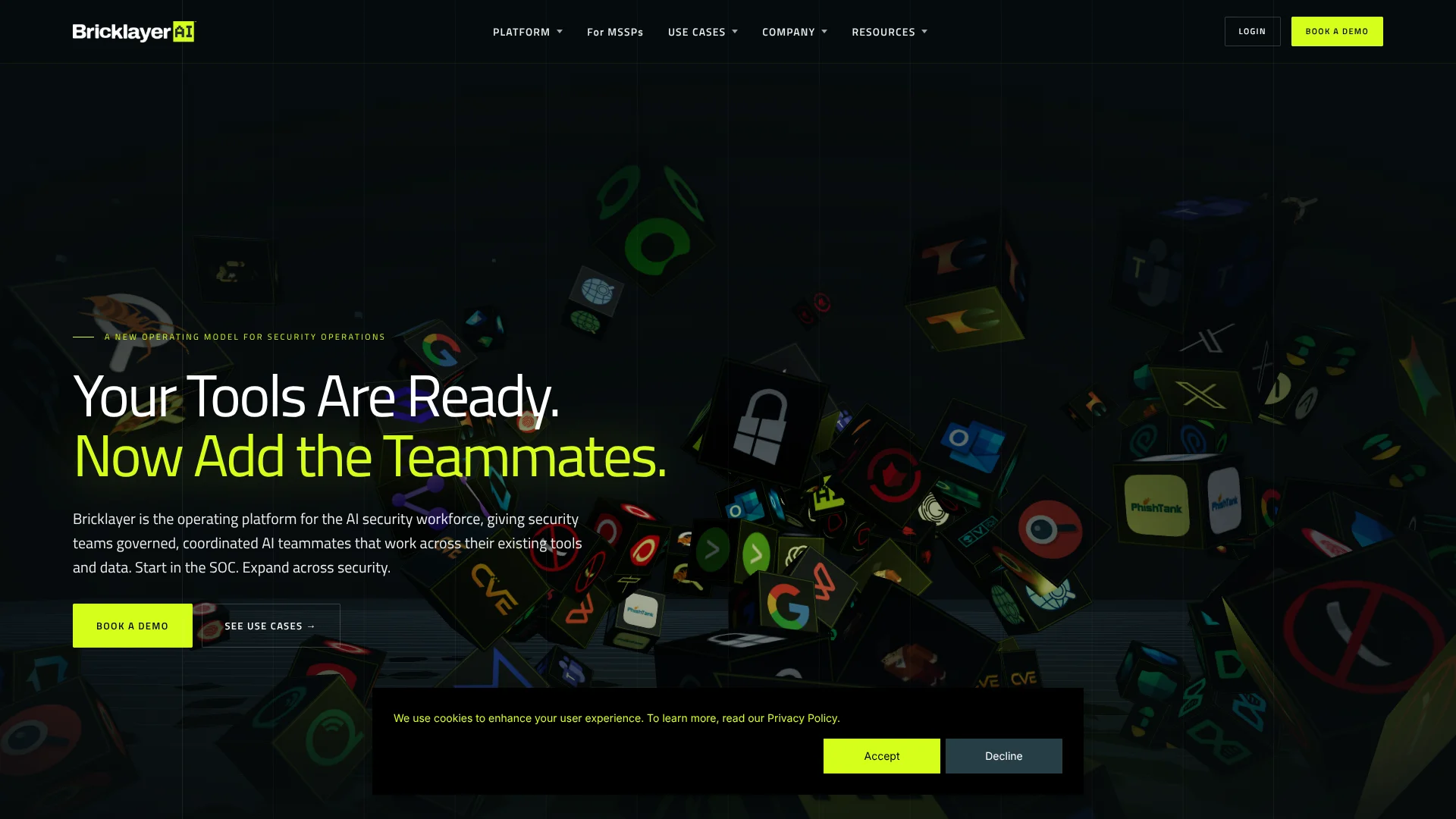
Coordinated AI agents for human-governed security investigations across enterprise tools.
Key Takeaways
- What it is
- Coordinated AI agents for human-governed security investigations across enterprise tools.
- Pricing
- $50 per month
- Best for
- Coordinated AI Agents
- Task-Based Procedures
- Governance and RBAC
- Rating
- 4.1/5
What is Bricklayer AI?
Bricklayer AI coordinates specialized AI agents across security operations, helping SOC teams investigate alerts, manage vulnerabilities, run threat hunts, and respond across existing security tools. Analysts define the goal, review the plan, and oversee each procedure while Bricklayer gathers evidence and connects findings across the environment.
Bricklayer turns a security objective into an auditable, task-based workflow, then assigns work to specialized agents that share investigative context. Each action remains visible through documented reasoning, traceable outputs, policies, role-based permissions, and audit trails.
The platform fits enterprise security teams and managed security service providers that need more investigation capacity without giving AI unrestricted control. It is less suited to individuals or small teams looking for a standalone chatbot or simple alerting tool. Bricklayer is strongest when security work crosses several tools and requires human review.
Who is Using Bricklayer AI?
SOC Analysts
Alert findings, evidence, and recommended actions arrive with context gathered across connected tools.
Incident Responders
Investigations can be broken into coordinated tasks while the response path stays visible and reviewable.
Threat Hunters
Analysts can test more hypotheses in parallel and preserve repeatable hunt workflows.
Vulnerability Managers
Risk prioritization connects vulnerability findings with environment context and follow-up actions.
Threat Intelligence Analysts
Agents structure external intelligence and compare it with internal data and live environment context.
Uncommon Use Cases
Build audit-ready evidence packages for compliance reviews; coordinate patch planning after exposure assessments.
Key Features
Rating Breakdown
Pricing Plans
Free Trial
- Available with a 30-day trial period
Standard Plan
$50 per month
Enterprise Solutions
- Custom pricing based on specific business needs and scale
Which Bricklayer AI plan should you pick?
Start with the Standard Plan when you want a defined entry point for security workflows, and consider Enterprise Solutions when your organization needs broader scale, integrations, or deployment requirements.
Free Trial
Good for teams that want to evaluate Bricklayer's coordinated agents and governed security workflows before committing.
Standard Plan
Good for security teams that need a paid starting point for connecting tools and running governed procedures.
Enterprise Solutions
Good for organizations and MSSPs that need larger-scale deployment, tailored integrations, or broader operational coverage.
Bricklayer AI Use Cases
Alert Triage and Response
Security teams investigate endpoint, identity, network, and cloud alerts with coordinated agent support.
Outcome: Analysts receive contextual findings and response options instead of manually gathering information across tools.
Incident Investigation
Incident responders gather evidence, test hypotheses, and build cases with shared investigative context.
Outcome: Investigations become more consistent, visible, and easier to review.
Vulnerability Management
Vulnerability teams assess findings against current environment conditions instead of relying on isolated severity scores.
Outcome: Teams can prioritize exposure and stage remediation work around actual risk.
Threat Intelligence Operations
Threat intelligence workflows organize external signals and evaluate them against internal security data.
Outcome: Analysts get intelligence tied to their environment and connected security workflows.
Threat Hunting
Threat hunters run analyst-defined or agent-generated hypotheses across endpoint, identity, network, and cloud data.
Outcome: More hypotheses can be tested with documented and repeatable hunt coverage.
Workflow Ideas with Bricklayer AI
Phishing Alert Response
- 1Receive a phishing alert from Microsoft 365 or an email security tool.
- 2Have agents investigate sender, message, identity, and threat-intelligence context.
- 3Review the recommended response before blocking the sender or removing messages.
Endpoint Detection Investigation
- 1Start from an endpoint detection in CrowdStrike Falcon or another connected tool.
- 2Assign agents to investigate the host, related indicators, and affected assets.
- 3Approve containment actions and review the evidence package.
Vulnerability Exposure Review
- 1Trigger a procedure from a vulnerability scan or newly disclosed issue.
- 2Correlate affected assets with endpoint, cloud, and threat-intelligence data.
- 3Prioritize exposure and stage a remediation or patch plan.
How Bricklayer AI fits into your stack
Security Operations
Bricklayer sits above the SOC tools that generate alerts, cases, telemetry, and investigation data. It coordinates agent work across those systems instead of replacing the underlying tools.
Threat Intelligence
Threat-intelligence sources can enrich investigations, vulnerability reviews, and hunts. Findings can carry into later security procedures.
Case Management
Connections to ServiceNow, Jira Service Management, Jira, Remedy ITSM, and other ticketing tools help move findings into operational follow-up.
Automation and APIs
MCP servers, APIs, pre-built integrations, and uploaded API specifications provide the connection layer for agent actions.
Governance and Review
Policies, role-based access controls, shared workbenches, documented reasoning, and audit trails provide the oversight layer for AI-driven procedures.
Pros
- +Cross-tool investigations: Connects alert, endpoint, identity, vulnerability, and threat-intelligence work.
- +Human oversight: Keeps analysts involved in planning, review, approvals, and execution.
- +Traceable actions: Documents agent activity, evidence, reasoning, and procedure results.
- +Reusable procedures: Lets teams save and reuse operational logic across investigations.
- +Integration flexibility: Supports pre-built connections plus MCP and API-based integrations.
Cons
- −Enterprise focus: The platform is aimed at security organizations rather than individual users.
- −Pricing opacity: Enterprise pricing requires a conversation with the vendor.
- −Setup effort: Building governed procedures and connecting security tools takes planning.
Limitations & when to consider alternatives
Known limitations
- Enterprise Deployment Focus. The site positions Bricklayer for enterprise and MSSP security operations rather than lightweight personal use.
- Human Review Still Matters. The platform is built around analyst oversight, approvals, and policy controls, so it is not intended to remove humans from sensitive security decisions.
- Integration Work Is Required. Agents need connected tools, MCP servers, APIs, or specifications before they can perform work in an organization's environment.
- Public Pricing Is Limited. Enterprise Solutions pricing is not published as a fixed amount.
Look elsewhere when
- You need a general-purpose chatbot for writing, research, or everyday questions.
- You need a lightweight alerting tool rather than coordinated investigation workflows.
- Your team does not have security tools or data sources for agents to access.
- You need a native mobile or desktop application.
How to Use Bricklayer AI
- 1
Connect Your Environment
Link MCP servers, APIs, or pre-built integrations so agents can work with the security tools your team already uses.
- 2
Choose the Agent Team
Select prebuilt agents or create custom role-based and tool-specific agents for the procedure.
- 3
Define the Goal
State the security objective so Bricklayer can assemble an auditable, task-based workflow.
- 4
Review the Procedure
Inspect tasks, dependencies, evidence requirements, and permissions before agents execute the work.
- 5
Oversee Execution
Question decisions, modify the procedure, and approve protected actions from the shared workbench.
- 6
Deliver and Reuse Results
Review findings and reports, then save the procedure and operational logic for future work.
Who is Bricklayer AI For?
Security Operations Centers
SOC teams can extend investigation and response capacity across their existing tools.
Managed Security Service Providers
MSSPs can coordinate repeatable security procedures across customer environments.
Enterprise Security Teams
Large organizations can connect alert triage, incident response, vulnerability management, and threat hunting.
Security Leaders
CISOs and security managers get visibility into agent activity, policies, outcomes, and operational performance.
Frequently Asked Questions
What does Bricklayer AI do?
Bricklayer coordinates AI agents across security operations workflows such as alert triage, incident investigation, vulnerability management, threat intelligence, and threat hunting.
Does Bricklayer replace security tools?
No. It connects to existing security tools and data so agents can coordinate work across the environment.
Can analysts review agent decisions?
Yes. Analysts can inspect plans, evidence, reasoning, task outputs, and procedures in shared workbenches.
What integrations does Bricklayer support?
The integration catalog includes tools such as CrowdStrike Falcon, Microsoft Entra ID, Microsoft Teams, Slack, Jira, ServiceNow, Splunk, Elasticsearch, QRadar, Qualys, VirusTotal, Shodan, and many others.
Does Bricklayer have a free plan?
The available pricing information lists a Free Trial rather than a permanent free tier.
How does Bricklayer control AI actions?
The platform uses policies, role-based permissions, human oversight, and audit trails to keep agent activity visible and within approved authority.
Community reviews
Be the first to share your experience.
Sign in to leave a review for Bricklayer AI.
Bricklayer AI Alternatives
Looking for alternatives to Bricklayer AI? Here are similar tools in the same category: