
Browse AI
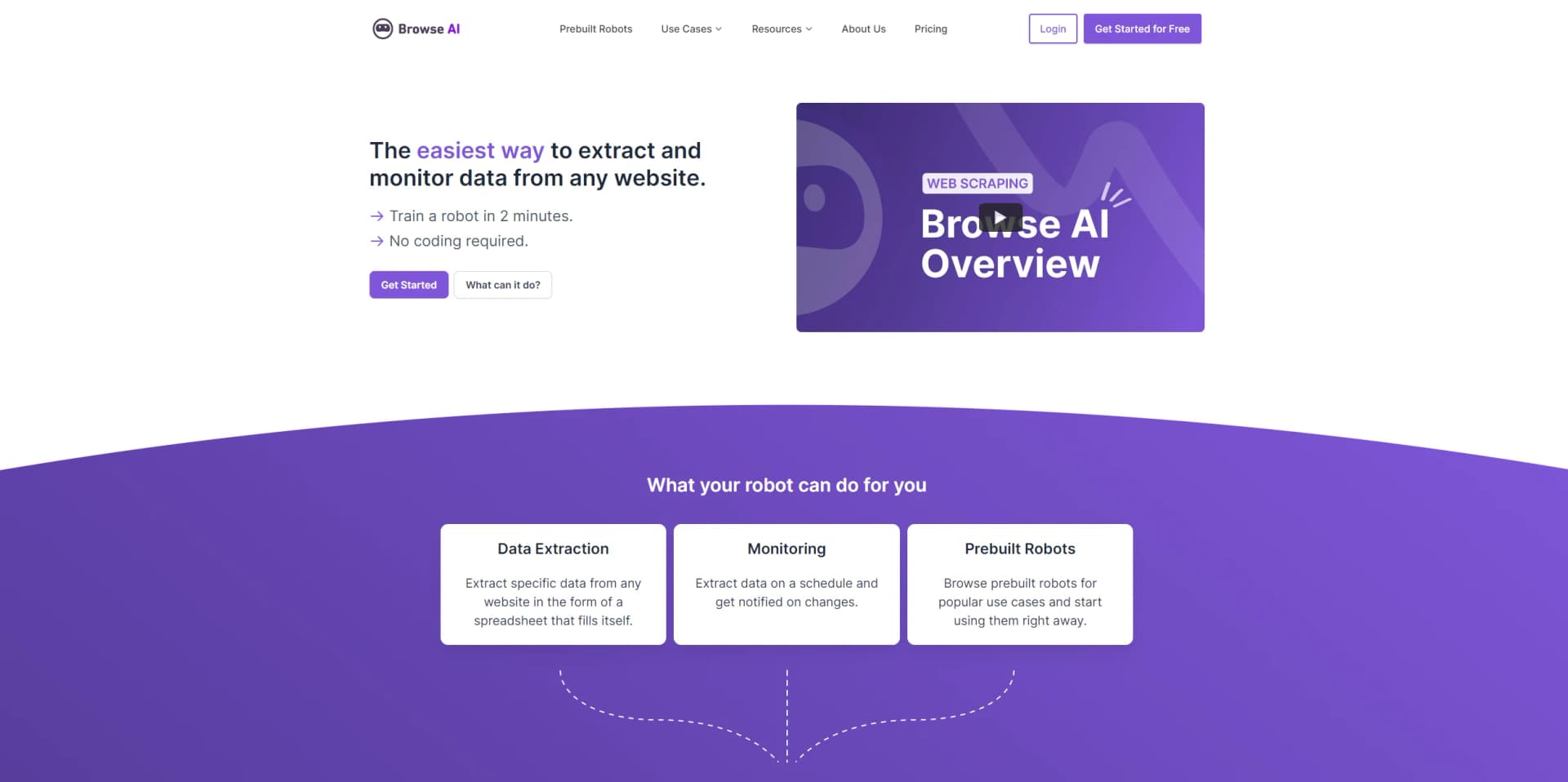
Effortlessly extract and monitor web data without coding, boosting productivity and insights.
Watch Browse AI in Action
Key Takeaways
- What it is
- Effortlessly extract and monitor web data without coding, boosting productivity and insights.
- Pricing
- Freemium · $48.75 per month. * - 2,000 Credits · $123.75 per month. * - 5,000 Credits · $311.25 per month. * - 10,000 Credits
- Best for
- No-Code Data Extraction
- Automated Monitoring
- Prebuilt Robots
- Rating
- 4.5/5
What is Browse AI?
Browse AI is a cutting-edge tool designed to simplify the process of extracting and monitoring data from websites without the need for coding skills. The platform allows users to create "robots" in minutes that can perform tasks such as data extraction, change monitoring, and even emulate user interactions on a schedule. Catering to a diverse range of individuals and professionals, Browse AI serves as a powerful asset for those aiming to save time, cut costs, and enhance efficiency in data-related processes.
Browse AI stands out for its no-code approach to web data extraction, making it accessible to a wide range of users, regardless of their technical background. Its robust integration capabilities and adaptability to changes in site layouts distinguish it from other data scraping tools.
Browse AI excels as a user-friendly, no-code solution for web data extraction and monitoring, proving indispensable for businesses and individuals eager to leverage web data without deep coding expertise. With its powerful features and scalable pricing model, Browse AI provides a substantial advantage for users at all levels, aiming to enhance their data gathering workflows.
Who is Using Browse AI?
Market Researchers
Utilize the tool for gathering timely data from various sources to inform their analyses.
Sales Teams
Leverage the tool to monitor competitor pricing and product offerings.
Content Creators
Use the tool to extract data for content generation and trend monitoring.
SEO Specialists
Employ Browse AI to track changes in search engine results and optimize their strategies.
Uncommon Use Cases
Academic researchers use Browse AI to collect data for studies; Event organizers monitor online ticket platforms for pricing and availability changes.
Key Features
Rating Breakdown
Pricing Plans
Free Tier
Free
- Users can start with Browse AI for free
- Testing its capabilities before committing financially
Starter Plan
$48.75 per month. * - 2,000 Credits
- 10 Robots
- 1 Hour Checks
- 40-Day Retention
Professional Plan
$123.75 per month. * - 5,000 Credits
- 30 Robots
- 15 Minute Checks
- 70-Day Retention
- Premium Automations
Team Plan
$311.25 per month. * - 10,000 Credits
- 30 Robots
- 5 Minute Checks
- 5 Users
- All Professional features
*20% discount when billing on an annual plan
Which Browse AI plan should you pick?
Start with Free for small experiments, move to Personal for ongoing individual projects, choose Professional for larger team workloads, and upgrade to Premium for managed enterprise-scale extraction.
Free
Good for trying Browse AI with 50 monthly credits, two websites, unlimited robots, and basic team access.
Personal
Good for individual projects needing more credits, five websites, unlimited robots, and collaboration with up to three users.
Professional
Good for larger projects and teams needing up to 10 websites, higher credit volumes, and up to 10 users.
Premium
Good for businesses needing custom limits, managed onboarding, data transformations, dedicated account management, and high-volume extraction.
Browse AI Use Cases
Price monitoring
Track competitor pricing, discounts, and promotions with scheduled website monitoring.
Outcome: Support data-driven pricing decisions.
Lead generation
Extract contact information and firmographic data from directories, events, member sites, and other webpages.
Outcome: Build targeted prospect lists for outreach.
Product data extraction
Collect product names, descriptions, images, specifications, and prices from e-commerce websites.
Outcome: Create comparison and market-analysis datasets.
News and content aggregation
Monitor news websites, blogs, and forums for industry information and research data.
Outcome: Support content curation and trend research.
Real estate data collection
Extract property listings, prices, and other real estate details from websites.
Outcome: Analyze market trends, investment opportunities, and comparable properties.
Workflow Ideas with Browse AI
Deep-scrape product details
- 1Train Robot A to extract product links from a list page
- 2Train Robot B to extract details from each product page
- 3Connect the robots in a workflow so Robot B runs automatically
Competitor price alert
- 1Train a robot to capture competitor prices
- 2Schedule a monitor to check the page regularly
- 3Send an alert or downstream automation when captured data changes
Automated lead pipeline
- 1Extract leads from directories, job boards, or event pages
- 2Send the results to a CRM or spreadsheet through an integration
- 3Monitor the source for new leads and updated records
How Browse AI fits into your stack
Extensive Integration Capabilities
Connects with a myriad of platforms and tools to maximize its effectiveness:
Data Management Tools
Seamlessly integrates with Google Sheets and Airtable for data organization and analysis.
Automation Platforms
Connects with Zapier, Make, Pabbly Connect, and Integrately for creating complex automation workflows.
Webhooks and API
Offers Webhooks and API integrations for advanced customization and integration into custom systems.
Scheduled Extractions
Program robots to perform data extraction at specific intervals to ensure current data.
Notification System
Configurable alerts notify users about important changes detected by their robots.
Pros
- +Time-Saving: Automates repetitive tasks, significantly reducing the time spent on data collection and monitoring.
- +User-Friendly: The intuitive interface makes it easy for non-technical users to set up and operate robots.
- +Scalability: Capable of bulk running up to 50,000 robots at once, making it suitable for large-scale operations.
- +Integration-Friendly: Offers compatibility with over 7,000 applications, expanding its utility across various platforms.
Cons
- −Learning Curve: New users may need some time to fully understand how to best utilize all the features available.
- −Dependency on Website Structure: Changes in the structure of target websites may require adjustments to the robots.
Limitations & when to consider alternatives
Known limitations
- Custom CAPTCHAs are unsupported. Browse AI supports several standard CAPTCHA types but does not currently solve custom CAPTCHAs.
- MFA and 2FA are unsupported. Browse AI documents that multi-factor authentication and two-factor authentication are not supported.
- Virtual lists are unsupported. Websites that render only the currently visible items in a virtual list are not currently supported.
- Direct iframe interaction is unsupported. Robots cannot directly interact with iframes; the documented workaround is to use the iframe's direct URL.
- PDFs cannot be extracted directly. PDFs must be converted to HTML before Browse AI can process their contents.
Look elsewhere when
- You need a native mobile app.
- You need a downloadable desktop application.
- You need direct PDF extraction.
How to Use Browse AI
- 1
For those looking to get up to speed quickly, Browse AI offers a 'Learn in 5 minutes' guide, providing a fast and straightforward way to understand the basics of the platform.
Who is Browse AI For?
Teams and individuals
Browse AI provides no-code robot training, monitoring, workflows, and integrations for people who need web data without building scrapers.
Sales and marketing teams
The lead-generation workflow extracts contact information, company details, event attendees, and competitive signals for prospecting.
Real estate companies
Browse AI extracts property listings, prices, and related details to support market analysis and investment research.
AI teams
The platform supplies structured web data for RAG systems, agents, knowledge bases, training datasets, and evaluations.
Businesses and enterprise teams
Managed services, custom limits, dedicated infrastructure, onboarding, and account management support larger data projects.
Frequently Asked Questions
What is Browse AI and how does it work?
Browse AI is a no-code platform for scraping, extracting, monitoring, and integrating data from websites. Users point and click to train robots that collect structured data.
What websites work with Browse AI?
Browse AI works with most websites, including e-commerce sites, business directories, social media, news, and real estate sites. Some custom CAPTCHAs, MFA, virtual lists, and iframe interactions are unsupported.
How does website monitoring work?
A trained robot runs on a schedule, compares current results with previous results, and alerts users when captured content changes.
Can Browse AI extract data from PDF files?
Browse AI cannot directly extract from PDFs. The documented workaround is to convert the PDF to HTML, host it, and then extract the resulting webpage.
How do workflows connect robots?
A primary robot extracts a list of URLs or items, then a secondary robot processes each detail page automatically.
How can Browse AI data be integrated with other tools?
Data can be delivered through the REST API, webhooks, Google Sheets, Airtable, Zapier, Make, Pabbly Connect, AWS S3, and other integrations.
Community reviews
4 reviews from people who use Browse AI.
Sign in to leave a review for Browse AI.
Samuel
HAKAN ALTAN
Yasir Khattak
Ali Javadi
Browse AI Alternatives
Looking for alternatives to Browse AI? Here are similar tools in the same category:
Learn to Master Browse AI
With Skill Leap courses
Get in-depth training on Browse AI and 50+ other AI tools with our expert-led video courses.
Start 7-Day Free Trial