
ByteCap
Revolutionize video engagement with AI-driven, customizable captioning.
Key Takeaways
- What it is
- Revolutionize video engagement with AI-driven, customizable captioning.
- Pricing
- Freemium
- Best for
- AI-Driven Captions
- Customization Options
- Language Support
- Rating
- 4.6/5
What is ByteCap?
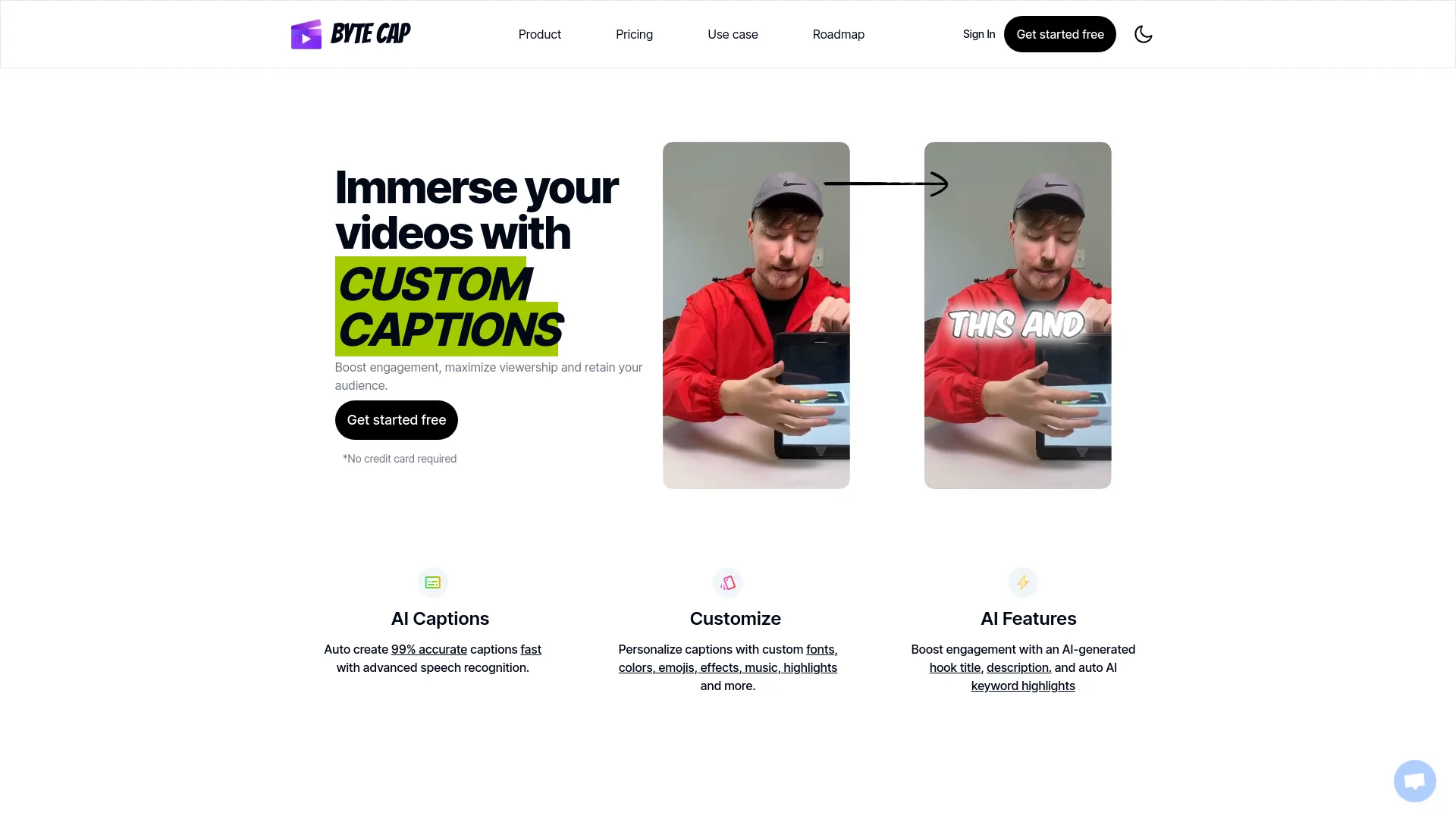
In the bustling world of digital content, ByteCap emerges as a cutting-edge tool designed to enhance video engagement through advanced AI-driven captioning. Its core functionality lies in generating custom, accurate captions for videos, which not only boosts viewership but also ensures content accessibility. Tailored primarily for video editors, content creators, podcasters, and streamers, ByteCap simplifies the captioning process, making it accessible to users regardless of their technical expertise.
ByteCap stands out in the crowded market of AI tools by offering high-accuracy, customizable captioning that satisfies both amateur and professional needs. Its ability to integrate trendy sounds and provide captions in a variety of formats sets it apart from traditional captioning tools.
ByteCap excels in providing an essential service for enhancing video content through its high-accuracy, customizable captioning features. It's especially beneficial for creators looking to increase accessibility and engagement without deep technical expertise. Its standout feature of integrating music and multiple languages offers an unmatched advantage in the digital content space.
Who is Using ByteCap?
Video Editors
Save hours in video production with efficient auto-captioning.
Content Creators
Enhance the accessibility and appeal of content without needing advanced editing skills.
Podcasters
Expand audience reach by adding captions to podcast videos.
Streamers
Engage more viewers by captioning live streaming highlights.
Uncommon Use Cases
Educational institutions use ByteCap for creating accessible educational content; marketing professionals leverage it to enhance video ad effectiveness.
Key Features
Rating Breakdown
Pricing Plans
Free Tier
Free
- Start with ByteCap for free
- Access to basic captioning features
Pro Tier
- Advanced features and customization options are available for professional use
- Specific pricing details are available on the ByteCap website
Which ByteCap plan should you pick?
Start with Free to test captioning and basic exports; upgrade to Starter for watermark-free 4K editing and automations, or Pro for higher volume and customization.
Free
Good for trying Bytecap with 50 monthly AI credits, basic captions, and watermarked 1080p exports.
Starter
Good for creators who need watermark-free exports, AI clipping, 4K output, translations, and three automations.
Pro 1
Good for higher-volume creators who need 300 credits, five automations, 4K/60 fps exports, and more customization.
Business
Good for organizations needing custom credits, generation limits, storage limits, and dedicated support.
ByteCap Use Cases
Long-form video repurposing
Upload a podcast, webinar, lecture, or recording and identify self-contained short-form moments.
Outcome: A queue of editable vertical clips.
Caption and subtitle creation
Transcribe videos, detect speakers, style animated captions, and translate them.
Outcome: Captioned videos and downloadable subtitle files.
Faceless video production
Generate scripts, voiceovers, visuals, motion effects, B-roll, captions, and sound effects.
Outcome: Complete videos without appearing on camera.
Multi-platform publishing
Customize platform details and publish or schedule one video across connected social accounts.
Outcome: Channel-ready posts without repeated manual uploads.
Agency content production
Process client recordings into branded batches while editors review and refine the AI-generated cuts.
Outcome: Organized content packages tied to each client and channel.
Workflow Ideas with ByteCap
Podcast to social clips
- 1Upload a podcast or paste a supported public link
- 2Use Magic Clips to find useful moments and apply captions
- 3Review, reframe, and schedule approved clips across social platforms
Course lesson to educational series
- 1Paste or upload a course lesson
- 2Identify definitions, examples, frameworks, and takeaways
- 3Edit the clips and schedule a multi-platform educational series
Agency client-content pipeline
- 1Ingest approved interviews, webinars, UGC, or campaign footage
- 2Refine batches with client-specific captions, visuals, and framing
- 3Deliver organized outputs or move approved clips into publishing
How ByteCap fits into your stack
Wide Format Support
Compatible with various video and subtitle formats for broad application.
Web-Based Interface
Accessible from any device with internet connectivity.
Social Media Integration
Easily share captioned videos across social platforms to enhance reach.
Third-Party Integration
Supports integration with major video editing and streaming platforms.
Pros
- +Enhanced Accessibility: Makes videos more accessible to a broader audience, including the hearing impaired.
- +Increased Engagement: Captions can significantly boost viewer retention and engagement rates.
- +Ease of Use: The intuitive interface and automation save time and reduce the need for extensive video editing skills.
- +Multilingual Support: Broadens the reach of content across global audiences with multi-language support.
Cons
- −Dependency on Internet Connectivity: Requires a stable internet connection for optimal functionality.
- −Limited Offline Features: Lacks extensive offline capabilities, which might be a constraint in connectivity-limited scenarios.
- −Initial Setup Learning Curve: New users may need some time to familiarize themselves with all the customization features.
Limitations & when to consider alternatives
Known limitations
- Free exports are watermarked. The Free plan includes watermarked exports; removing the watermark requires a paid plan.
- Free usage is credit-limited. The Free plan includes 50 monthly AI credits.
- Free exports are limited to 1080p and 30 fps. Higher-quality 4K and 60 fps exports are listed for paid plans.
- AI clipping is unavailable on the Free plan. The pricing comparison marks long-video AI clipping as unavailable for Free users.
- Some publishing platforms are still marked coming soon. The social integrations page lists Facebook and Pinterest publishing as coming soon.
Look elsewhere when
- You need a native mobile application.
- You need a public developer API.
- You need enterprise SSO or SAML.
How to Use ByteCap
- 1
Explore an array of tutorials on the ByteCap website, ranging from basic setup to advanced customization techniques.
Who is ByteCap For?
Content creators
Create short-form videos without extensive video editing experience.
Podcasters
Repurpose podcast episodes into captioned clips for social platforms.
Marketing agencies
Turn client recordings into branded batches of clips and organize publishing workflows.
Coaches and consultants
Convert workshops, webinars, interviews, and advice sessions into focused educational videos.
Educators
Create accessible learning videos and repurpose lessons into vertical educational clips.
Frequently Asked Questions
What is Bytecap?
Bytecap is an AI video editing platform for clipping long videos, creating captions, adding B-roll, and publishing short-form content.
Who is Bytecap designed for?
The product is designed for content creators, podcasters, streamers, marketers, educators, agencies, coaches, and video editors.
What languages does Bytecap support?
Bytecap supports captions in 50+ languages, with automatic language detection and caption translation.
Can Bytecap create faceless videos?
Yes. It can generate scripts, AI voiceovers, images, motion effects, B-roll, captions, and sound effects without requiring on-camera footage.
Can Bytecap publish directly to social media?
Yes. Bytecap supports direct publishing or scheduling to connected platforms including YouTube, TikTok, LinkedIn, and X.
Can I try Bytecap for free?
Yes. The Free plan includes 50 monthly AI credits, captions, and watermarked exports.
Community reviews
1 review from people who use ByteCap.
Sign in to leave a review for ByteCap.
mer
ByteCap Alternatives
Looking for alternatives to ByteCap? Here are similar tools in the same category:
Learn to Master ByteCap
With Skill Leap courses
Get in-depth training on ByteCap and 50+ other AI tools with our expert-led video courses.
Start 7-Day Free Trial