
CapCut Commerce
Advanced video editing with AI-driven features and effects.
Key Takeaways
- What it is
- Advanced video editing with AI-driven features and effects.
- Best for
- One-Click Video Solution
- AI Product Images
- AI Avatars and Voices
- Rating
- 4.6/5
What is CapCut Commerce?
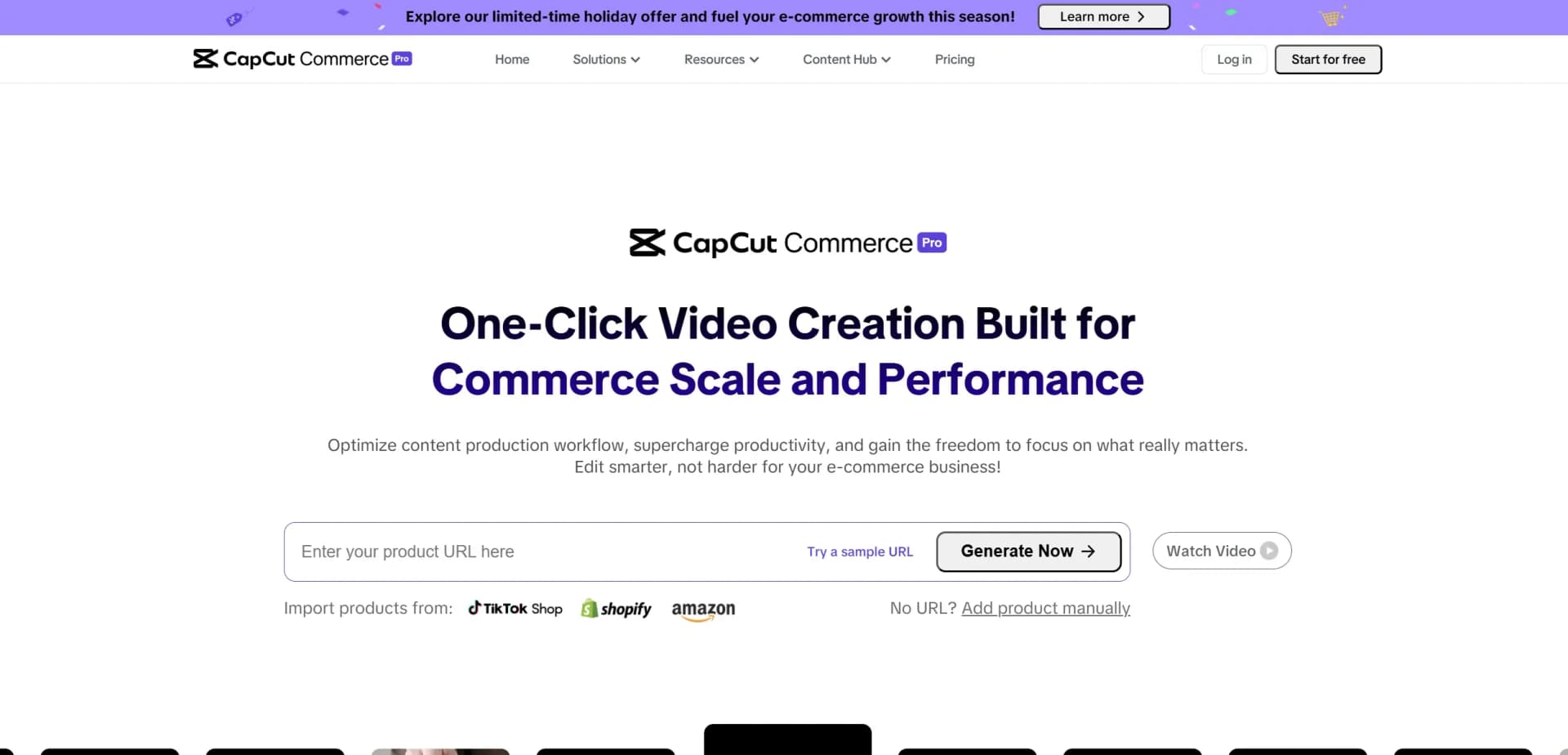
CapCut Commerce Pro is an innovative AI-driven platform designed to simplify and automate the creation of dynamic marketing content. This all-in-one solution is perfect for e-commerce businesses, enabling them to generate high-quality videos, images, and promotional materials at scale. Whether you're a small business owner, content creator, or part of a larger enterprise, CapCut Commerce Pro helps you elevate your marketing efforts, increase efficiency, and maximize your sales impact.
CapCut Commerce Pro stands out with its fully integrated, AI-powered content creation and publishing capabilities. Its unique blend of features—such as AI-driven video creation, product images, and avatars—helps businesses streamline their marketing efforts while ensuring high-quality, engaging content. The platform’s ability to automate the entire content creation process makes it a powerful tool for businesses aiming to scale efficiently.
CapCut Commerce Pro is an invaluable platform for e-commerce businesses and digital marketers looking to streamline their content creation process. Its AI-powered features, user-friendly interface, and integration with multiple platforms make it an essential tool for driving growth and engagement. Whether you're looking to create high-quality promotional videos, product images, or social media content, CapCut Commerce Pro provides the tools and resources needed to succeed in today's competitive digital landscape.
Who is Using CapCut Commerce?
E-commerce Businesses
Leveraging CapCut to boost product visibility and create consistent marketing content for online stores.
Social Media Influencers
Using the platform to enhance engagement and reach across social media platforms.
Small Business Owners
Create promotional videos and marketing content with ease and scalability.
Digital Marketers
Utilizing the tool to automate content creation, schedule posts, and analyze performance.
Uncommon Use Cases
Adopted by educational institutions to teach content creation; Used by non-profits to promote causes via social media.
Key Features
Rating Breakdown
Pricing Plans
Free Trial
- Unlimited access during the free trial
- Including 200 credits to create up to 200 seconds of video or 100 images
Which CapCut Commerce plan should you pick?
Start with Free to test daily-credit workflows; upgrade to Starter for watermark removal and faster generation, Plus for higher usage, or Pro for the largest credit allocation.
Free
Good for trying Pippit's video agent, image agent, talking photos, viral remixing, and daily-credit generation.
Starter
Good for individual sellers who need paid credits, faster generation, advanced models, and watermark removal.
Plus
Good for growing content operations that need more credits and faster generation capacity.
Pro
Good for high-volume marketers and agencies that need the largest credit allocation and fastest generation.
CapCut Commerce Use Cases
Product marketing videos
Paste a product link or upload product media and generate a promotional video with scripts, captions, avatars, and voiceovers.
Outcome: A ready-to-publish product video.
AI product photography
Upload product images, remove backgrounds, generate new scenes, enhance quality, and create batch variations.
Outcome: Consistent product visuals for stores and campaigns.
Social media publishing
Create content, connect social accounts, schedule posts, and publish to supported channels.
Outcome: A centralized creation-to-publishing workflow.
Multilingual marketing
Choose a target language, avatar, voice, and captions for localized product or campaign videos.
Outcome: Localized content for international audiences.
AI avatar explainers
Select or create an avatar, add a script, choose a voice, and produce talking videos.
Outcome: Presenter-style explainers without filming actors.
Workflow Ideas with CapCut Commerce
Product link to social campaign
- 1Paste a Shopify, Amazon, TikTok, or other product link.
- 2Generate product videos and images with selected language, avatar, and aspect ratio.
- 3Schedule or publish the finished assets to connected social channels.
Catalog image production
- 1Upload product images or import product listings.
- 2Remove backgrounds, apply AI scenes, and batch-edit variations.
- 3Export platform-ready product images for stores and advertising.
FAQ or document to avatar video
- 1Upload a document, FAQ, knowledge-base link, or script.
- 2Generate narration, captions, visuals, and an AI avatar.
- 3Review, edit, export, or publish the finished explainer.
How CapCut Commerce fits into your stack
Browser
Pippit is primarily a web-based creative workspace for generating, editing, publishing, and analyzing marketing videos and images.
Knowledge and files
Users upload product links, images, videos, PDFs, PowerPoints, Word documents, and other reference materials for content generation.
Automation and APIs
Pippit supports scheduled and automated publishing to TikTok, Facebook, and Instagram, with API capabilities described on its platform pages.
Team collaboration
Teams can share content, templates, generation history, and editing history through Pippit's team-account workflow.
Pros
- +Time Efficiency: Automates content creation, allowing businesses to focus on growth while CapCut handles production.
- +Cross-Platform Flexibility: Available for various platforms like Shopify and TikTok, making it easy to manage content across multiple channels.
- +High-Quality Visuals: Generates professional-grade videos and product photos, helping businesses maintain a polished and cohesive online presence.
- +Easy to Use: With a user-friendly interface, CapCut Commerce Pro is accessible to both technical and non-technical users.
Cons
- −Learning Curve: Some users might need time to fully grasp the advanced features and functionalities of the platform.
- −Limited Integration: While it supports major platforms like Shopify, there may be fewer integrations with smaller or niche tools.
Limitations & when to consider alternatives
Known limitations
- No documented developer API. The official help center and product materials do not publish API keys, endpoints, or developer API documentation.
- Browser-first workflow. Pippit is documented as browser-based and does not require software downloads for its online experience.
- Publishing platform coverage is limited. The help center currently lists TikTok, Facebook, and Instagram as supported publishing destinations.
- Analytics coverage is narrower than publishing coverage. The help center says analytics currently supports TikTok publishing data, with other platforms planned.
- Credits and plan limits apply. Generation, advanced models, watermark removal, and other capabilities vary by subscription plan and available credits.
Look elsewhere when
- You need a documented developer API.
- You need a native desktop application.
- Your team requires SSO or SAML.
- You need model fine-tuning on your own data.
How to Use CapCut Commerce
- 1
Create an account
Sign up for Pippit and begin with the Free plan to test available tools and daily credits.
- 2
Choose a creation workflow
Open Video generator, Image studio, Product photos, AI design, Avatar video, or another relevant tool.
- 3
Add source material
Enter a prompt or upload a product link, image, video, document, reference asset, or file.
- 4
Set generation options
Choose the model, language, duration, aspect ratio, avatar, voice, and audience details.
- 5
Edit the result
Use the editor to adjust scripts, captions, backgrounds, colors, timing, overlays, and other creative elements.
- 6
Export or publish
Download the asset or connect supported social accounts to schedule and publish it.
Who is CapCut Commerce For?
E-commerce sellers
Create product videos, posters, product photos, virtual try-ons, and social commerce content.
Content creators
Produce short-form videos, social posts, reels, and trend-oriented content quickly.
Marketing teams
Create launch creatives, advertising campaigns, promotional visuals, and brand-consistent assets.
Small businesses
Produce marketing content without large creative teams or complex production software.
Agencies
Generate repeatable content variations for clients, campaigns, and multiple social channels.
Frequently Asked Questions
What is Pippit?
Pippit is a CapCut-powered creative agent for generating marketing videos, images, avatars, and related content.
Does Pippit have a free plan?
Yes. The Free plan costs $0, requires no credit card, and includes free daily credits plus selected video and image tools.
What can I use as video input?
You can start with a prompt, URL, image, video clip, product link, document, or uploaded file.
Which social platforms can Pippit publish to?
Pippit currently supports publishing to TikTok, Facebook, and Instagram.
Can Pippit create multilingual videos?
Yes. It supports multilingual avatars, voices, captions, and video generation in many languages.
Can teams collaborate in Pippit?
Yes. Pippit documents shared workspaces, real-time editing, comments, roles, permissions, and version control.
Community reviews
Be the first to share your experience.
Sign in to leave a review for CapCut Commerce.
CapCut Commerce Alternatives
Looking for alternatives to CapCut Commerce? Here are similar tools in the same category:
Learn to Master CapCut Commerce
With Skill Leap courses
Get in-depth training on CapCut Commerce and 50+ other AI tools with our expert-led video courses.
Start 7-Day Free Trial