
Carly AI
Automates inbox work across connected tools.
Key Takeaways
- What it is
- Automates inbox work across connected tools.
- Pricing
- $35 per month (billed annually)
- Best for
- Email-based AI agents
- 200+ tool integrations
- Workflow builder and templates
- Rating
- 4.1/5
What is Carly AI?
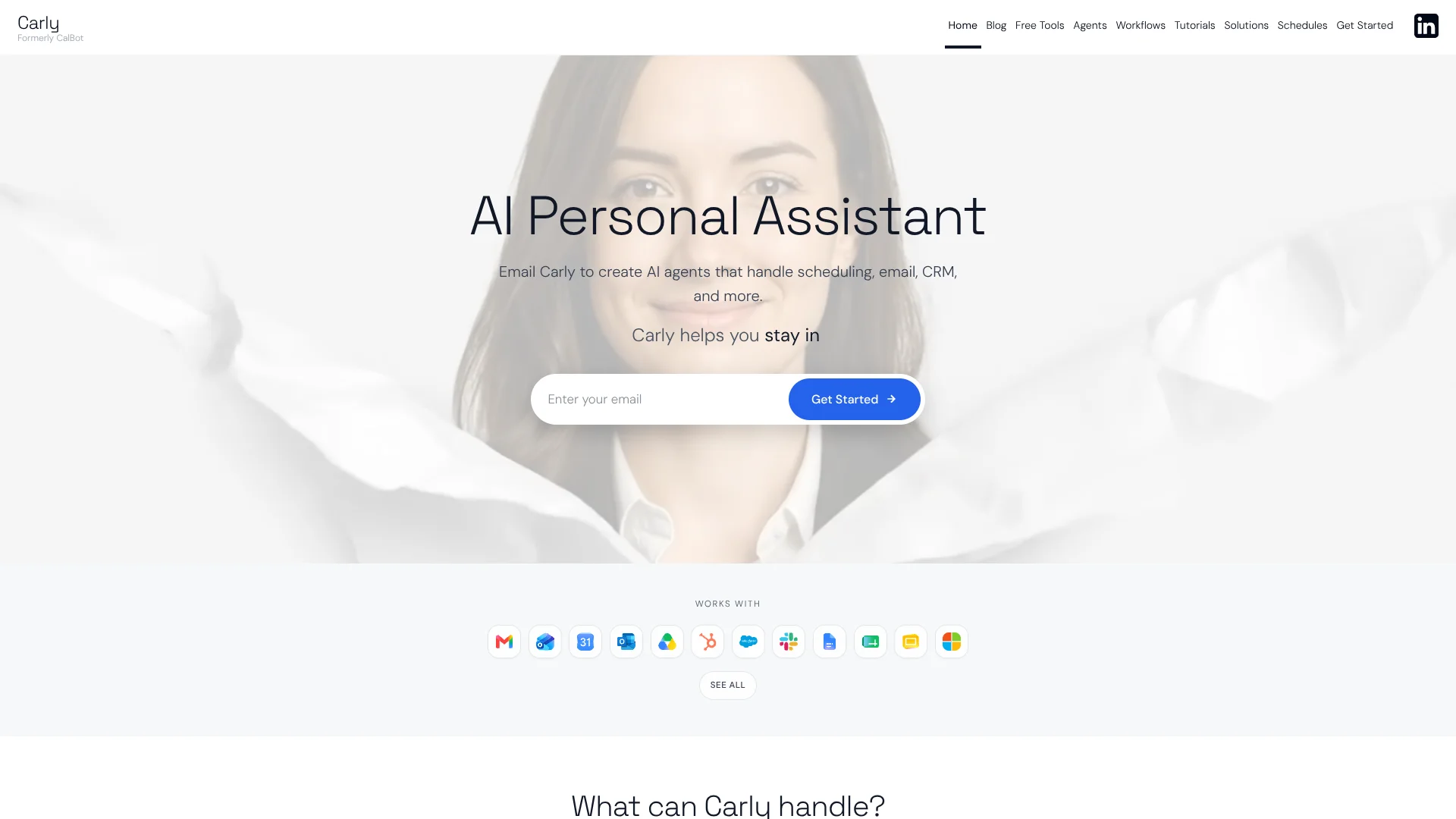
Carly AI is an email-native assistant, formerly known as CalBot, that lets professionals spin up AI agents to handle scheduling, email, CRM updates, and other workflows across more than 200 connected tools. Users CC Carly on threads or send instructions by email or text, and agents then triage messages, coordinate meetings, sync records to CRMs, and run automations without another app to manage.
Carly AI stands out by treating email as the command line for a fleet of named agents that each have their own instructions and tool access, then backing that with a workflow builder, over 200 integrations, and a set of free scheduling utilities and public schedules. Few competitors combine inbox-native control, cross-stack automations, and this breadth of calendar-centric tooling.
Who is Using Carly AI?
Sales and revenue teams
Automate follow-ups to leads who have not replied and log activity into CRMs like Salesforce or HubSpot.
Founders and executives
Offload calendar juggling, email sorting, and recurring stakeholder check-ins to a personal assistant agent.
Customer support and success leaders
Route messages into tools such as Zendesk or Intercom and trigger follow-ups and reports from ticket activity.
Operations and finance teams
Use agents to add invoices and receipts to trackers, pull earnings reports, and schedule routine ops reviews.
Uncommon Use Cases
Tracking public schedules like Congress or SpaceX launches when planning content or monitoring stakeholders; building a dedicated “Remember” agent that acts as an email-accessible second brain.
Key Features
Rating Breakdown
Pricing Plans
Personal
$35 per month (billed annually)
- Includes unlimited custom agents, unlimited Google and Microsoft email/calendar connections, a generous LLM credit allowance, unlimited Zapier-style workflows, a full-service AI executive assistant, dedicated human support, custom agent skills, persistent agent memory, and all available features
Enterprise
- Includes everything in Personal, plus custom features and tools, custom branding, team management and admin controls, custom integrations and API access, dedicated support and onboarding, advanced security and compliance, and bespoke solutions tailored to your organization
Which Carly AI plan should you pick?
Start with Free to test calendar views and lightweight workflows; upgrade to Personal for an individual assistant, Organization for shared team agents, or Enterprise for domains, branding, and advanced security.
Free
Good for users who need MCP access, up to 10 workflows, and a combined Google and Microsoft calendar view.
Personal
Good for individuals who need custom agents, integrations, files, scheduled tasks, email, SMS, CRM, and 200 monthly credits.
Organization
Good for teams who need shared agents, shared knowledge, admin controls, pooled credits, and team project management.
Enterprise
Good for organizations needing custom domains, branding, advanced security and compliance, or other custom requirements.
Carly AI Use Cases
Inbox zero
Classify incoming emails by folder, owner, and urgency, then file and tag them.
Outcome: A more organized inbox with uncertain messages left for review.
Attachment filing
Identify which client an incoming attachment belongs to and upload it to the appropriate storage folder.
Outcome: Attachments are routed into organized client folders.
Group scheduling
Email multiple participants, collect availability, and place the agreed meeting on everyone’s calendars.
Outcome: A shared meeting time is scheduled across participants.
Morning brief
Review the day’s calendar and important email, then send a weekday briefing.
Outcome: The user receives priorities, decisions, and actions in one summary.
Lead enrichment and follow-up
Enrich new leads, draft personalized follow-ups, and update CRM records.
Outcome: Leads receive faster follow-up while CRM data stays current.
Workflow Ideas with Carly AI
Automated inbox triage
- 1Trigger when a new email arrives
- 2Classify intent and determine whether a reply is needed
- 3Pull CRM context, draft a response, and send or wait for approval
Meeting preparation
- 1Trigger when a calendar meeting is scheduled
- 2Research external attendees and gather relevant context
- 3Email a briefing or create a preparation document
New lead follow-up
- 1Trigger when a new form signup or lead arrives
- 2Enrich the lead in a CRM or data provider
- 3Draft and send follow-up communication, then log the activity
How Carly AI fits into your stack
Carly AI is a strong fit for operators, sales leaders, and founders who already live in email and want agents that actually execute tasks across calendars, CRMs, files, and ticketing systems. It will still reward teams that invest time in modeling workflows and reviewing security, but for organizations drowning in repetitive scheduling and inbox work, it offers a practical, integration-rich path to offload real operations to AI.
Pros
- +Inbox-first control: Running agents by CC or email means no new primary app to learn.
- +Broad integration surface: The long list of supported calendars, CRMs, project tools, and support platforms suits cross-functional teams.
- +Template and guide library: Agent templates, prompt libraries, and role-based guides reduce setup friction.
- +Strong scheduling stack: Native scheduling workflows plus multiple free scheduling tools cover many calendar use cases.
Cons
- −Limited public pricing detail: Beyond a Standard flat-rate plan, clear information on higher tiers is hard to find.
- −Security story not prominent: Certifications and detailed data-handling information are not front-and-center compared with large enterprise suites.
- −Setup for advanced flows: Getting full value from cross-tool automations will require time spent designing workflows and agent instructions.
Limitations & when to consider alternatives
Known limitations
- Credit usage varies. Carly says there is no exact credit formula because agents can write custom code and optimize operations differently.
- Setup can consume credits. The first month is typically the most credit-intensive because setup requires substantial work.
- Recurring tasks can consume many credits. Carly identifies recurring scheduled tasks as the biggest credit consumer and recommends using workflows where appropriate.
- Free plan limits agent functionality. The Free plan includes MCP access, 10 workflows, and calendar viewing rather than the full Personal feature set.
- Some Organization features cost extra. Business SMS, calling, and the AI receptionist are separately billed add-ons.
Look elsewhere when
- You need a native iOS or Android app.
- You need SSO or SAML administration.
- You need a documented developer API.
How to Use Carly AI
- 1
Choose a starting plan
Begin with Free for basic workflows and calendar viewing, or choose Personal or Organization when you need agents, integrations, or team features.
- 2
Connect your work tools
Connect calendars, email, CRM, storage, messaging, and other supported services so Carly can act across your existing systems.
- 3
Create or select an agent
Start with an agent template or create a custom agent with its own name, email, integrations, permissions, and files.
- 4
Describe the workflow
Email or chat what you want automated; Carly builds, tests, debugs, and activates the workflow.
- 5
Review and revise
Test the workflow on real data, then ask Carly to change steps, branches, triggers, or outputs conversationally.
- 6
Monitor credits and results
Track usage, especially during setup and recurring tasks, and add prepaid credits if the included allowance is insufficient.
Who is Carly AI For?
Executives
The Chief of Staff agent helps keep calendars organized and inboxes manageable.
Sales representatives
The Sales Lead agent helps close the gap between prospect replies and booked meetings.
Recruiters
The Recruiter agent coordinates candidates and scheduling.
Founders
The Founder’s Shadow Kit helps protect calendars and support fundraising work.
Small business owners
The Ops Assistant handles administrative work without requiring a traditional desk hire.
Frequently Asked Questions
What are credits and how many do I need?
Credits estimate how much work Carly performs. More complex operations generally consume more credits.
Which actions cost no credits?
Email sending, deterministic workflows without LLM calls, and Carly tool calls through MCP cost no credits.
How are recurring tasks charged?
Recurring scheduled tasks are described as the biggest credit consumer; Carly recommends considering workflows instead.
Can I be charged automatically if I run out of credits?
No. Credits are prepaid, and Carly says there is no automatic charge feature.
How do I get Business SMS, calling, or the AI receptionist?
These are separately billed add-ons for Organization teams.
Community reviews
Be the first to share your experience.
Sign in to leave a review for Carly AI.
Carly AI Alternatives
Looking for alternatives to Carly AI? Here are similar tools in the same category:
Learn to Master Carly AI
With Skill Leap courses
Get in-depth training on Carly AI and 50+ other AI tools with our expert-led video courses.
Start 7-Day Free Trial