
Casetext
Revolutionizes legal work with AI: research, document review, contract analysis, timeline creation.
Key Takeaways
- What it is
- Revolutionizes legal work with AI: research, document review, contract analysis, timeline creation.
- Best for
- Fast-Track Legal Research and Deposition Prep
- Document Review Precision
- Contract Analysis and Revision
- Rating
- 4.6/5
What is Casetext?
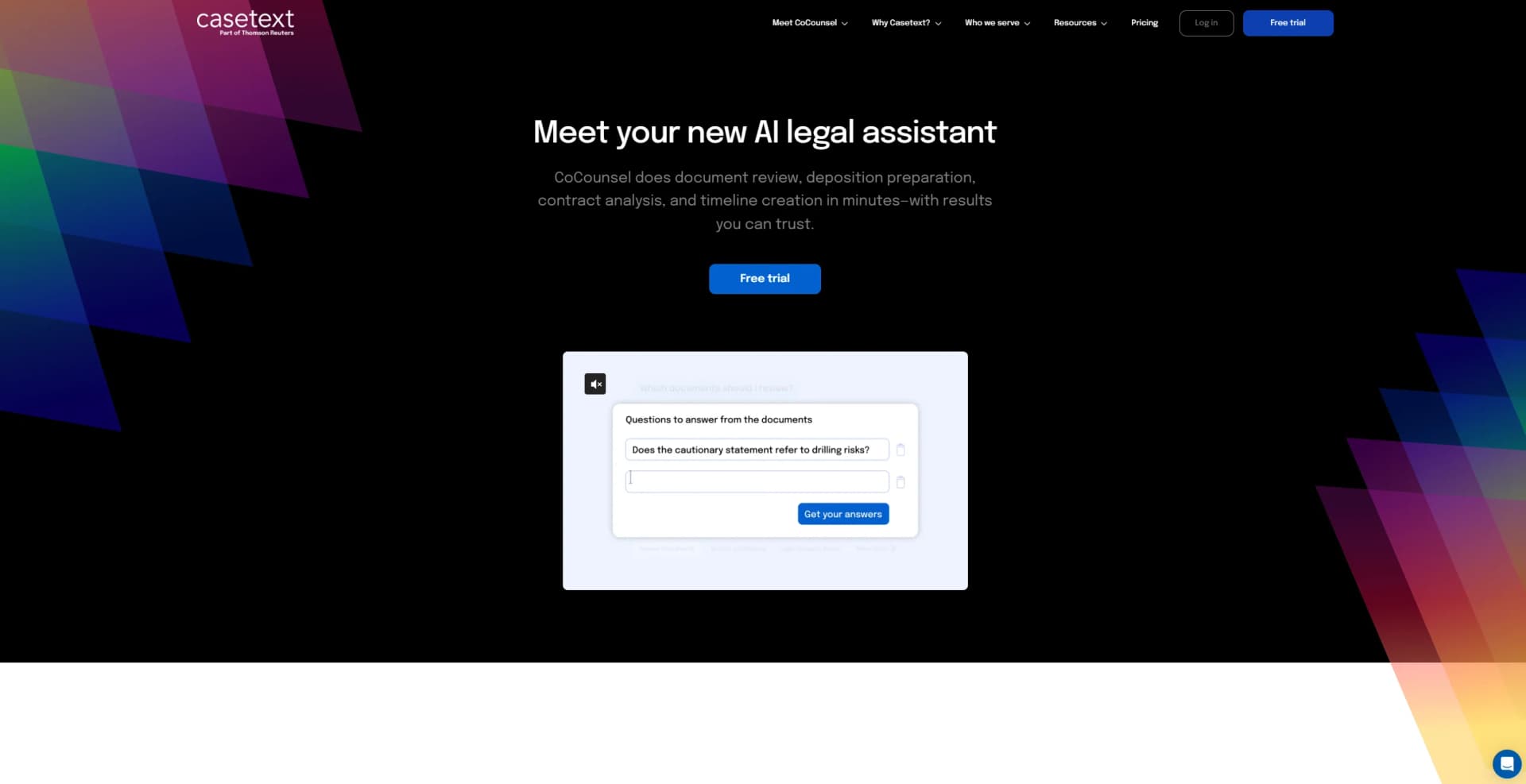
Casetext has emerged as a revolutionary tool in the legal field, introducing CoCounsel, the world's first AI legal assistant powered by GPT-4. This tool is specifically designed to transform the way legal professionals handle document review, deposition preparation, contract analysis, and timeline creation. With the promise of delivering results in minutes that you can trust, Casetext aims to provide superior work at superhuman speed, enabling lawyers and legal firms to serve their clients more effectively and grow their business. My exploration of Casetext will delve into how it stands out in the legal-tech space, focusing on its key features, pros and cons, user base, pricing, and what makes it unique.
Casetext's CoCounsel distinguishes itself by being the first AI legal assistant powered by GPT-4, specifically designed for the legal industry. Its ability to handle a variety of tasks, from legal research to contract analysis, with remarkable speed and accuracy, sets it apart in the market. Additionally, the extensive training and vetting process it undergoes ensures that it delivers reliable results, making it a trustworthy tool for legal professionals.
Casetext, with its AI legal assistant CoCounsel, excels in providing efficient, accurate, and reliable legal assistance. It is an essential tool for a wide range of legal professionals, from solo practitioners to large law firms. Its standout feature, leveraging GPT-4 for legal tasks, offers an unmatched advantage in the legal tech space, making it a game-changer for those looking to enhance their legal practice with AI.
Who is Using Casetext?
Solo Practitioners and Small Firms
Leveraging its capabilities for efficient, cost-effective legal research and document management.
Large Law Firms
Utilizing CoCounsel for high-volume document review and complex contract analysis.
In-house Legal Departments
Employing the tool to streamline contract management and compliance tasks.
Litigators
Benefiting from fast deposition preparation and detailed case timeline creation.
Transactional Attorneys
Using the tool for thorough contract review and policy compliance analysis.
Uncommon Use Cases
Non-profit organizations like The California Innocence Project use it to expedite case qualification processes; educational institutions incorporate it into legal studies curriculum to expose students to AI in legal practice.
Key Features
Rating Breakdown
Pricing Plans
Free Trial
- Casetext offers a free trial
- Allowing potential users to experience the capabilities of CoCounsel
Subscription Plans
- Detailed pricing information is not provided in the content available to me
- Interested parties should consult the Casetext website for the most current pricing details
Which Casetext plan should you pick?
Casetext’s documented standalone plans are no longer presented on the official site; current Thomson Reuters successor plans should be evaluated instead.
CoCounsel Legal
Good for legal practices needing comprehensive research, drafting, document analysis, and Westlaw and Practical Law access.
CoCounsel Essentials
Good for legal professionals who need core AI-powered document review, comparison, summarization, and drafting.
Westlaw Advantage with CoCounsel Essentials
Good for litigation-focused firms needing CoCounsel document capabilities alongside Westlaw research.
Practical Law Dynamic Tool Set with CoCounsel Essentials
Good for practices needing Practical Law resources combined with AI drafting and analysis.
Casetext Use Cases
Contextual legal research
Upload a complaint, brief, motion, or memorandum so CARA can identify relevant authorities.
Outcome: Find more on-point cases for the legal issue.
Brief citation checking
Use Casetext’s cite-checking workflow to review citations in a legal brief.
Motion drafting
Use Compose’s Motion Library to select a motion type and add supporting arguments and legal standards.
Outcome: Draft briefs more efficiently.
Parallel case search
Search using sentences or concepts from a draft rather than relying only on matching words.
Outcome: Discover cases with similar concepts and reasoning.
Legal document analysis
Use CoCounsel to analyze documents for research, document review, deposition preparation, or contract analysis.
Outcome: Produce legal work product faster.
Workflow Ideas with Casetext
Find authorities from a draft
- 1Upload a complaint, brief, motion, or memorandum
- 2Let CARA analyze citations, facts, jurisdiction, and legal language
- 3Review the relevant cases returned for the selected issue
Draft a motion with Compose
- 1Choose the motion type from the Motion Library
- 2Review the suggested arguments and legal standards
- 3Add selected material to the draft
Search a draft by concept
- 1Select sentences or concepts from the working draft
- 2Run Parallel Search
- 3Review cases with matching concepts even when wording differs
How Casetext fits into your stack
As of my current knowledge, specific details on compatibilities and integrations with other platforms or software were not provided. Users should inquire directly with Casetext for the most up-to-date information on this aspect.
Pros
- +Efficiency in Legal Research: Reduces the time spent on legal research and deposition preparation dramatically.
- +Accuracy and Trustworthiness: Utilizes GPT-4 for high precision and reliable results in document review and contract analysis.
- +Cost Reduction: By automating critical tasks, it decreases operational costs for legal firms.
- +User-Friendly Interface: Designed for ease of use, allowing legal professionals to quickly adapt and integrate it into their workflow.
Cons
- −Learning Curve: New users may require time to fully understand and utilize all features effectively.
- −Dependence on Quality of Inputs: The accuracy of outputs heavily depends on the quality and specificity of the information provided by the user.
- −Potential for Overreliance: Lawyers may become overly reliant on AI, which could impact the development of junior legal staff's research skills.
Limitations & when to consider alternatives
Known limitations
- Uploaded CARA documents were temporary. The official guide states that uploaded documents were deleted after CARA finished processing.
- CARA supported a limited set of file types. The documented formats were Word, PDF, TXT, and WordPerfect.
- CARA worked best with comprehensive documents. The guide says results were more tailored when the uploaded document was more complete.
- Compose required a Compose account. The Microsoft listing states that users needed Compose accounts to access the Office add-in.
Look elsewhere when
- You need native mobile access.
- You need a public developer API.
- You need programming-code generation.
How to Use Casetext
- 1
Casetext offers resources and support to help users maximize the tool's capabilities. While specific tutorial details are not mentioned here, interested individuals can explore Casetext's website and support channels for learning materials.
Who is Casetext For?
Attorneys
The product supported legal research, brief drafting, document review, contract analysis, and deposition preparation.
Law firms
Casetext served law firms with AI-assisted legal research and document-workflow tools.
Corporate legal departments
The company identified corporate legal departments among its customers for legal research and analysis workflows.
Legal researchers
CARA and Casetext search tools helped researchers locate relevant authorities from legal documents and factual context.
Frequently Asked Questions
What was Casetext?
Casetext was a legal technology company whose products included CoCounsel, an AI legal assistant for document review, legal research, deposition preparation, and contract analysis.
What documents could CARA process?
CARA supported Word, PDF, TXT, and WordPerfect files, including OCR and non-OCR PDFs.
Did Casetext retain uploaded CARA documents?
The official guide states that uploaded documents were deleted as soon as CARA finished processing them.
What did Compose by Casetext do?
Compose provided motion-library drafting support and parallel search for finding cases with matching concepts.
Who was Casetext designed for?
Casetext’s products were designed for legal professionals, including law firms and corporate legal departments.
Community reviews
1 review from people who use Casetext.
Sign in to leave a review for Casetext.
Thibault BM
Casetext Alternatives
Looking for alternatives to Casetext? Here are similar tools in the same category:
Learn to Master Casetext
With Skill Leap courses
Get in-depth training on Casetext and 50+ other AI tools with our expert-led video courses.
Start 7-Day Free Trial