
Caspa AI
Elevate eCommerce visuals effortlessly with Caspa, an AI-driven photography tool empowering businesses to create and edit lifelike product images
Watch Caspa AI in Action
Key Takeaways
- What it is
- Elevate eCommerce visuals effortlessly with Caspa, an AI-driven photography tool empowering businesses to create and edit lifelike product images
- Pricing
- Freemium
- Best for
- AI-Driven Photography
- Customizable Image Templates
- Studio Editor
- Rating
- 4.6/5
What is Caspa AI?
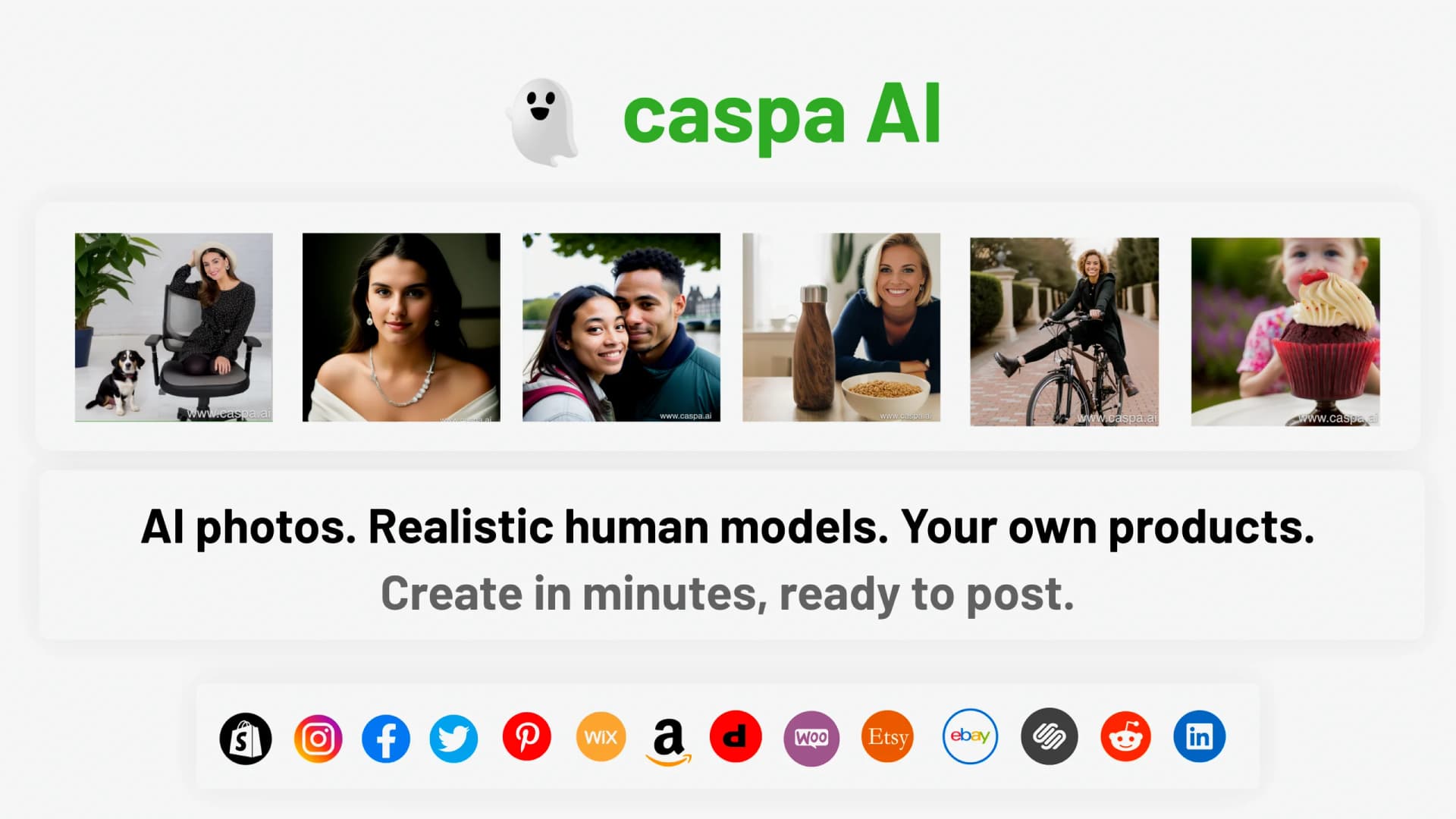
Caspa is a groundbreaking AI tool that transforms the world of eCommerce photography. It allows users to create and edit lifestyle photos with their products, incorporating photorealistic human models, animals, and custom backgrounds. Caspa also offers a studio editor for customizing image templates, infographics, and more. It's a game-changer for eCommerce businesses looking to enhance their product imagery and streamline their design workflows.
Caspa stands out with its AI-driven photography feature, a game-changer for eCommerce businesses. Its ability to generate unique AI stock photos that can be edited to suit a brand's image sets it apart in the market.
Caspa excels in providing enhanced product imagery and streamlined design workflows, making it an essential tool for eCommerce businesses and digital marketers. Its unique feature of generating AI-driven stock photos offers an unmatched advantage in creating customized, brand-aligned visuals.
Who is Using Caspa AI?
eCommerce Businesses
Using Caspa to enhance their product imagery and streamline their design workflows.
Digital Marketing Agencies
Employing Caspa to create visually appealing content for their clients' campaigns.
Freelance Photographers
Leveraging Caspa for efficient editing and creation of lifestyle product photos.
Graphic Designers
Using the tool to create unique AI-generated stock photos.
Uncommon Use Cases
Utilized by bloggers for creating engaging blog visuals; Adopted by social media influencers for enhancing their product promotion posts.
Key Features
Rating Breakdown
Pricing Plans
Free Tier
Free
- Experience Caspa with a free trial
Paid Tier
- The pricing details for the paid tier are not specified on the website
Which Caspa AI plan should you pick?
Start with Starter for image-only work, upgrade to Growth for video generation, and choose Scale when you need multiple users, API access or custom integrations.
Starter
Good for individuals and businesses needing image-only product photography, editing, infographics, A+ content and upscaling.
Growth
Good for ecommerce teams who need everything in Starter plus image and video generation.
Scale
Good for organizations needing up to three users, premium support, API access and custom integrations.
Caspa AI Use Cases
Product lifestyle photography
Upload a product photo and place it into lifestyle scenes with realistic human models, animals or custom backgrounds.
Outcome: Studio-quality marketing imagery without a traditional photoshoot.
Amazon listing content
Generate Amazon-ready product images, infographics and A+ content.
Outcome: More complete and visually optimized Amazon listings.
Shopify product imagery
Create lifestyle images, infographics and visual variants for Shopify product pages.
Outcome: Store imagery optimized for mobile and desktop storefronts.
Product image editing
Edit existing photos with background removal, magic erase, scene changes and upscaling.
Outcome: More polished product assets without external editing software.
Custom stock photos and templates
Generate brand-fit stock imagery, social posts, sale banners and infographic content.
Outcome: Ready-to-use marketing visuals for ecommerce campaigns.
Workflow Ideas with Caspa AI
Create a lifestyle product shoot
- 1Upload a product photo
- 2Choose a scene, model, animal or lighting direction
- 3Generate and refine the product imagery
Build an Amazon listing
- 1Upload product images
- 2Generate product photos, infographics and A+ content
- 3Download the finalized assets for Amazon Seller Central
Refresh existing product photography
- 1Upload an existing product image
- 2Remove or replace the background and edit selected areas
- 3Upscale and export the revised image
How Caspa AI fits into your stack
While specific details about compatibilities and integrations are not mentioned on the website, it's safe to assume that Caspa would be compatible with popular eCommerce platforms and design tools.
Pros
- +Enhanced Product Imagery: Allows eCommerce businesses to create lifelike images of their products in various settings.
- +Time-Saving: Speeds up the process of creating and editing product photos, saving valuable time for businesses.
- +Brand Customization: Offers unique AI stock photos that can be edited to align with a brand's image.
- +Ease of Use: Intuitive design and user-friendly interface make it easy to use, even for beginners.
Cons
- −Limited to eCommerce Photography: While it offers great features for eCommerce businesses, its usefulness may be limited for other sectors.
- −Requires Understanding of AI: Users may need to familiarize themselves with AI to fully leverage the tool's capabilities.
Limitations & when to consider alternatives
Known limitations
- AI outputs can be random. Caspa says generated imagery may sometimes produce random outputs and typically requires iterative prompting.
- Complex products may need physical photography. Caspa's product-photography guidance identifies complex materials, reflective surfaces and proprietary props as cases that may still require physical shoots.
- Fine details can be difficult. Caspa's guidance notes that AI image generation may alter logos, colors, textures or other product details.
- Used credits are non-refundable. The refund policy states that only unused credits are eligible for refunds.
Look elsewhere when
- You need native mobile apps.
- You need a documented developer API.
- You need explicit encryption guarantees.
How to Use Caspa AI
- 1
While specific tutorials are not mentioned on the Caspa website, users can likely find resources and guides on how to use the tool on the internet or on the official Caspa blog.
Who is Caspa AI For?
Marketers
They can create better ads and rapidly A/B test campaigns.
Agencies
They can produce creative content and mood boards for clients.
Small-to-medium-sized business owners
They can generate product photos faster and more efficiently.
Graphic designers
In-house and freelance designers can speed up their creative process.
Frequently Asked Questions
What is caspa AI?
Caspa AI is a marketing suite focused on AI product imagery, allowing users to create and edit professional photos with generative AI.
Who is caspa AI for?
Its documented users include marketers, agencies, small-to-medium-sized business owners, and graphic designers.
Do I need to enter my credit card information?
No. Users can create a free account without a credit card and receive 10 free credits.
What types of photos should be the input?
Users can upload product photos, transparent-background images, photos with objects, or images they want to edit or augment.
How do I use caspa AI?
Sign up at editor.caspa.ai, upload a product photo, choose a scene, model or template, then refine the generated result.
What if I don’t like the results?
Caspa notes that AI imagery can produce random outputs and recommends iterating with different prompts; support is available by email.
Community reviews
1 review from people who use Caspa AI.
Sign in to leave a review for Caspa AI.
nityapooja ronda
Caspa AI Alternatives
Looking for alternatives to Caspa AI? Here are similar tools in the same category:
Learn to Master Caspa AI
With Skill Leap courses
Get in-depth training on Caspa AI and 50+ other AI tools with our expert-led video courses.
Start 7-Day Free Trial