
Celigo
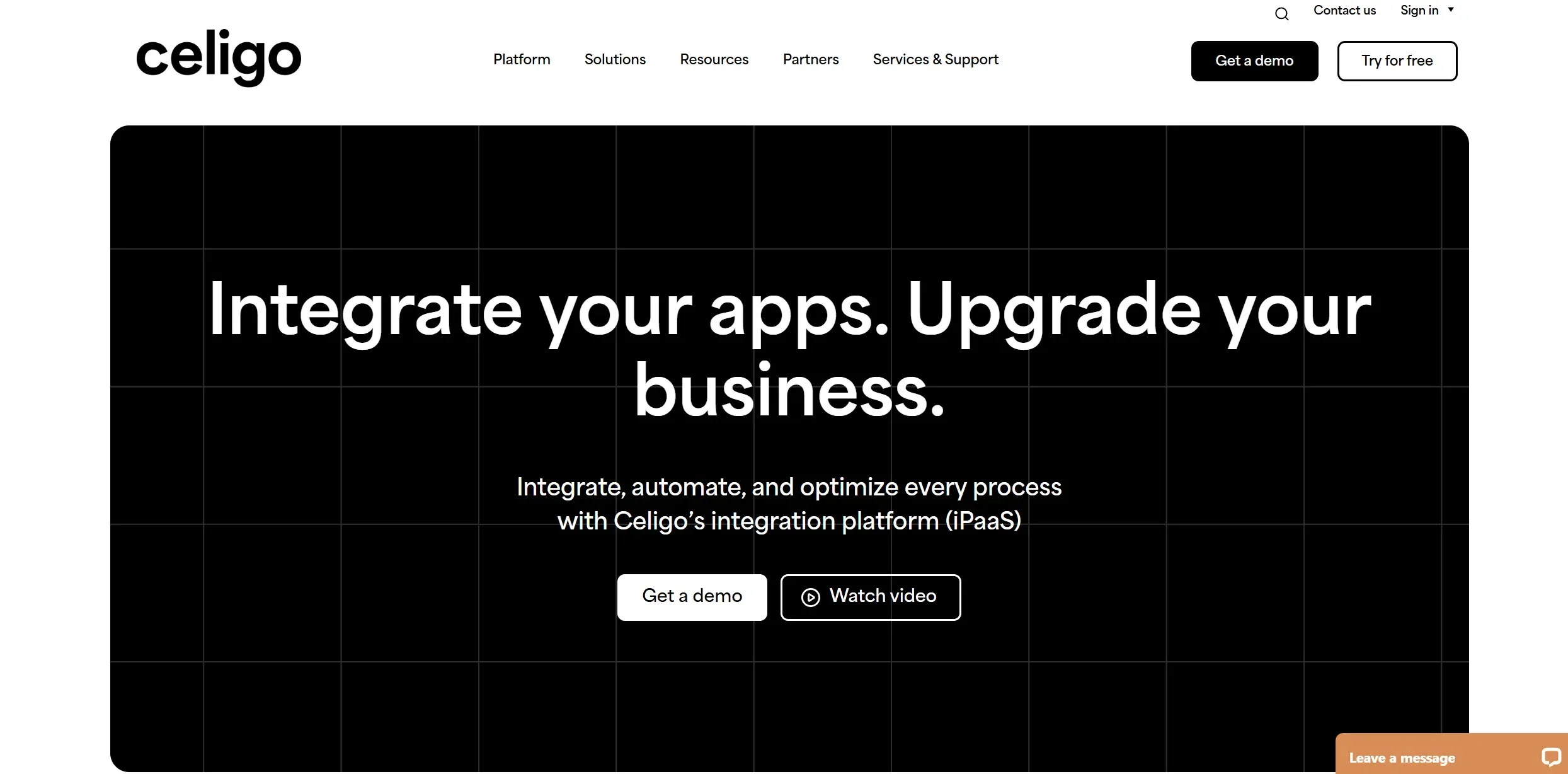
Streamline operations with AI-driven integration and automation.
Key Takeaways
- What it is
- Streamline operations with AI-driven integration and automation.
- Pricing
- Freemium
- Best for
- AI-Driven Error Management
- Prebuilt Integrations
- User-Friendly Interface
- Rating
- 4.5/5
What is Celigo?
Celigo is a cutting-edge integration platform as a service (iPaaS) that revolutionizes how businesses integrate, automate, and optimize their processes. With a robust suite of AI-driven features, Celigo caters to organizations aiming to streamline their operations across various applications and systems. Designed for businesses of all sizes, Celigo simplifies complex processes like data integration, error management, and workflow automation, making it a powerful tool for enhancing operational efficiency and scalability.
Celigo distinguishes itself with its process-centric approach to automation, allowing both IT and business users to discover, automate, and optimize processes continuously. This unique blend of accessibility and power enables organizations to innovate at scale, making Celigo a standout choice in the iPaaS market.
Who is Using Celigo?
E-commerce Businesses
Leveraging Celigo for seamless integration of sales and inventory systems.
Finance Departments
Utilizing the platform for data consolidation and financial planning.
IT Teams
Employing Celigo for managing enterprise-wide integrations and automations.
Supply Chain Managers
Using the tool to optimize logistics and inventory management.
Key Features
Rating Breakdown
Pricing Plans
Free Tier
Free
- Experience Celigo with a 30-day free trial
Which Celigo plan should you pick?
Start with the Free plan for a small proof of concept, choose Standard for core integrations, upgrade to Professional for cross-department governance and SSO, and use Enterprise for unlimited endpoints and maximum scale.
Free plan
Good for evaluating Celigo or running a small automation with up to two endpoints and one flow.
Standard Edition
Good for teams starting with critical integrations and needing standard support, MFA, and role-based access controls.
Professional Edition
Good for organizations managing integrations across departments that need API Builder, Lookup Cache, SSO, sandbox environments, and enhanced support.
Enterprise Edition
Good for organizations requiring unlimited endpoints, maximum performance, governance, security, auditability, and the highest support level.
Celigo Use Cases
Educational institutions adopting Celigo for administrative process automation.
Non-profits using it to integrate donor management systems.
Workflow Ideas with Celigo
Automate order-to-cash
- 1Connect storefronts, marketplaces, and order-entry systems to the ERP
- 2Route orders to the appropriate fulfillment path
- 3Sync tracking, invoicing, and downstream financial records
Move and transform files between systems
- 1Select a file provider such as Google Drive, Amazon S3, Azure, FTP, or Celigo Storage
- 2Parse or transform CSV, JSON, XLSX, XML, EDI, or fixed-width files
- 3Transfer the resulting files or records to a destination application
Monitor and resolve integration exceptions
- 1Review exceptions across Celigo environments and workspaces
- 2Inspect error details, response codes, tags, and raw payloads
- 3Retry records, edit incorrect values, or resolve issues in bulk
How Celigo fits into your stack
Celigo offers a comprehensive integration and automation platform that empowers businesses to optimize their operations effectively. With its AI-driven tools and extensive integration capabilities, Celigo stands out as a leader in the iPaaS industry, providing organizations with the flexibility and power needed to drive growth and innovation. Whether you're looking to streamline your e-commerce operations or enhance data quality across your finance systems, Celigo provides the tools to make it happen seamlessly.
Pros
- +Enhanced Productivity: Automates repetitive tasks, freeing up valuable time for strategic initiatives.
- +Comprehensive Integration Options: Supports a wide range of applications, including Salesforce, Microsoft Dynamics 365, Oracle NetSuite, and more.
- +Improved Data Quality: Ensures that teams have access to accurate and consistent data across platforms.
- +Flexible Deployment: Offers cloud-based solutions that can be tailored to meet specific business needs.
Cons
- −Initial Learning Curve: Some users may require time to fully leverage the platform's advanced features.
- −Complexity in Advanced Integrations: While user-friendly, more complex integrations may necessitate technical expertise.
Limitations & when to consider alternatives
Known limitations
- Free plan capacity is limited. The no-expiration Free plan supports two endpoints and one flow, and excludes features such as SSO, on-premise agents, stacks, and API tokens.
- Free trials are limited to 30 days. The trial provides broad access for 30 days, after which flows are disabled unless the account moves to a paid plan or the Free plan.
- Records have a 5 MB limit. Celigo returns an error when a processed record exceeds the documented 5 MB limit.
- Binary files are not parsed into records. Binary or blob data is transferred as-is and cannot be parsed into records for additional flow processing.
- Temporary data retention varies by license. Error data retention lasts for 30 or more days depending on the Celigo license, while trial data is stored for 30 days.
Look elsewhere when
- You need a native Windows, macOS, or Linux desktop client.
- You need a Chrome, Firefox, or Edge extension.
How to Use Celigo
- 1
Create or access a Celigo account
Start with the 30-day trial or Free plan, then review the Subscriptions area to see available entitlements and capacity.
- 2
Choose applications and connections
Select prebuilt connectors or configure HTTP, file, API, database, and other supported endpoints with the credentials required by each application.
- 3
Build a flow
Create an export, import, lookup, or file-transfer flow, then configure mappings, transformations, filters, and destinations.
- 4
Add custom logic when needed
Use the transformation editor, Handlebars, JavaScript hooks, JavaScript APIs, or API Builder for specialized processing.
- 5
Test and deploy
Use production and non-production environments where available, test records and API calls, then enable the flow for scheduled or real-time processing.
- 6
Monitor and troubleshoot
Review flow runs and exceptions, inspect payloads and response codes, retry failed records, edit values, and use Celigo AI or the mobile Business Operations app for assistance.
Who is Celigo For?
Ecommerce teams
Celigo automates commerce processes across storefronts, marketplaces, ERPs, fulfillment systems, and other commerce applications.
Finance teams
Celigo supports financial close, revenue recognition, reconciliation, and financial-data automation.
IT teams
Celigo connects IT landscapes and supports ITSM, user provisioning, de-provisioning, APIs, and governed automation.
PeopleOps teams
Celigo automates people-related workflows and connects systems used to manage organizational operations.
RevOps and customer-support teams
Celigo supports lead lifecycle, quote-to-cash, product usage, ticketing, customer-support, and exception-resolution workflows.
Frequently Asked Questions
Does Celigo offer a free plan?
Yes. After the 30-day free trial, the Celigo platform can continue on a no-expiration Free plan with limits of two endpoints and one flow.
How does Celigo pricing work?
Celigo uses flat-rate pricing based on endpoints and flows rather than task or transaction volume.
Can Celigo connect to external applications?
Yes. Celigo provides prebuilt connectors and integration templates for business applications, marketplaces, ERPs, 3PLs, and trading partners.
Does Celigo support APIs?
Yes. Celigo provides API tokens, REST APIs, API Builder, JavaScript APIs, API Management, API keys, and endpoint documentation.
Does Celigo support SSO?
Yes. SSO is available as an authentication option, with availability varying by edition and account configuration.
How does Celigo protect data?
Celigo documents TLS 1.2 or better for data in motion and AES-256 encryption for temporarily stored data.
Community reviews
Be the first to share your experience.
Sign in to leave a review for Celigo.
Celigo Alternatives
Looking for alternatives to Celigo? Here are similar tools in the same category:
Learn to Master Celigo
With Skill Leap courses
Get in-depth training on Celigo and 50+ other AI tools with our expert-led video courses.
Start 7-Day Free Trial