
Chat Data
Customer support agents that use your business data to complete customer requests.
Key Takeaways
- What it is
- Customer support agents that use your business data to complete customer requests.
- Pricing
- Freemium · $15.83 per month billed annually · $82.50 per month billed annually · $332.50 per month billed annually
- Best for
- Train With Your Data
- Workflow Builder
- MCP Integrations
- Rating
- 4.1/5
What is Chat Data?
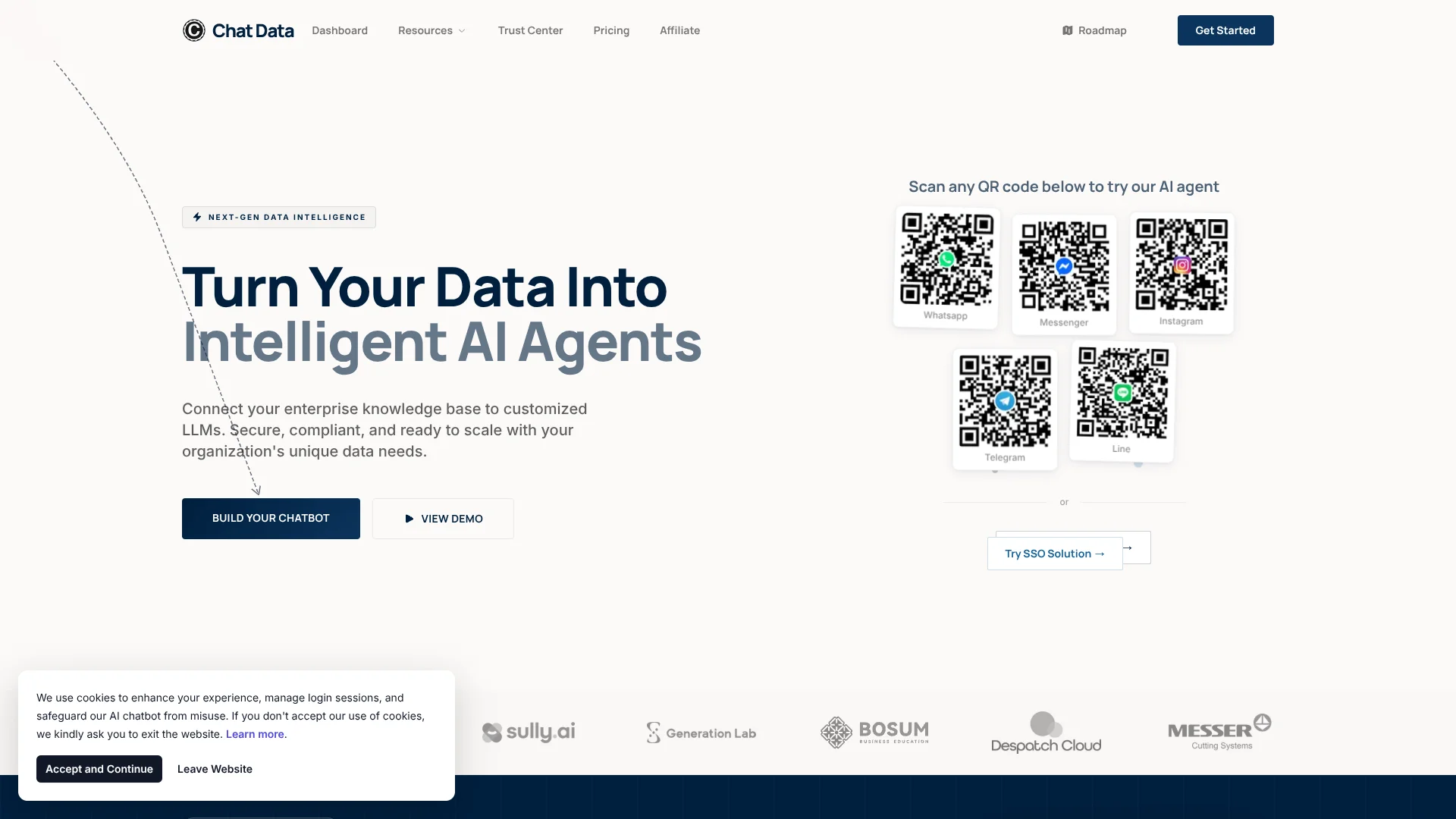
Chat Data lets businesses build AI customer support agents from their documents, website content, and connected services. The agent can answer questions inside a website widget, messaging channel, or API, then collect leads or perform actions when the conversation needs more than a static reply. It is aimed at teams that want support automation grounded in their own information.
Its standout capability is a workflow builder where an AI agent can decide which tools to call, complete several lookups or actions, and then return the result in the same conversation. For example, it can find an order, check a return policy, start the return, and explain what happened.
Chat Data fits support, healthcare, ecommerce, and software teams that need branded AI agents connected to business data. It is less suitable when you need a lightweight personal chatbot or a native mobile and desktop application. The product is strongest when customer conversations need both company-specific knowledge and operational actions.
Who is Using Chat Data?
Support Managers
Reduce repetitive tickets and monitor escalated conversations from the live chat dashboard.
Ecommerce Operators
Answer product and order questions while connecting Shopify, WooCommerce, Magento, Stripe, and support tools.
Healthcare Product Teams
Deploy medical or veterinary agents with controlled access and HIPAA workspace features.
Automation Specialists
Turn support requests into multi-step processes using workflows, MCP tools, conditions, and API calls.
AI Agency Owners
Build and resell client agents with custom branding, domains, notifications, and usage billing.
Uncommon Use Cases
Generate PDF documents from conversations; create voice-based agents for phone support and character experiences.
Key Features
Rating Breakdown
Pricing Plans
Free
Free
- Free forever
- 100 message credits per month
- 1 AI agent
- 400,000 characters of chatbot capacity
- 100 website scraping pages per month
- 0.5 years of conversation history
Entry
$15.83 per month billed annually
- 1,500 message credits per month
- 1 AI agent with up to 5 additional purchasable agents
- 5 team members
- API access and third-party integrations
- 1 year of conversation history
- Annual billing saves $38 per year
Standard
$82.50 per month billed annually
- 10,000 message credits per month
- 7 AI agents and 20 team members
- Workflow triggers, live chat escalation, webhooks, and SDK event listeners
- Real-time voice mode with ElevenLabs voice support
- 2.5GB blob storage for multimodal inputs
- Annual billing saves $198 per year
Professional
$332.50 per month billed annually
- 40,000 message credits per month
- 20 AI agents and up to 1,000 team members
- 100 concurrent phone calls per agent
- 10GB blob storage for multimodal inputs
- 5 years of conversation history
- Annual billing saves $798 per year
Which Chat Data plan should you pick?
Start with Free for a small proof of concept, choose Entry for a basic paid agent, and move to Standard when you need workflows, live chat, voice, API access, and team collaboration.
Free
Good for testing one small agent with limited message, training, scraping, and history capacity.
Entry
Good for a small business that needs paid integrations, API access, advanced models, and up to five team members.
Standard
Good for support teams that need workflow automation, live chat escalation, voice, webhooks, translation, and HIPAA workspace eligibility.
Professional
Good for larger deployments requiring more agents, team members, message credits, phone concurrency, storage, and longer history.
Chat Data Use Cases
Website Customer Support
A trained agent answers questions from your help content inside a chat bubble or search bar.
Outcome: Customers receive immediate answers from your own support knowledge.
Order and Return Assistance
The agent combines a knowledge base with live tools to look up orders, check policies, and begin the next action.
Outcome: Customers can resolve common order issues in the conversation.
Human Support Handoff
Unresolved or sensitive requests move from the AI agent to a human through live chat, email, Zendesk, or webhooks.
Outcome: Support staff receive the conversation context instead of starting from scratch.
Lead Capture and Booking
Forms, appointment actions, Calendly, and AI capture nodes collect information while the visitor is engaged.
Outcome: More qualified leads and scheduled appointments from support conversations.
Multichannel Re-engagement
Follow-up messages can reach customers through WhatsApp, Messenger, and Instagram on eligible plans.
Outcome: The agent can continue customer conversations beyond the first visit.
Workflow Ideas with Chat Data
Order Return Workflow
- 1Customer provides an order number and explains the issue.
- 2AI Agent checks the order and retrieves the return policy.
- 3Workflow starts the return or escalates the case to a human.
Lead Qualification Workflow
- 1AI Conversation asks questions about the visitor's needs.
- 2AI Capture stores the answers and contact details.
- 3Create or Update Lead sends the qualified lead to the connected system.
Escalation Workflow
- 1Condition checks whether the agent can answer with confidence.
- 2Live Chat Escalation transfers complex cases to a support agent.
- 3Email, Zendesk, or webhook notifications alert the assigned team.
How Chat Data fits into your stack
Website and Chat
Chat Data can appear as a website chat bubble, AI search bar, iframe, or embedded script. It can also power agents through an API.
Knowledge and Files
The agent sits above your documents, scraped pages, Google Drive, Notion, YouTube, video, and audio sources to answer questions from business content.
Support Operations
Live chat escalation, email notifications, Zendesk, lead capture, and appointment actions connect the AI layer to human support work.
Automation and APIs
Workflows can call APIs, webhooks, MCP tools, browser actions, and custom backend endpoints when a conversation needs an operational result.
Channels and Commerce
Deploy across WhatsApp, Messenger, Instagram, Telegram, Discord, Slack, LINE, Shopify, WooCommerce, Magento, and other listed integrations.
Pros
- +Data grounding: Build agents around company documents, websites, and connected knowledge sources.
- +Action workflows: Let the agent perform lookups, API calls, lead capture, email, and other support tasks.
- +Human handoff: Escalate unresolved conversations while preserving the chat context.
- +Channel coverage: Reach customers through websites, messaging apps, ecommerce platforms, and support systems.
- +Healthcare support: Standard and Professional plans include access to a HIPAA BAA for eligible medical use cases.
Cons
- −Usage-based limits: Message credits, training characters, scraping pages, agents, and actions vary sharply by plan.
- −Plan gating: API access, live chat, advanced models, voice, and several integrations require a paid plan.
- −Setup depth: Building useful workflows requires more configuration than a basic website chatbot.
Limitations & when to consider alternatives
Known limitations
- Free Usage Caps. The Free plan includes 100 message credits per month, one agent, 400,000 characters of chatbot capacity, and 100 scraped pages per month.
- Plan-Based Features. API access, advanced models, live chat escalation, voice features, webhooks, translation, and several integrations are limited to paid plans.
- History Retention. Conversation history is retained for 0.5 years on Free, 1 year on Entry, 3 years on Standard, and 5 years on Professional.
- HIPAA Enablement. HIPAA mode requires Standard or above plus a signed Business Associate Agreement and workspace enablement.
- Event-Driven MCP Triggers. The roadmap says MCP integrations currently focus on user-initiated usage rather than automatically reacting to events from connected applications.
Look elsewhere when
- You need a native iOS, Android, Windows, Mac, or Linux application.
- You want a personal AI chatbot rather than a customer-facing agent.
- Your team needs unrestricted usage without message, training, scraping, or agent limits.
- Your workflow must react automatically to third-party events without a user-initiated conversation.
How to Use Chat Data
- 1
Create an Agent
Start with a custom-data agent, custom model backend, medical model, or veterinary model based on the job.
- 2
Add Knowledge
Upload supported files, paste text, connect sources such as Google Drive or Notion, or provide a website for scraping.
- 3
Set the Base Prompt
Define the agent's role, tone, boundaries, and response rules separately from the facts it retrieves from training data.
- 4
Test the Answers
Run sample conversations and check whether responses stay grounded in the uploaded information.
- 5
Add Actions
Configure workflows, MCP tools, API calls, lead forms, appointment actions, or email when the agent needs to do more than answer.
- 6
Deploy and Monitor
Embed the website widget or connect a channel, then review analytics, chat logs, credit usage, and escalations.
Who is Chat Data For?
Customer Support Teams
Automate recurring questions while giving customers a direct path to human help for exceptions.
Healthcare Organizations
Create medical chat workflows with HIPAA-eligible workspaces and a BAA on Standard or Professional.
Ecommerce Businesses
Connect product, order, payment, and support systems so the agent can answer shoppers and take actions.
AI Agencies and Resellers
Deploy branded agents for clients with reseller features, white-label options, and API access.
Software and Data Teams
Expose internal knowledge and business actions through an embeddable agent, SDK, or API.
Frequently Asked Questions
Does Chat Data have a free plan?
Yes. Free is available forever and includes 100 message credits per month, one agent, 1.6 million training characters per month, and 100 scraped pages per month.
Which paid plans does Chat Data offer?
The pricing page lists Entry, Standard, and Professional plans in addition to Free.
Can Chat Data use my own files and website content?
Yes. You can upload supported files, paste text, or provide a website link for scraping. Paid plans also add sources such as video, audio, Google Drive, and Notion.
Does Chat Data have an API?
Yes. API access is included on Entry, Standard, and Professional plans.
Can Chat Data hand conversations to a person?
Yes. Live chat escalation can notify human agents by email and connect with Zendesk or webhooks. It is included on Standard and Professional, while Entry customers can purchase it separately.
Does Chat Data support multiple languages?
Yes. The platform supports multilingual conversations and lists interface translation for languages including English, Spanish, French, German, Japanese, Portuguese, Arabic, Hindi, Korean, and others.
Community reviews
Be the first to share your experience.
Sign in to leave a review for Chat Data.
Chat Data Alternatives
Looking for alternatives to Chat Data? Here are similar tools in the same category:
Learn to Master Chat Data
With Skill Leap courses
Get in-depth training on Chat Data and 50+ other AI tools with our expert-led video courses.
Start 7-Day Free Trial