
Chatfuel AI
Automate business messaging with AI-driven omnichannel integration.
Key Takeaways
- What it is
- Automate business messaging with AI-driven omnichannel integration.
- Pricing
- Freemium · $15 per month
- Best for
- AI-Driven Conversations
- Omnichannel Integration
- Lead Generation and Qualification
- Rating
- 4.4/5
What is Chatfuel AI?
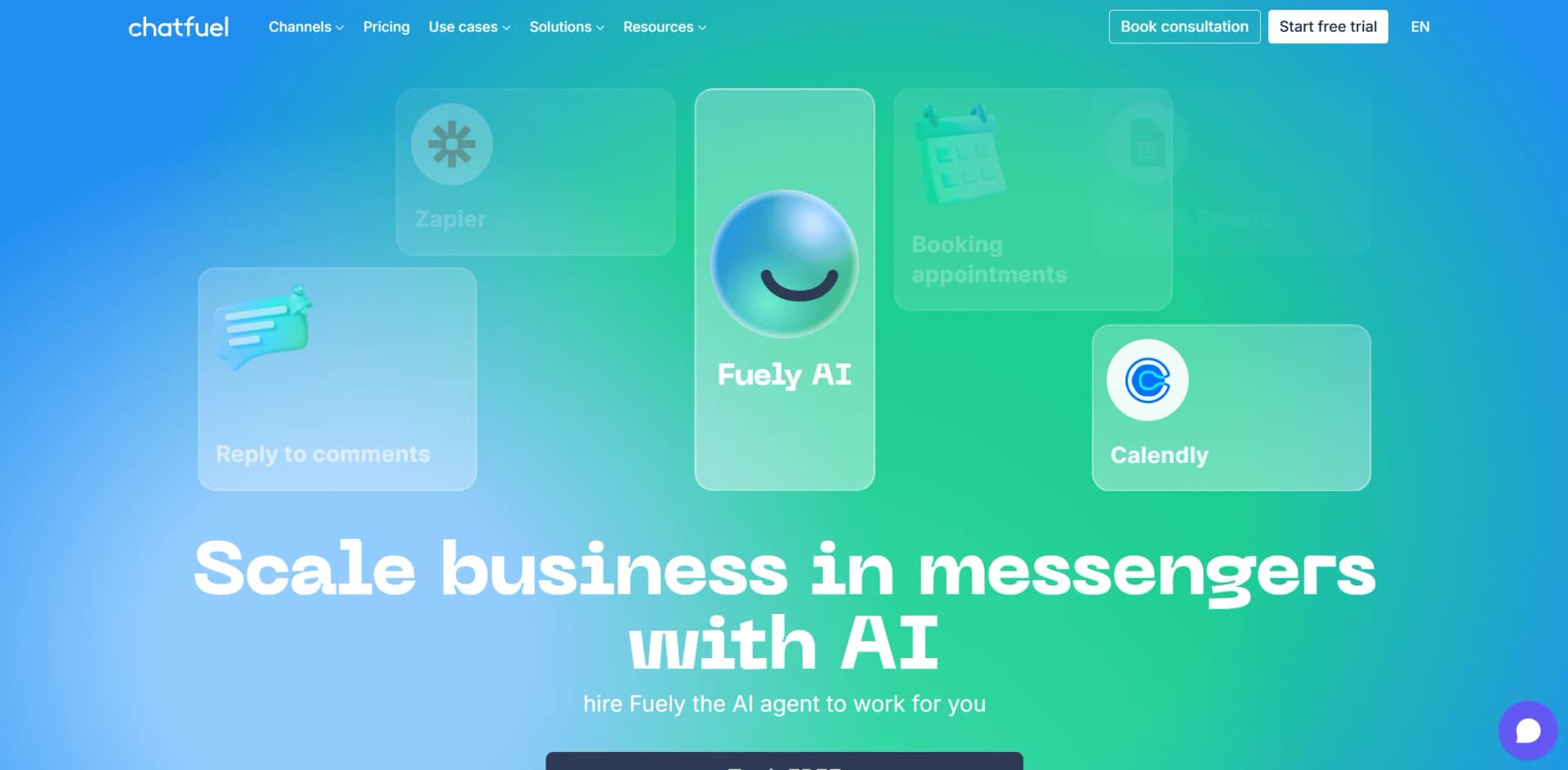
Chatfuel is an innovative AI-driven platform designed to automate business communication across various messaging channels. It specializes in creating AI agents for automated sales, lead generation, customer support, and more, with a focus on enhancing interactions on platforms like Facebook, WhatsApp, and Instagram. By leveraging Chatfuel, businesses can streamline their communication processes, improve customer engagement, and boost sales efficiency.
Chatfuel stands out with its seamless integration across popular messaging platforms, making it a versatile choice for businesses looking to automate and enhance customer engagement. Its ability to provide a comprehensive suite of tools for lead generation, sales automation, and customer support sets it apart in the market.
Chatfuel offers a robust platform for automating business communication, providing significant benefits in terms of efficiency, cost savings, and customer engagement. Its integration capabilities and user-friendly interface make it a valuable tool for businesses across various industries. While there may be a learning curve and some limitations in customization, the overall value Chatfuel delivers makes it a compelling choice for companies looking to enhance their messaging strategies.
Who is Using Chatfuel AI?
E-commerce Businesses
Utilizing Chatfuel to enhance customer service and automate sales processes.
Digital Marketing Agencies
Employing Chatfuel for creating engaging campaigns and managing customer interactions.
Customer Support Teams
Leveraging the platform to provide instant responses to customer inquiries and streamline support.
Healthcare Providers
Using Chatfuel to automate appointment bookings and patient communication.
Uncommon Use Cases
Adopted by educational institutions for automating student inquiries and by real estate agencies for managing property inquiries and bookings.
Key Features
Rating Breakdown
Pricing Plans
Free Tier
Free
- Experience Chatfuel with a free trial offering basic features
Pro Tier
$15 per month
- Offering advanced features and integrations
Which Chatfuel AI plan should you pick?
Start with Chatfuel Light for free rule-based automation and shared inbox access; upgrade to AI PRO when you need Fuely AI sales, support, qualification, broadcasts, and AI-powered automations.
Chatfuel Light
Good for teams starting with customer automation who need Instagram, Facebook, and WhatsApp automations, a shared inbox, flow building, contact management, and templates.
AI PRO
Good for teams that need AI sales assistance, an AI knowledge base, AI-powered automations, broadcasts, re-engagement, and lead-qualification funnels.
Trial
Good for beginners who want to test Chatfuel features for seven days before choosing a paid plan.
Fuely Super
Good for everyday customer support and common AI tasks using GPT-5 mini, with monthly, six-month, or twelve-month billing.
Fuely Max
Good for businesses needing more active contacts and more complex tasks using GPT-5.
Enterprise
Good for organizations needing custom scale, priority support, and setup assistance from Chatfuel's team.
Chatfuel AI Use Cases
Lead qualification
Use Fuely AI to ask qualification questions, score prospects, and route suitable leads to sales.
Outcome: More organized lead handling and faster follow-up.
Customer support
Provide FAQ answers and first-line support across connected messaging channels.
Outcome: Faster responses with human handoff when needed.
Appointment booking
Configure services, specialists, schedules, and booking requirements so Fuely AI can help customers schedule appointments.
Outcome: Automated booking confirmations and reminders.
E-commerce assistance
Add products, pricing, options, and ordering information so Fuely AI can recommend products and guide purchases.
Outcome: Automated product guidance and order assistance.
Marketing automation
Create broadcasts, re-engagement campaigns, comment replies, and automated customer journeys.
Outcome: More consistent outreach with less manual work.
Workflow Ideas with Chatfuel AI
Capture and qualify leads
- 1Connect WhatsApp, Instagram, Facebook, TikTok, or the website widget
- 2Turn on lead-qualification tasks and define qualification questions
- 3Route qualified conversations to the sales team or CRM
Automate appointment booking
- 1Add services, prices, durations, specialists, and working hours
- 2Enable booking-related Fuely AI tasks
- 3Let the AI confirm appointments and send reminders
Provide AI customer support
- 1Fill in company information, FAQs, catalog data, and booking details
- 2Set Fuely AI language and additional behavioral instructions
- 3Configure human handoff rules for requests outside the AI's scope
How Chatfuel AI fits into your stack
Browser
Chatfuel is used as a web dashboard and website chat widget, with visual automation flows and AI responses embedded on a site.
Team chat and tickets
The shared inbox lets teams manage live conversations, assign leads, and hand AI conversations to human teammates across supported messaging channels.
Automation and APIs
Teams build multi-step automations and can trigger flows or send blocks programmatically through Chatfuel’s documented API.
Knowledge and files
Fuely AI uses a business knowledge base, FAQs, catalog data and uploaded message attachments to support customer conversations.
Pros
- +Time Efficiency: Significantly reduces the time spent on manual customer interactions by automating responses.
- +Cost-Effective: Lowers operational costs by replacing manual processes with AI-driven automation.
- +Scalability: Easily scales to handle increased customer interactions without additional human resources.
- +User-Friendly: Intuitive interface that simplifies the setup and management of chatbots, even for non-technical users.
Cons
- −Initial Learning Curve: Some users may find it challenging to master advanced features initially.
- −Limited Customization Options: While functional, customization might be limited for highly specific business needs.
- −Integration Limitations: Certain integrations may require additional setup or third-party tools like Zapier.
Limitations & when to consider alternatives
Known limitations
- AI fair-use limits apply. Plans include unlimited active contacts and messages, but AI processing has a fair-use allowance. If the allowance is exceeded, the AI assistant pauses until renewal, the next billing period, or use of a connected OpenAI key.
- Knowledge-base catalog guidance. Chatfuel recommends keeping the catalog under 50 items for more accurate Fuely AI recommendations.
- Document size limit. Supported PDF, PPT, Word, and Excel documents are limited to 15 MB.
- Image size and format limits. Supported images are JPG or PNG files up to 4 MB and must use 8-bit RGB or RGBA.
- WhatsApp messaging-window constraints. Chatfuel documents the WhatsApp 24-hour rule; sending messages outside the window requires an appropriate message tag or approved template flow.
Look elsewhere when
- You need model fine-tuning or weight-changing training jobs.
- You need a dedicated desktop installer for Windows, Mac, or Linux.
- You need a browser extension.
- You need documented image analysis or vision understanding.
How to Use Chatfuel AI
- 1
Choose a plan and channel
Start with Chatfuel Light or AI PRO, then connect WhatsApp, Instagram, Facebook, TikTok, or the website widget based on where customers contact you.
- 2
Complete the Fuely AI profile
Set the AI name, conversation language, message delay, and additional instructions so responses match your business requirements.
- 3
Build the knowledge base
Add company details, products or services, ordering and booking information, and frequently asked questions so Fuely AI can answer accurately.
- 4
Enable tasks
Open AI & Automation, choose Fuely AI, and turn on relevant message, operations, or broadcast tasks.
- 5
Configure human handoff
Create rules for requests that need a person, assign chats to teammates or groups, and use the shared inbox to manage follow-up.
- 6
Test and monitor
Use Preview chat to test common customer questions, then review leads, conversations, bookings, and AI usage limits as you improve the setup.
Who is Chatfuel AI For?
Small businesses
Chatfuel provides lightweight messaging automation, shared inboxes, customer management, bookings, and AI support without requiring coding.
Sales and marketing teams
Teams can capture, qualify, route, and follow up with leads across WhatsApp, Instagram, Facebook, websites, and TikTok.
Agencies
Agency documentation covers client companies, team roles, client access, qualification bots, CRM connections, ads, and client reporting.
Beauty and healthcare businesses
Chatfuel promotes AI booking, appointment reminders, calendars, client management, and WhatsApp-based customer communication for these businesses.
Course creators and fitness coaches
Chatfuel's official site identifies course creators and fitness coaches as audiences using automation for sales, follow-ups, and customer retention.
Frequently Asked Questions
What is Chatfuel?
Chatfuel is a customer-automation platform for WhatsApp, Instagram, Facebook, websites, and TikTok, combining messaging, flows, shared inboxes, and AI assistance.
Is Chatfuel free?
Chatfuel Light is free with no credit card required. AI PRO adds AI sales, knowledge-base, automation, broadcast, and lead-qualification features.
Can my team use Chatfuel?
Yes. Teams can use the shared inbox, assign conversations or leads, invite teammates, and manage access through roles.
Can I connect third-party tools?
Chatfuel documents integrations including HubSpot, Zendesk, Salesforce, Kommo, Google Sheets, Zapier, Stripe, and Facebook Conversions API.
Can Chatfuel handle bookings?
Fuely AI can help customers book appointments, manage services and specialists, and send booking confirmations and reminders.
What happens when AI needs human help?
Fuely AI can move conversations to a team or assign them to specific people when customers request a human or the request is outside the AI's scope.
Community reviews
4 reviews from people who use Chatfuel AI.
Sign in to leave a review for Chatfuel AI.
Vera Alexandrovskaya
Федор Пак
Igor Fedyukin
jane lisovskaya
Chatfuel AI Alternatives
Looking for alternatives to Chatfuel AI? Here are similar tools in the same category:
Learn to Master Chatfuel AI
With Skill Leap courses
Get in-depth training on Chatfuel AI and 50+ other AI tools with our expert-led video courses.
Start 7-Day Free Trial