Chatnode
Revolutionize customer interactions with AI-driven, multilingual chatbot builder.
Key Takeaways
- What it is
- Revolutionize customer interactions with AI-driven, multilingual chatbot builder.
- Pricing
- Freemium
- Best for
- AI-Powered Responses
- Multiple Integration Options
- Customization Capabilities
- Rating
- 4.6/5
What is Chatnode?
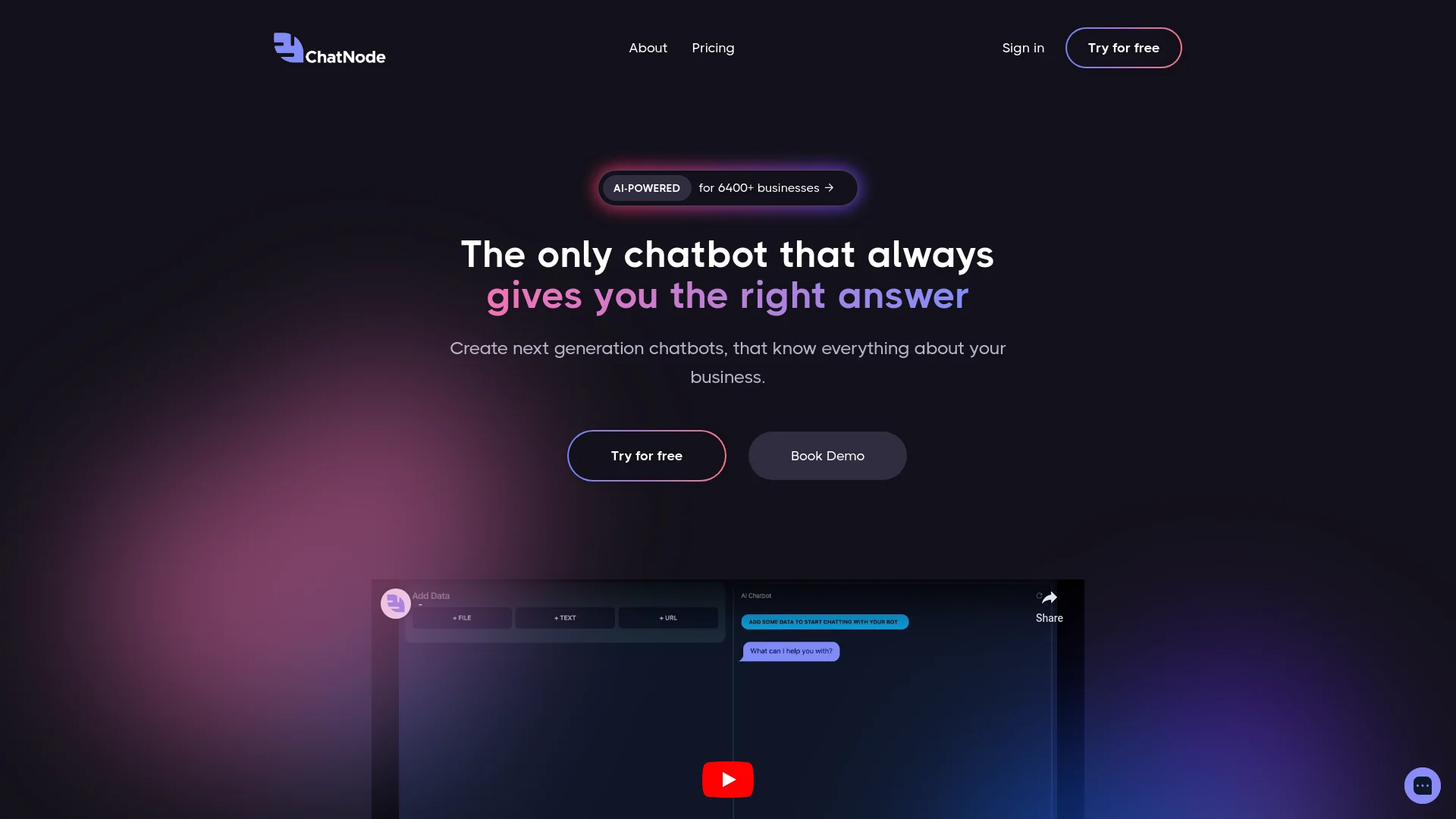
Chatnode is a state-of-the-art AI chatbot builder that revolutionizes customer interaction by providing tailored and accurate responses based on a comprehensive knowledge base. Designed for businesses looking to enhance their customer support and engagement, it simplifies the process of integrating AI technology into various communication channels. With Chatnode, companies can effortlessly create next-generation chatbots that not only understand but intelligently respond to user inquiries, making it an indispensable tool for over 6,400 businesses worldwide.
Chatnode sets itself apart with its powerful URL scrapper and offline document upload capabilities, a game-changer for businesses looking to train their chatbots quickly and effectively. Its ability to deliver multilingual support and adhere to strict data privacy regulations makes it a top choice for global businesses prioritizing customer engagement and security.
Chatnode excels in providing enhanced customer interaction solutions, making it an essential tool for businesses aiming to modernize their communication channels. Its standout features like multilingual support and robust privacy commitments offer unmatched advantages, ensuring that Chatnode remains a top contender in the AI chatbot space.
Who is Using Chatnode?
E-commerce Businesses
Employing Chatnode to handle customer inquiries and provide support around the clock.
Tech Startups
Leveraging the tool to manage customer interactions and gather user feedback efficiently.
Healthcare Providers
Using Chatnode to answer patient inquiries and provide consistent healthcare information.
Educational Institutions
Integrating Chatnode for administrative support and to assist students with course-related queries.
Uncommon Use Cases
Non-profits use Chatnode to engage with their communities; event organizers integrate it for real-time event updates and attendee support.
Key Features
Rating Breakdown
Pricing Plans
Free Tier
Free
- Start exploring Chatnode functionalities with a robust free trial
Subscription Plans
- Detailed pricing is available upon request. Plans are tailored to meet the diverse needs of businesses of all sizes
Which Chatnode plan should you pick?
Start with Free to test a single agent; upgrade to Lite for API access and higher limits, Standard for teams and automation, or Scale for white-labeling and priority support.
Free
Good for testing one chatbot with limited credits, files or URLs, one team member, base integrations, lead capture, and analytics.
Lite
Good for solopreneurs who need API access, unlimited files and URLs, advanced integrations, more credits, and access to all listed models.
Standard
Good for marketers and pre-scale businesses who need multiple agents, three team members, live-agent support, auto-retrain, and automation integrations.
Scale
Good for scale-up businesses who need more agents and members, custom domains, white-labeling, and priority support.
Enterprise
Good for organizations needing unlimited agents, unlimited members, unlimited monthly messages, API access, custom features, priority support, and an account manager.
Chatnode Use Cases
Website customer support
Deploy an AI agent as a website chat widget trained on company documents, text, or web pages.
Outcome: Visitors receive automated answers about the business.
Lead generation
Use the Collect Leads Action to request names, email addresses, and phone numbers during conversations.
Outcome: Captured leads are stored in the ChatNode dashboard.
Appointment booking
Connect an agent to Calendly or Cal.com so users can view availability and book appointments in chat.
Outcome: Users can schedule meetings without leaving the conversation.
Internal Slack notifications
Configure Slack Actions to send messages to channels or direct messages when relevant topics arise.
Outcome: Support and sales teams receive automated real-time alerts.
Billing and subscription support
Use the ChatNode Stripe integration to retrieve invoices, subscription status, and manage subscription changes.
Outcome: Agents can answer billing questions and support subscription workflows.
Workflow Ideas with Chatnode
Create and publish a website support agent
- 1Create an AI agent in ChatNode.
- 2Add documents, text, or website URLs as training data.
- 3Customize the agent and deploy it with the website chat-widget script.
Automate lead capture and team notification
- 1Configure the Collect Leads Action to request visitor details.
- 2Store the captured lead in the ChatNode dashboard.
- 3Use a Slack Action to notify a sales or support channel.
Automate appointment scheduling
- 1Connect the agent to Calendly or Cal.com.
- 2Let the agent retrieve available time slots.
- 3Allow the user to book an appointment directly in chat.
How Chatnode fits into your stack
SLACK Integration
Directly communicate with the bot or integrate it into SLACK channels.
Website Integration
Embed Chatnode in various formats like iFrames or pop-ups on secured web pages.
API Access
Customize and extend Chatnode functionalities with its flexible API.
Live Agent Handoff
Seamlessly transition from chatbot to human support when necessary.
Pros
- +Enhanced Customer Experience: Provides instant, accurate responses to user queries, exceeding customer expectations.
- +Scalability: Easily handles a large volume of interactions simultaneously without compromising on response quality.
- +Speedy Integration: Features like the URL scrapper and offline document upload streamline the process of feeding information to the chatbot.
- +Comprehensive Support: Offers a live agent handoff feature and API access for extended functionality and integration with other applications.
Cons
- −Complexity in Setup: Some users may find the initial setup and customization process somewhat involved.
- −Dependency on Quality Inputs: The accuracy of responses heavily relies on the quality and comprehensiveness of the input data.
- −Limited Third-Party Integrations: While it supports basic integrations, some users might require broader third-party support.
Limitations & when to consider alternatives
Known limitations
- Inactive free chatbots are deleted. Chatbots on the Free plan are deleted after 14 days of inactivity.
- Free plan data limits. The Free plan includes one chatbot, 35 monthly credits, up to 20 files or URLs, and 500,000 characters per chatbot.
- File size and format limits. The Lite plan documents a maximum file size of 20 MB. The help documentation identifies PDF, TXT, DOC, and DOCX as supported upload formats.
- PDFs may reduce upload efficiency. ChatNode warns that PDFs consume more resources than plain-text files and recommends limiting the number uploaded at once.
- Client actions have channel restrictions. Custom client actions work in the browser but do not work in Slack or the in-app chat window.
Look elsewhere when
- You need a native mobile app.
- You need fine-tuning that changes model weights.
- You need SAML or enterprise SSO.
How to Use Chatnode
- 1
Create an agent
Open ChatNode and create an AI agent, choosing its name and model.
- 2
Add knowledge
Use the Data area to add documents, text, or website URLs so the agent can answer from your own content.
- 3
Improve the prompt
Use ChatNode's prompt-improvement step to refine the agent's behavior and response quality.
- 4
Customize the appearance
Adjust colors, header settings, title, status indicator, reset behavior, and ChatNode branding.
- 5
Add integrations or actions
Connect services such as Slack, Calendly, Stripe, Zapier, or other supported platforms when the agent needs to perform tasks.
- 6
Publish and monitor
Deploy the agent through the website widget or WordPress, then use analytics and conversation data to monitor performance.
Who is Chatnode For?
Solopreneurs
The Lite plan is positioned for solopreneurs who need an AI agent, integrations, and API access.
Marketers and pre-scale businesses
The Standard plan is described for marketers and pre-scale businesses needing more agents, team members, automation integrations, and live-agent support.
Scale-up businesses
The Scale plan is positioned for scale-up businesses needing more agent capacity, team members, custom domains, white-labeling, and priority support.
Small businesses
ChatNode describes its platform as helping businesses provide customer support, generate leads, and engage users through custom AI agents.
Customer-support and sales teams
The platform supports customer support, lead collection, live-agent handoff, analytics, and automated notifications.
Frequently Asked Questions
Does ChatNode have a free plan?
Yes. The Free plan costs $0 per month and includes one chatbot, 35 credits monthly, one team member, and up to 20 files or URLs. Inactive free-plan chatbots are deleted after 14 days.
How can I train a ChatNode agent?
You can train an agent with uploaded documents, entered text, or website URLs. Website training can crawl linked sub-pages and add their content to the knowledge base.
Can ChatNode agents be embedded on a website?
Yes. Agents can be deployed as a floating chat widget by copying a JavaScript snippet into a website, or through the ChatNode WordPress plugin.
Can I add team members to ChatNode?
Yes. Team administrators can invite members by email and assign Admin or Member roles. The number of members depends on the subscription plan.
Which integrations does ChatNode support?
ChatNode documents integrations including Zendesk, Slack, Notion, SharePoint, OneDrive, Dropbox, Zapier, Make, Crisp, and webhooks.
Does ChatNode provide an API?
Yes. ChatNode provides authenticated API endpoints for sending messages, retrieving conversation metadata, and accessing chat history.
Community reviews
2 reviews from people who use Chatnode.
Sign in to leave a review for Chatnode.
Kyle Mair
Solana King
Chatnode Alternatives
Looking for alternatives to Chatnode? Here are similar tools in the same category:
Learn to Master Chatnode
With Skill Leap courses
Get in-depth training on Chatnode and 50+ other AI tools with our expert-led video courses.
Start 7-Day Free Trial