
Cheat Layer
AI platform automating business tasks for enhanced efficiency.
Watch Cheat Layer in Action
Key Takeaways
- What it is
- AI platform automating business tasks for enhanced efficiency.
- Pricing
- $49 per month
- Best for
- Advanced Automation
- Project Atlas Framework
- SEO Optimization Tools
- Rating
- 4.4/5
What is Cheat Layer?
Cheat Layer is an innovative AI-driven platform designed to revolutionize business automation. By leveraging the power of AI, specifically ChatGPT, it offers a suite of tools to automate various business processes such as marketing, sales, and product development. Targeted at businesses and professionals looking to enhance efficiency and scalability, Cheat Layer simplifies complex tasks through intuitive automation solutions.
Cheat Layer stands out with its Project Atlas framework, which allows users to build automations of unlimited complexity using natural language. This unique feature democratizes access to advanced automation, enabling users without technical expertise to harness the power of AI effectively.
Cheat Layer offers a transformative approach to business automation, making it accessible and efficient for a wide range of users. Its unique features, such as the Project Atlas framework, set it apart from other tools in the market. By automating complex processes with AI, businesses can significantly enhance productivity and scalability, making Cheat Layer a valuable asset for those looking to stay ahead in the digital age.
Who is Using Cheat Layer?
E-commerce Businesses
Leveraging automated marketing to enhance online visibility and sales.
Digital Marketing Agencies
Utilizing AI agents to create and test marketing campaigns efficiently.
Small Business Owners
Streamlining operations by automating routine tasks like customer engagement and product updates.
Freelancers
Automating administrative tasks to focus more on client work and creative projects.
Educational institutions using it to automate administrative processes.
Non-profit organizations adopting it for donor engagement and management.
Key Features
Rating Breakdown
Pricing Plans
Standard Plan
$49 per month
- Including a 30-day trial for $1
Enterprise Plan
- All features with custom pricing
- Dedicated support
- On-premise solutions
Which Cheat Layer plan should you pick?
Start with Unlimited Workflow Automation Cloud for individual automation and agent usage; upgrade to Enterprise when you need SSO SAML, custom team seats, on-premise deployment, or a custom SLA.
Unlimited Workflow Automation Cloud
Good for users who need cloud agents, workflow automation, API access, webhooks, Google Sheets tasks, and desktop/browser automations.
Enterprise
Good for organizations that need custom SLAs, team seats, SSO SAML, private office hours, or on-premise Cheat Cloud.
Cheat Layer Use Cases
Marketing content automation
Generate, post, and A/B test content across social channels using connected AI media tools.
Outcome: Iterate content and improve campaign performance.
Lead generation
Scrape business leads from websites and store or process the results through workflow nodes.
Outcome: Create enriched lead lists for outreach.
Autonomous sales agents
Run personalized conversations with leads through email, SMS, embedded chat, voice, and phone agents.
Outcome: Qualify leads and schedule demos automatically.
Web and desktop process automation
Use semantic targets, browser controls, desktop actions, conditional logic, and loops to automate repetitive processes.
Outcome: Execute multi-step workflows without brittle selectors.
Product and app creation
Use Live Mode and Project Atlas to build functional tools, apps, presentations, landing pages, and browser extensions.
Outcome: Produce hosted, shareable software prototypes and products.
Workflow Ideas with Cheat Layer
Automated product research report
- 1Open a product website
- 2Semantically scrape product listings and reviews
- 3Analyze the data with GPT-4, save it to Google Sheets, and email the report
Social content publishing
- 1Generate content with GPT-4 and an image-generation node
- 2Open the target social platform
- 3Publish the generated post through semantic browser actions
Scheduled lead follow-up
- 1Trigger the workflow from a schedule, webhook, email, or SMS
- 2Retrieve and process lead data
- 3Send personalized email or SMS follow-ups and record results
How Cheat Layer fits into your stack
Browser
The Cheat Layer Chrome Extension opens on websites and lets users trigger natural-language automations with Alt+S or Option+S.
Desktop / IDE
Open Agent Studio is a cross-platform desktop RPA application for Windows, Mac, and Linux, with browser and desktop control.
Automation and APIs
Agents can run through the documented Agents API, webhooks, schedules, HTTP requests, Python, and Bash nodes.
Knowledge and files
Workflows can load CSV, TXT, PDF, and other local files, process data, and connect to Google Sheets.
Pros
- +Time Efficiency: Significantly reduces the time required to complete repetitive tasks, allowing businesses to focus on strategic growth.
- +Cost-Effective: Offers a comprehensive suite of tools that can replace manual labor, resulting in substantial cost savings.
- +Scalable Solutions: Easily scales operations by deploying multiple agents, making it suitable for businesses of all sizes.
- +User-Friendly Interface: Designed with a simple, intuitive interface that reduces the learning curve for new users.
Cons
- −Initial Learning Curve: While it simplifies automation, some users may experience a learning curve when setting up complex workflows.
- −Limited Integration: Although robust, the tool may not yet support all third-party platforms, which could limit functionality for some users.
Limitations & when to consider alternatives
Known limitations
- Browser hosting requires an open browser. Embedded agents run in the browser, and the documentation says the browser must remain open to host them.
- Local or on-premise installation requires Enterprise. Open Agent Studio says installing locally or on-premise requires an enterprise license.
- External services may require separate API keys. Agent settings require credentials for services such as Supabase, Twilio, HubSpot, Vercel, GitHub, and OpenAI.
- Some listed agents are not yet available. The documentation labels the Twitter marketing agent and cold outbound sales agent as coming soon.
- Desktop cloud capacity has server limits. The pricing page lists one desktop cloud agent server with 200 cloud agents per day and additional servers charged separately.
Look elsewhere when
- You need a native mobile app.
- You need documented encryption controls.
- You need shared team workspaces with roles and invitations.
How to Use Cheat Layer
- 1
Choose a starting path
Use the Business path for prebuilt marketing and sales agents, or the Builder path for creating custom agents.
- 2
Select a deployment method
Run agents in Open Agent Cloud, use the Chrome Extension, or install Open Agent Studio on Windows, Mac, or Linux.
- 3
Create the workflow
Describe targets in plain English, add drag-and-drop nodes, connect actions, and configure variables and conditions.
- 4
Add data and integrations
Load PDF, Docx, CSV, or Excel data and configure services such as Google Sheets, Supabase, Twilio, HubSpot, or OpenAI.
- 5
Add triggers and schedules
Run agents on schedules or trigger them through webhooks, email, SMS, phone calls, or semantic screen states.
- 6
Deploy and monitor
Run the agent, inspect saved variables and verification results, and use the API or cloud scheduler for repeatable execution.
Who is Cheat Layer For?
Businesses
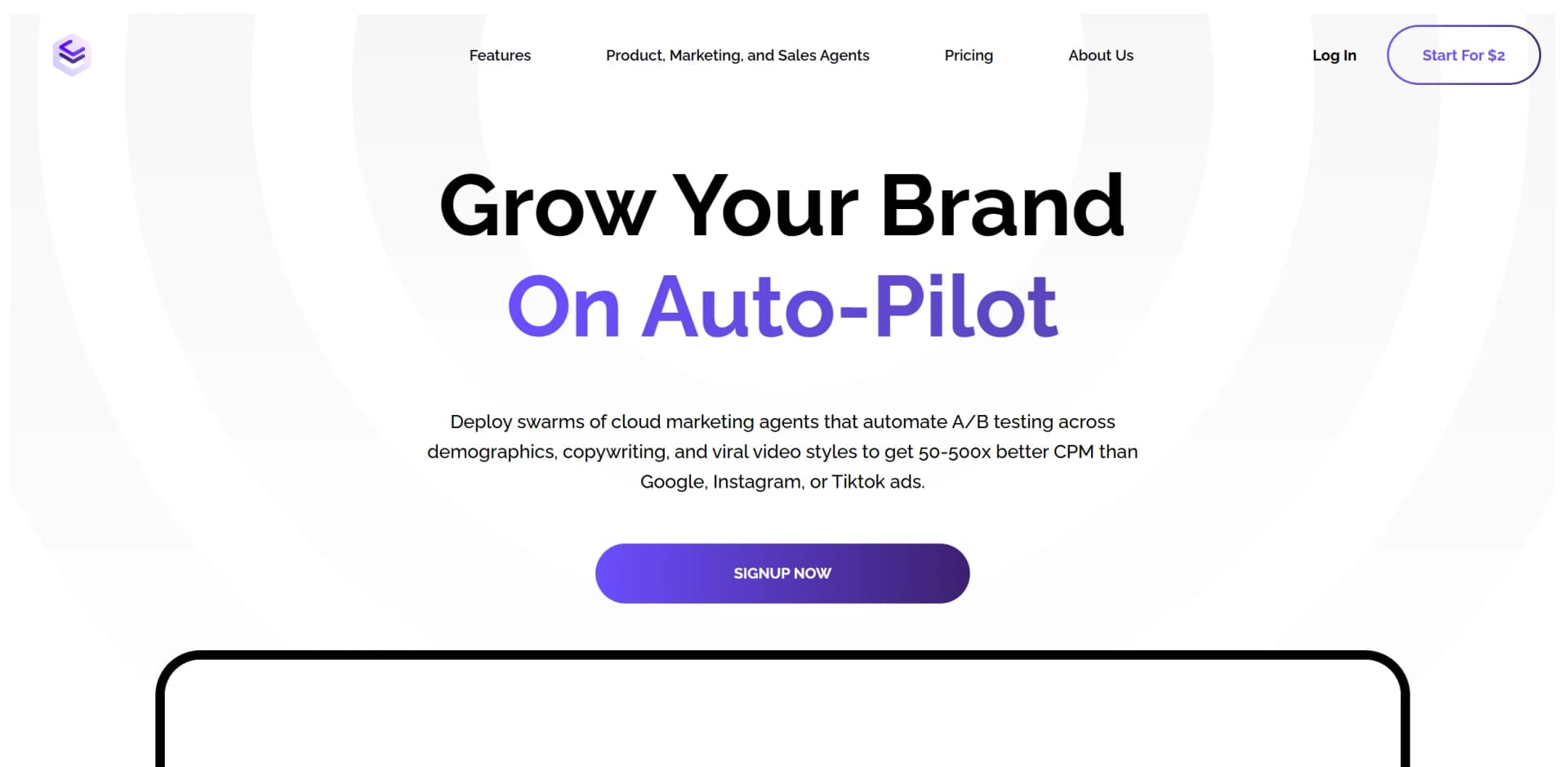
Deploy prebuilt marketing and sales agents in the cloud to grow a business on autopilot.
Builders
Use no-code tools and a chat interface to build custom agents or publish premium agents.
Non-technical professionals
The platform uses plain-language instructions and visual workflows instead of requiring traditional automation selectors.
Enterprises and governments
Open Agent Cloud targets organizations that need to preserve operational expertise and scale agents.
Agencies
White-label and agency offerings support branded agents and custom automations for clients.
Frequently Asked Questions
What is Cheat Layer?
Cheat Layer builds business automations, agents, and products from plain-language instructions using Project Atlas and Open Agent Studio.
Who is Cheat Layer designed for?
The site presents separate Business and Builder paths: businesses can deploy prebuilt agents, while builders can create or publish custom agents.
Can Cheat Layer run automations in the cloud?
Open Agent Cloud runs agents on cloud servers and can generate agents from uploaded Loom videos without local installation.
Can Cheat Layer automate desktop applications and websites?
Yes. Open Agent Studio supports desktop and browser automation through semantic targets, clicks, keypresses, scraping, scripts, and workflows.
Does Cheat Layer provide an API?
Yes. The Agents API uses JSON requests to create and run agents and return execution results.
Does Cheat Layer require local installation?
Cloud agents can run without local installation, while Open Agent Studio provides Windows, Mac, and Linux installation paths.
Community reviews
Be the first to share your experience.
Sign in to leave a review for Cheat Layer.
Cheat Layer Alternatives
Looking for alternatives to Cheat Layer? Here are similar tools in the same category:
Learn to Master Cheat Layer
With Skill Leap courses
Get in-depth training on Cheat Layer and 50+ other AI tools with our expert-led video courses.
Start 7-Day Free Trial