
CheatGPT
Revolutionizes study with AI tutoring, concise answers, and multilingual support.
Key Takeaways
- What it is
- Revolutionizes study with AI tutoring, concise answers, and multilingual support.
- Pricing
- Freemium
- Best for
- GPT-4 Vision
- Personal Tutor
- Concise Answers
- Rating
- 4.7/5
What is CheatGPT?
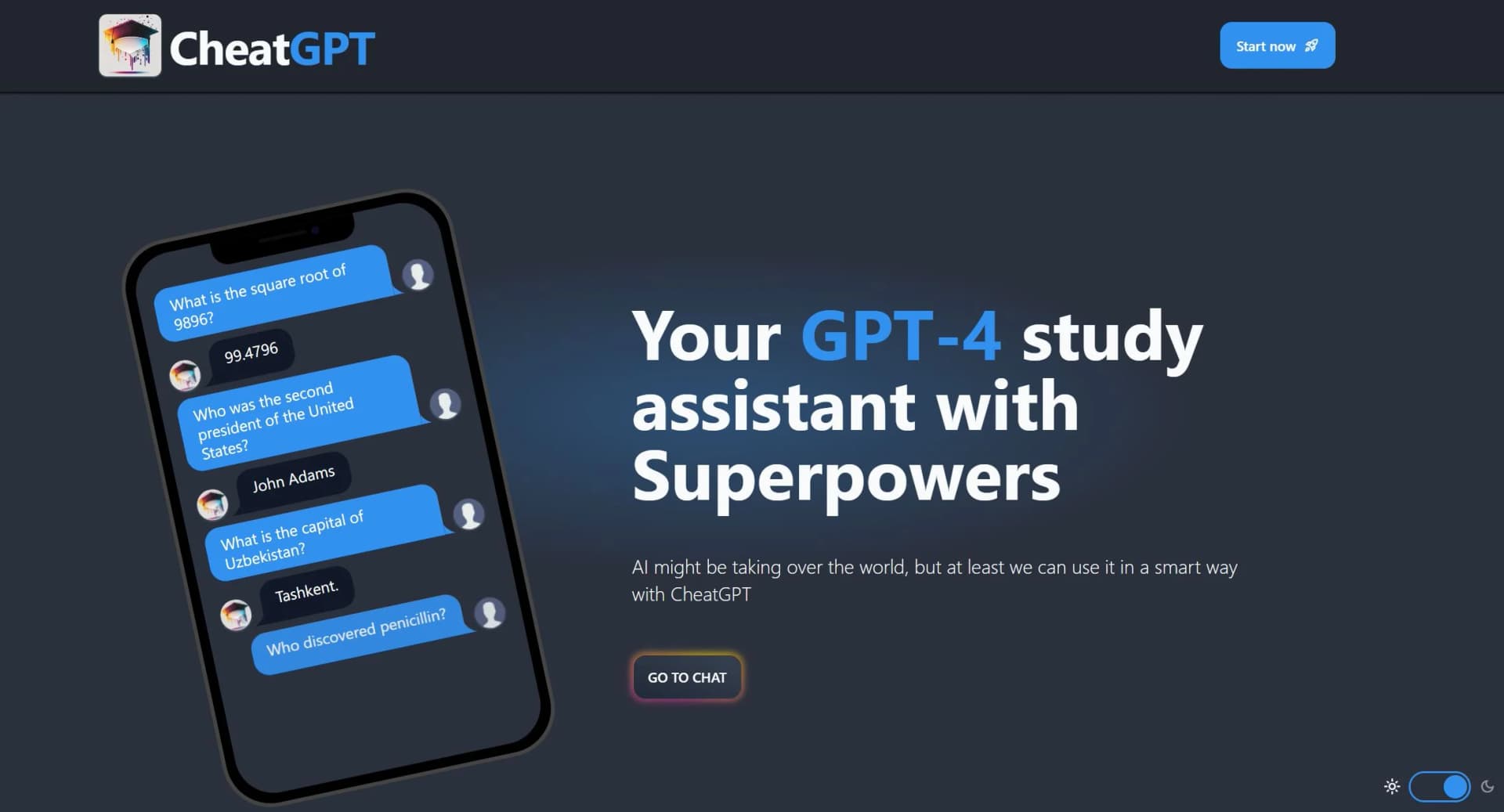
CheatGPT is an AI-powered tool designed to serve as a virtual study assistant, revolutionizing the way students approach their studies. With its core functionality rooted in leveraging GPT-4, one of the most advanced AI models to date, CheatGPT aims to provide faster, more affordable, and powerful assistance compared to its counterparts like ChatGPT. It's specifically crafted to cater to students worldwide, simplifying their study processes by offering concise answers, translations, grammar corrections, and even personalized tutoring in a variety of subjects. As someone who has navigated numerous AI tools, I found CheatGPT to stand out significantly due to its student-focused features and its claim to be a better alternative to ChatGPT.
CheatGPT distinguishes itself with its student-centric approach, offering a blend of features like GPT-4 Vision and personalized tutoring that are not commonly found in other AI tools. Its emphasis on providing concise answers and grammar support, coupled with its cost-effectiveness and speed, positions it as a valuable asset for students aiming to enhance their learning efficiency.
CheatGPT excels as a virtual study assistant, offering a unique blend of features powered by GPT-4 technology. Its ability to provide concise answers, personalized tutoring, and language assistance makes it an invaluable tool for students seeking to boost their learning efficiency. With its user-friendly interface, rapid response times, and affordability, CheatGPT is poised to become a go-to resource for students worldwide.
Who is Using CheatGPT?
High School Students
Utilizing the tool for homework assistance and exam preparation.
College Students
Leveraging the tool for research, writing support, and mastering complex concepts.
Language Learners
Employing CheatGPT for practicing language skills, translations, and grammar corrections.
Lifelong Learners
Using the tool to explore new subjects or deepen knowledge in specific areas.
Uncommon Use Cases
Adopted by educators for creating interactive learning materials; Utilized by hobbyist writers for improving their writing skills.
Key Features
Rating Breakdown
Pricing Plans
Free Tier
Free
- CheatGPT offers a basic level of access that allows users to explore its capabilities without any cost
Pro Tier
- Advanced features and unlimited access
- Users can opt for the Pro Tier
- Details of which are available on the official website
Which CheatGPT plan should you pick?
Start with Monthly for short-term or uncertain use; choose Lifetime when you expect to use CheatGPT continuously and want future updates included.
Monthly
Good for students who need instant answers, multiple AI models, Ghost Mode, quiz support, and 24/7 support for a recurring monthly payment.
Lifetime
Good for users who want the Monthly features without recurring payments, plus future updates, early access, and priority support.
CheatGPT Use Cases
Canvas quiz assistance
The user opens a Classic Canvas quiz and CheatGPT reads the questions and drafts answers.
Outcome: Answers appear beside the questions with short explanations.
Prior-answer reuse
The extension saves correct answers from earlier attempts and surfaces them on later attempts.
Outcome: Previously saved answers can autofill on retakes.
AI sidebar chat
The user opens a sidebar on a page and asks follow-up questions or requests assignment help.
Outcome: The user receives AI-generated responses without switching tabs.
Text rewriting and summarization
The user highlights webpage text and uses the toolbar to rewrite or summarize it.
Outcome: Highlighted content is rewritten or condensed.
Image-based question assistance
The user captures a screenshot of an image-based question for AI analysis.
Outcome: CheatGPT provides a suggested answer and explanation.
Workflow Ideas with CheatGPT
Answer a Classic Canvas quiz
- 1Install the CheatGPT Chrome extension
- 2Open a Classic Canvas quiz or assignment page
- 3Review the generated answer and explanation
Reuse answers on a retake
- 1Complete an initial quiz attempt with CheatGPT
- 2Let the extension save correct answers
- 3Reopen the quiz to surface or autofill saved answers
Summarize highlighted reading
- 1Highlight text on a webpage
- 2Open the CheatGPT selection toolbar
- 3Choose the rewrite or summarize action
How CheatGPT fits into your stack
Currently, CheatGPT focuses on delivering a standalone service without broad integration capabilities. However, its web-based platform ensures accessibility across various devices without the need for specific integrations.
Pros
- +Cost-Effective: More affordable than many of its competitors, providing significant value for money.
- +Rapid Response Time: Answers queries in a matter of seconds, significantly reducing waiting times.
- +Advanced AI Technology: Powered by GPT-4, ensuring high-quality, reliable answers.
- +User-Friendly Interface: Designed with simplicity in mind, making it easy for students to navigate and use.
Cons
- −Initial Learning Curve: New users may need time to familiarize themselves with all the features available.
- −Limited to Study Assistance: Primarily focused on aiding students, which might not cater to professionals looking for business-oriented solutions.
- −Dependency on Internet Connectivity: Requires a stable internet connection for optimal functionality.
Limitations & when to consider alternatives
Known limitations
- Canvas New Quizzes are unsupported. The support page says the newer Canvas quiz engine, which loads questions in a separate frame, is not supported yet.
- One active device per subscription. Activating a new device replaces the previous active device and stops it from working.
- AI answers may be wrong. The terms state that answers and explanations can be incorrect, incomplete, outdated, or misleading.
- Academic-policy responsibility remains with the user. The terms warn that using CheatGPT on graded work may violate an institution's academic-integrity rules.
- Refund window is limited. The service offers a seven-day refund or money-back period for the initial purchase.
Look elsewhere when
- You need a native iOS or Android app.
- You need a downloadable Windows, Mac, or Linux application.
How to Use CheatGPT
- 1
CheatGPT offers a range of tutorials and guides on its website, designed to help users maximize the tool's potential. These resources cover everything from basic setup to leveraging advanced features for study assistance.
Who is CheatGPT For?
Students
CheatGPT is positioned as an AI-powered study and quiz assistant for students using Canvas.
Frequently Asked Questions
How does CheatGPT work?
Install the Chrome extension, open a Canvas quiz, and CheatGPT reads each question and places an answer with a short explanation on the page.
Can Canvas detect it?
CheatGPT says it runs inside the browser and does not touch the Canvas activity log or trigger tab-switch and focus-loss flags.
What kinds of questions can it answer?
It supports multiple choice, true/false, multi-select, matching, dropdown, fill-in-the-blank, essay, and image-based questions.
Does it work for every subject?
The site says it works across math, science, nursing, history, business, coding, languages, and other disciplines.
Which AI models does it use?
CheatGPT says it uses models behind ChatGPT, Claude, and Gemini.
Will it work on my school's Canvas?
The site says it works on Canvas instances including custom school domains.
Community reviews
Be the first to share your experience.
Sign in to leave a review for CheatGPT.
CheatGPT Alternatives
Looking for alternatives to CheatGPT? Here are similar tools in the same category:
Learn to Master CheatGPT
With Skill Leap courses
Get in-depth training on CheatGPT and 50+ other AI tools with our expert-led video courses.
Start 7-Day Free Trial