Checkfirst
Schedules certification audits around auditor qualifications and scheme rules.
Key Takeaways
- What it is
- Schedules certification audits around auditor qualifications and scheme rules.
- Pricing
- Freemium
- Best for
- Rule-based allocation
- Integrated audit planning
- Client date coordination
- Rating
- 4.2/5
What is Checkfirst?
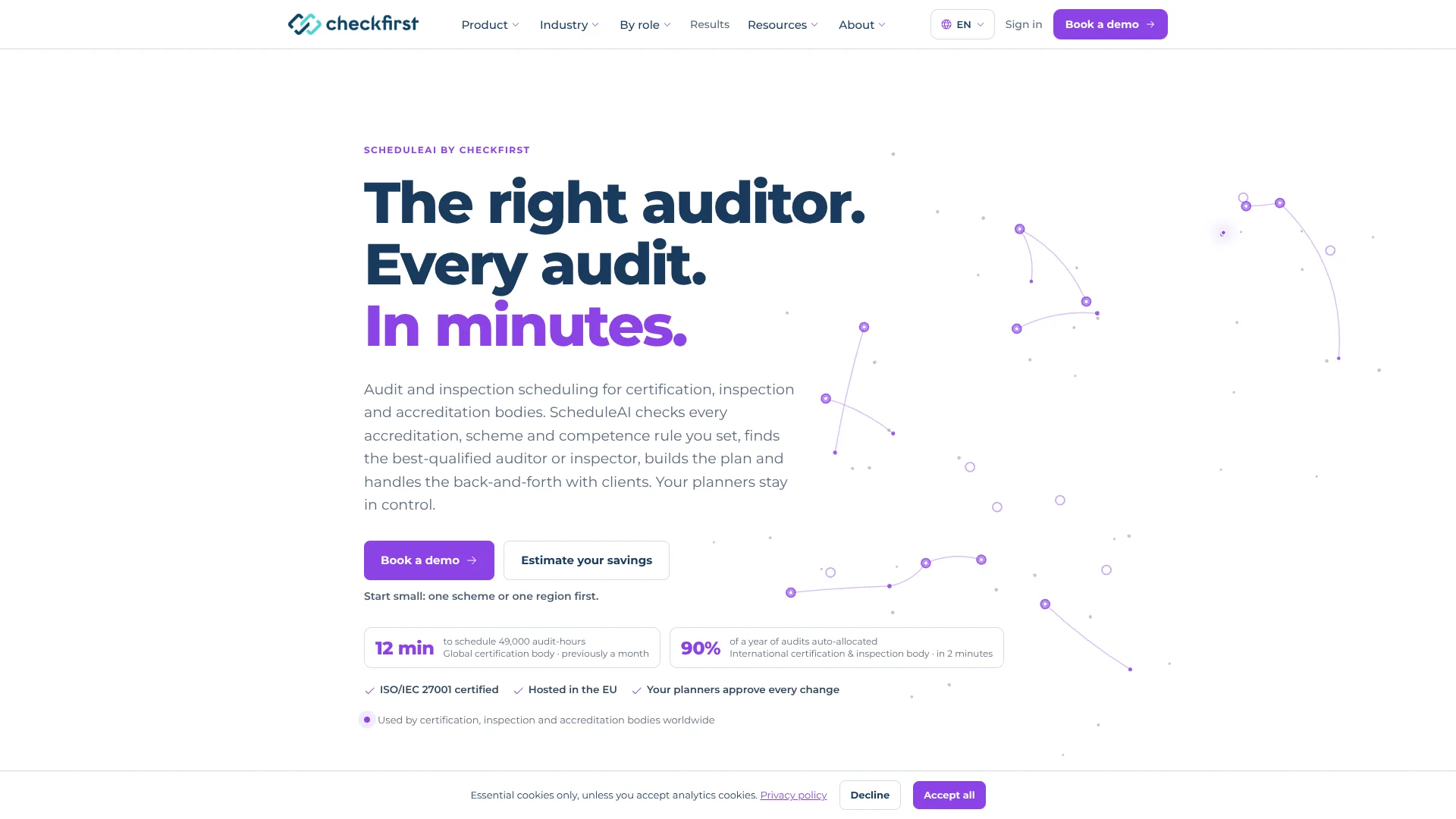
ScheduleAI plans audits and inspections for certification, inspection, and accreditation bodies. It matches work with qualified auditors or inspectors while checking availability and scheme rules. This replaces spreadsheet-based planning with a draft schedule that planners can review.
Its scheduling engine checks more than 35 rules for each allocation and can form a team when no single auditor covers every required competency. The system explains why a person was selected or ruled out, so planners can review the reasoning before confirming a booking.
ScheduleAI is aimed at organizations managing large or complex audit programs, especially those with multiple schemes, locations, and qualification rules. It is not a general-purpose AI tool, and pricing depends on scheduled days and a platform fee. Consider it when specialist scheduling is the bottleneck.
Who is Using Checkfirst?
Audit schedulers
A draft program helps them replace manual matching across auditor qualifications, calendars, and audit windows.
Operations directors
Program-level views and scheduling estimates help them assess planning capacity and subcontracted work.
Quality and technical managers
Rule explanations help them check whether assignments meet scheme and competency requirements.
IT and integration leads
REST API, webhooks, and the Intact integration connect scheduling with existing business systems.
Uncommon Use Cases
Clustering audits by geography to reduce travel; shifting suitable subcontracted work to qualified internal auditors.
Key Features
Rating Breakdown
Pricing Plans
Custom demo
Free
- Two-week custom demo on your own audits, auditors, and schemes.
- Compare the proposed schedule with your historical plan.
Scoping and integration
- Rules, data, and system connections are configured with your team.
- The vendor says the fee is agreed before the licence.
Annual licence
- Priced per scheduled day, with lower rates as volume grows.
- An annual platform fee also applies.
- Rescheduling and re-optimizing jobs do not add scheduled days.
Which Checkfirst plan should you pick?
Start with the free custom demo to compare ScheduleAI on your own audits; consider the annual licence only after reviewing the written estimate and pilot.
Custom demo
Good for certification, inspection, or accreditation teams that want to evaluate scheduling on their own audit data.
Scoping and integration
Good for teams proceeding beyond the demo and ready to configure rules, data, and system connections for a fixed fee.
Annual licence
Good for organizations putting ScheduleAI into operation; the fee depends on scheduled days and includes an annual platform fee.
Checkfirst Use Cases
Plan a large audit program
A whole-program draft matches audits with auditors while checking configured scheme and availability rules.
Outcome: A schedule for planners to review, with rule issues flagged.
Coordinate integrated audits
Shared visits can be planned with a team whose members collectively cover the standards involved.
Outcome: One coordinated visit with the required competencies represented.
Collect client date preferences
Client emails gather preferred and excluded dates within the audit window, with reminders and escalation for unanswered requests.
Outcome: Date proposals ready for planner review.
Respond to cancellations
When plans change, proposed swaps show which bookings move and keep the rest of the schedule in place where possible.
Outcome: A revised schedule for a planner to approve.
Reduce travel or subcontracting
Ranked suggestions identify opportunities to group nearby audits or assign qualified internal auditors to external work.
Outcome: Potential scheduling improvements with their trade-offs shown.
Workflow Ideas with Checkfirst
Build and approve an audit schedule
- 1Set up the relevant schemes, auditor competencies, and planning rules.
- 2Run the scheduling engine to produce a draft program.
- 3Review flagged exceptions and approve the allocations.
Confirm dates with clients
- 1Request preferred and excluded dates within each audit window.
- 2Let ScheduleAI send reminders and escalate unanswered requests.
- 3Review proposed dates and approve confirmations.
Replan after a cancellation
- 1Review the affected audit and the available qualified auditors.
- 2Compare proposed swaps and the bookings each option would move.
- 3Approve the change before it is confirmed.
How Checkfirst fits into your stack
Audit scheduling
ScheduleAI sits between audit planning inputs and the planner's final booking decisions. It builds schedules and flags exceptions for review.
Business systems
A pre-built Intact integration, REST API, and webhooks connect it with existing systems. The vendor says it does not replace an ERP or certification system.
Calendars and client communication
Outlook calendar sync and client date emails support coordination. Planners review date proposals before confirmation.
Scheduling agents
Ready-made agents handle repeat planning tasks on the same scheduling engine. Proposed changes wait for planner approval.
Pros
- +Specialist rule checks: Evaluates scheme, competency, and availability requirements for each allocation.
- +Clear allocation reasoning: Shows why an auditor was selected or ruled out.
- +Planner control: Proposed bookings and agent changes require human approval.
- +Relevant integrations: Offers a pre-built Intact integration and Outlook calendar sync.
Cons
- −Narrow audience: Its specialized scheduling focus is not suited to general task planning.
- −Sales-led evaluation: Prospective customers need a call and custom demo to assess it on their own audit data.
- −Price depends on usage: The annual licence cost varies with scheduled days and includes a platform fee.
Limitations & when to consider alternatives
Known limitations
- Licence price requires an estimate. The annual licence is priced by scheduled day, with lower rates as volume grows, plus an annual platform fee. The calculator provides an estimate after the user enters details.
- Implementation has a separate phase. Scoping and integration are a fixed-fee phase agreed in writing before the licence starts.
- Scheduling depends on supplied rules and data. The custom demo uses the customer's audit, auditor, and scheme information; Checkfirst says it performs a data readiness check before the timeline starts.
- Planner approval remains part of the process. ScheduleAI proposes allocations and changes, but does not book them without planner approval.
Look elsewhere when
- You need a general-purpose AI tool for work beyond audit and inspection scheduling.
- Your team needs a self-serve scheduling subscription with a publicly listed monthly price.
- Your workflow requires bookings to happen without planner approval.
How to Use Checkfirst
- 1
Book an introductory call
Discuss your schemes and planning needs in a 30-minute call before deciding whether to run a custom demo.
- 2
Prepare sample data
Provide an extract of auditors and competencies, historical audits, and time with the person who plans work today.
- 3
Review the custom demo
ScheduleAI runs on a month of your own audits so you can compare its proposed plan with what happened in practice.
- 4
Scope rules and connections
If you proceed, Checkfirst configures rules, data, and system connections with your team during the scoping and integration phase.
- 5
Run a pilot
Start with one division and review results against the agreed baseline before considering a wider rollout.
Who is Checkfirst For?
Certification bodies
Audit programs with multiple standards, auditor qualifications, and integrated visits fit its rule-based planning.
Food safety and GFSI organizations
Its scheduling rules cover food-sector categories, unannounced audit windows, and rotation limits.
Inspection bodies
Teams coordinating recurring or short-notice inspections can use it to match work with available inspectors.
Accreditation bodies
Its assessor matching supports competency models, independence checks, and multi-country assessment teams.
Operations and planning teams
Planners who coordinate large programs can review proposed schedules and approve changes in one workflow.
Frequently Asked Questions
Is there a free plan?
The vendor offers a free two-week custom demo using your own audits. Its site does not describe this as an ongoing free plan.
How is ScheduleAI priced?
The annual licence is priced per scheduled day and includes an annual platform fee. Scoping and integration have a separate fixed fee agreed in writing.
Does ScheduleAI replace an ERP or certification system?
No. It connects with existing systems through a REST API and webhooks, and has a pre-built integration for Intact.
Which calendar integration is available?
The site lists Outlook calendar sync. It says Google Calendar is coming soon.
Does AI make and book decisions on its own?
The scheduling engine proposes allocations, and agents can propose changes, but planners approve every allocation. The vendor says AI can be switched off for an organization.
Where is customer data hosted?
Checkfirst says ScheduleAI is hosted in AWS Ireland in the EU, is ISO/IEC 27001 certified, and does not use customer data to train models.
Community reviews
Be the first to share your experience.
Sign in to leave a review for Checkfirst.
Checkfirst Alternatives
Looking for alternatives to Checkfirst? Here are similar tools in the same category: