
Chorus
Transform sales conversations into actionable insights with AI-driven analytics.
Key Takeaways
- What it is
- Transform sales conversations into actionable insights with AI-driven analytics.
- Best for
- Sales Call Analysis
- Deal Intelligence
- Market Intelligence
- Rating
- 4.6/5
What is Chorus?
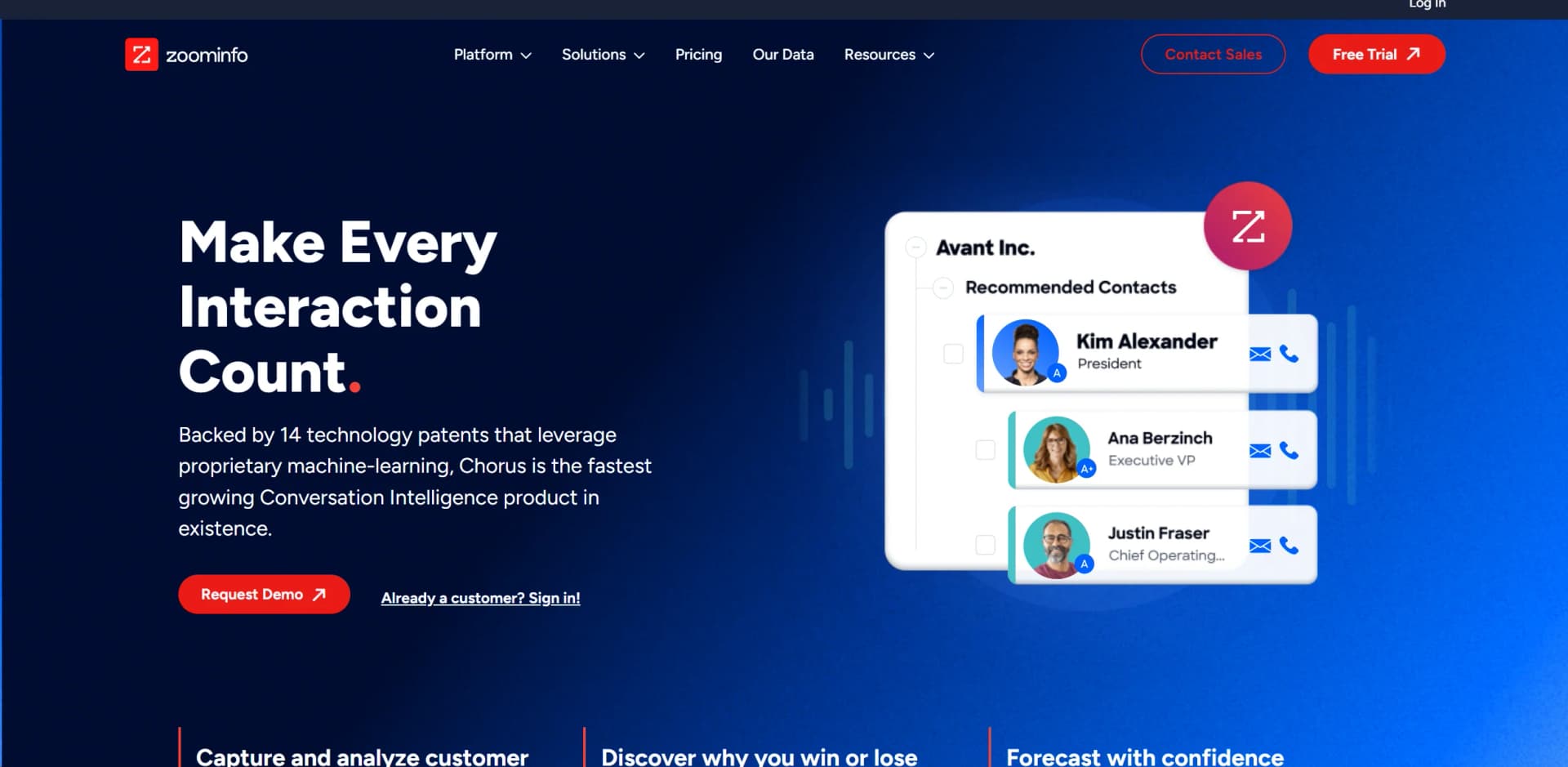
Chorus, a cutting-edge tool under the ZoomInfo umbrella, specializes in Conversation Intelligence for sales teams. It harnesses the power of machine learning to capture and analyze customer interactions across calls, meetings, and emails. Designed to enhance sales effectiveness, Chorus provides actionable insights that help sales teams understand what works and why, streamline onboarding, and ultimately drive better sales outcomes.
Chorus stands out with its seamless integration with ZoomInfo’s expansive database, providing not just conversation intelligence but also deep insights into the contact and company data. Its ability to bring together multiple facets of sales intelligence into one platform sets it apart.
Chorus by ZoomInfo excels in transforming sales conversations into actionable insights, making it an indispensable tool for sales teams aiming to enhance their performance. Its powerful integration with ZoomInfo’s database and its robust analytics capabilities provide a competitive edge in understanding and engaging customers effectively.
Who is Using Chorus?
Sales Teams
Utilize Chorus to refine sales strategies and improve deal closure rates.
Marketing Professionals
Leverage insights to tailor marketing campaigns based on real interaction data.
Customer Success Managers
Use conversation intelligence to anticipate customer challenges and improve retention.
Sales Enablement Coaches
Implement Chorus for training and monitoring sales rep performance.
Uncommon Use Cases
Non-profit organizations use Chorus to better engage donors; educational institutions utilize it for administrative staff training.
Key Features
Rating Breakdown
Pricing Plans
Free Trial
- Start with Chorus with a comprehensive free trial to explore its features
Subscription Plans
- Detailed pricing plans are available upon request through a demo
Which Chorus plan should you pick?
Start with Chorus Platform Access if you need enterprise conversation intelligence and CRM-connected coaching; request a customized proposal before deployment.
Chorus Platform Access
Good for revenue teams that need conversation capture, transcription, coaching, analytics, and CRM synchronization.
Chorus Use Cases
Sales-call coaching
Review calls, tag important moments, create playlists, and provide feedback on representative performance.
Outcome: More consistent sales behaviors and improved coaching visibility.
Deal and relationship intelligence
Connect conversations with accounts, opportunities, deal stages, deal sizes, and close dates.
Outcome: Better visibility into pipeline and relationship context.
Conversation transcription and analysis
Record meetings and generate transcripts with topics such as next steps, pricing discussions, and objection handling.
Outcome: Less manual note-taking and faster access to actionable conversation insights.
Customer onboarding and account management
Review previous conversations before onboarding, QBR, renewal, and other account interactions.
Outcome: More informed customer and account conversations.
Voice-of-customer analysis
Use conversation data to identify customer feedback, market trends, competitive intelligence, and product signals.
Outcome: Better strategic decisions based on customer conversations.
Workflow Ideas with Chorus
Capture and analyze a sales meeting
- 1Record the online meeting with Chorus
- 2Generate the post-meeting transcript
- 3Review topics, objections, next steps, and deal signals
Coach a representative from a call
- 1Open a recorded conversation
- 2Tag important moments and add comments
- 3Add the interaction to a coaching playlist or scorecard
Sync conversation intelligence to CRM
- 1Connect Chorus with the CRM
- 2Associate the conversation with its account and deal
- 3Use synchronized call insights for pipeline review and follow-up
How Chorus fits into your stack
CRM Integration
Automatically syncs with popular CRM platforms to keep all customer data aligned.
Email Platforms
Integrates with major email services for capturing and analyzing email communications.
Sales Enablement Tools
Complements existing tools by providing actionable insights and data.
API Access
Offers APIs for custom integrations, enhancing its adaptability to specific business needs.
Pros
- +Efficiency in Onboarding: Accelerates the ramp-up time for new sales reps by providing real-life call examples and actionable feedback.
- +Enhanced Sales Performance: Identifies and replicates successful behaviors across teams, leading to improved sales metrics.
- +In-depth Analytics: Offers detailed insights into conversation dynamics, helping refine sales tactics.
- +Seamless Integrations: Works effortlessly with CRM systems, ensuring that all data is centralized and up-to-date.
Cons
- −Complexity of Features: New users may require time to fully leverage the extensive features available.
- −Dependency on Integration: Maximum utility is derived when fully integrated with CRM and other tools, which can be a limitation for users with standalone systems.
- −Cost Consideration: For small businesses or startups, the cost might be a significant factor.
Limitations & when to consider alternatives
Known limitations
- Enterprise-oriented pricing. The published marketplace pricing lists Chorus Platform Access at $8,000 per year and requires a customized proposal.
- Conversation-focused product scope. The documented feature set centers on calls, meetings, emails, transcripts, CRM data, coaching, and analytics rather than general-purpose file, image, or code workflows.
- Mobile experience is primarily for review and collaboration. The mobile listing emphasizes accessing recordings, commenting, coaching, calendar access, and conversation review.
Look elsewhere when
- You need a general-purpose AI assistant that generates or edits code.
- You need an image-analysis or document-processing tool.
- You need a low-cost self-serve plan.
How to Use Chorus
- 1
Explore extensive tutorial resources on the official website, covering everything from basic setup to advanced feature utilization.
Who is Chorus For?
Sales representatives
Review historical conversations, refine pitches, prepare for calls, and learn how top representatives handle objections.
Sales leaders
Use conversation analysis, coaching recommendations, scorecards, and team progress tracking to improve sales performance.
Sales enablement teams
Create coaching programs, curate best-practice interactions, and track coaching behavior over time.
Customer and account teams
Review customer conversations, prepare for onboarding and QBRs, and identify product feedback or expansion opportunities.
Frequently Asked Questions
What does Chorus do?
Chorus automatically records, transcribes, and analyzes sales meetings in real time to surface conversation insights.
Who is Chorus designed for?
Chorus supports sales representatives, sales leaders, sales enablement teams, customer teams, and account teams.
Can Chorus help with sales coaching?
Yes. Chorus supports coaching through curated best-practice interactions, scorecards, feedback, and team progress tracking.
Can Chorus connect with a CRM?
Yes. Chorus can associate conversations with account and deal data and synchronize information with CRM systems such as HubSpot.
Can Chorus be used on mobile?
Yes. Chorus has a dedicated iPhone and Android app for reviewing recordings, commenting, coaching, and accessing conversation intelligence.
Community reviews
Be the first to share your experience.
Sign in to leave a review for Chorus.
Chorus Alternatives
Looking for alternatives to Chorus? Here are similar tools in the same category:
Learn to Master Chorus
With Skill Leap courses
Get in-depth training on Chorus and 50+ other AI tools with our expert-led video courses.
Start 7-Day Free Trial