
Chromox
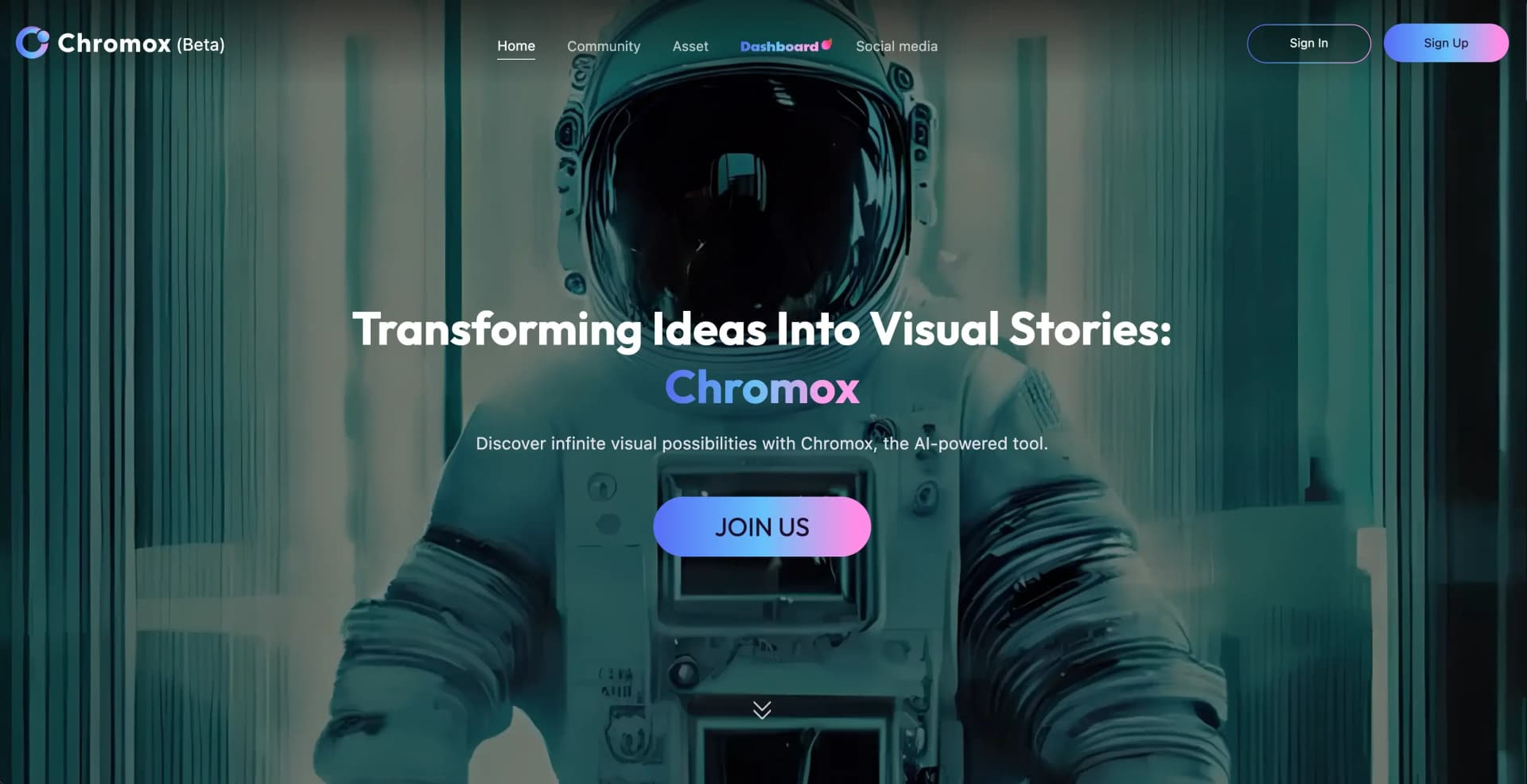
AI transforms ideas into compelling, customizable visual stories.
Key Takeaways
- What it is
- AI transforms ideas into compelling, customizable visual stories.
- Pricing
- Freemium
- Best for
- AI-Powered Visual Generation
- User-Friendly Interface
- Customizable Templates
- Rating
- 4.6/5
What is Chromox?
Chromox is a cutting-edge AI tool designed to transform ideas into compelling visual stories. By leveraging advanced AI algorithms, Chromox empowers users to generate an infinite array of visual possibilities, making it an invaluable asset for creatives, marketers, and businesses looking to enhance their visual content. Whether you're crafting a digital marketing campaign, creating social media posts, or designing eye-catching graphics, Chromox simplifies the process, offering an intuitive platform for visual creativity.
Chromox stands out with its ability to transform abstract ideas into vivid visual stories, a game-changer for content creators and marketers alike. Its intuitive interface combined with powerful AI-driven capabilities enables users to explore endless creative avenues, setting it apart in the crowded visual content creation space.
Chromox offers a versatile and powerful platform for anyone looking to enhance their visual storytelling. With its AI-driven features, user-friendly interface, and competitive pricing, Chromox is an excellent choice for businesses and individuals seeking to elevate their digital content. Its unique ability to seamlessly transform ideas into visually stunning narratives makes it a standout tool in the realm of digital creativity.
Who is Using Chromox?
E-commerce Businesses
Utilizing Chromox to enhance product imagery and online presence.
Digital Marketing Agencies
Employing the tool to create visually appealing campaign content.
Social Media Managers
Leveraging Chromox to craft engaging and shareable social media posts.
Graphic Designers
Using the tool for efficient and innovative design workflows.
Uncommon Use Cases
Adopted by educational institutions for teaching digital marketing courses; utilized by freelance photographers for streamlining editing processes.
Key Features
Rating Breakdown
Pricing Plans
Free Tier
Free
- Experience Chromox with a limited free trial to explore its basic features
Chromox Use Cases
Text-to-video storytelling
Turn a written scene or concept into a short generated video.
Outcome: A visual story based on the prompt.
Image animation
Upload a still image and generate motion or animation from it.
Outcome: An animated video derived from the source image.
Creative style exploration
Experiment with styles such as science fiction, cinematic realism, oil painting, and 2D game aesthetics.
Outcome: Visual variations in different artistic directions.
Character motion creation
Use photo and motion inputs with animation features such as Move Animator or Animate-Anyone.
Outcome: A moving character video.
Workflow Ideas with Chromox
Text prompt to video
- 1Enter a visual scene description
- 2Choose a visual style or generation mode
- 3Generate and download the resulting video
Image to video
- 1Upload a reference image
- 2Set the desired motion or style
- 3Generate and save the animated video
Character motion experiment
- 1Provide a character image and motion reference
- 2Apply the motion-generation feature
- 3Review and export the resulting clip
How Chromox fits into your stack
Browser
Chromox sits in the browser as a standalone visual-generation workspace for creating videos from text and image inputs.
Pros
- +Time Efficiency: Significantly reduces the time needed to create professional-quality visuals.
- +Cost-Effective: Offers powerful features at a competitive price, making it accessible for businesses of all sizes.
- +Enhanced Creativity: Provides users with endless creative possibilities, fostering innovation in visual storytelling.
- +Scalability: Suitable for both small-scale projects and large campaigns, adapting to the user's needs.
Cons
- −Initial Learning Curve: Some users may find it takes time to fully explore and utilize all advanced features.
- −Limited Offline Functionality: Requires an internet connection for optimal performance and access to full features.
How to Use Chromox
- 1
Open Chromox
Visit the Chromox web app and sign in or create an account.
- 2
Choose a generation mode
Select text-to-image, text-to-video, or image-to-video depending on the desired output.
- 3
Add your prompt or image
Describe the scene or upload a reference image to guide the generation.
- 4
Select a model or style
Choose from available models and visual styles, including community or user-defined options.
- 5
Generate and refine
Run the generation, review the result, and revise the prompt or settings when necessary.
- 6
Share or save the result
Use Chromox’s community channels to share creations or download the generated media.
Who is Chromox For?
Content creators
Chromox helps creators turn text prompts and images into visual stories and videos.
Digital artists
Its visual-generation workflows support experimentation with cinematic, realistic, animated, and artistic styles.
Marketers
The browser-based generator can produce promotional and social-media video concepts from text or images.
Frequently Asked Questions
What is Chromox?
Chromox is an AI visual-storytelling platform for creating images and short videos from text prompts and reference images.
What can Chromox generate?
Chromox supports text-to-image, text-to-video, and image-to-video generation, with multiple visual styles and models.
Can users upload their own assets?
Yes. Users can upload reference images and user-defined models for creative generation.
Does Chromox include community features?
Chromox provides public and private channels for sharing and interacting around generated content.
Community reviews
5 reviews from people who use Chromox.
Sign in to leave a review for Chromox.
rui tian
Mahbub Alam
Lily Bennet
Thibault BM
Edward Ober
Chromox Alternatives
Looking for alternatives to Chromox? Here are similar tools in the same category:
Learn to Master Chromox
With Skill Leap courses
Get in-depth training on Chromox and 50+ other AI tools with our expert-led video courses.
Start 7-Day Free Trial